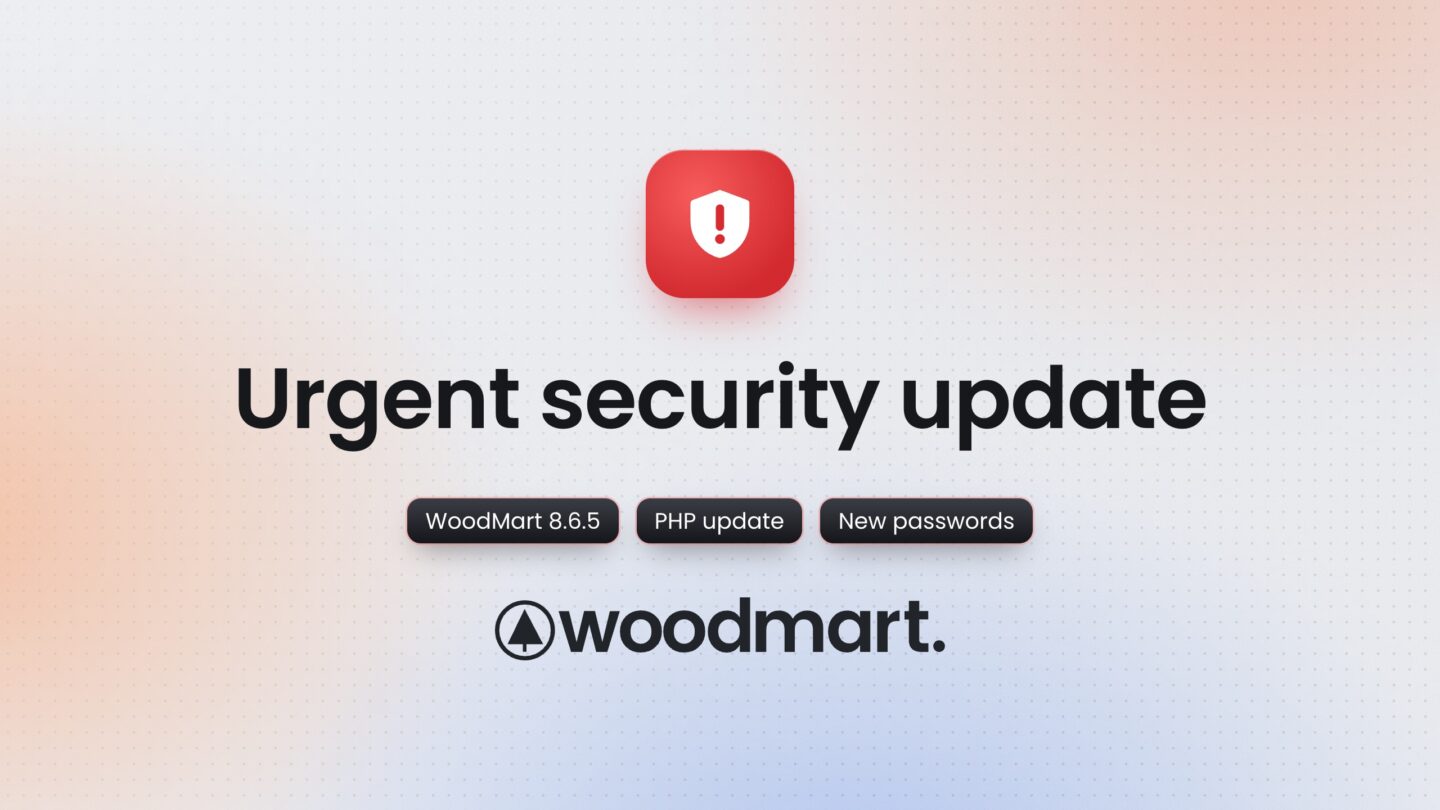
Urgent security update: update WoodMart to 8.6.5, update PHP and check your store
Our team found and fixed security issues in WoodMart. Update to 8.6.5, update PHP, change your passwords and check your store. Forum passwords have been reset.
 Serg Sokhatskyi
5 min read
Serg Sokhatskyi
5 min read
Action required today. This is the most important message we have sent this year. Please do not put it off:
- Update WoodMart to 8.6.5, plus WordPress and all plugins.
- Ask your host to update PHP to a fixed version.
- Check your store, database and server, and change all passwords.
- Install Wordfence and turn on two-factor authentication.
Lately there has been a steady stream of security vulnerabilities across the WordPress world: in plugins, in themes, and this week in PHP itself. Attackers move fast and scan the whole internet for sites that have not been updated yet, often within hours. So this post is a general check-up. Whether a risk comes from WoodMart, a plugin or PHP, the steps below are what we are doing on our own sites right now, and what we strongly recommend you do on yours today.
One of the reasons is our own. During an internal security review, our team found several security issues in WoodMart. They have not been published anywhere, and the fixes are in WoodMart 8.6.5, released today. We have no sign that anyone else knew about them. But if someone did, they could in theory have used them against stores running older versions. Every day a store stays on an older version is a day of avoidable risk.
1. Update WoodMart, WordPress and plugins
Update WoodMart to 8.6.5 or later, then WordPress and every plugin to their latest versions. Download the theme only from your ThemeForest account or through the theme’s own updater, never from a third-party site.
Updating replaces only the files that changed. To be sure no file was altered, go further where you can:
- Reinstall. Dashboard → Updates has a Reinstall version button for WordPress itself. Plugins and the theme can be reinstalled from a fresh download the same way.
- Verify checksums. With WP-CLI,
wp core verify-checksumsandwp plugin verify-checksums --allcompare your files with the official ones from wordpress.org and list anything changed or added.
2. Update PHP
On October 21 the PHP project released an emergency update for two critical flaws (CVE-2026-109618 and CVE-2026-109619). They affect almost every PHP server, need no login to exploit, and are already being attacked. The fixed versions are PHP 8.5.12, 8.4.27, 8.3.36 and 8.2.35. Check yours under Tools → Site Health → Info → Server and, if it is older, ask your host to update it right away.
3. Check your store
- Admin users. In Users, remove any administrator you do not recognise, and check Application Passwords on each admin profile.
- Database. Look for unknown scripts or URLs in your options (site address, widgets) and in page and post content. Check the database triggers too (
SHOW TRIGGERS;in phpMyAdmin or the MySQL console): WordPress and most plugins use none, so a trigger you did not add, for example one that creates an admin user, is a red flag. - Files. Check
wp-content/mu-plugins, the uploads folder (it should hold no PHP files) and.htaccessfor anything you did not add, and run a malware scan (Wordfence, below, or your host’s scanner).
4. Check your server
This matters as much as the site itself: malicious code can sit outside WordPress, where a plugin scan never looks.
- On hosting, ask your host to run a malware scan of your account and check the server from their side. Most hosts do this on request.
- On your own server, look for cron jobs, system users and SSH keys you did not add, and run a server-level scanner such as ClamAV or Linux Malware Detect, or ask your system administrator to do it.
5. Change your passwords
Change the passwords of every admin account, the database, your hosting panel, FTP/SFTP and SSH, and generate new security keys and salts in wp-config.php (this signs everyone out). If you use the same password anywhere else, change it there too.
6. Install Wordfence and turn on two-factor authentication
We now run Wordfence on our own sites and recommend it for every WordPress store. The free version is enough to start:
- Firewall blocks known attacks before they reach WordPress.
- Scan compares your WordPress, theme and plugin files with the originals and looks for malware and backdoors. Run a full scan right after installing.
- Login Security adds two-factor authentication. Turn it on for every administrator and shop manager, with an authenticator app such as Google Authenticator or 1Password, and keep the recovery codes somewhere safe. With 2FA, a stolen password alone is no longer enough to get into your store.
If your store connects to other services through application passwords (apps, integrations, AI agents), check Wordfence → Login Security → Settings afterwards: it can turn application passwords off, and those connections stop working until you allow them again.
Forum passwords have been reset
For maximum safety, we are also resetting user passwords on all our own sites, including the support forum. Next time you sign in, use Lost your password? to set a new one.
Good habits worth keeping
- Give each person their own account with the lowest role they need, and remove accounts no one uses.
- Delete plugins and themes you do not use: inactive code can still be attacked.
- Add
define( 'DISALLOW_FILE_EDIT', true );towp-config.phpso files cannot be edited from the dashboard. - Keep regular backups off the server, and enable automatic updates where you can.
- When someone needs access to your site, create a temporary account and delete it afterwards.
Beware of fake emails
We will never ask for your password, purchase code or admin access by email, and we never send theme files as attachments. If a message in our name asks for any of that, do not reply and forward it to us.
Noticed something suspicious? Tell us
If you find anything unusual on your store or in WoodMart’s files, please let us know through the contact form or the support forum. We look into every report.
Please share this with anyone who manages a WoodMart store for you: your developer, agency or host. Thank you for acting quickly. Keeping your stores safe matters to us.