
Help shoppers find the right product faster
Give customers faster search, intuitive filters, visual product options, and all the information they need to choose with confidence.
Start building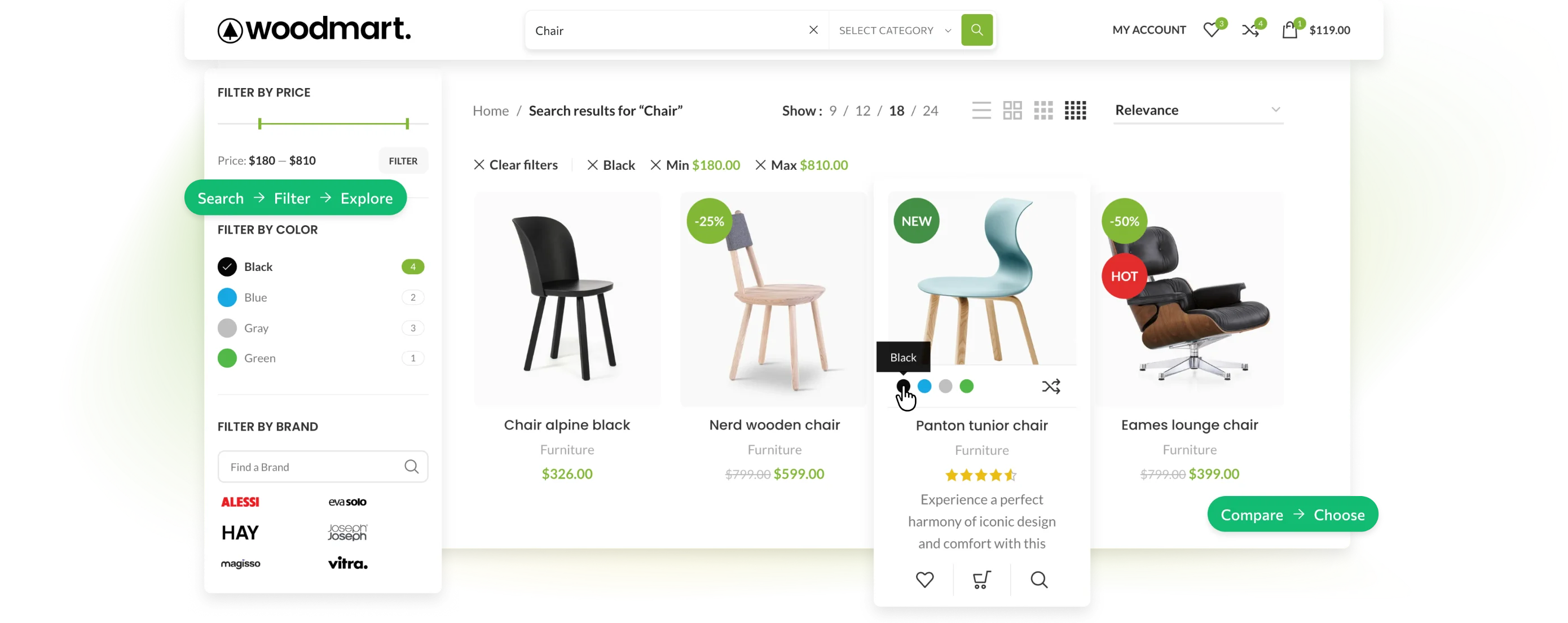
-
Faster discovery
Lead customers to relevant products while they search and browse.
-
Less friction
Update results, options, and product details without breaking the flow.
-
Confident choices
Make product differences, real reviews, and visual details easy to understand.


Show relevant products while shoppers type
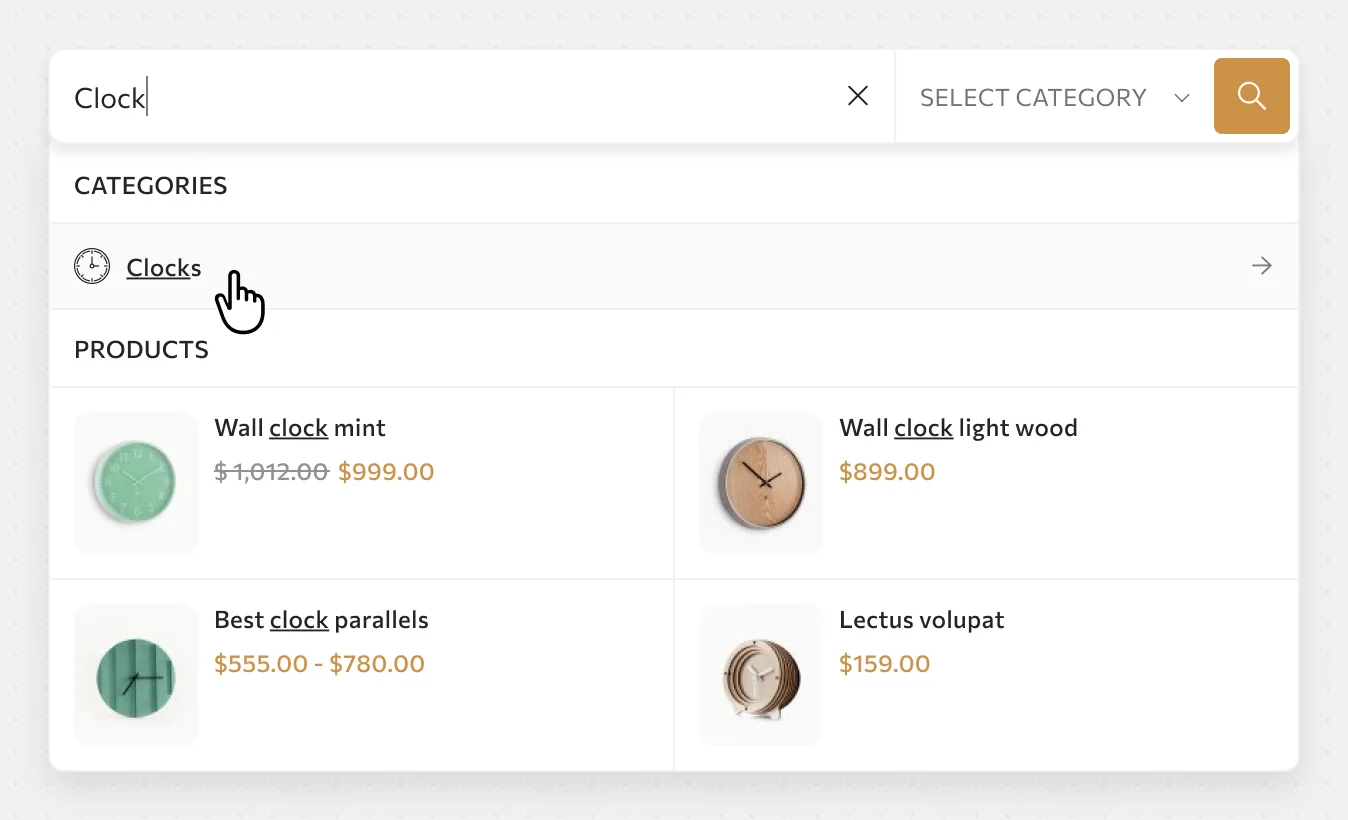
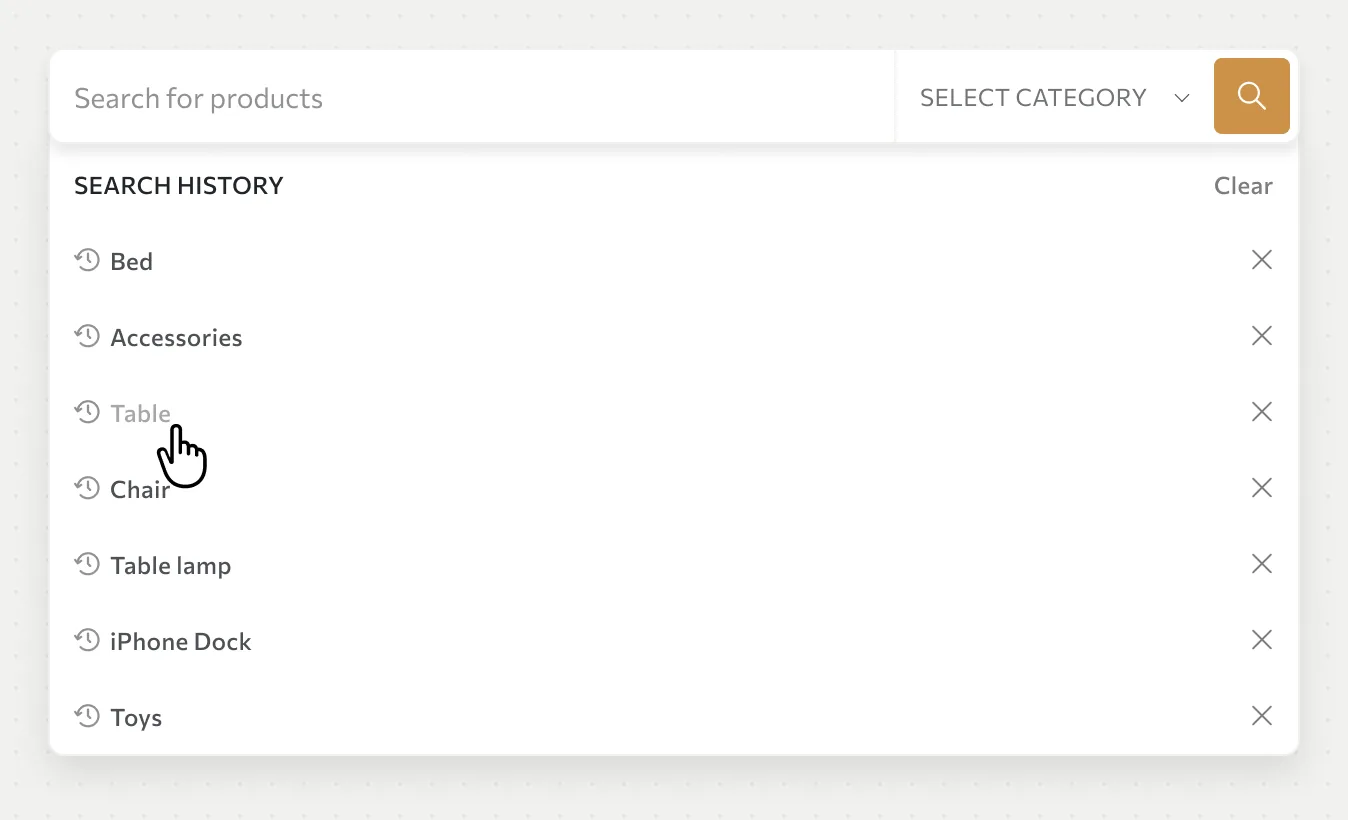
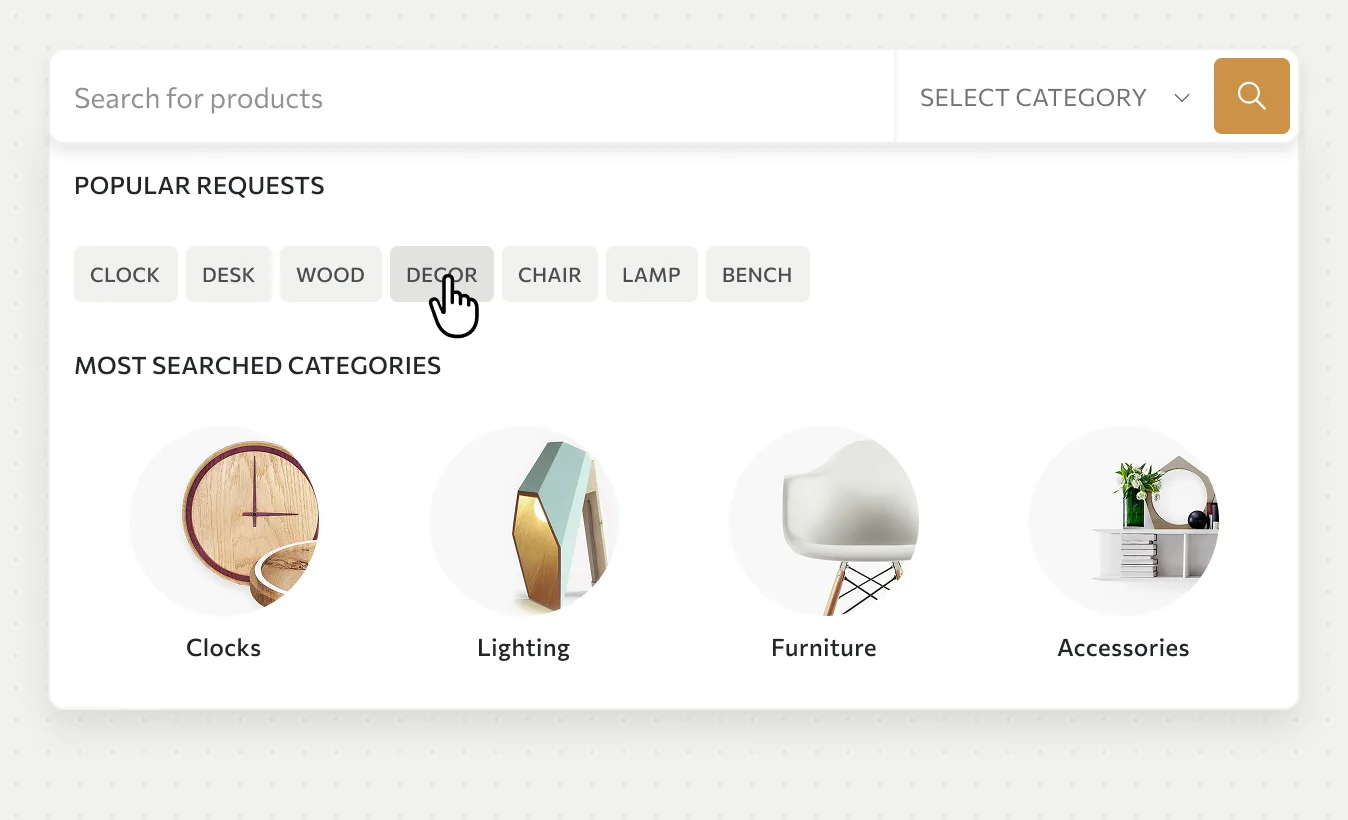
Turn a search field into a visual shortcut to the catalog with instant product suggestions, thumbnails, prices, and category context.
- Instant product suggestions
- Thumbnails and prices in results
- Search by product or category context
Make even a large catalog easy to navigate
Let shoppers narrow hundreds of products by category, price, color, size, brand, and stock status while the catalog updates in place.
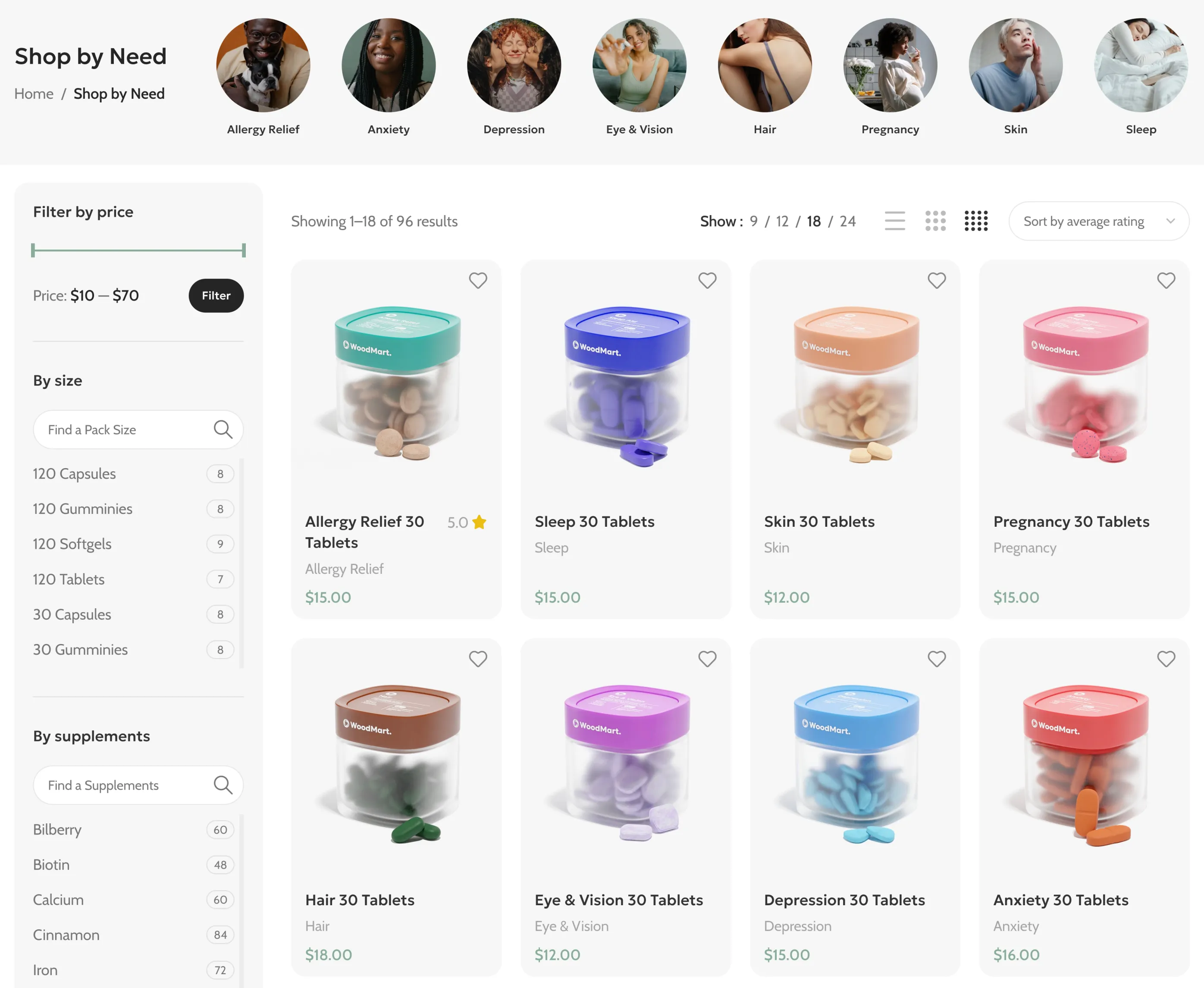
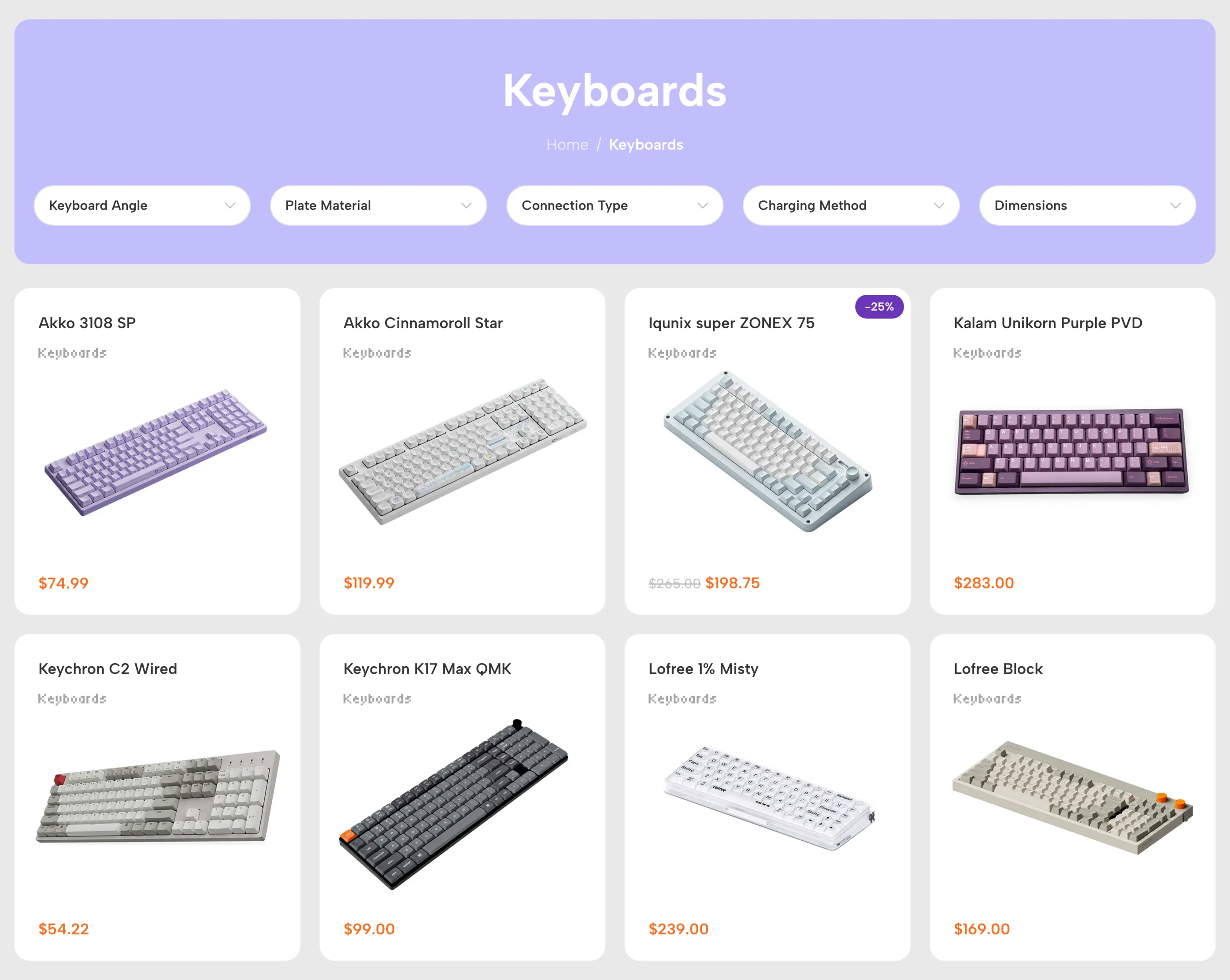
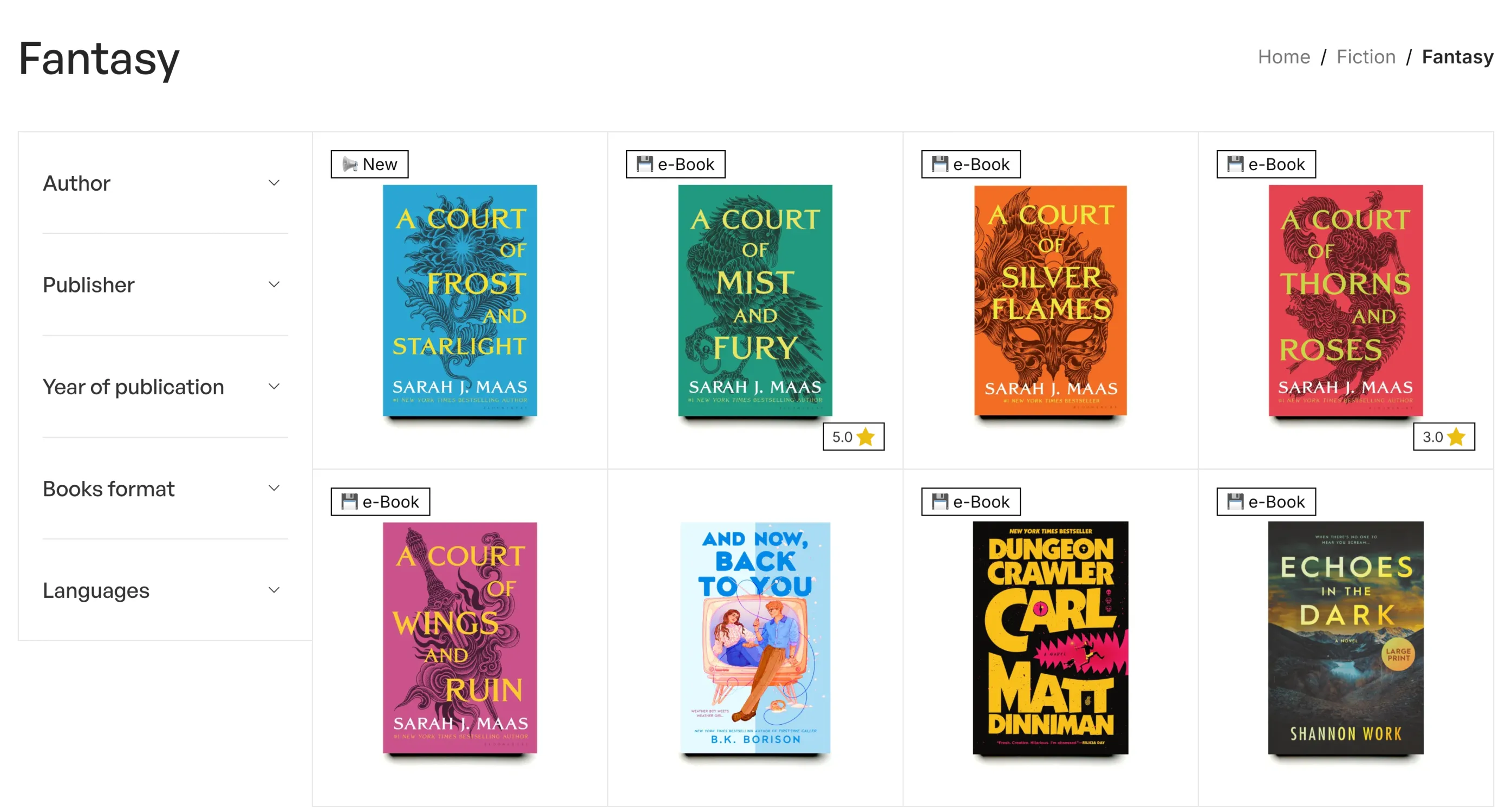
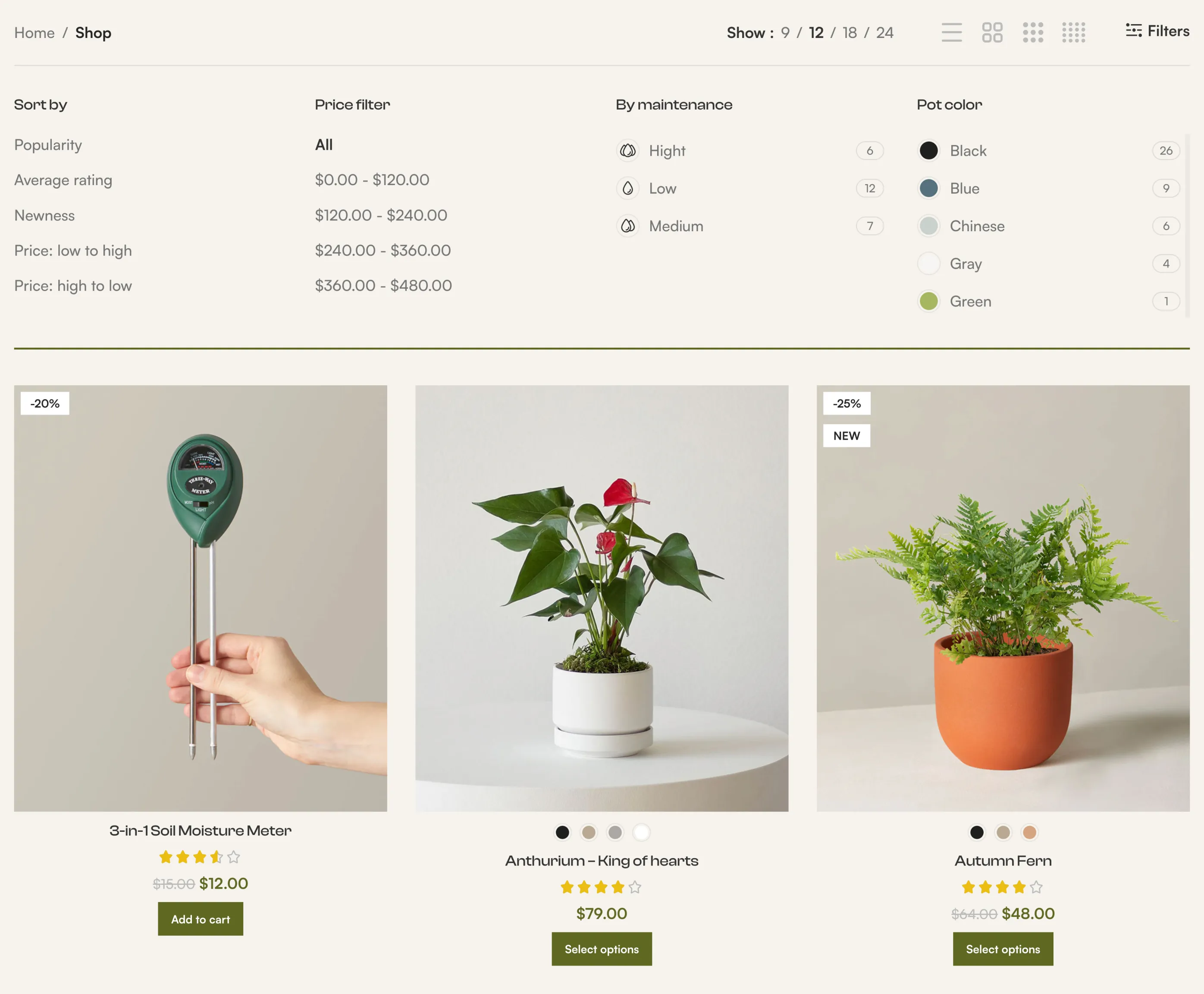
Help shoppers understand more before opening the product page
Bring useful product options into the catalog so customers can preview, compare, save, and explore variations without losing their place.
-
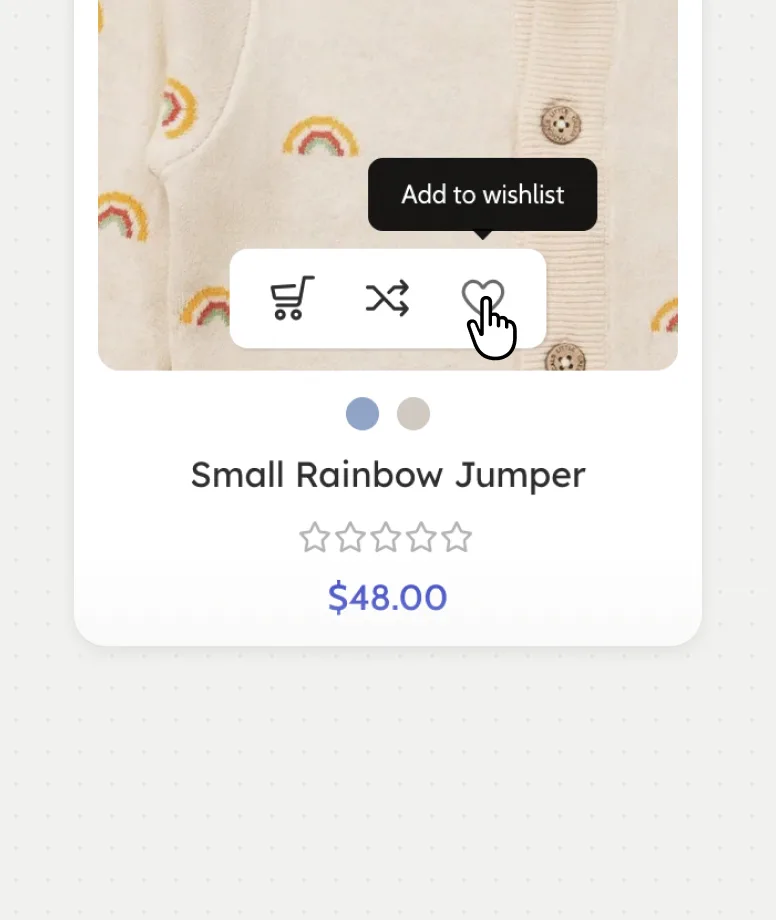
Wishlist & compare
Let shoppers save or compare a product with one click, right from the grid.
-
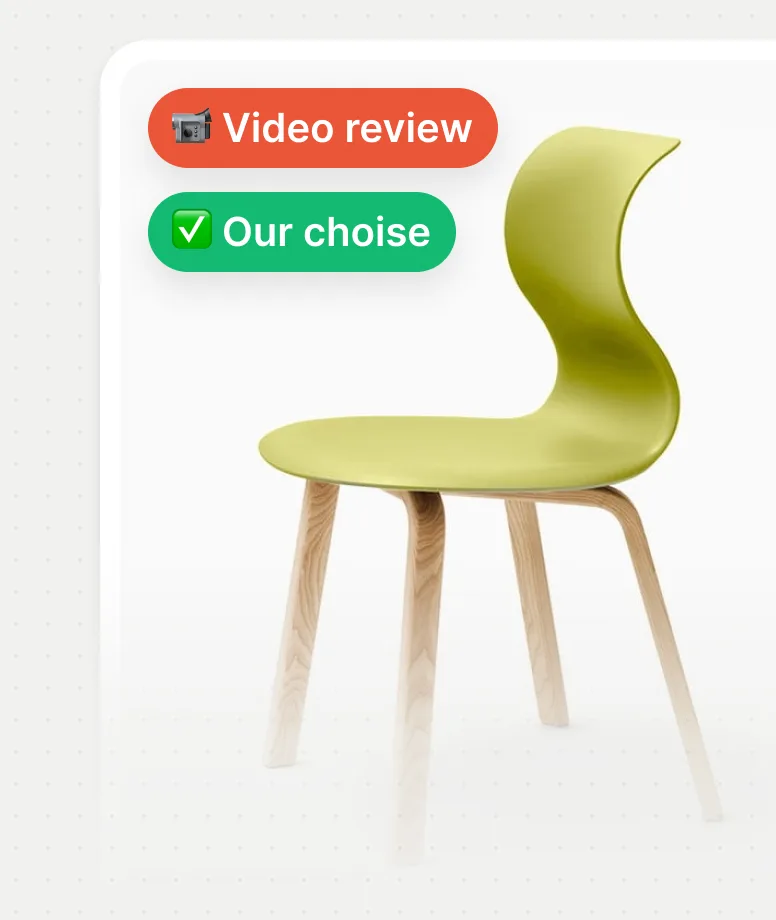
Dynamic product labels
Show new arrivals, promotions, brands, or collections with visual labels.
-
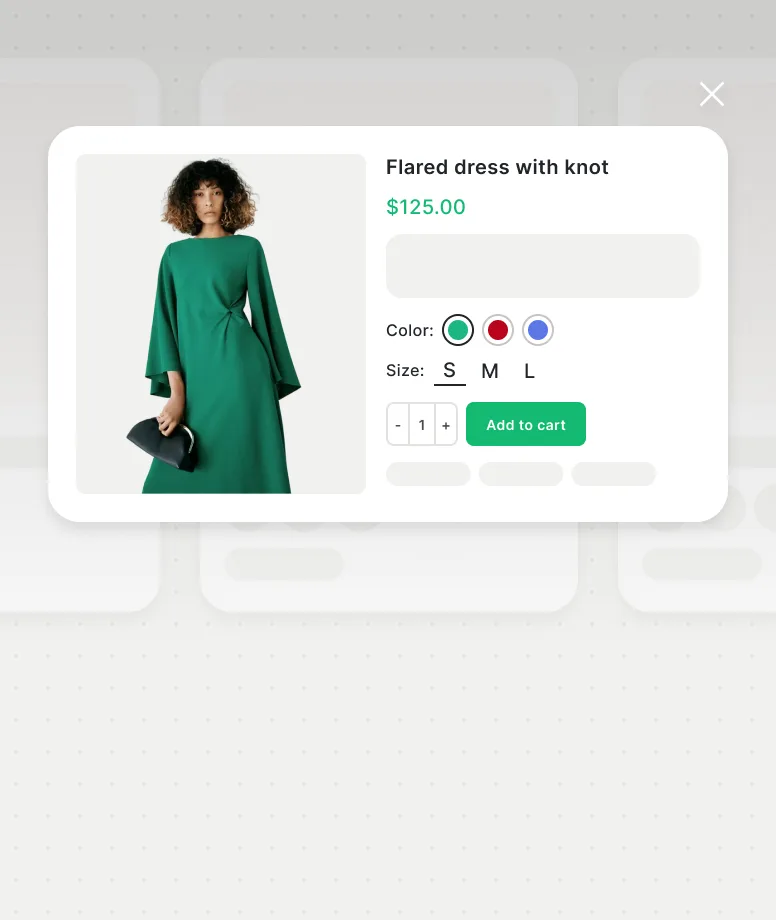
Quick view
Preview product variations from the grid while viewing the catalog.
-
Quick shop
Allow customers to choose options and buy products instantly from the grid.
-
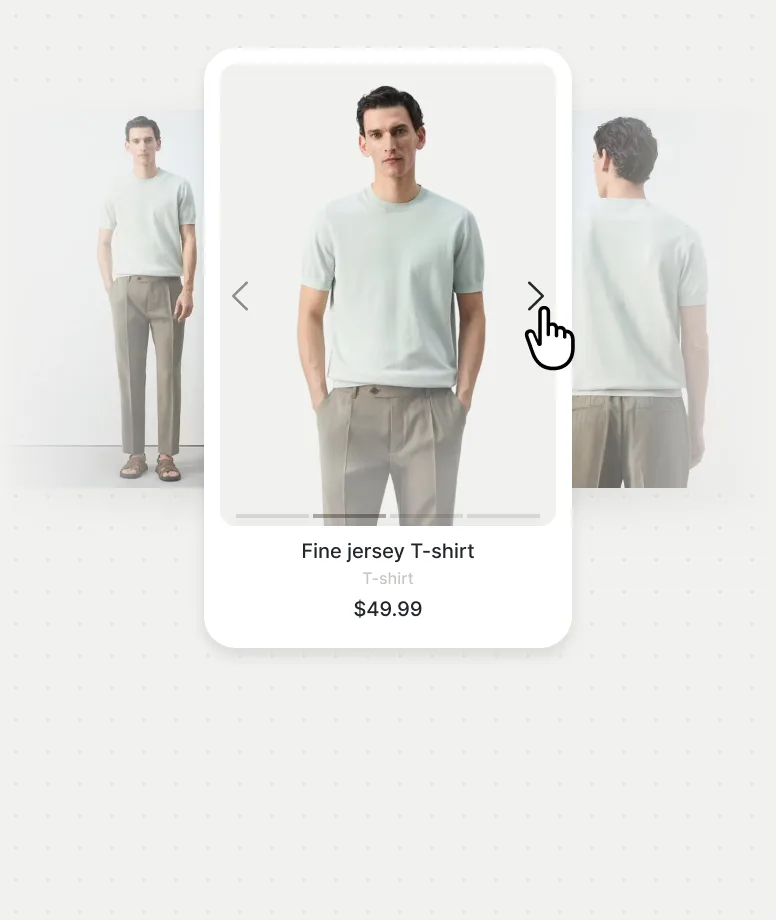
Product gallery
Let shoppers browse multiple product images directly from the catalog grid.
-
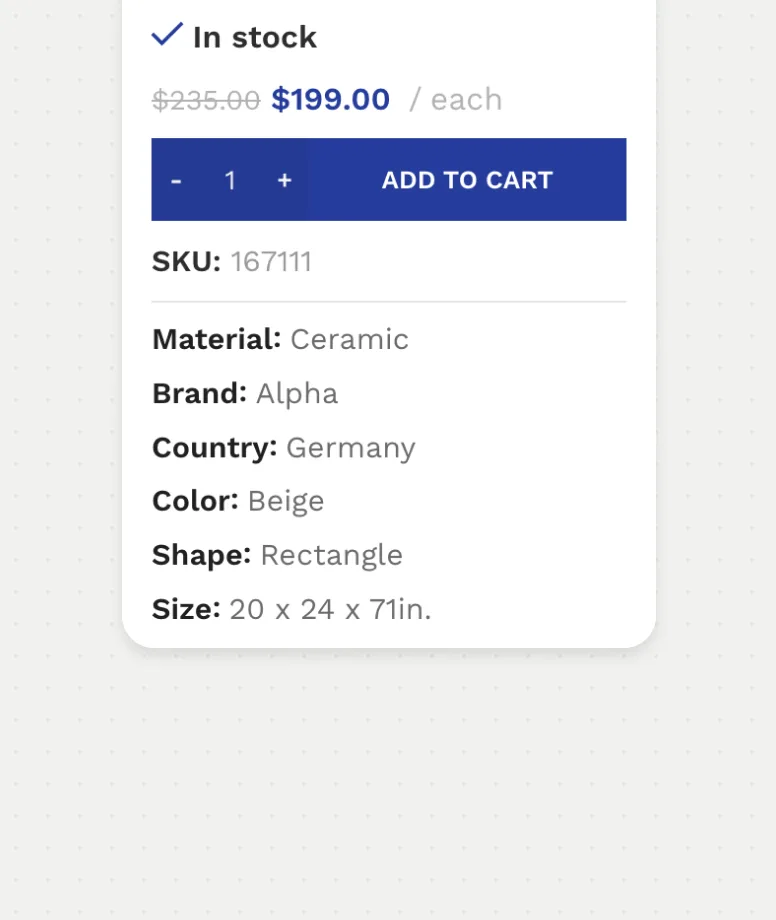
Additional information
Display key specifications, dimensions, and product attributes at a glance.
Give customers every detail they need to choose with confidence
Combine rich visual media, trustworthy reviews, clear comparisons, and reusable wishlists into one informed product journey.
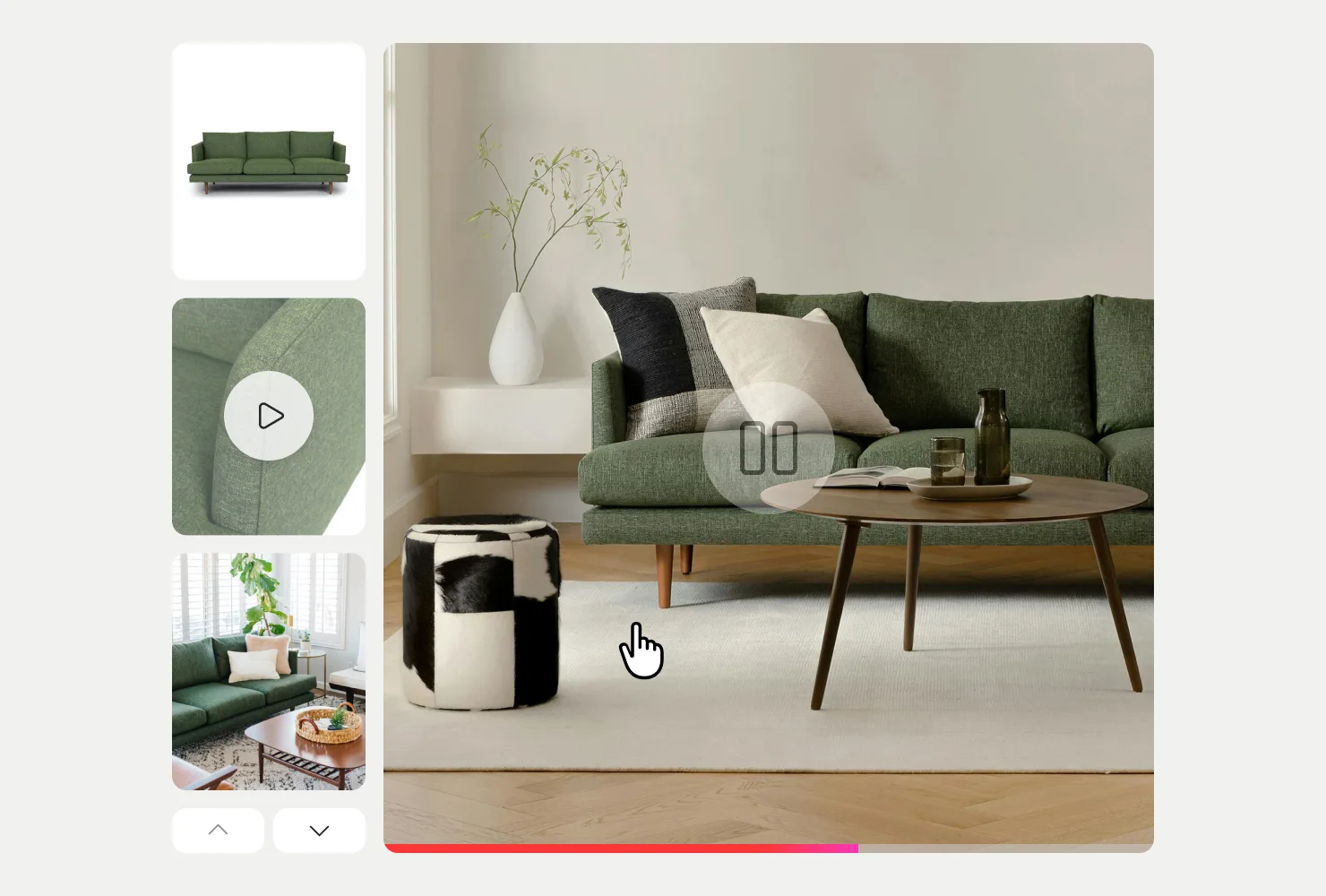
Show every angle, detail, and variation
Combine zoomable images, fullscreen viewing, product videos, variation galleries, and 360-degree views in a touch-friendly gallery.
- Image zoom and fullscreen gallery
- YouTube, Vimeo, and MP4 video
- Variation-aware product media
Build trust with real customer proof
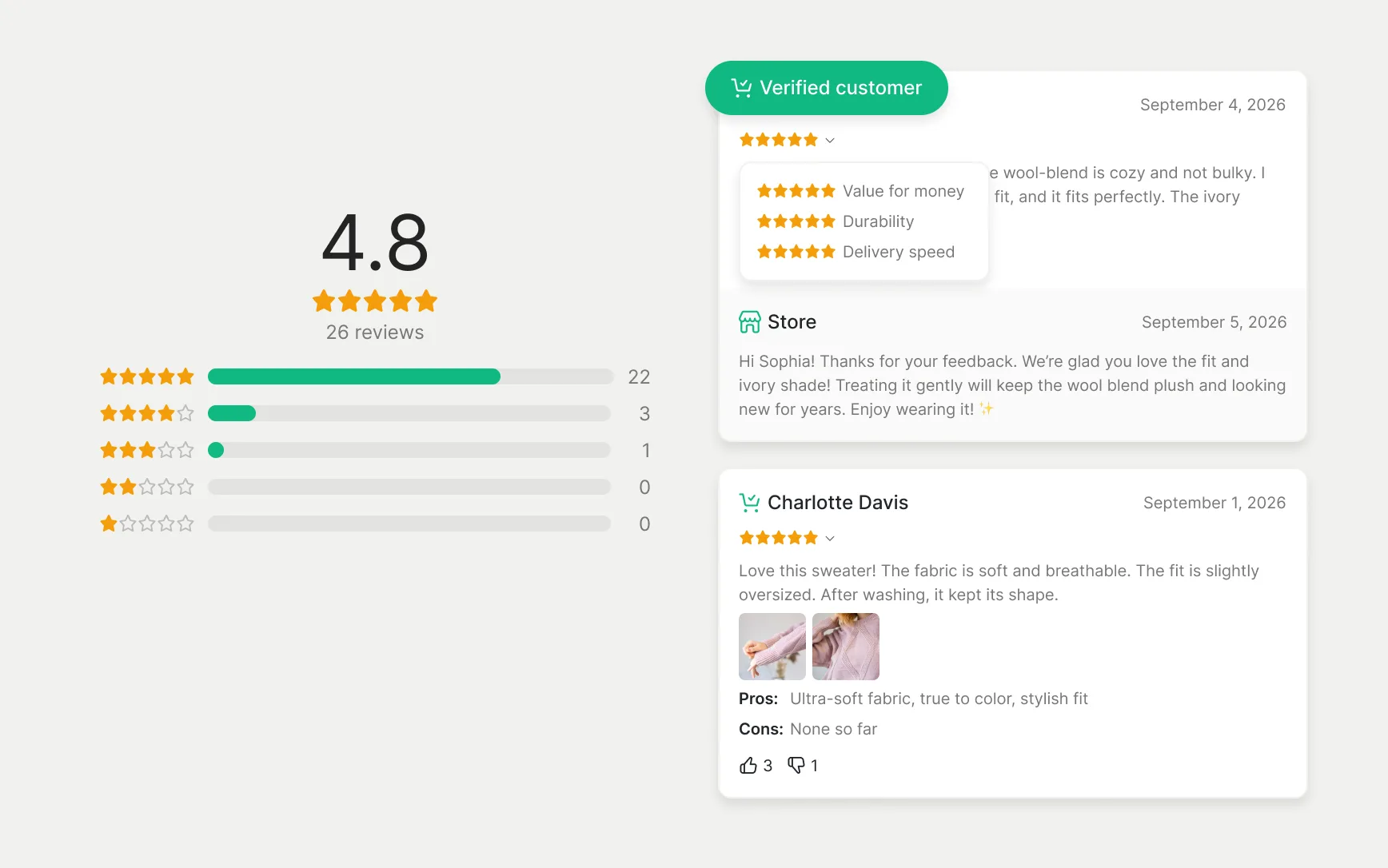
Let customers share photo and video reviews, rate specific product attributes, and filter feedback to make confident buying decisions.
- Photo, video, and verified buyer reviews
- Attribute ratings and review filtering
- Customer Q&A and voting system
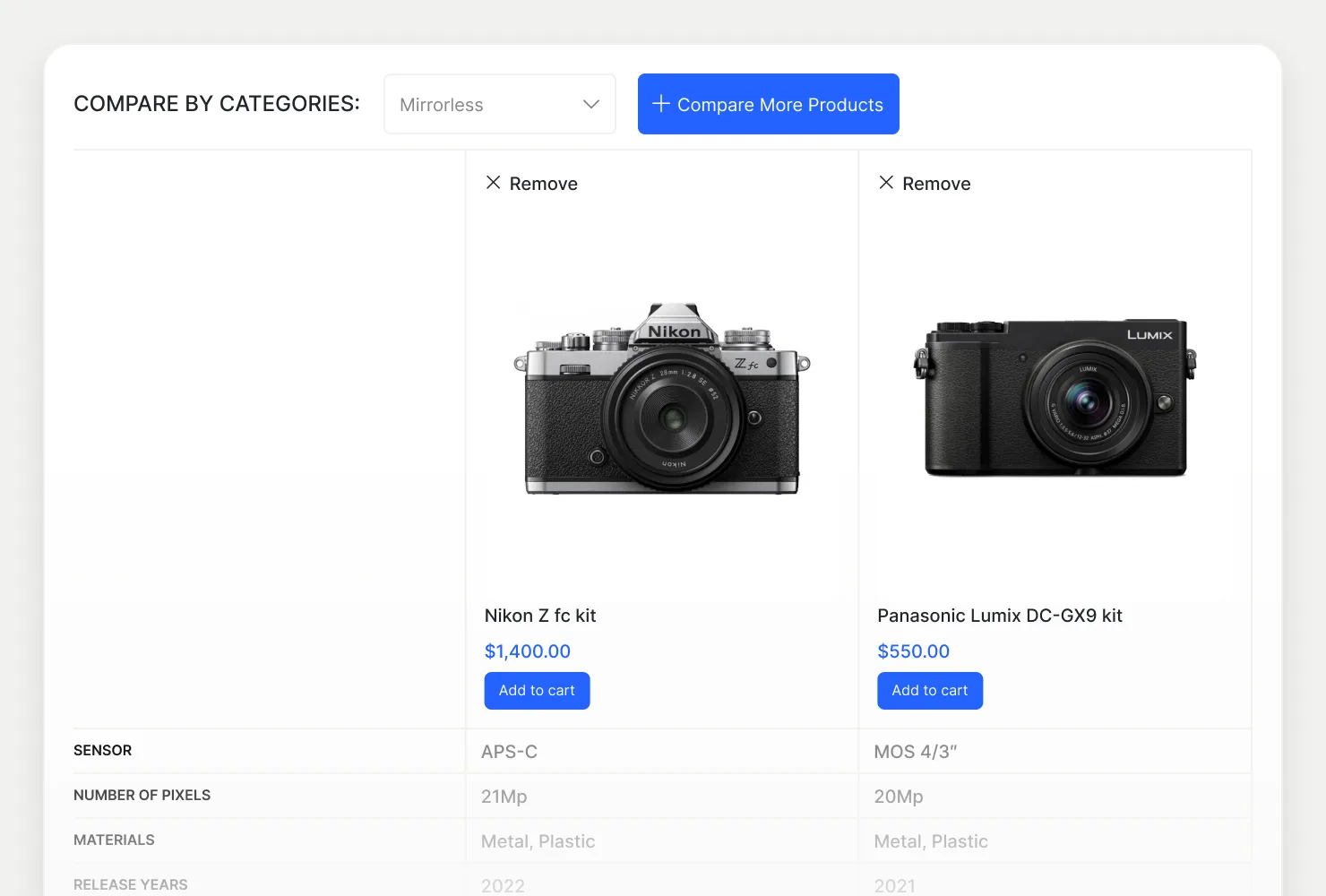
Simplify choices with side-by-side comparison
Help shoppers find their perfect match by comparing technical specifications, attributes, and prices in a clean, interactive table.
- Side-by-side feature comparison table
- Highlight differences with one click
- Direct add-to-cart from comparison view
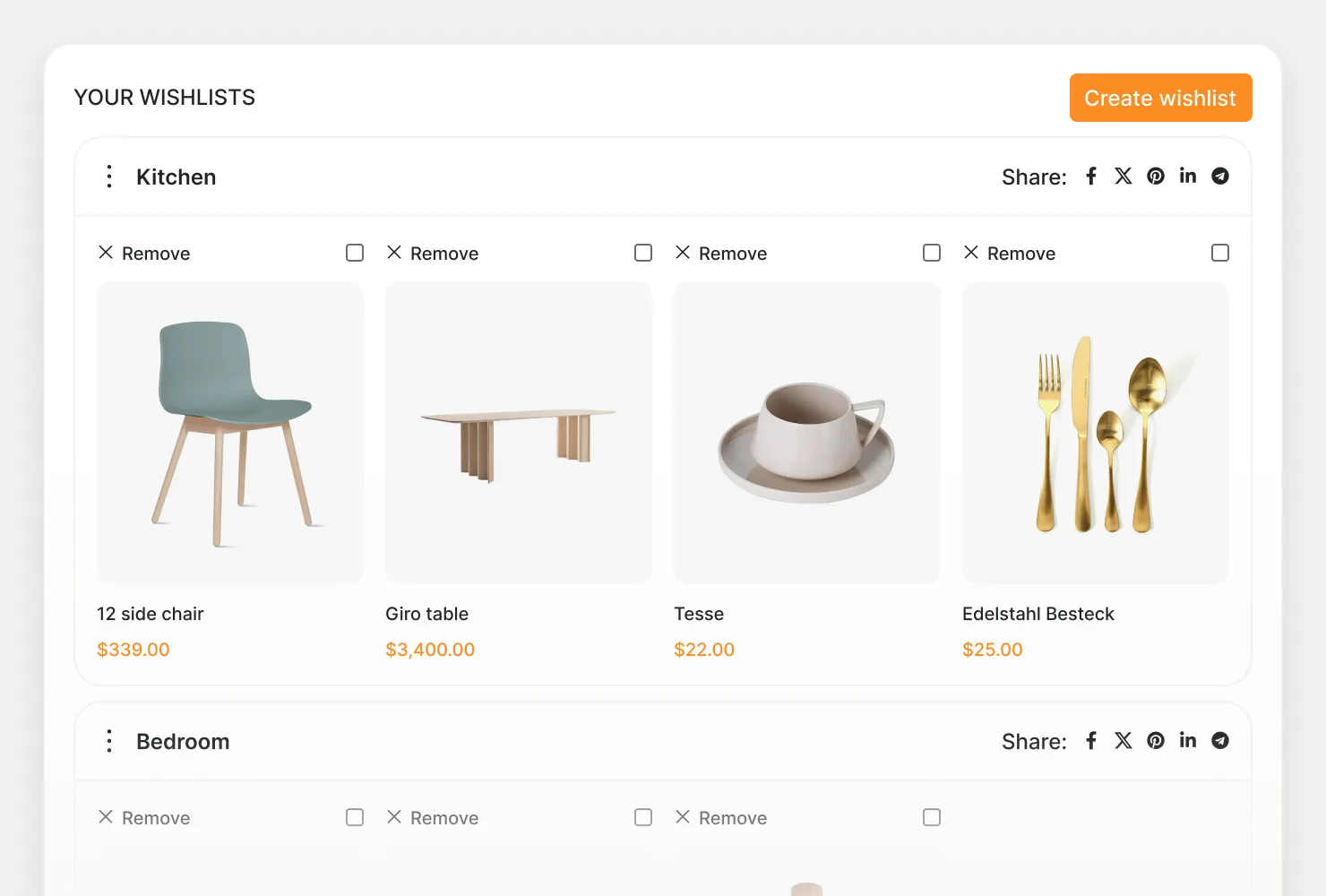
Keep shoppers engaged and coming back
Allow customers to save favorite items, organize multiple lists, share ideas with friends, and get notified about restocks or price drops.
- Multiple, shareable, and private wishlists
- Guest wishlist with automatic account sync
- Price drop and back-in-stock notifications
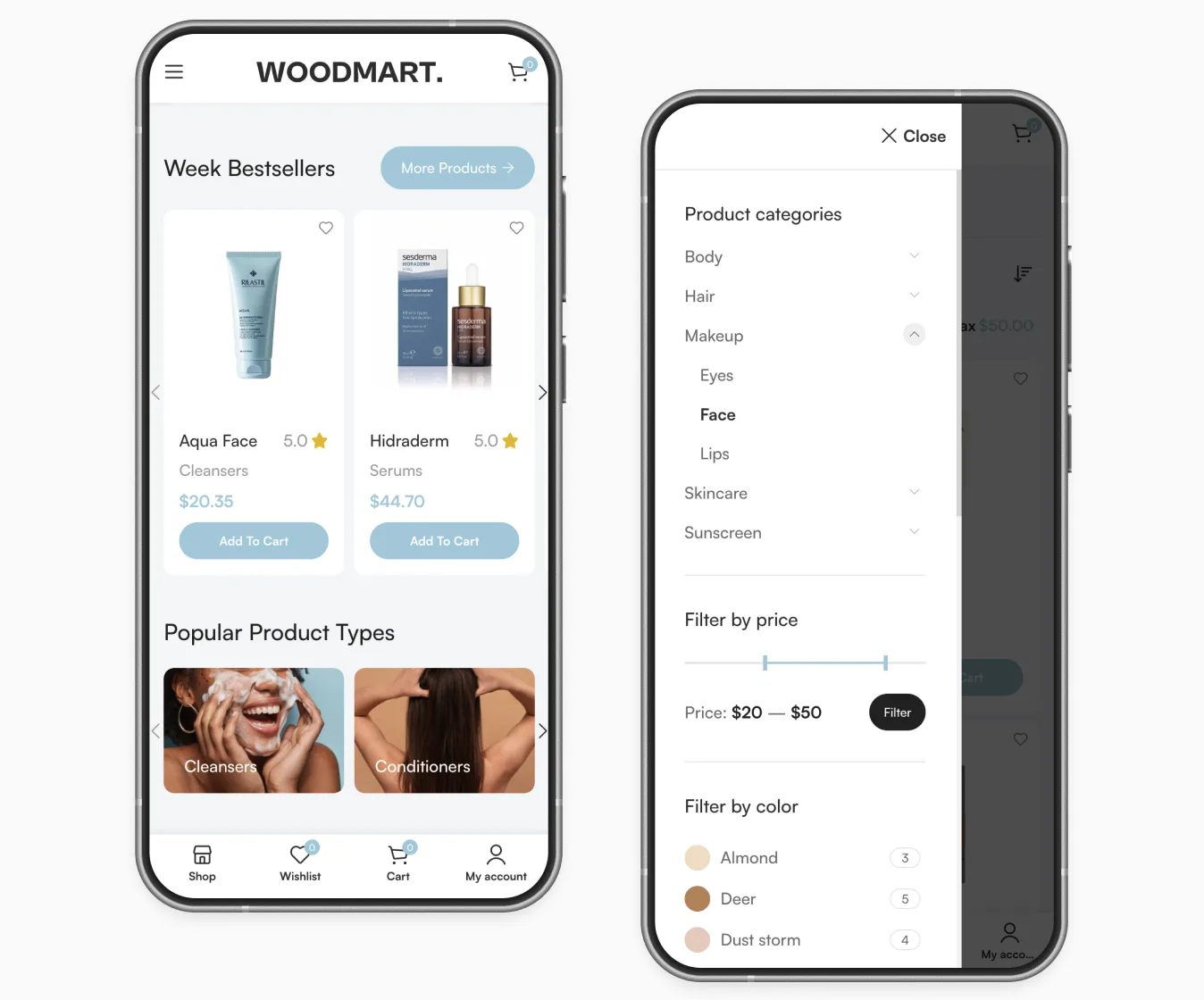
Keep the whole journey within thumb’s reach
Adapt search, filters, product grids, galleries, wishlists, and key store actions to the way customers browse on smaller screens.
- Off-canvas mobile filters
- Configurable mobile bottom navbar
- Sticky add to cart
A complete product journey, built into WoodMart
Quick answers about search, filters, swatches, product discovery tools, and the mobile shopping experience.
Does WoodMart include AJAX product filters?
Yes. Filter by category, price, color, size, brand, stock status, or any product attribute. Results update in place without a page reload, and the filters work in sidebars, above the grid, or in an off-canvas panel on mobile.
What can be shown in the product gallery?
Images with zoom and fullscreen view, YouTube, Vimeo, and MP4 videos, 360-degree views, and a separate gallery for each variation, so the photos change when a shopper picks a color or size.
What makes WoodMart reviews different?
Customers can attach photos and videos, rate several criteria, and vote on helpful reviews. Shoppers can then filter and sort feedback by rating to find the answers they need.
Can customers preview variations from the shop grid?
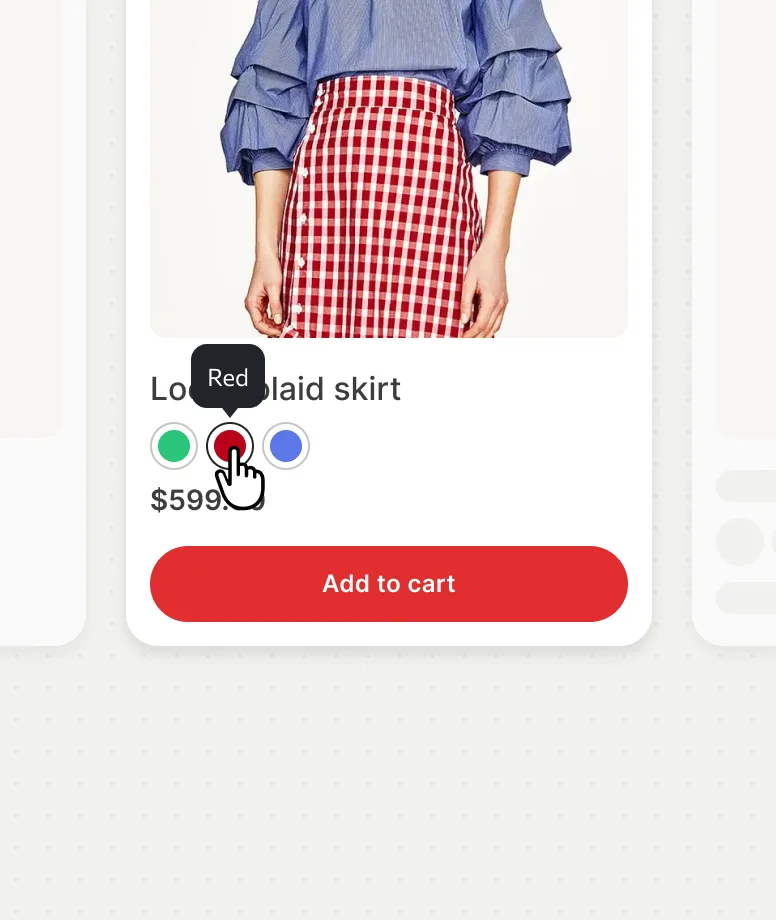
Yes. Swatches on product cards switch the card image, and Quick View and Quick Shop let customers choose options and add to cart without leaving the catalog.
Are wishlist and compare built in?
Both are part of the theme, with no extra plugins. Wishlists support several named lists and sharing; compare lines products up by the attributes you choose.
Is the shopping experience optimized for mobile?
Yes. Filters open in an off-canvas panel, a configurable bottom navbar keeps key actions in reach, and a sticky add-to-cart bar stays visible on product pages.
Create a store customers enjoy exploring
Help shoppers move from the first search to the right product with less friction and more confidence.