
A fast WooCommerce theme that loads only what it needs
Every page gets only the styles and scripts it uses, features you would add plugins for come built in, and images, video, and fonts load as shoppers reach them. Even a big store opens fast, on any screen.
Get WoodMart – $69
What loads first, and what waits
WoodMart preloads the hero image, brings mega menus in on the shopper’s first move, loads other images as they scroll, serves fonts from your own server, and can give phones a lighter page of their own.
Point at your hero image. WoodMart preloads it.
Turn on Preload LCP Image, open a page and click Find LCP Image in the admin bar. The theme spots the largest element with the browser’s own Performance API, saves it, and tells the browser to fetch it first.
- Preloaded with high fetch priority
- A separate image for desktop and mobile
- Images, backgrounds, and video posters
- Kept out of lazy loading automatically

Big dropdowns stay out of the first page load.
Set a mega menu item to Load HTML dropdown with AJAX, and the page carries only an empty placeholder for it. The shopper’s first scroll, move, or tap brings every such dropdown of that menu in one request, and the browser keeps them, so the next pages open them with no request at all.
- One request per menu, on the first move
- Kept in the browser, refreshed when you edit the menu
- The mobile menu’s HTML blocks too

Photos below the first screen wait for the scroll.
Only the images the shopper can see load with the page. The rest wait until they scroll close, so the first screen is ready sooner and nobody downloads photos they never reach. You set how early they start, can fade them in, and can show your own placeholder until they arrive.
- Images in the mobile menu, side panels, and product tabs wait until the shopper opens them
- Background images, with a per-block opt-out
- Block backgrounds can render as a real <img>
 White glazed mug$36.00
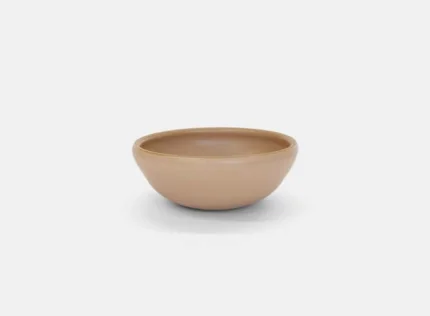 Entree bowl$40.00
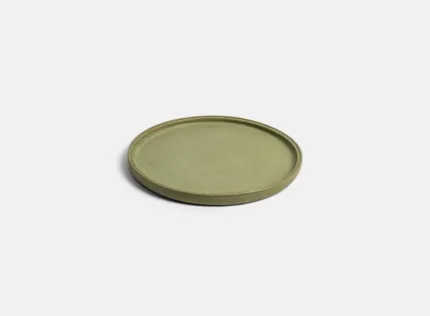 Bump plate$56.00
 Set of 3 wall tiles$86.00
 Rice bowl$40.00
 Dinner plate$53.00
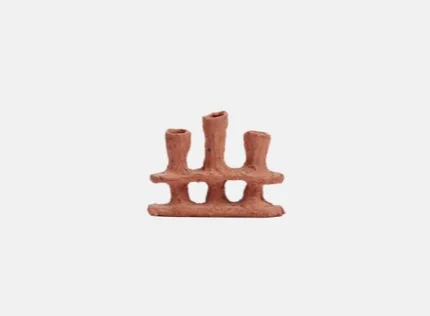 Triple candle holder$86.00
Google Fonts served from your own server.
The fonts you pick in Theme Settings are downloaded to your site when you save, so pages make no requests to Google. Text shows straight away in a fallback font and swaps when the web font arrives.
- Local Google Fonts, on from the first install
- font-display: swap for text fonts
- Preload for the icon font, or a system font stack
A lighter page for phones, one switch away.
Mobile DOM optimization leaves the desktop header’s HTML out on phones and gives them a set of styles of their own. Simplified mobile carousels swap the slider script for a light CSS version, and any page can show a separate, leaner HTML block on phones.
- Desktop header HTML left out on phones
- CSS carousels instead of the slider script
- A separate mobile version of any page
One part per feature, loaded only where it’s used
WoodMart splits its styles and scripts into hundreds of small files, and a page asks only for the ones its blocks use. A feature you don’t show costs that page nothing.
19%
of the theme’s styles and scripts is all a product page loads. The other 81%, from the wishlist and compare pages to checkout and maps, stays on the server.
- Home110 KB15%
- Shop115 KB16%
- Product137 KB19%
- Cart95 KB13%
Styles and scripts, gzipped. The Default demo on desktop.
What the plugins WoodMart replaces would add to every page
We installed the popular free plugins for features WoodMart has built in on a clean WooCommerce store, and weighed what each one adds to the home page.
-
WishlistYITH WooCommerce Wishlist
Brings React, Moment, and Lodash to every page 304 KB20 files · every page 2.2 KB1 file · only where used ×138138 times heavier than WoodMart - Variation imagesAdditional Variation Images Gallery for WooCommerce 70 KB9 files · every page 3.2 KB1 file · only where used ×2222 times heavier than WoodMart
- Product compareWPC Smart Compare 38 KB11 files · every page 2.0 KB1 file · only where used ×1919 times heavier than WoodMart
- Mega menuMax Mega Menu · Loads Dashicons on the front end 41 KB3 files · every page 2.7 KB4 files · only where used ×1515 times heavier than WoodMart
- WaitlistBack In Stock Notifier for WooCommerce 27 KB5 files · every page 2.1 KB2 files · only where used ×1313 times heavier than WoodMart
- Frequently bought togetherWPC Frequently Bought Together 21 KB5 files · every page 2.1 KB2 files · only where used ×1010 times heavier than WoodMart
- Variation swatchesVariation Swatches for WooCommerce 41 KB11 files · every page 4.4 KB3 files · only where used ×99 times heavier than WoodMart
- Instagram feedSmash Balloon Instagram Feed 9 KB2 files · every page 1.0 KB1 file · only where used ×99 times heavier than WoodMart
- Product filtersHUSKY Products Filter for WooCommerce · 85 KB on the shop page 23 KB19 files · every page 4.0 KB3 files · only where used ×66 times heavier than WoodMart
- Quick viewWPC Smart Quick View 45 KB13 files · every page 9.7 KB4 files · only where used ×55 times heavier than WoodMart
A clean store on WordPress and WooCommerce with a default theme, each plugin active with its default settings. Sizes are gzipped. WoodMart’s figure is the feature’s own files in the theme, with any library it needs, gzipped: they load only on pages that show the feature.
Lighter images without leaving WordPress
The Image Optimizer plugin comes with WoodMart. It compresses your JPEG and PNG images on XTemos servers, so your hosting does none of the heavy lifting, and can add a WebP copy of each one that the site then serves on its own.
- The original and every thumbnail size
- WebP swapped in everywhere, the LCP preload too
- One click, a bulk action, or every new upload
- Originals backed up, restore any time


73% lighter at quality 80, the default. Drag the line: the slats and edges stay sharp.
Every speed feature, and the metric it moves
More than half of it works from the first install, the rest is a switch away. Each tile names the part of the store it touches and the PageSpeed metric it helps.
- Improves First Contentful PaintImproves Largest Contentful Paint Styles Only the styles a page uses Nothing for elements the page lacks
- Improves First Contentful Paint Styles Critical styles first A small part first, the rest at the end
- Improves First Contentful Paint Styles Inline small styles Small parts go straight into the page
- Improves First Contentful Paint Styles Styles where they’re used Linked right before the HTML they style
- Improves First Contentful Paint Styles Skip Gutenberg block styles WordPress’s default block CSS left out
- Improves Total Blocking Time Scripts Scripts on demand Loaded only where elements need them
- Improves Total Blocking Time Scripts Libraries per element 20 libraries, each with the element that uses it
- Improves Total Blocking Time Scripts Remove jQuery Migrate One legacy script fewer
- Improves Largest Contentful Paint Media Preload LCP image Hero image fetched first
- Improves Largest Contentful Paint Media Lazy images Load as the shopper scrolls
- Improves Largest Contentful Paint Media Lazy background images Block backgrounds wait too
- Improves Largest Contentful PaintImproves Total Blocking Time Media Videos on click YouTube and gallery videos load on play
- Improves Largest Contentful Paint Media WebP everywhere Image Optimizer serves WebP copies
- Improves Largest Contentful Paint Media Exact-size thumbnails Images cut to the size they’re shown
- Improves First Contentful Paint Fonts Local Google Fonts Served from your own server
- Improves First Contentful Paint Fonts font-display: swap Text shows before the font
- Improves First Contentful Paint Fonts Preload the icon font Icons ready sooner
- Improves Total Blocking Time Phones Mobile DOM optimization No desktop header HTML on phones
- Improves Total Blocking Time Phones Simplified mobile carousels CSS carousels on phones
- Improves Total Blocking Time Menus AJAX mega menus Menu HTML after the first move
- No reload: Only the product list is fetched again Catalog AJAX shop Filters, categories, and pages without a reload
- Improves Time to First Byte Server Theme Settings as a file Design settings saved as static CSS
- Improves Time to First Byte Server Lean translations Translations from one folder
- Improves Total Blocking Time Plugins WP Rocket delay JS Delay scripts, keep the menu working
- Improves First Contentful Paint Plugins Simplified WPBakery styles A lighter WPBakery stylesheet
Core Web Vitals of real demo stores
Open a prebuilt website, or send it straight to PageSpeed Insights. Lab scores move a little between runs; the Core Web Vitals under each demo come from real Chrome users on mobile over the last 28 days.
-
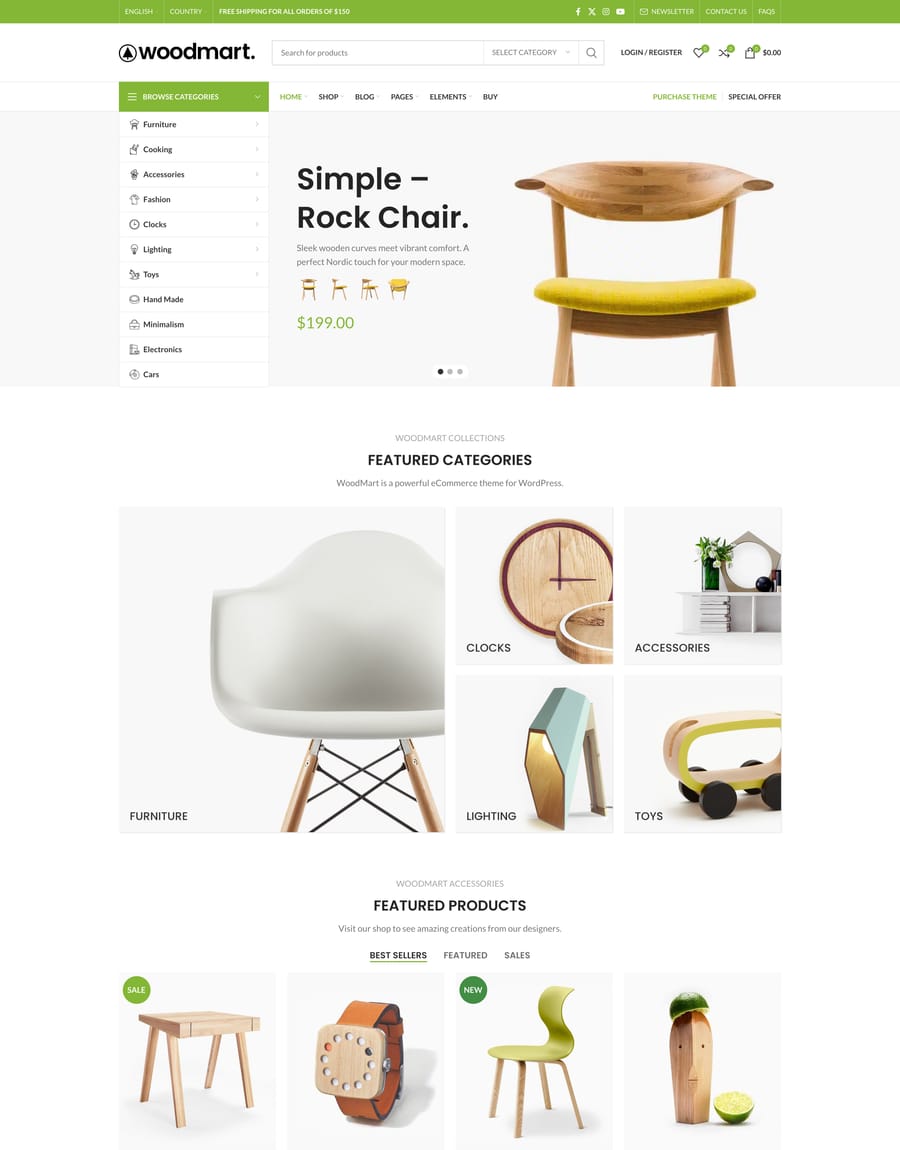 Core Web Vitals passed Real users of this page· mobile
- LCP
- 2.1 s
- INP
- 120 ms
- CLS
- 0.02
-
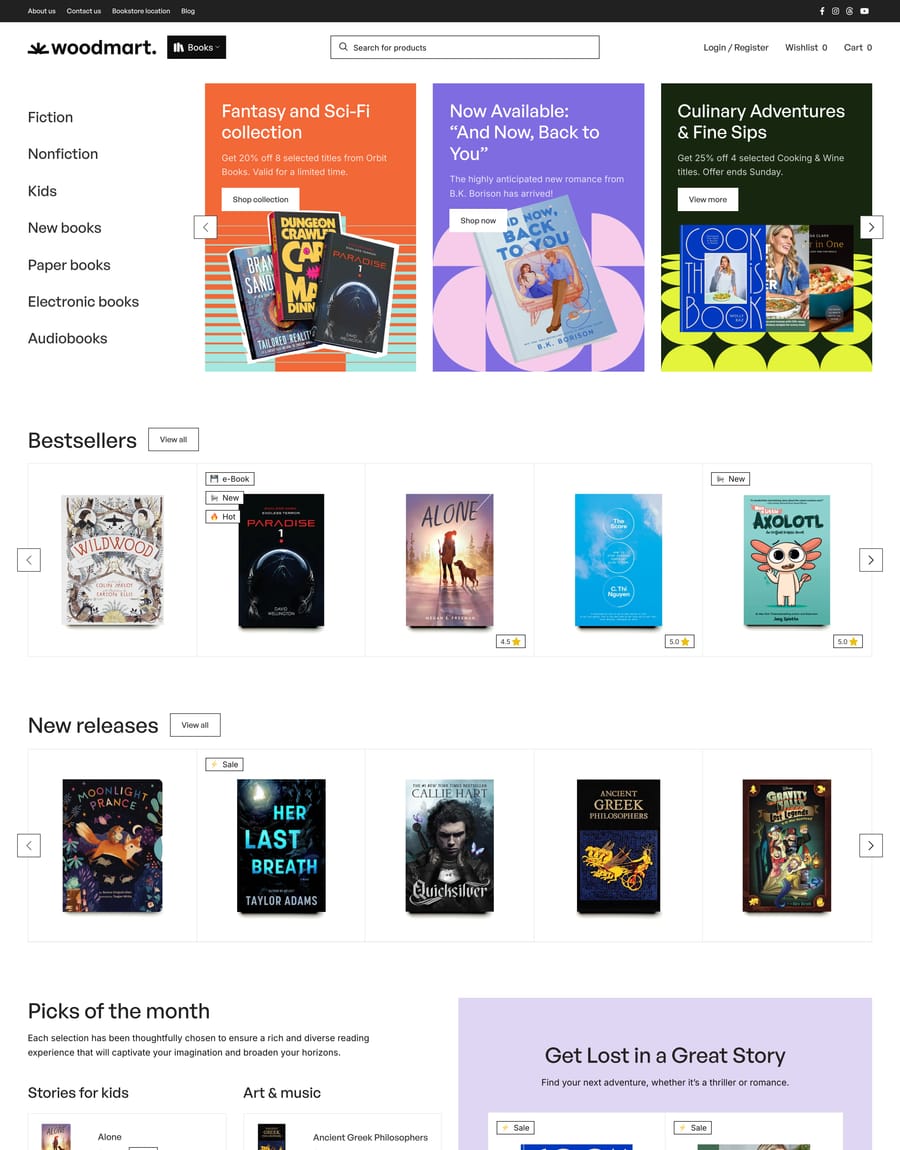 Core Web Vitals passed Real users of this page· mobile
- LCP
- 1.9 s
- INP
- 110 ms
- CLS
- 0.01
-
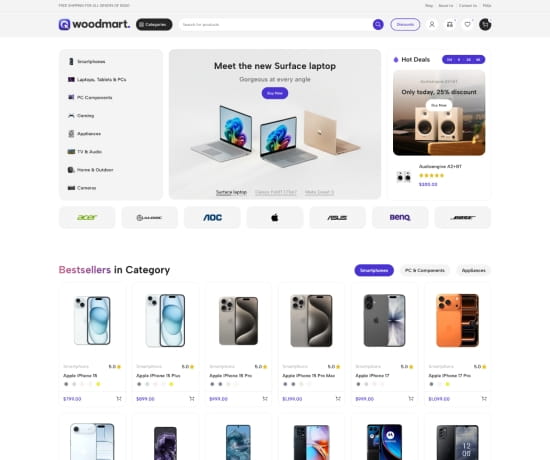 Electronics 3 Live demo of Electronics 3 (opens in a new tab)Core Web Vitals passed Real users of this page· mobile
- LCP
- 2.2 s
- INP
- 130 ms
- CLS
- 0.03
-
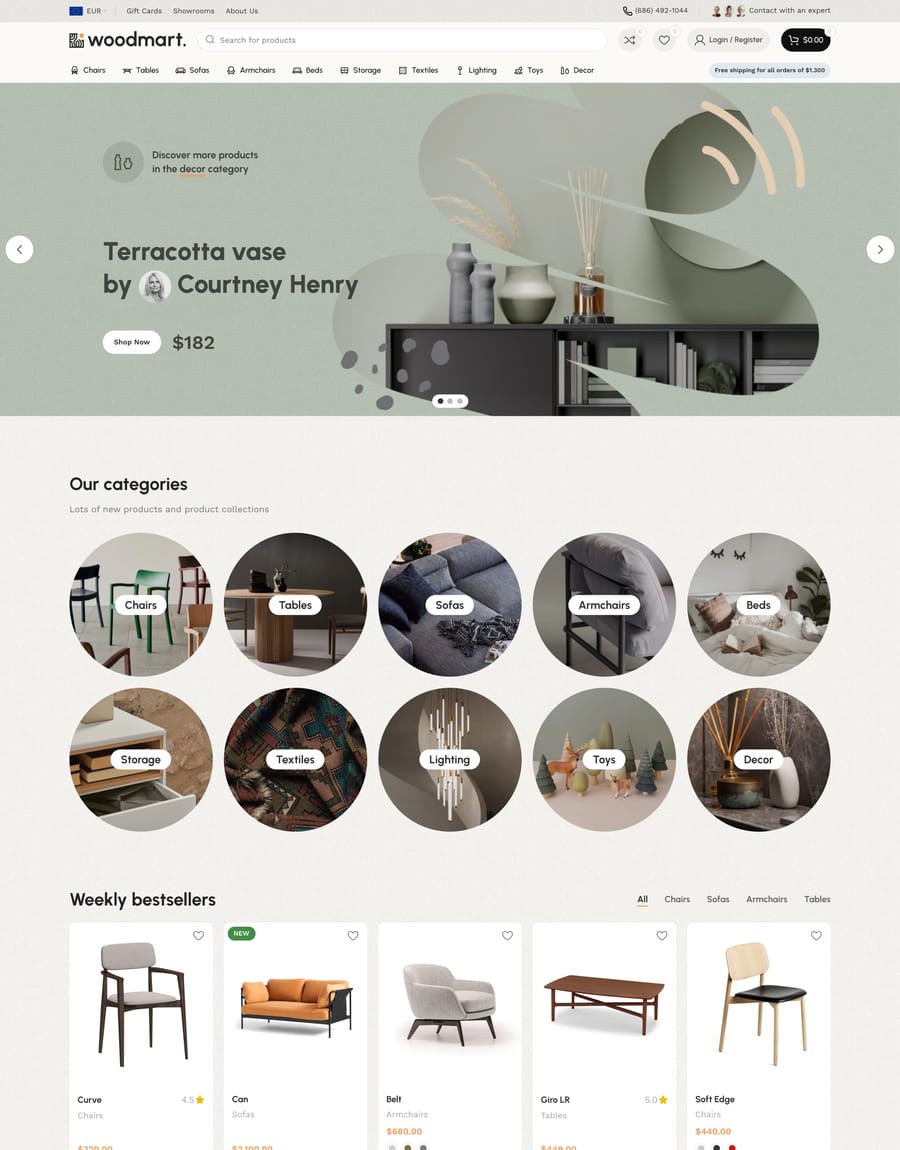 Furniture 2 Live demo of Furniture 2 (opens in a new tab)Core Web Vitals passed Real users of this page· mobile
- LCP
- 2.0 s
- INP
- 100 ms
- CLS
- 0.02
WooCommerce speed questions, answered
What WoodMart does on its own, what you switch on, and what is still your host’s job.
Is WoodMart a lightweight WooCommerce theme?
Where it counts for speed, yes: in what each page loads. All of WoodMart’s styles and scripts come to 715 KB gzipped, but no page gets all of them: a product page on the Default demo loads 137 KB, 19% of the theme. And the wishlist, compare, filters, and swatches are built in, so the plugins you would add for them never load their own files.
Does WoodMart pass Core Web Vitals?
It is built to: it can preload the hero image for Largest Contentful Paint, and it loads scripts only for the elements a page has, keeping the browser free to answer taps for Interaction to Next Paint. Core Web Vitals are measured on your store’s real visitors, though, so hosting, images, and other plugins count too. Check your store in PageSpeed Insights or in the Core Web Vitals report of Google Search Console; the demo cards above show each demo’s own.
Will my store score like the demo?
The theme gives you the same lean starting point, but the final score also depends on your hosting, your images, other plugins, and third-party scripts such as chat widgets or ad tags. Start from a prebuilt website, keep images optimized, and add plugins one at a time while you test.
Do I still need a caching plugin?
Yes, page caching is the job of your host or a caching plugin; WoodMart makes what gets cached lighter. It has a dedicated WP Rocket integration: a ready list of scripts to keep out of Delay JavaScript, wishlist and compare pages kept out of the cache, and the right header served from WP Rocket’s separate mobile cache.
Which speed options are on by default?
Modular CSS and JS, deferred styles at the end of the page, local Google Fonts with font-display: swap, and the removal of the emoji script all work from the first install. Lazy loading, Preload LCP Image, removing Gutenberg block styles and jQuery Migrate, and Mobile DOM optimization are switches in Theme Settings → Performance, so you can test each one on your own store.
Does WoodMart convert images to WebP?
Conversion is done by an image plugin. The Image Optimizer plugin that comes with WoodMart compresses JPEG and PNG images and adds WebP copies; Imagify and ShortPixel work too, ShortPixel with AVIF. WoodMart serves their WebP and AVIF files in product galleries and in the LCP preload, and creates custom thumbnail sizes only when a page first asks for them.
Does it work with Elementor and WPBakery?
Yes. Modular loading works with Gutenberg, Elementor, and WPBakery. Gutenberg pages collect their block assets when you save them, Elementor CSS loads as files, and WPBakery can use a simplified stylesheet in place of its full one.
Does Mobile DOM optimization change how my store looks?
No. On phones it leaves out the HTML of the desktop header, which phones never show, so shoppers see the same page with fewer elements for the browser to build. It is still marked experimental and off by default: switch it on in Theme Settings → Performance and check your header on a phone.
How were the numbers on this page measured?
The scores are Lighthouse results for the Default demo home page, on a simulated mid-range phone over slow 4G and on desktop. Run PageSpeed Insights on the demo to check them: results move a little from run to run and with the test server’s location. The module counts come from the same demo’s Home, Shop, Product, and Cart pages in Chrome.
Give shoppers a store that is ready before they are
Modular code, a preloaded hero image, and lazy media
come with the theme, with nothing extra to buy.