
Bring shoppers back and keep them buying
Recover abandoned carts, notify customers about price drops and restocks, collect more reviews, and grow permission-based marketing, all with tools built into WoodMart.
Get WoodMart – $69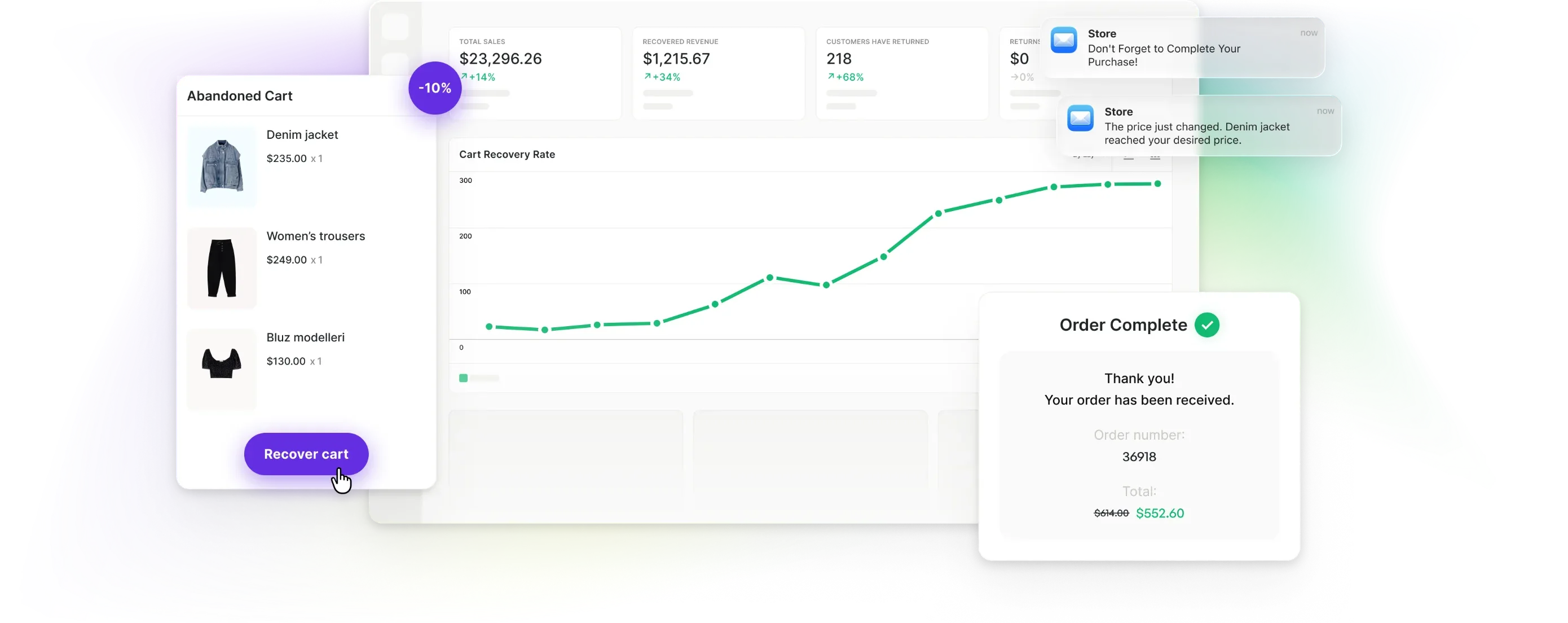
-
Recover lost intent
Reconnect with shoppers who left a cart or paused a product decision.
-
Re-engage automatically
Use timely cart, restock, price-drop, and review emails.
-
Build lasting trust
Respect customer preferences and grow authentic product feedback.


Recover carts before customer intent disappears
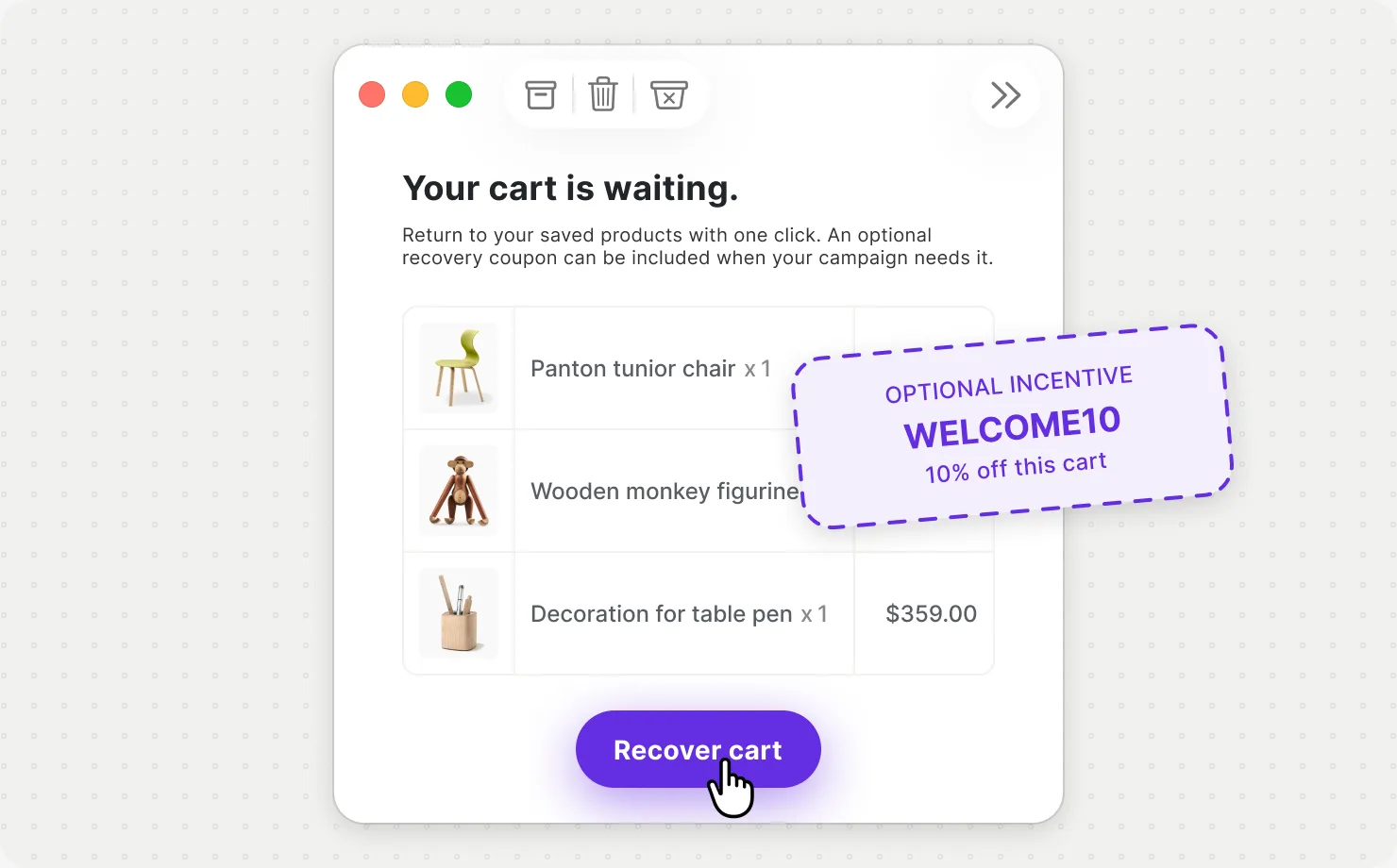
Track incomplete carts, define when they become abandoned, send a direct return link, and keep the whole recovery workflow visible in your dashboard.
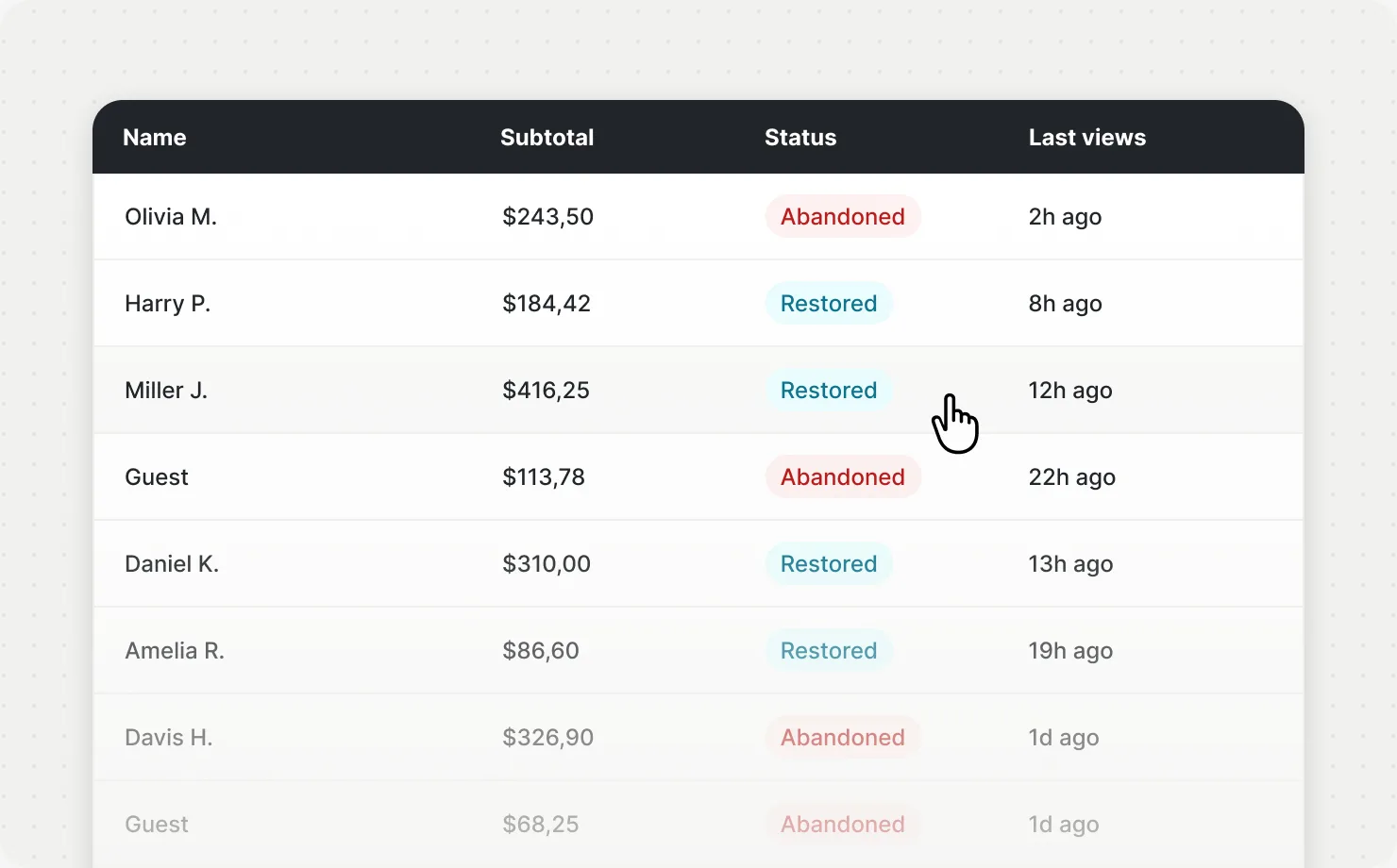
See which carts still have purchase intent
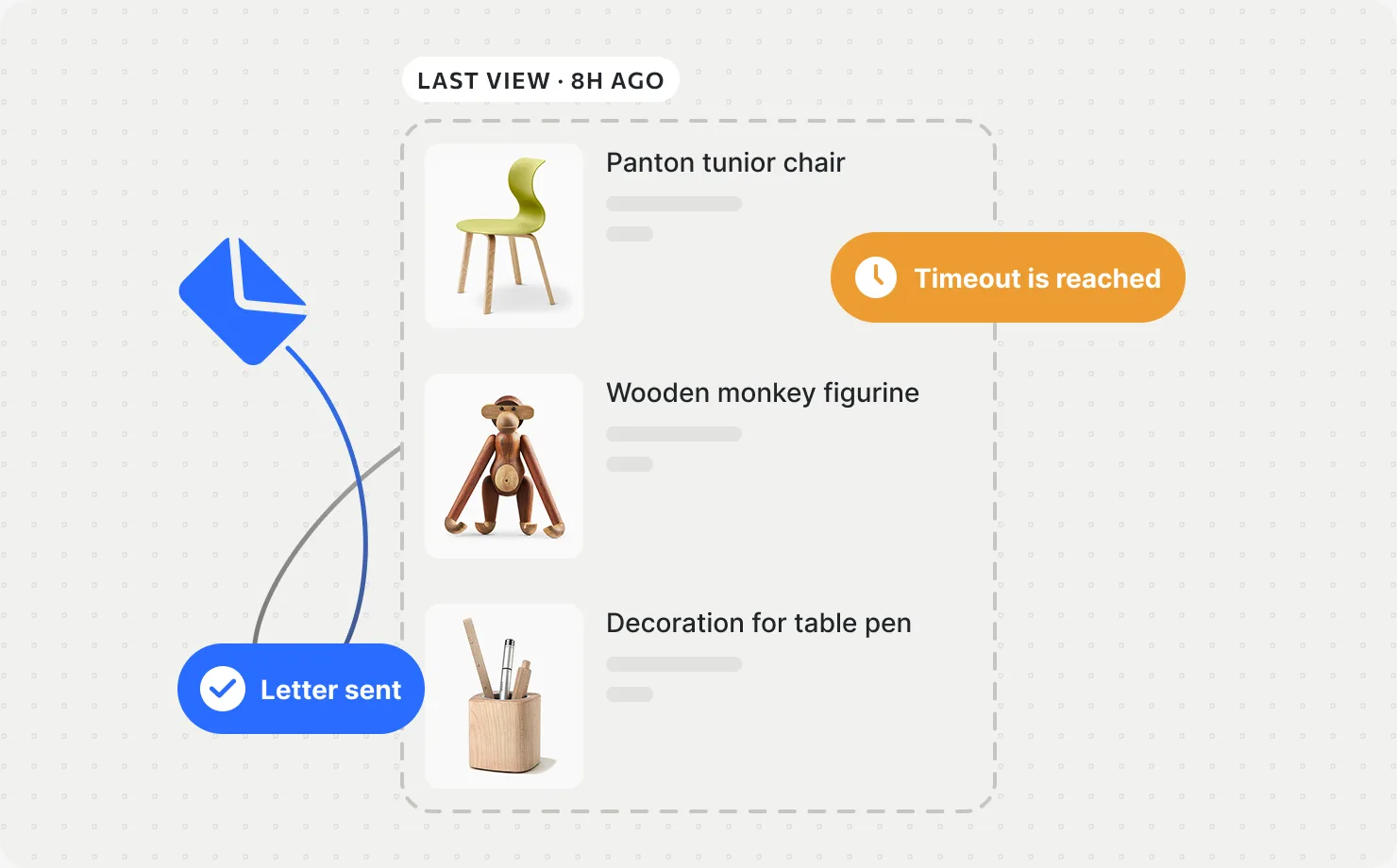
WoodMart stores active carts, marks them as abandoned after your selected timeout, and keeps the recovery list manageable with automatic cleanup.
- Logged-in and guest cart recovery
- Configurable cart timeout
- Automatic cleanup period
Re-engage shoppers when the moment is right
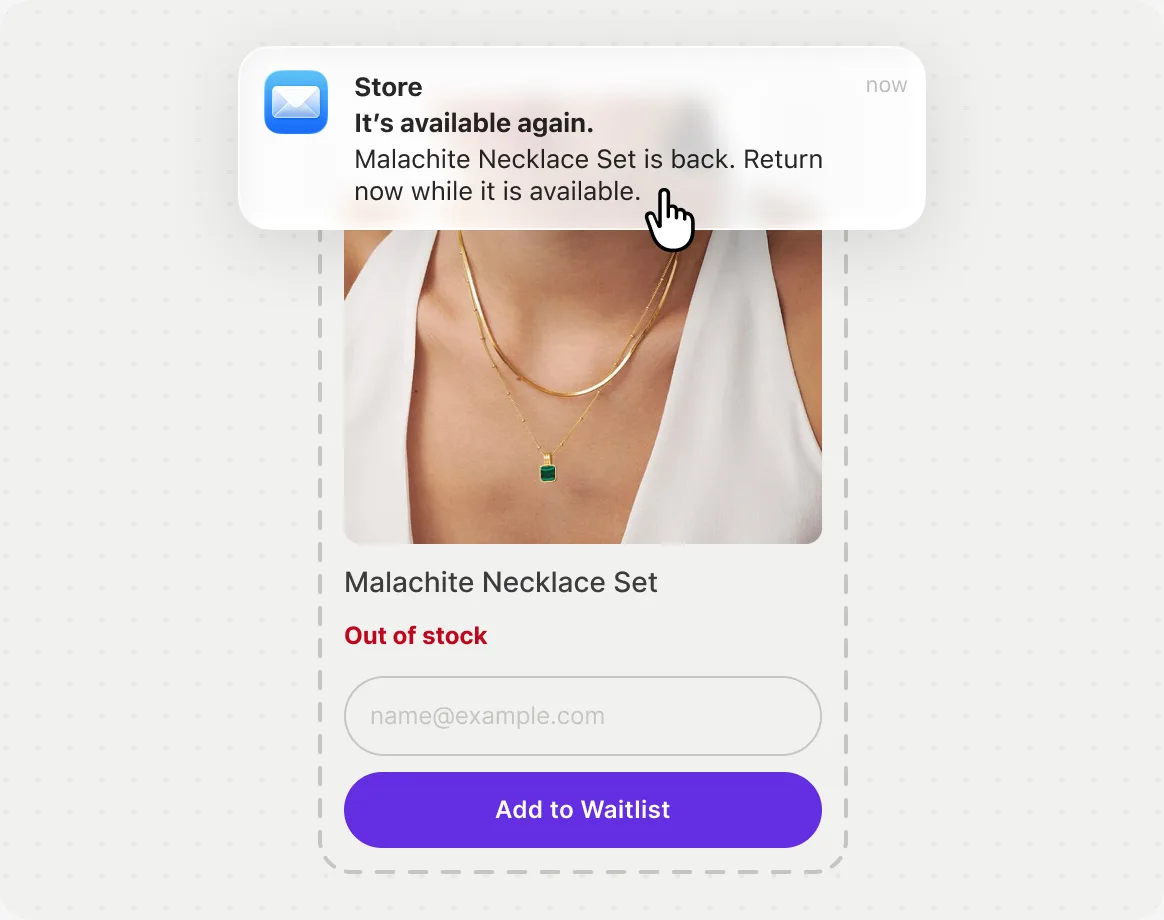
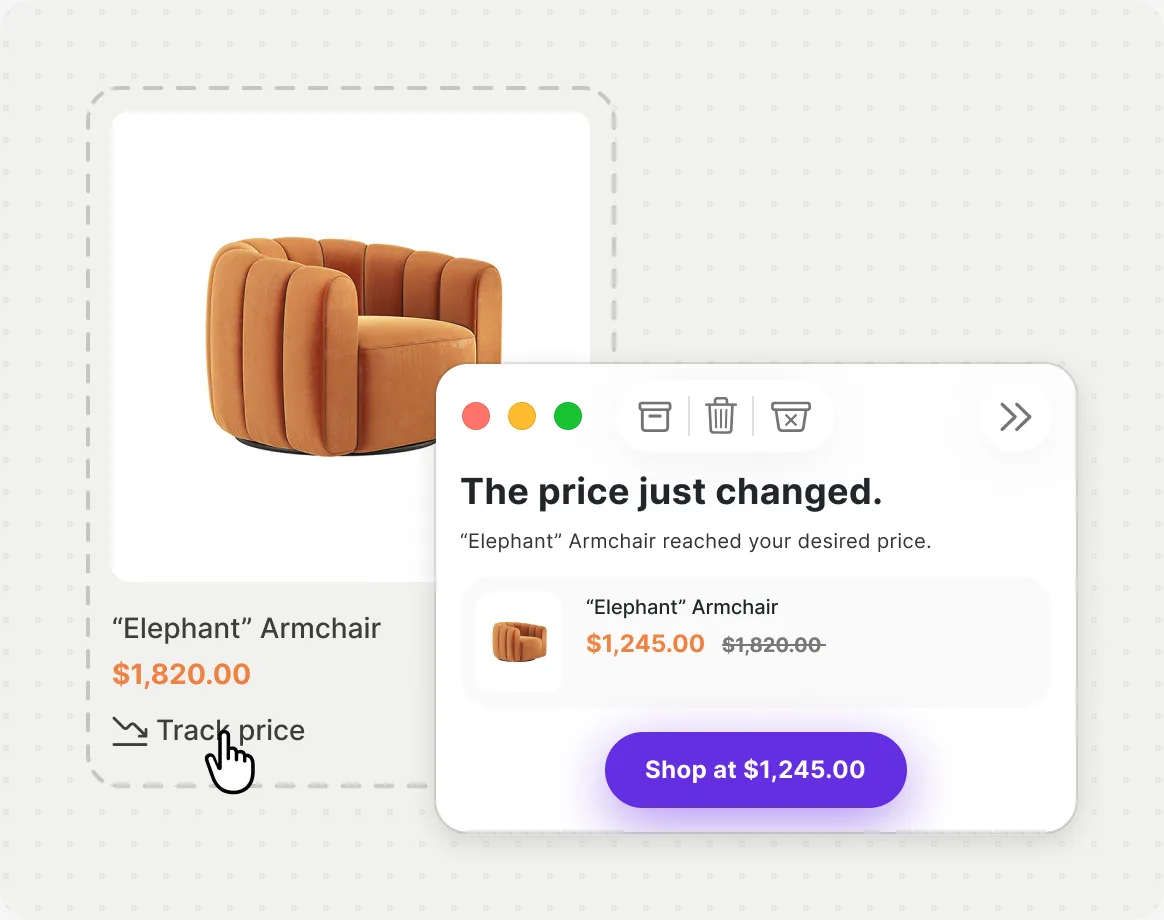
Let customers register interest instead of leaving: notify them when an unavailable product returns or when a watched price reaches the level they want.
- Automatic back-in-stock notifications
- Desired-price tracking
- Customer lists and product demand statistics
Ask for feedback when customers are ready to give it
Send an automated review request after an order is complete, control the delay, and turn recent purchases into authentic product feedback.
-
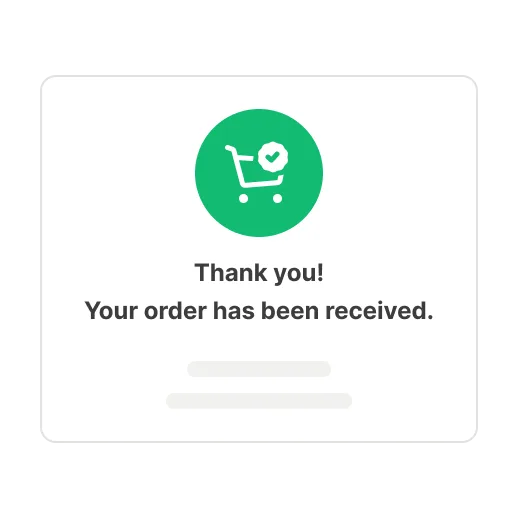 1 Order completed
The workflow starts only after the order reaches completed status.
-
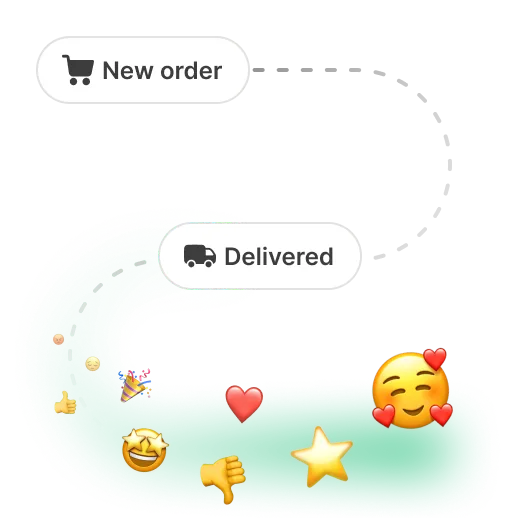 2 Wait for experience
Give customers time to receive and use the product.
-
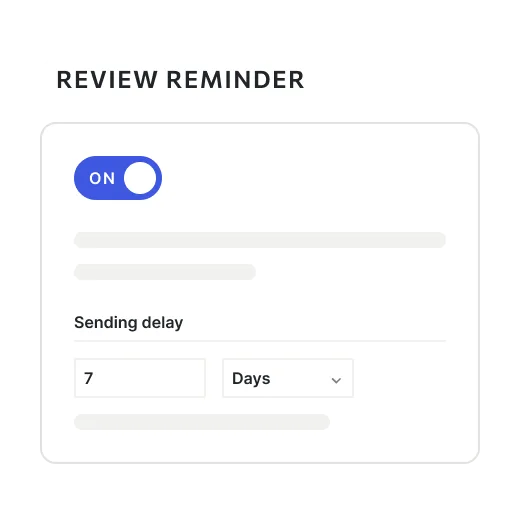 3 Send reminder
A customizable WooCommerce email links back to the review form.
-
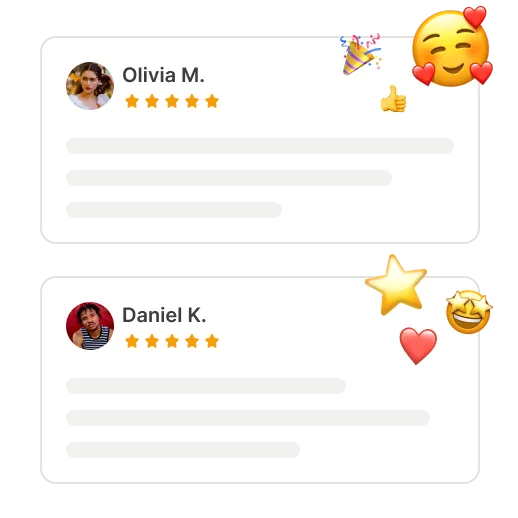 4 Grow social proof
Collect verified feedback that helps future shoppers choose.

Reach visitors at the moment your message matters
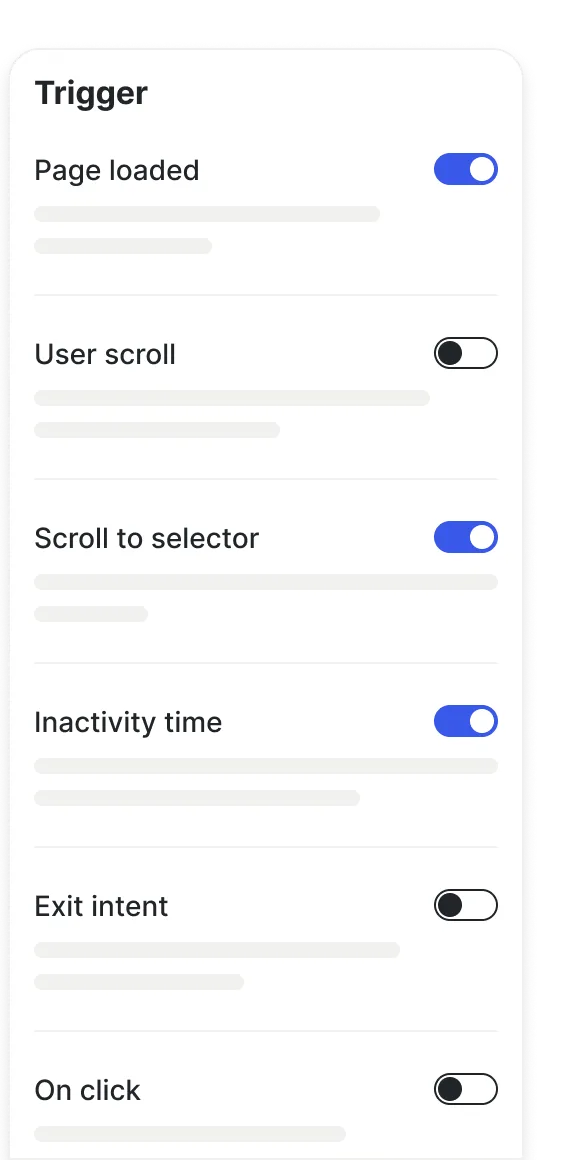
Create promotional or signup experiences and control where, when, and how they appear with page conditions and behavior-based triggers.
- Selected products
- Category pages
- Campaign URL




Customer lifecycle tools, built into WoodMart
Use a coordinated retention system without assembling a separate tool for every recovery email, alert, review request, or consent workflow.
-
Abandoned cart
$60/yrIncluded -
Back-in-stock waitlist
$83/yrIncluded -
Review reminder
$48/yrIncluded -
Price tracker
$84/yrIncluded -
Marketing consent
$90/yrIncluded


- No code conflicts
- Easy 1-click setup
- Optimized for heavy workloads
- Maximum WooCommerce speed
Everything needed to reconnect with customers
Quick answers about recovery emails, product alerts, review requests, customer consent, and targeted marketing.
Can WoodMart recover guest carts?
Yes. Carts are tracked for logged-in customers and for guests who left an email address at checkout, so both can receive a recovery message with a direct link back to their products.
How do back-in-stock notifications work?
Out-of-stock products show a waitlist form. When the product is restocked, everyone on the list is notified automatically, and the collected demand stays visible in your statistics.
When are review reminders sent?
After an order reaches completed status, following the delay you set. The email is a standard WooCommerce template you can customize, and it links straight to the review form.
Can I control when a cart is considered abandoned?
Yes. You set the timeout after which an inactive cart is marked as abandoned, and a cleanup period that removes old records so the recovery list stays manageable.
Can customers choose a desired product price?
They can. Shoppers track a product and name the price they are waiting for. When the price reaches that level, WoodMart sends them a notification with the new price.
Can customers manage individual email subscriptions?
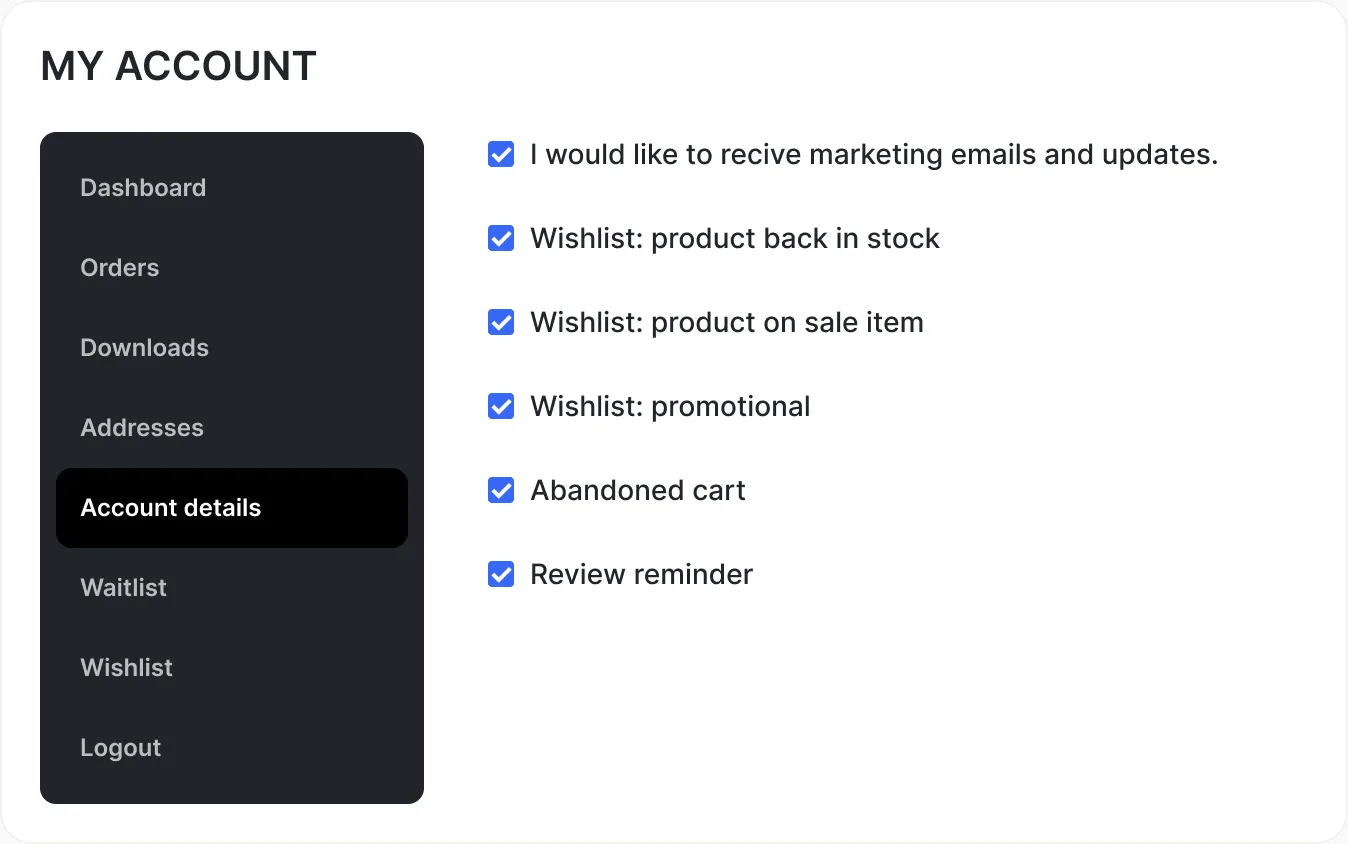
Each message type (marketing emails, waitlist alerts, price drops, abandoned cart, and review reminders) has its own preference in My Account, with a central unsubscribe for everything at once.
Turn more visits into lasting customer relationships
Recover purchase intent, deliver timely updates, and keep every
customer in control of how your store stays in touch.