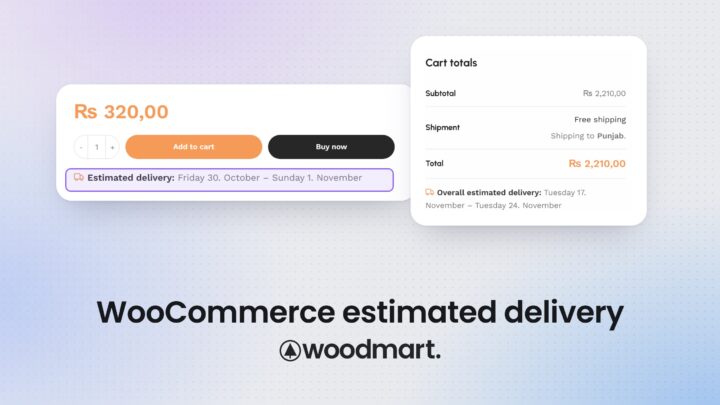
How to show an estimated delivery date in WooCommerce
Show estimated delivery dates in WooCommerce with WoodMart: rules by shipping zone, method and product, cut-off times and holidays, product page to order email.

Show estimated delivery dates in WooCommerce with WoodMart: rules by shipping zone, method and product, cut-off times and holidays, product page to order email.
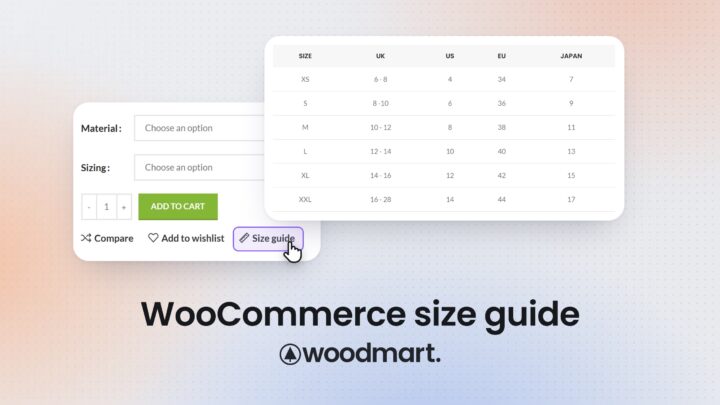
Add reusable size guides to WooCommerce with WoodMart. Assign guides to categories, override them per product, and show them in a popup or inline.
Our team found and fixed security issues in WoodMart. Update to 8.6.5, update PHP, change your passwords and check your store. Forum passwords have been reset.
Compare 7 WooCommerce themes for furniture and home decor stores: swatches, dimensions, 360° view, room scenes, delivery dates, prices and live demos.
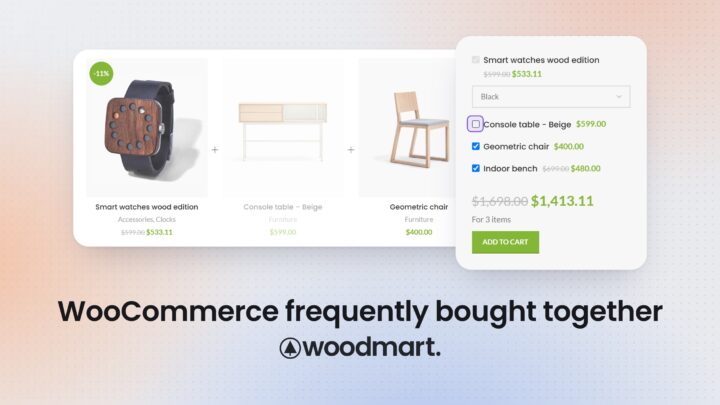
Set up WooCommerce Frequently Bought Together in WoodMart without a plugin: create bundles, add discounts, let shoppers pick extras and test the cart.
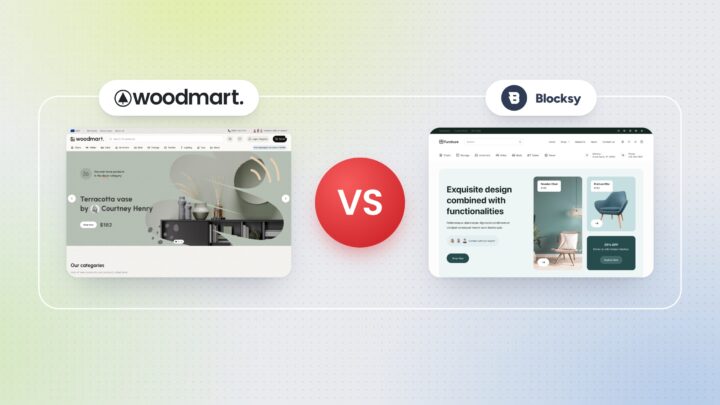
Choosing between WoodMart vs Blocksy Pro for a WooCommerce store? These two themes take very different routes. Instead of simply listing features, we built the same page on…
Choosing a WooCommerce theme for an electronics store is not only about finding a design that looks good. Electronics catalogs tend to be more complex than many other…
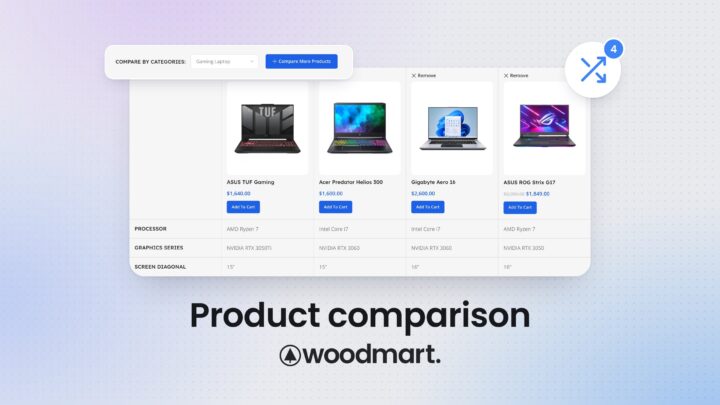
When customers are choosing between similar products, opening several product pages and manually comparing their specifications can make the buying process unnecessarily difficult. A WooCommerce product comparison feature…
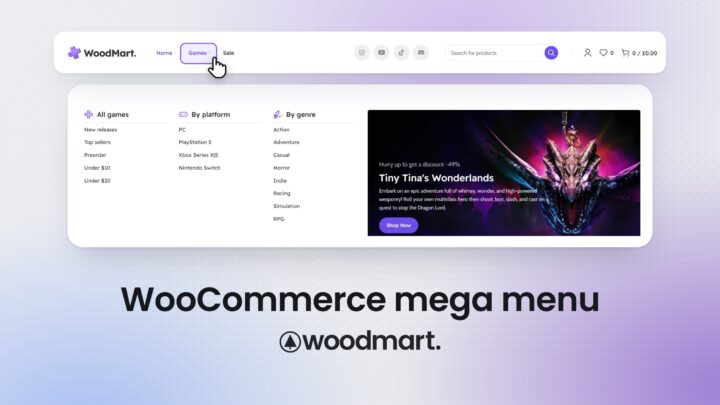
As a WooCommerce store grows, navigation can quickly become difficult to manage. A simple dropdown may work for a small catalog, but stores with many product categories, brands,…
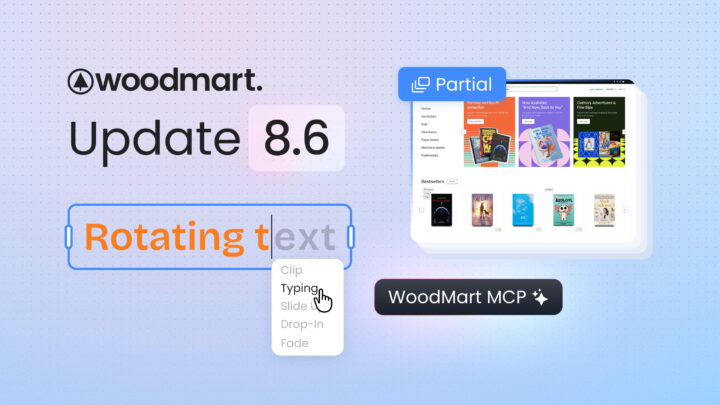
The WoodMart team has released a major theme update, version 8.6. This release focuses on expanding customization flexibility, adding support for cutting-edge AI technologies (MCP), optimizing performance, and…
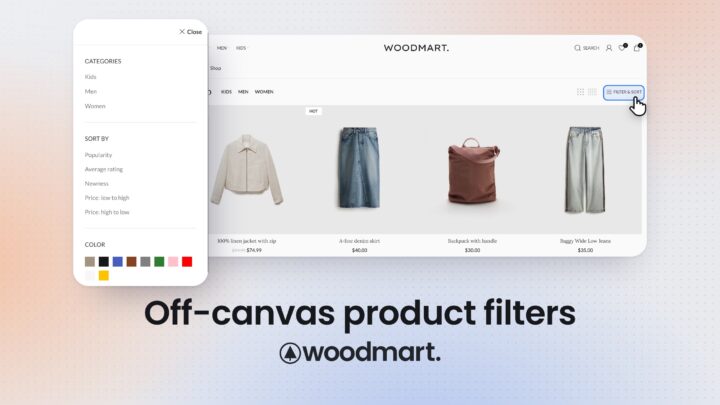
As a WooCommerce store grows, product filters become an important part of product discovery. Customers may need to narrow products by price, category, brand, size, color, stock status,…
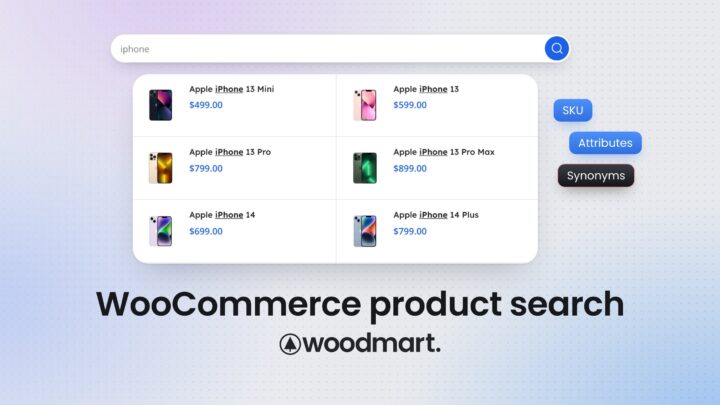
Product search becomes increasingly important as a WooCommerce catalog grows. Customers may search using a product name, SKU, brand, color, material, or a completely different term from the…