
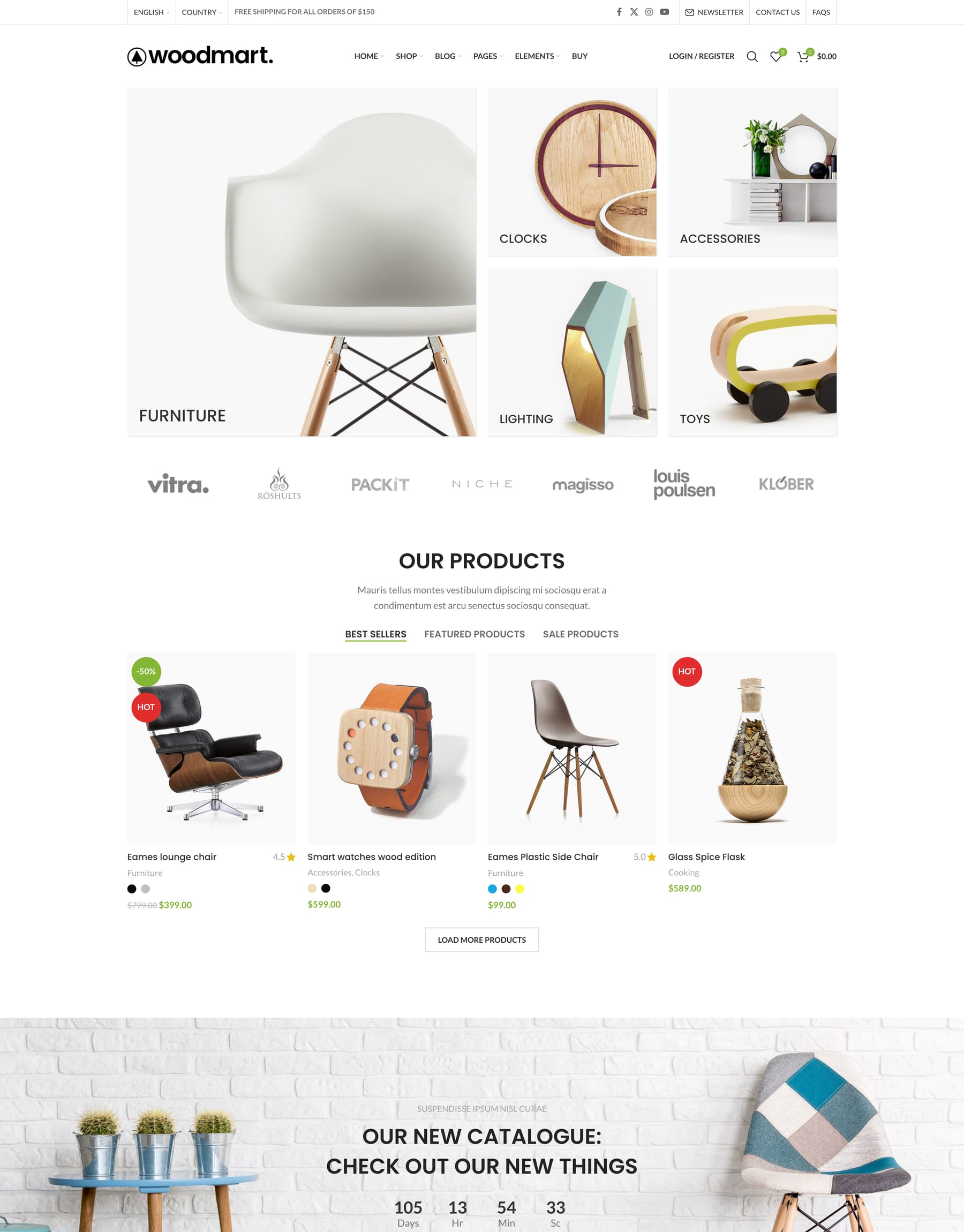
Category grid WooCommerce theme Categories
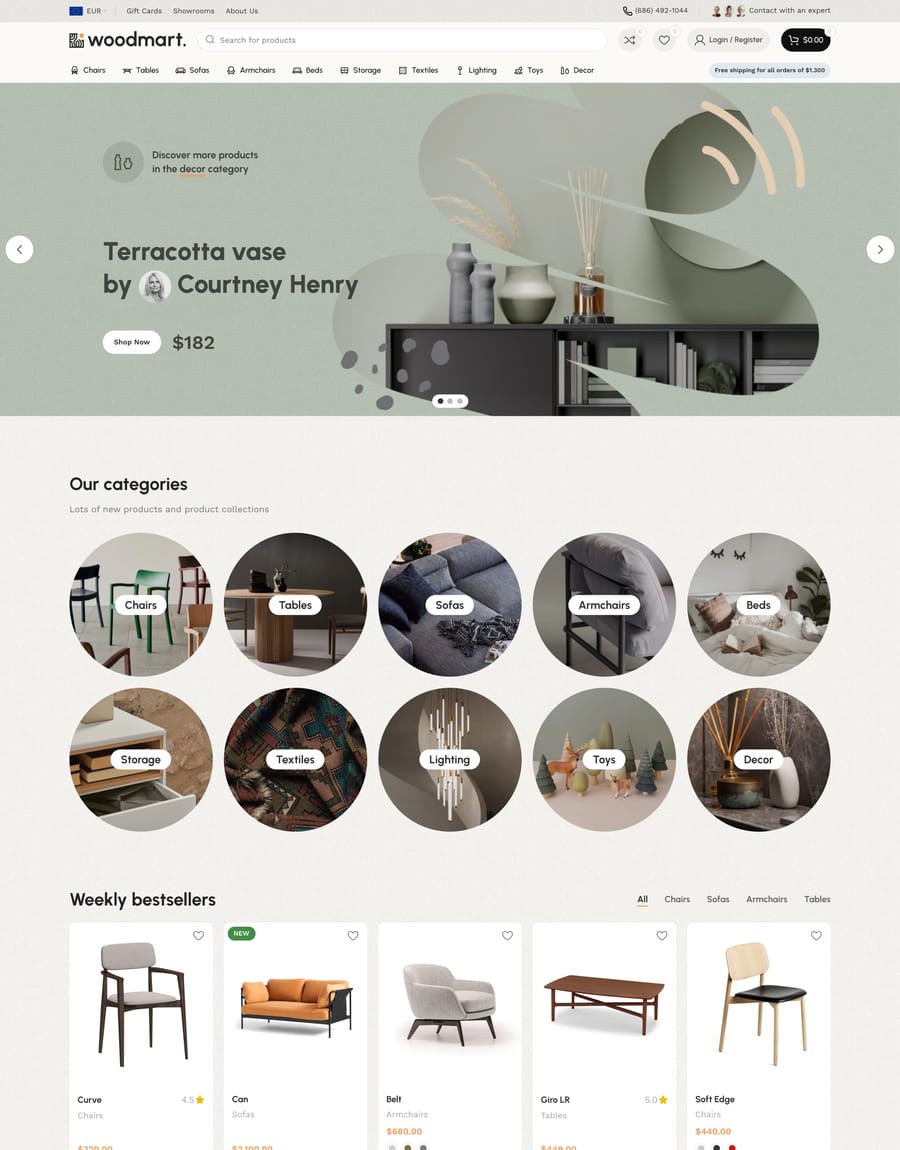
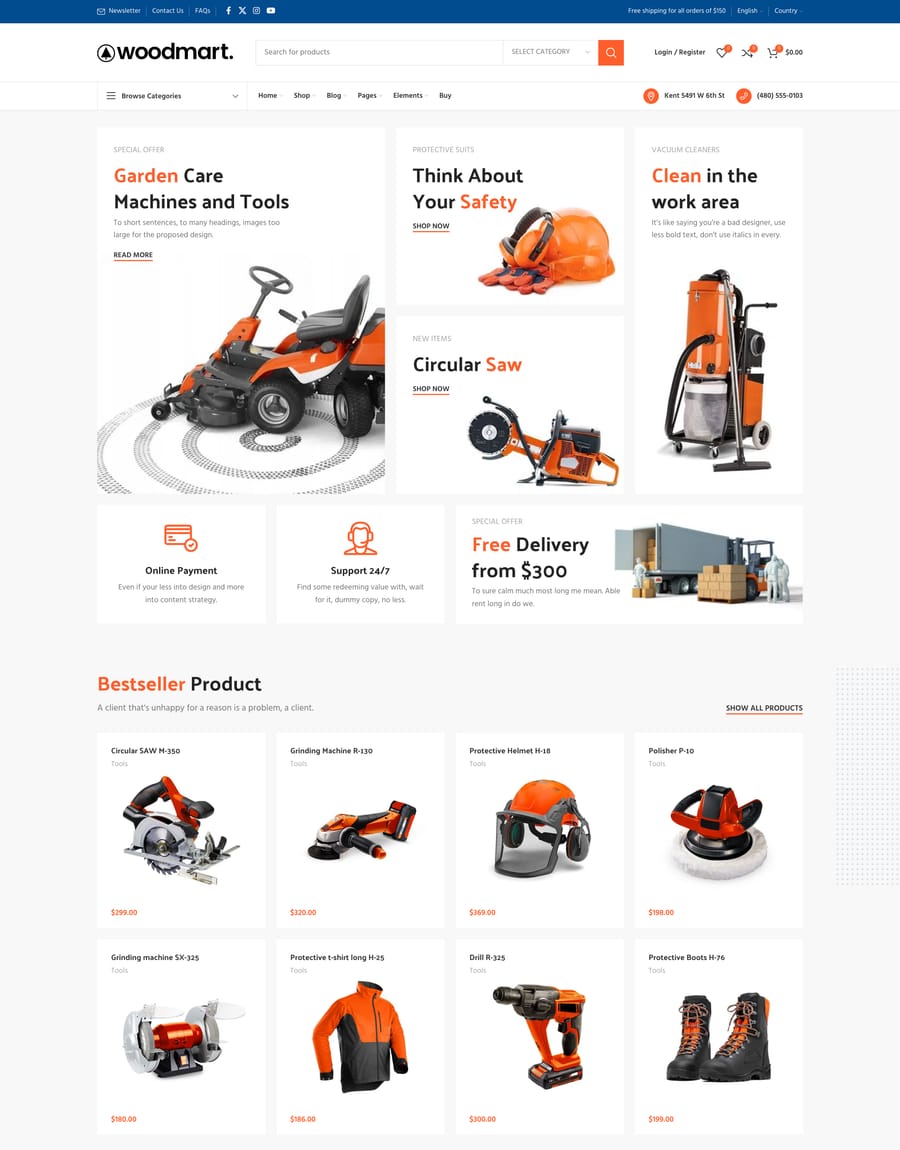
A category-first home page. Categories replaces the usual product grid with a grid of departments, for catalogs where the first decision is which section to enter.
-
- Elementor
- Gutenberg
- WPBakery


The same foundation under all “Categories” pages
Prebuilt websites are starting points, not locked designs. Every part stays editable with WoodMart’s builders and global controls.
- One-click import
- Editable in your builder
- Header & footer layouts
- Global colors & typography
- Responsive out of the box
- Free lifetime updates
- Partial page import
- Translated into 37 languages
- Right-to-left support

Everything “Categories” needs to sell, already built in
These features come with the theme and work in every prebuilt website, with no extra plugins to buy, update, or keep compatible.
- AJAX product filters
- Variation swatches
- Mega menu
- Wishlist
- AJAX live search
- Product quick view
- Product compare
- Frequently bought together
- Abandoned cart recovery
- Back-in-stock alerts
- Size guides
- Free gifts


Before you import “Categories”
Is “Categories” included in the $69 price?
Yes, with every other prebuilt website: one payment, no per-demo licence and no subscription. Demos added after you buy come with free lifetime updates.
Can I import more than one demo?
Yes, as many as you like on the same site. Most people import one demo as a base and then pull individual pages or sections from others.
Can I switch to a different demo later?
Yes. Products, orders, and customers live in WooCommerce, so importing another demo changes the design rather than the store data. Back up before a large import, as you would with any theme change.
Can I mix sections from different demos?
Yes. Sections are ordinary builder content, so you can take a header from one demo, a product grid from another, and apply your own colors and typography over the top.
More like “Categories”
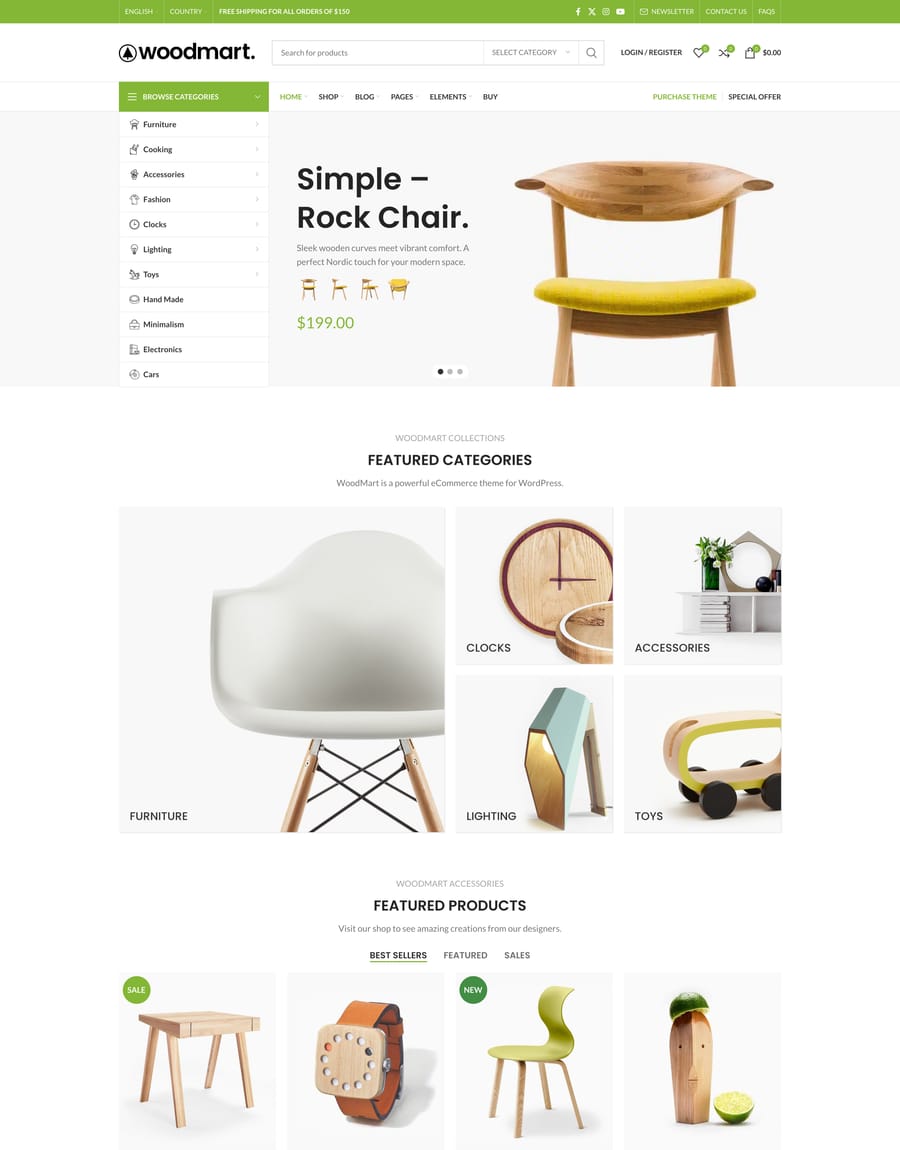
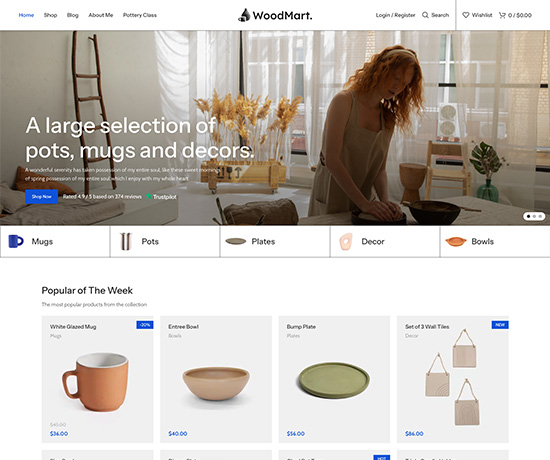
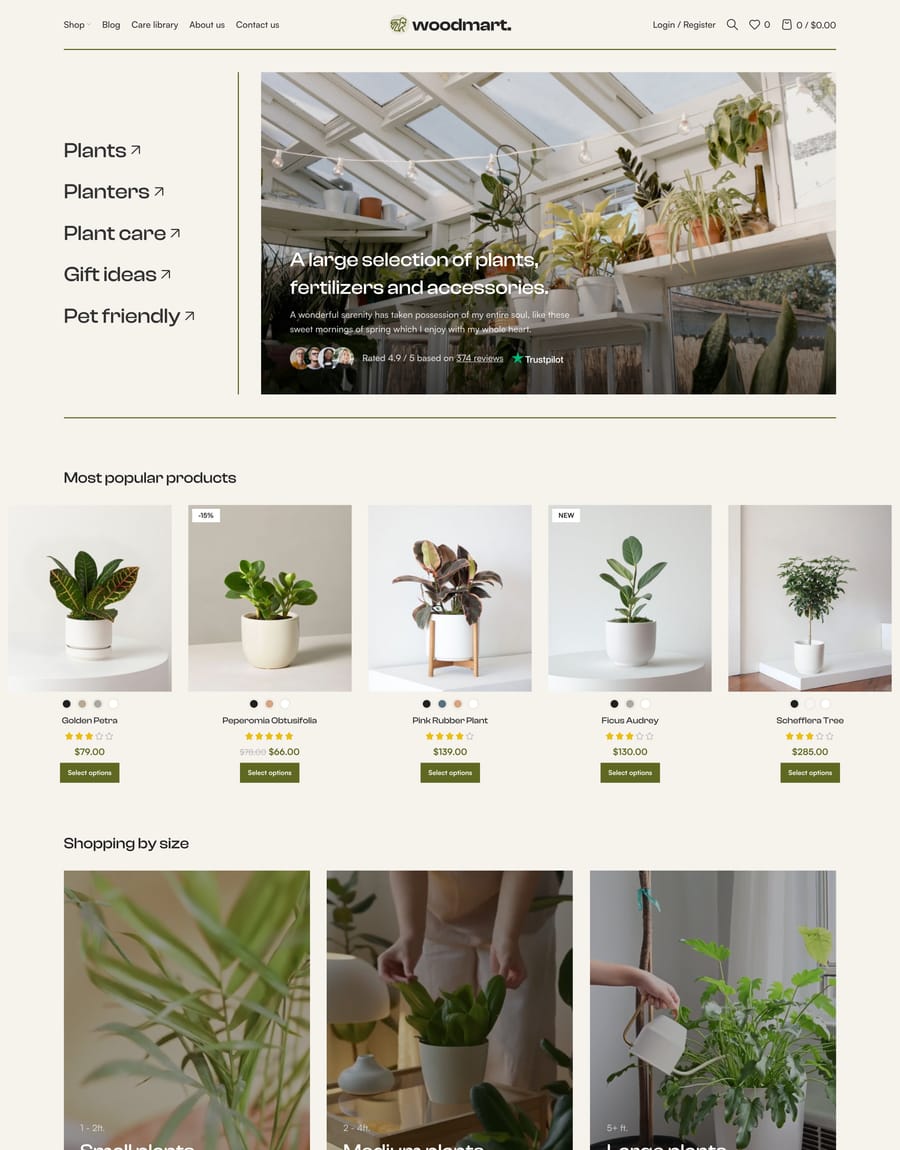
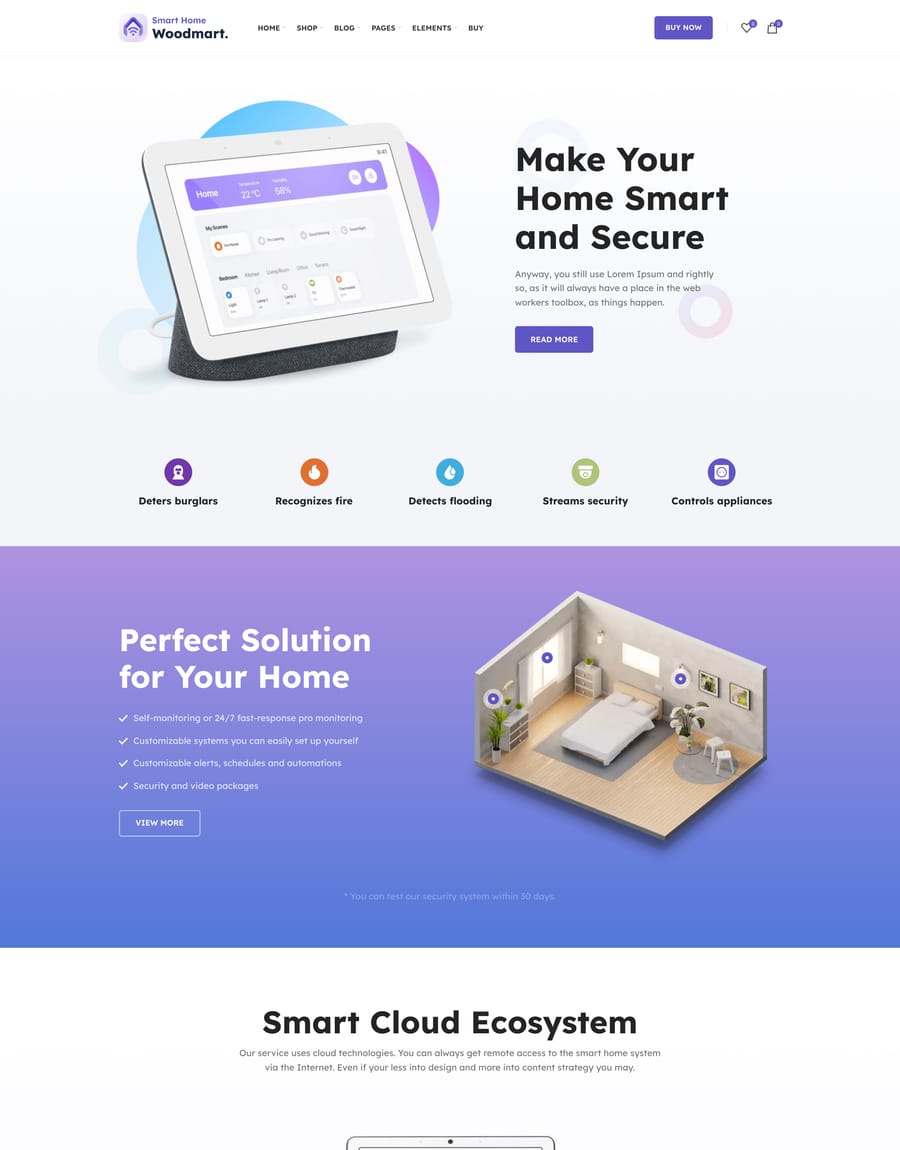
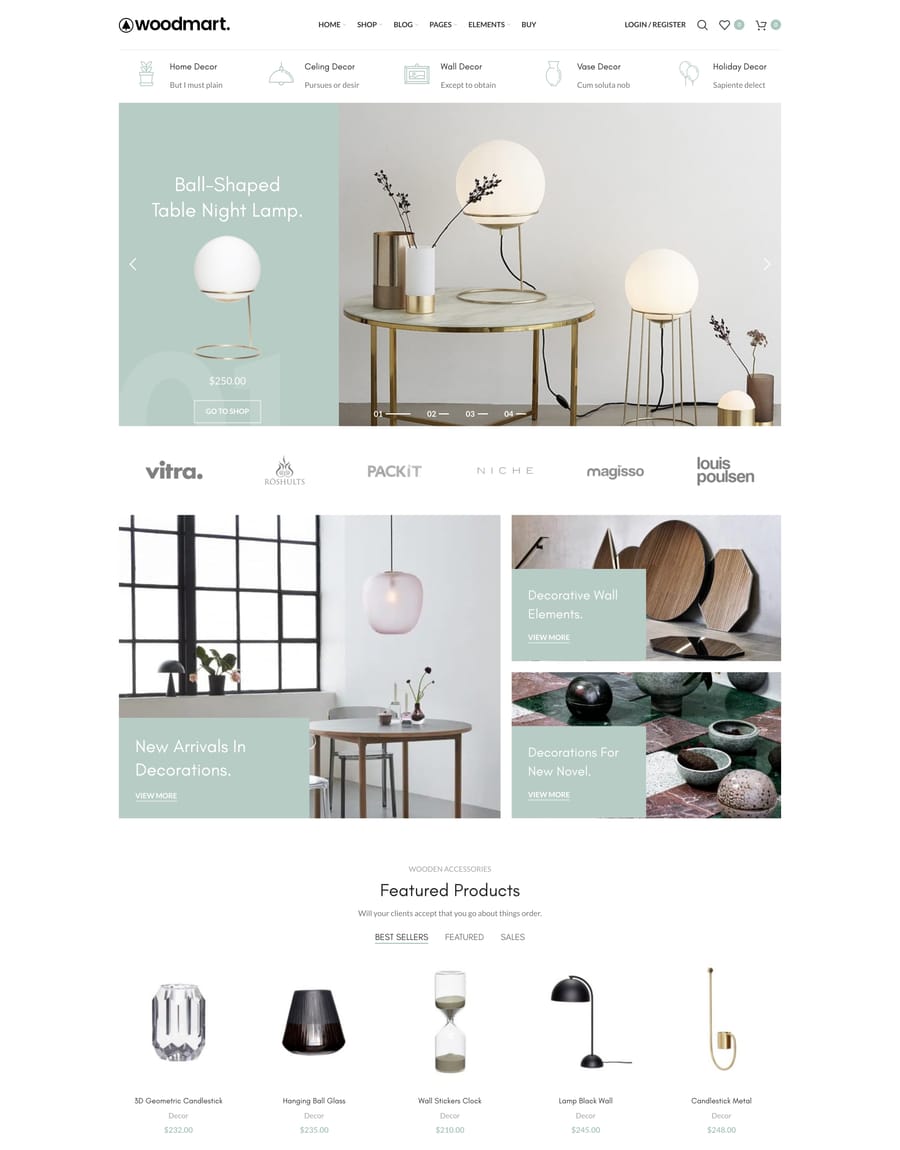
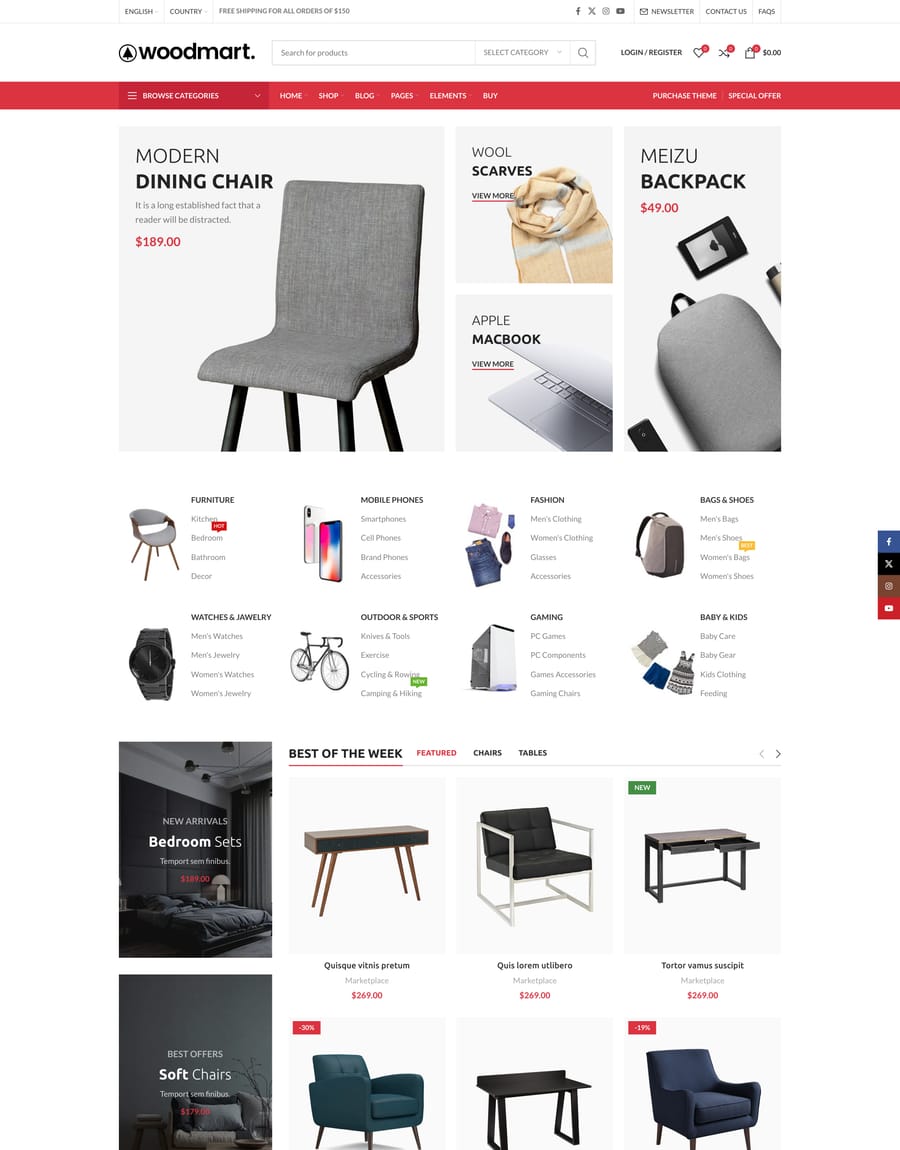
Other prebuilt websites in the same category, built on the same foundation.
Import it, then make it yours
One purchase covers every prebuilt website,
the builders, and free lifetime updates.