
100+ prebuilt websites for WooCommerce
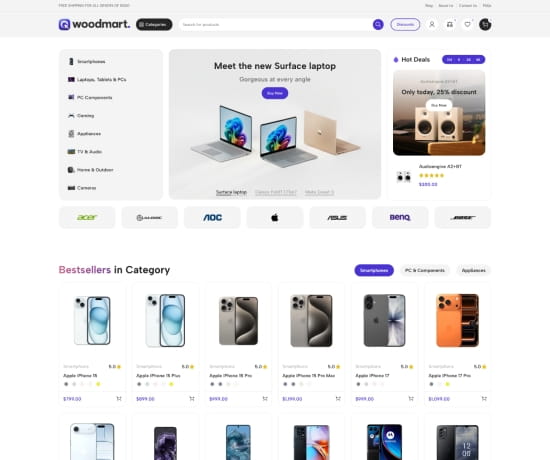
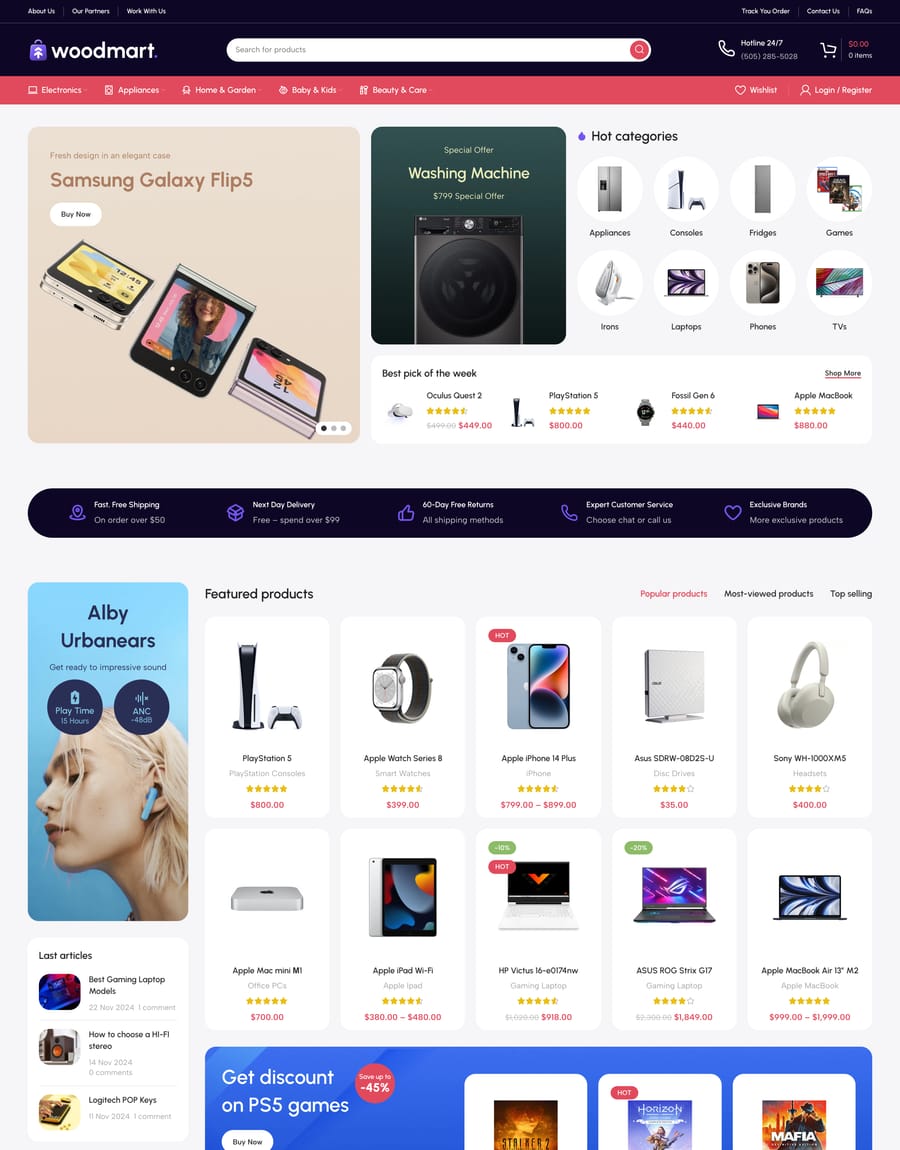
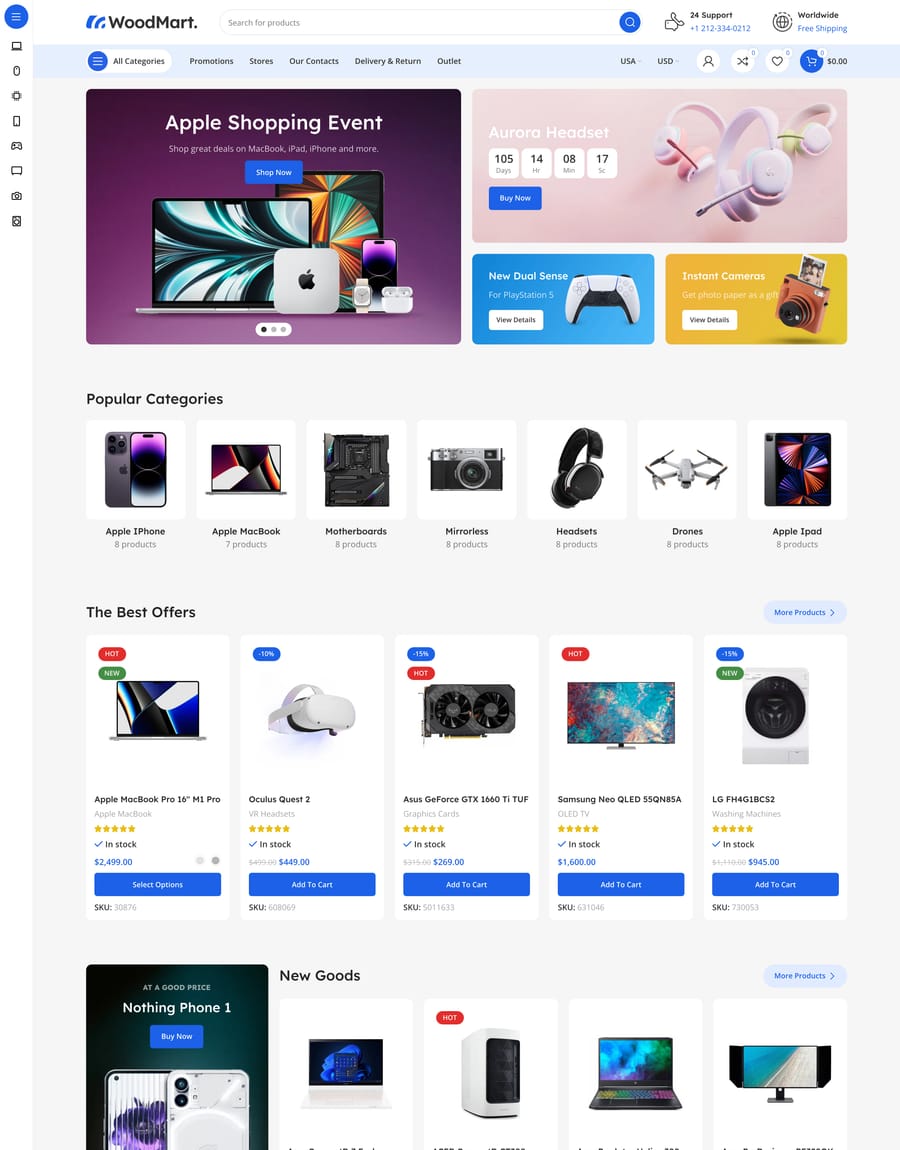
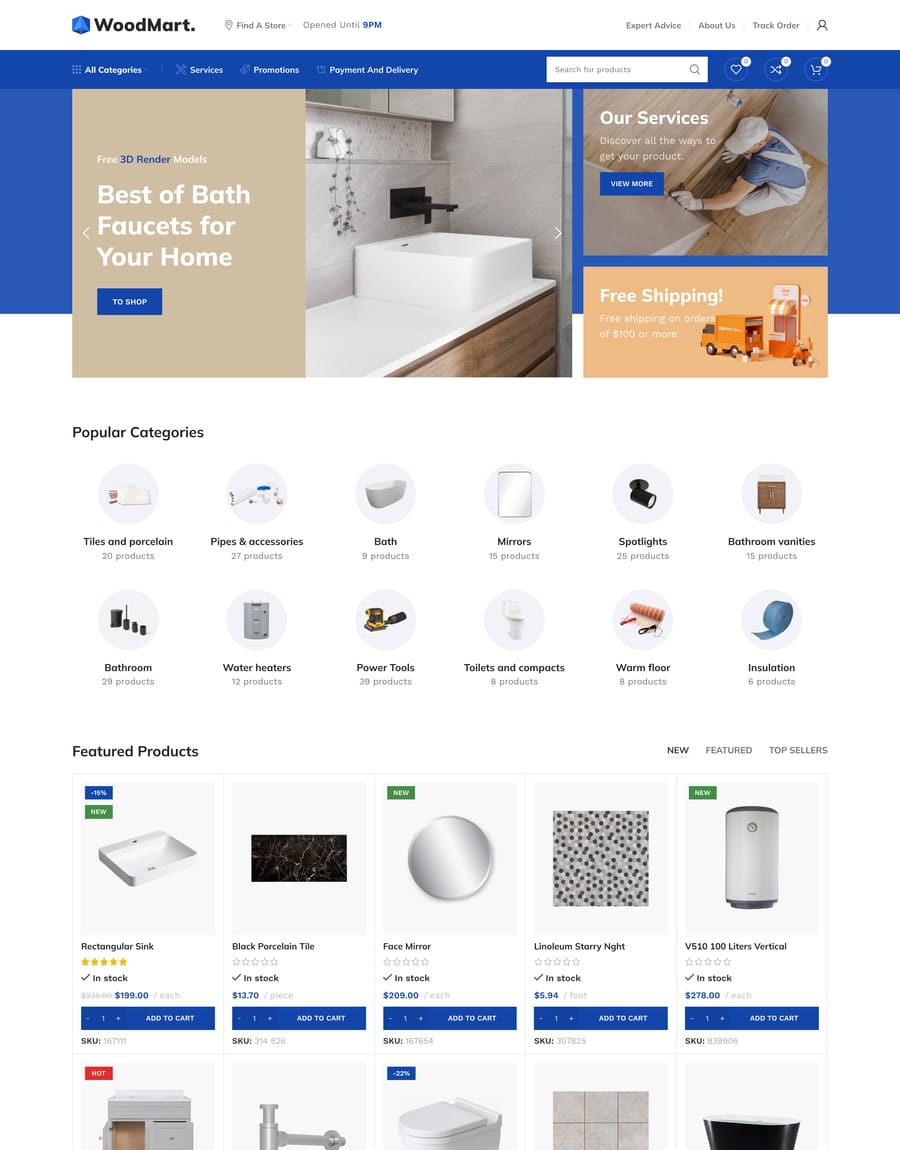
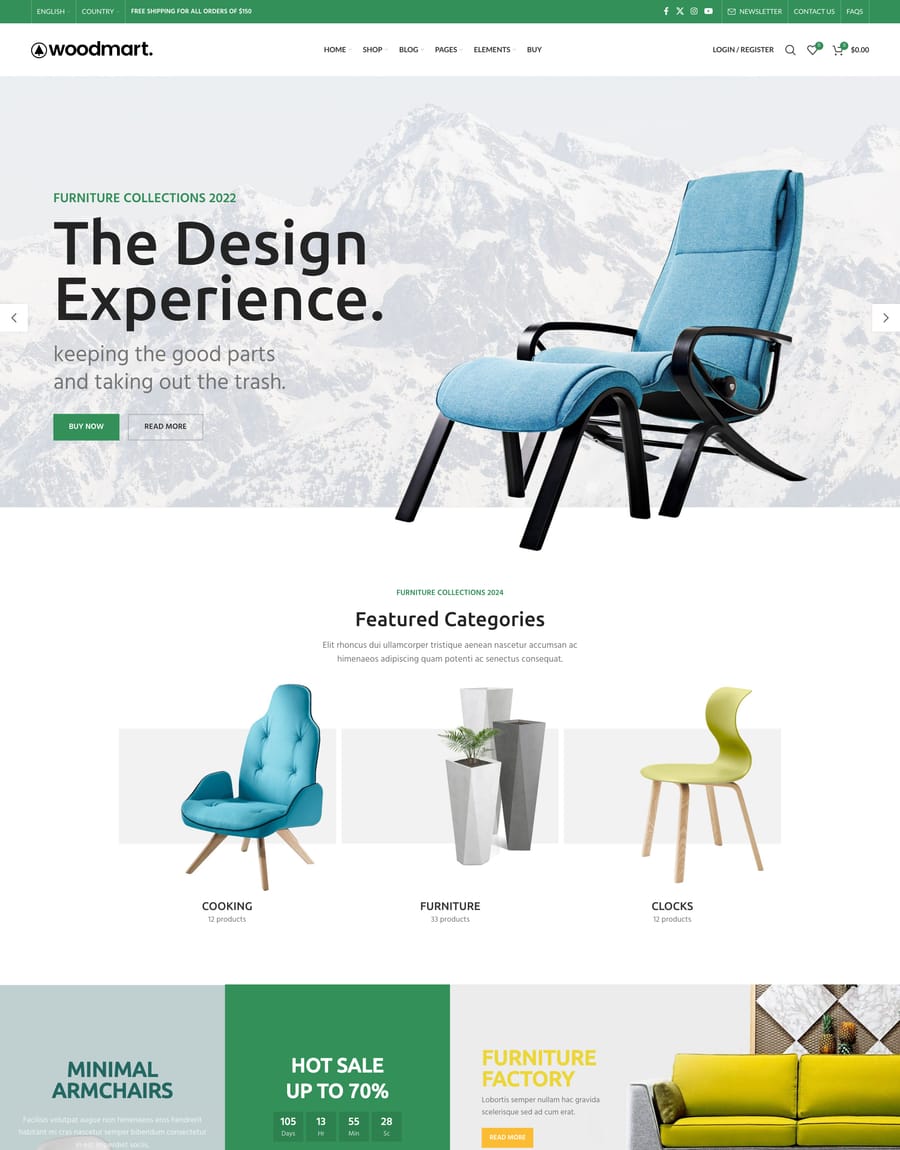
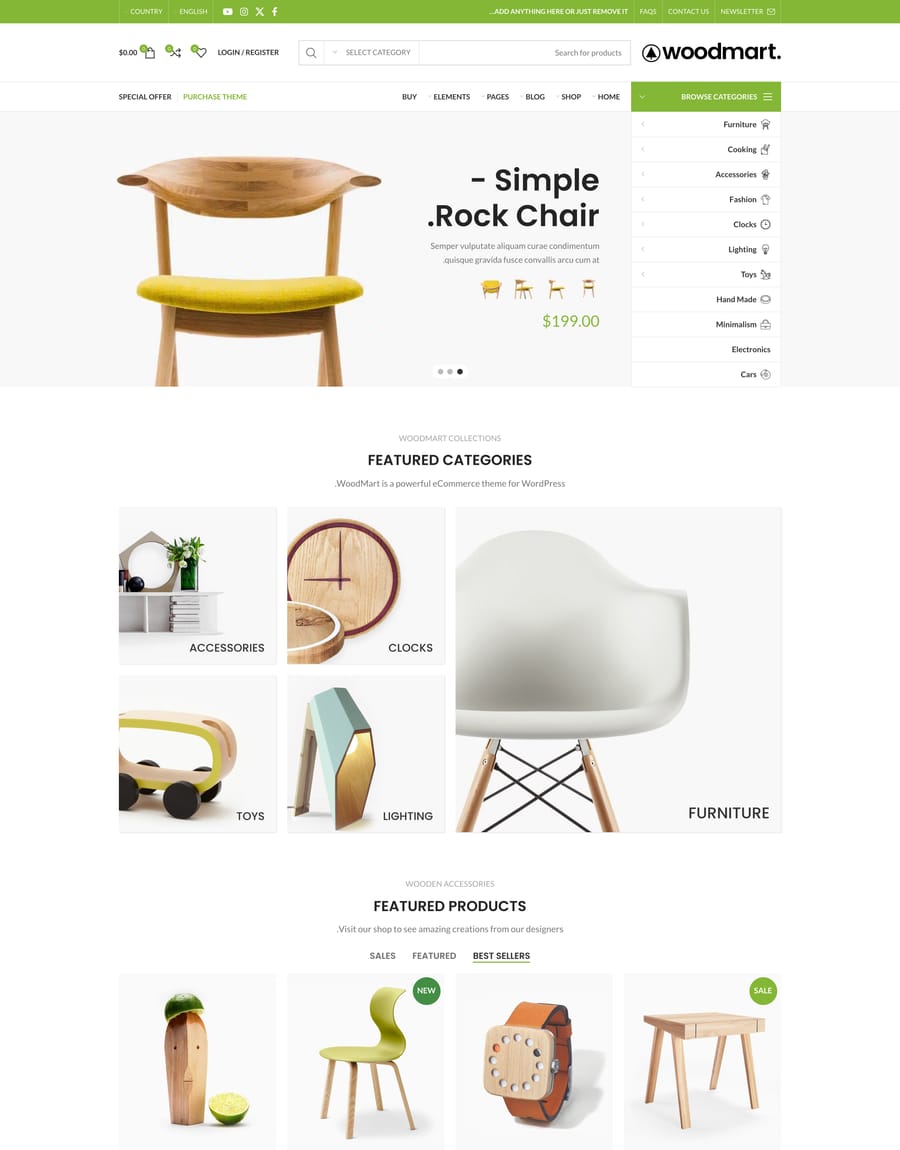
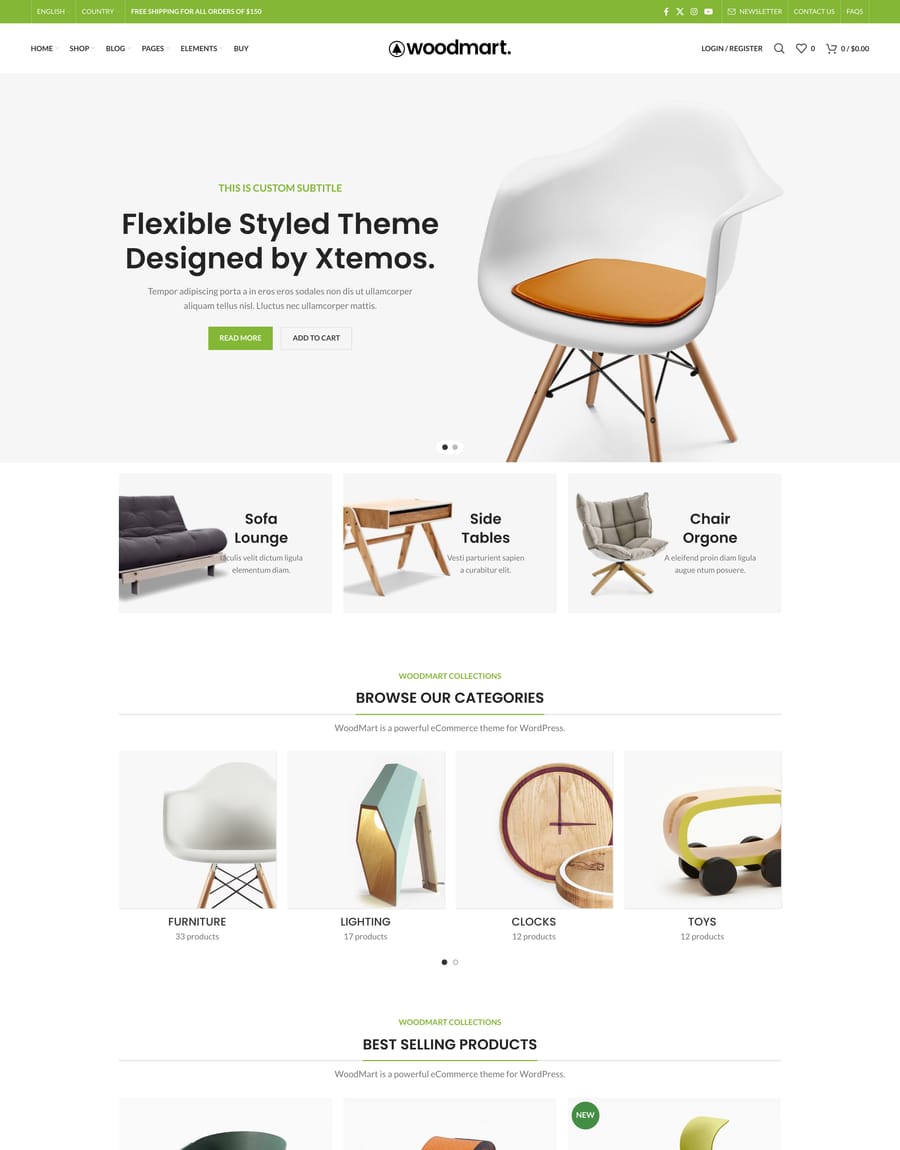
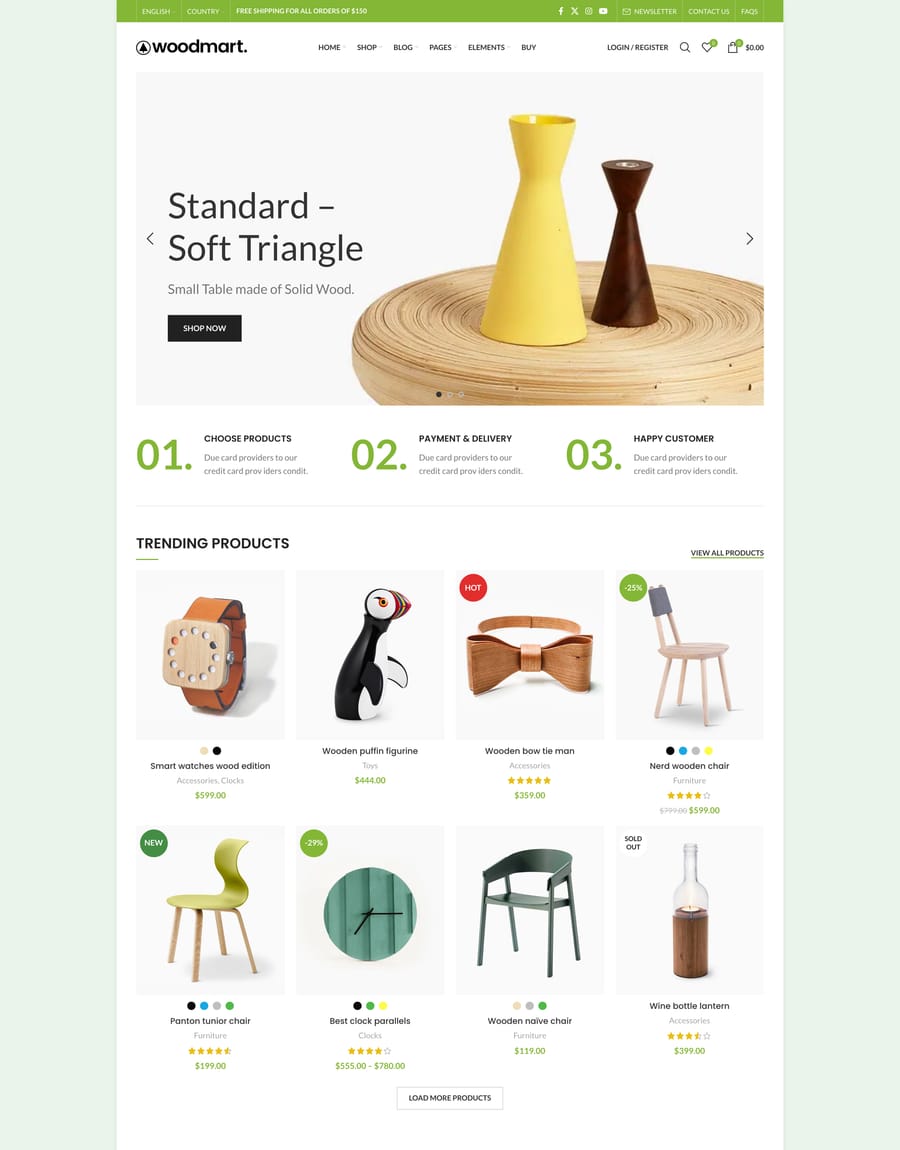
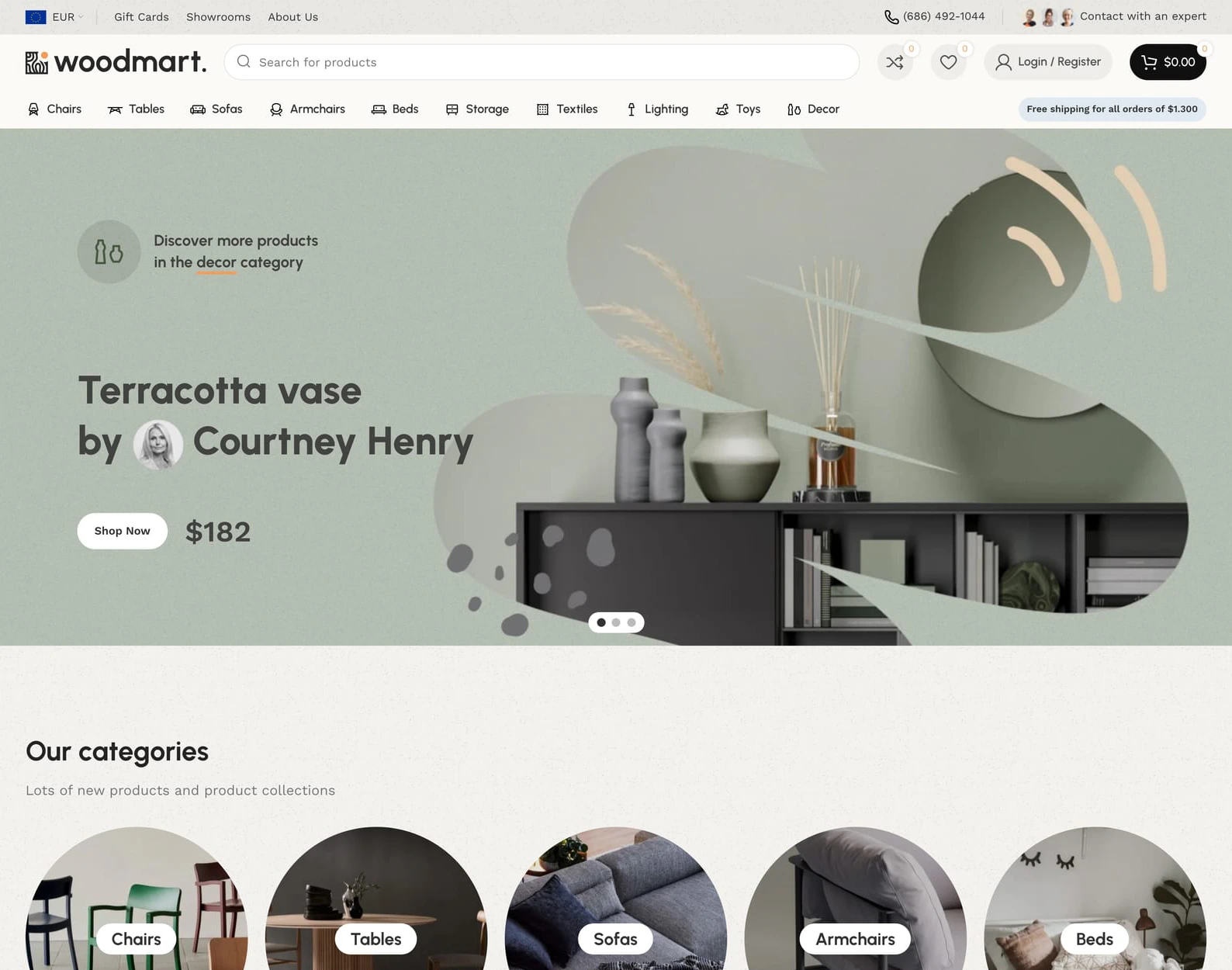
Every demo imports as a complete store: pages, layouts, headers, menus, and settings. Pick the closest starting point and reshape it into your brand.

- Default
- Books 2
- Vegetables
- Furniture 2
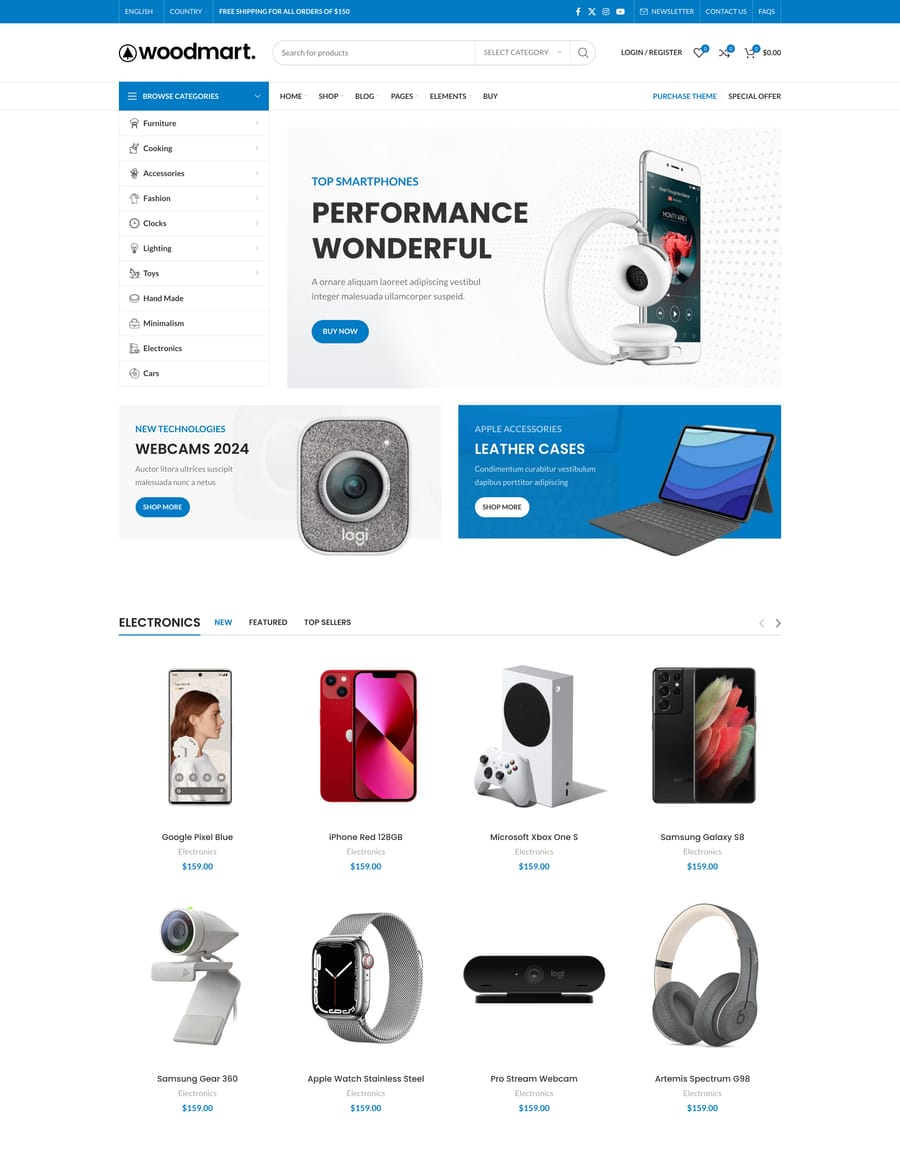
- Electronics 3
- Pets
- Marketplace 2
- Mega Electronics
- Megamarket
- Accessories
- Makeup
- Fashion 2
- Perfumes
- EDC
- Jewellery 2
- Keyboards
- Merchandise
- Christmas 2
- Vinyls
- Handmade Bags
- Hemp Shoes
- T-shirts
- Barbershop
- Pottery
- Pills
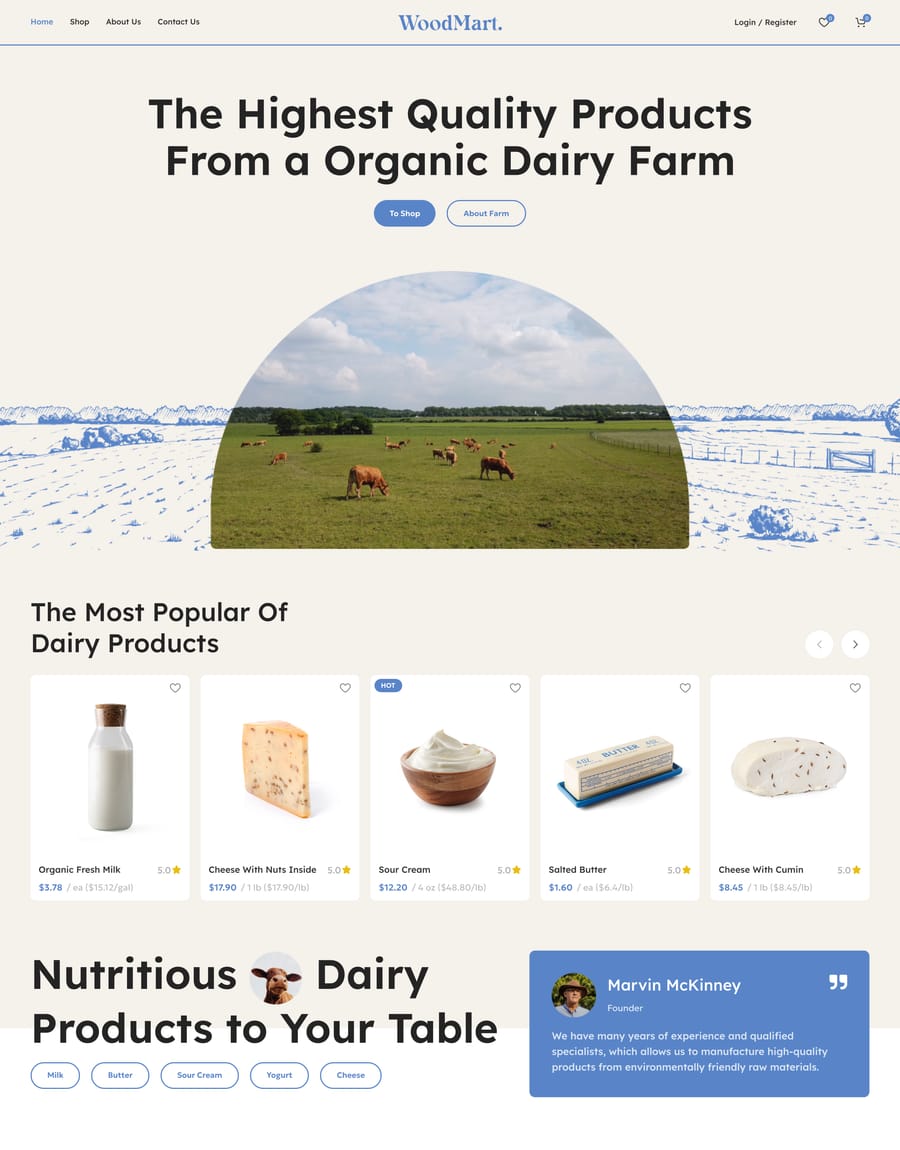
- Organic Farm
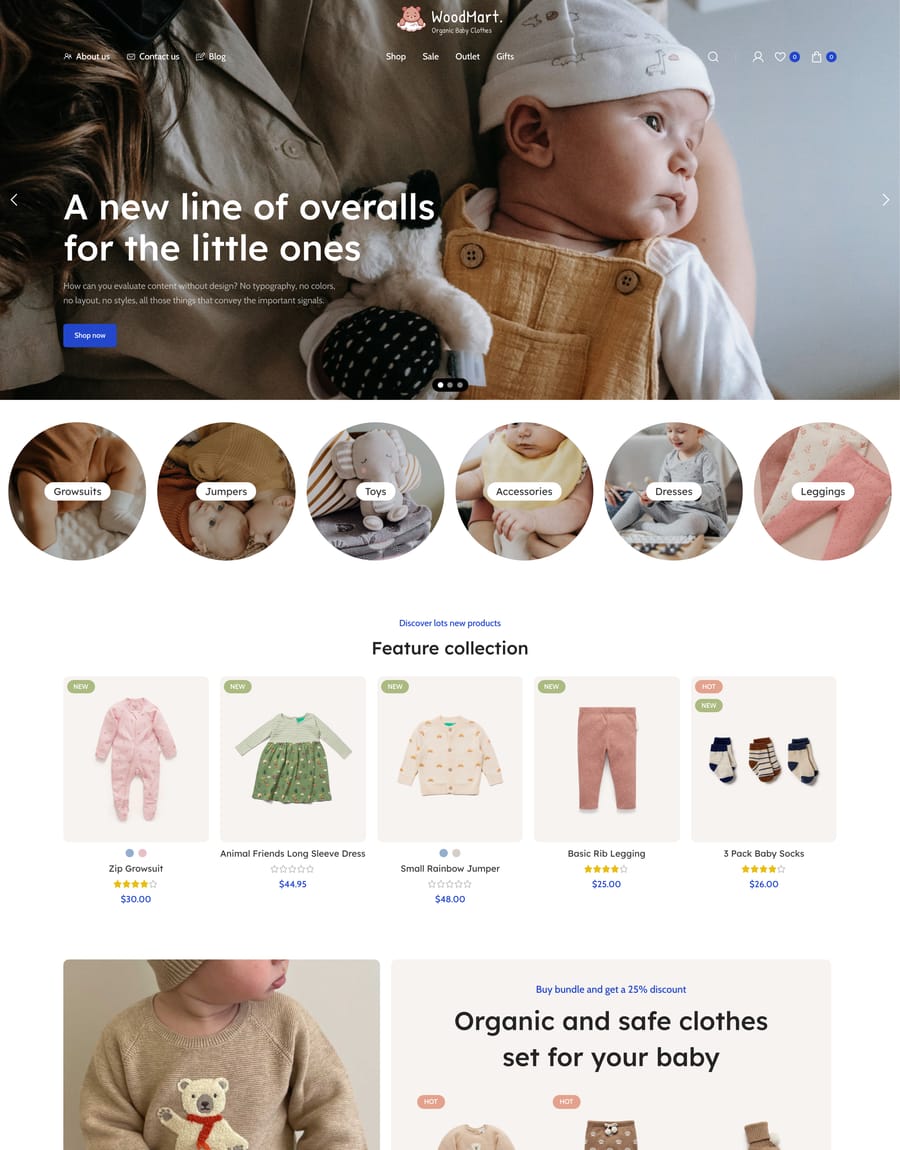
- Kids
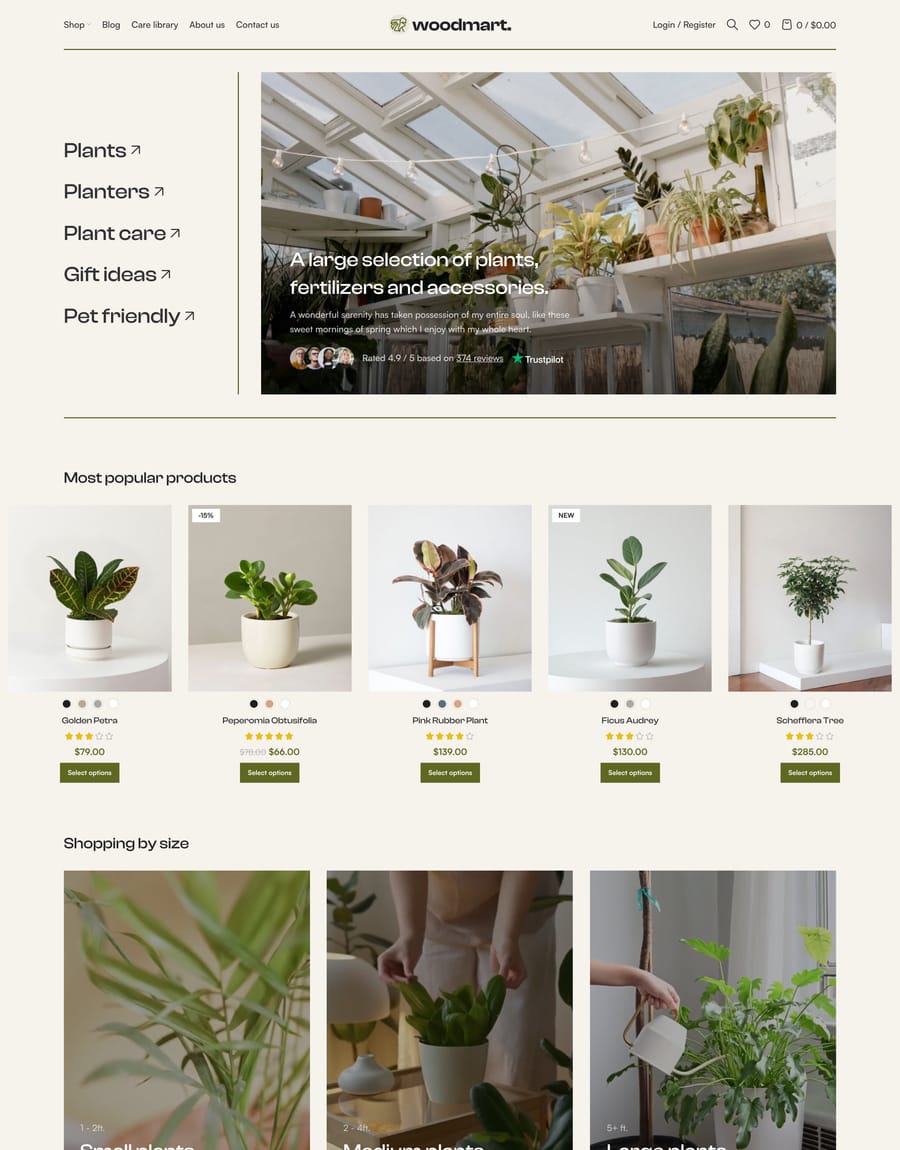
- Plants
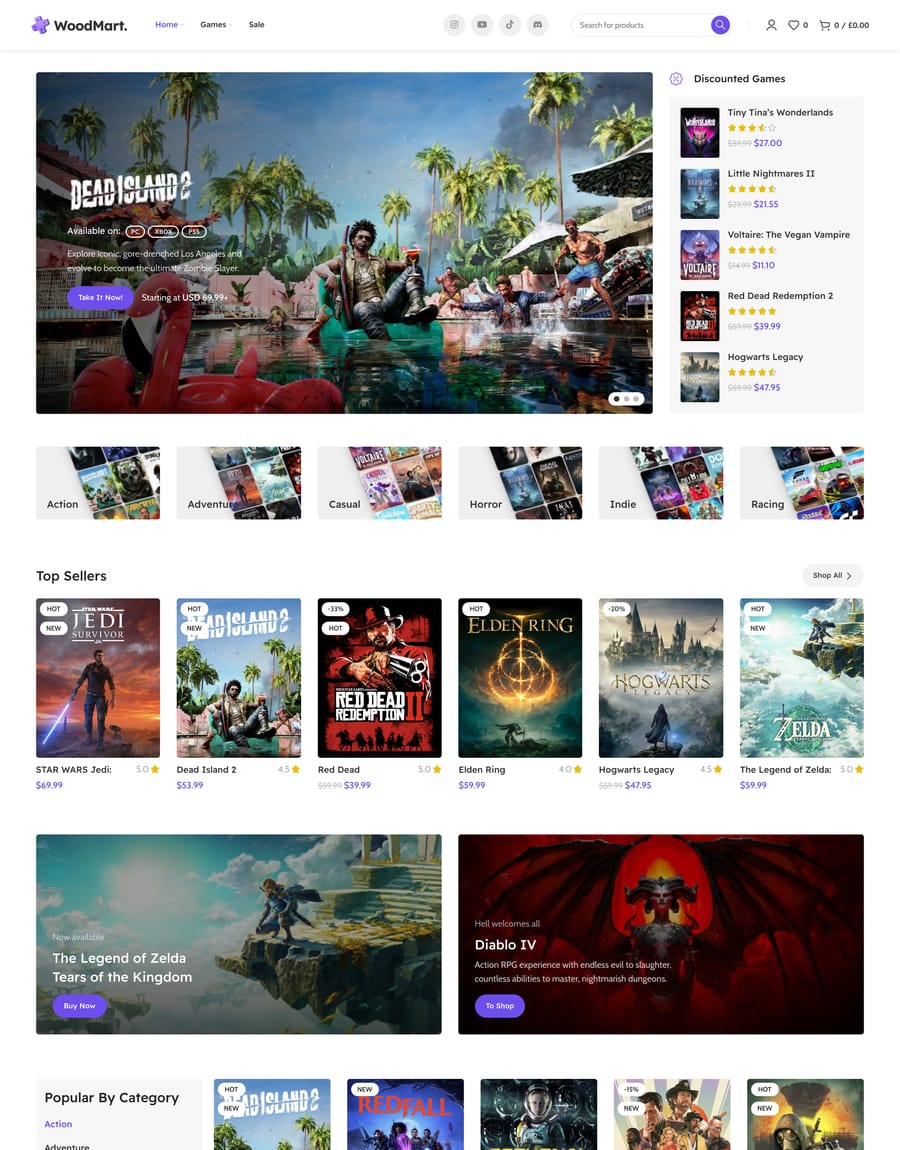
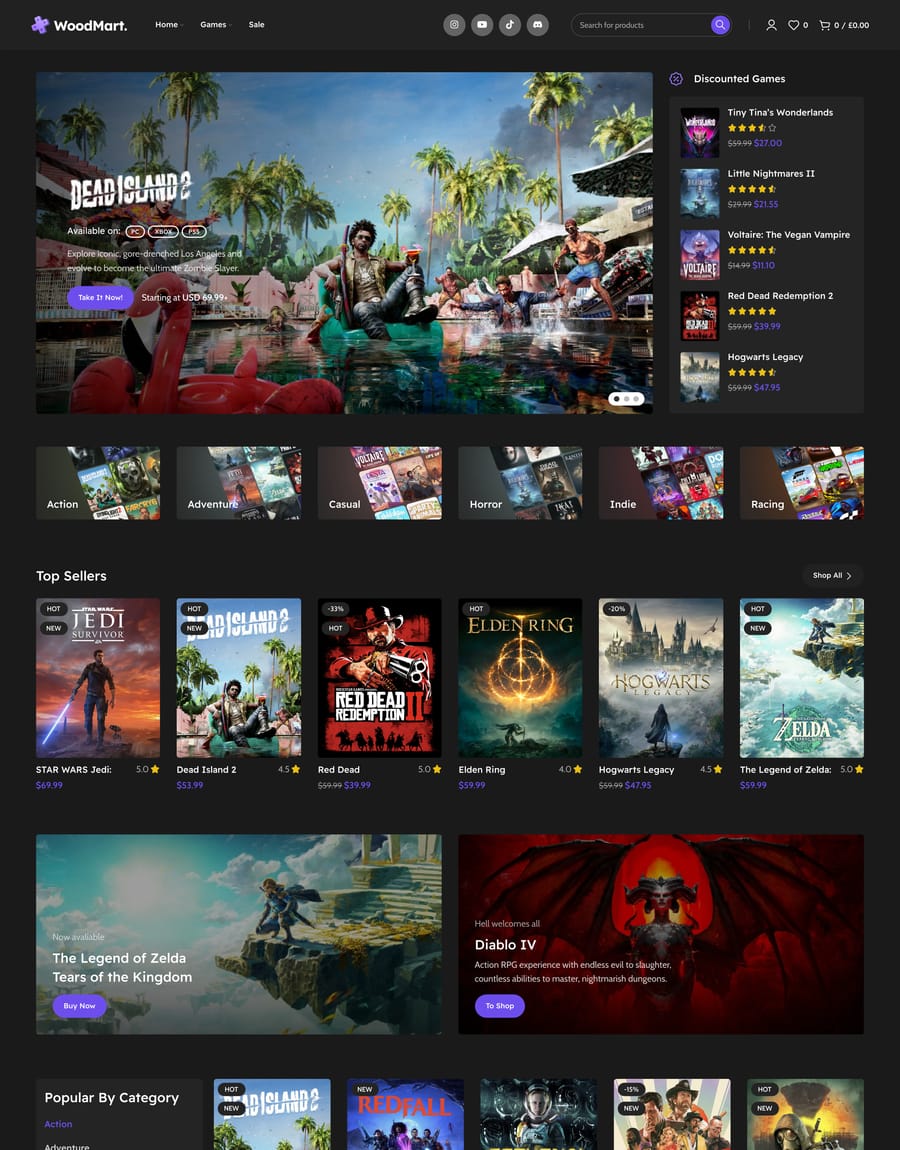
- Games
- Games Dark
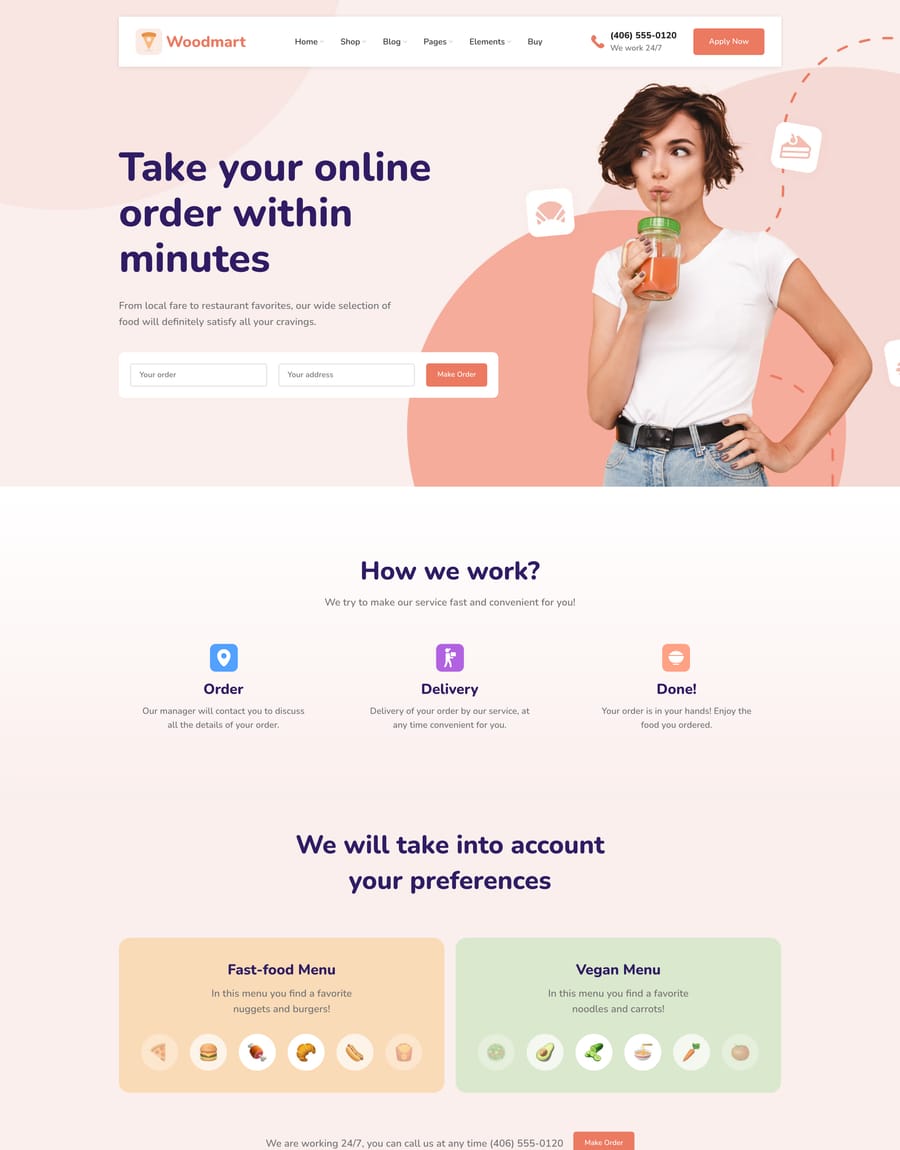
- Food Delivery
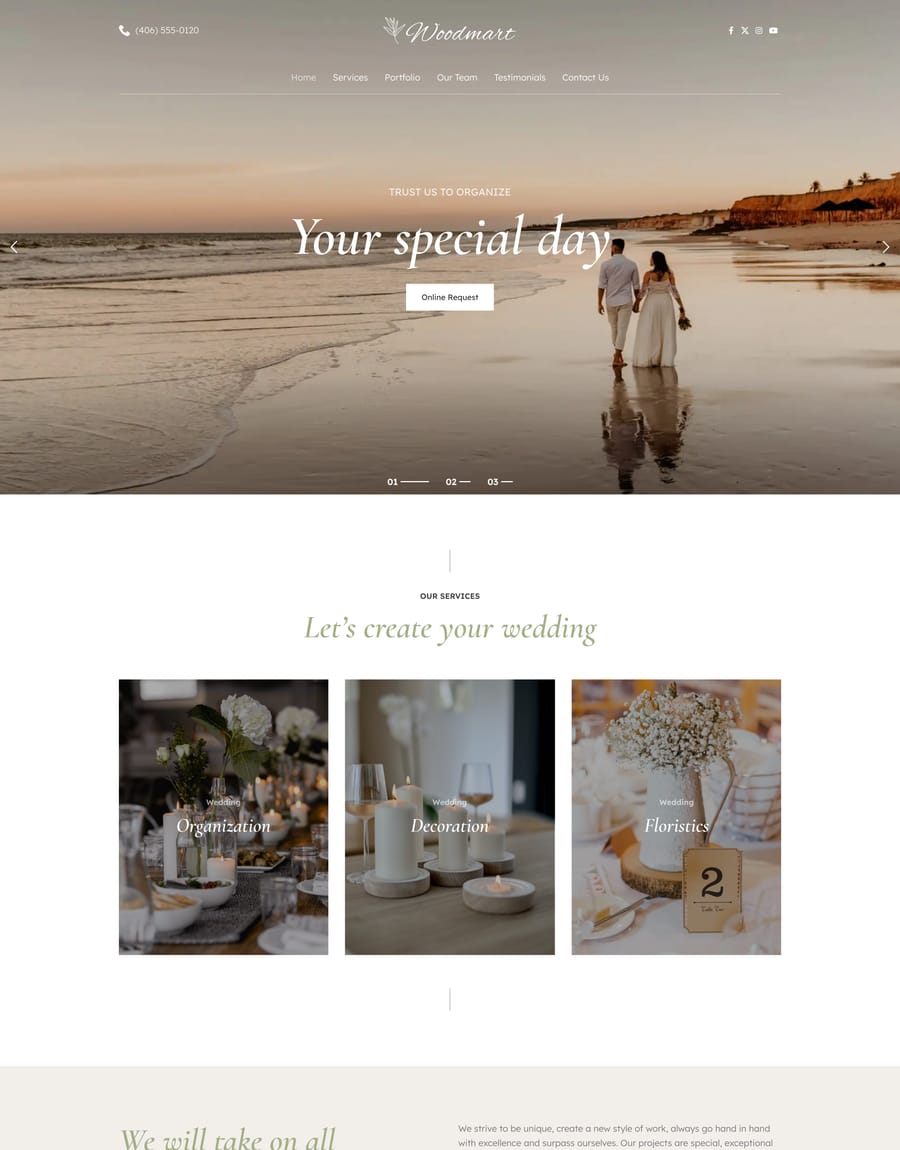
- Event Agency
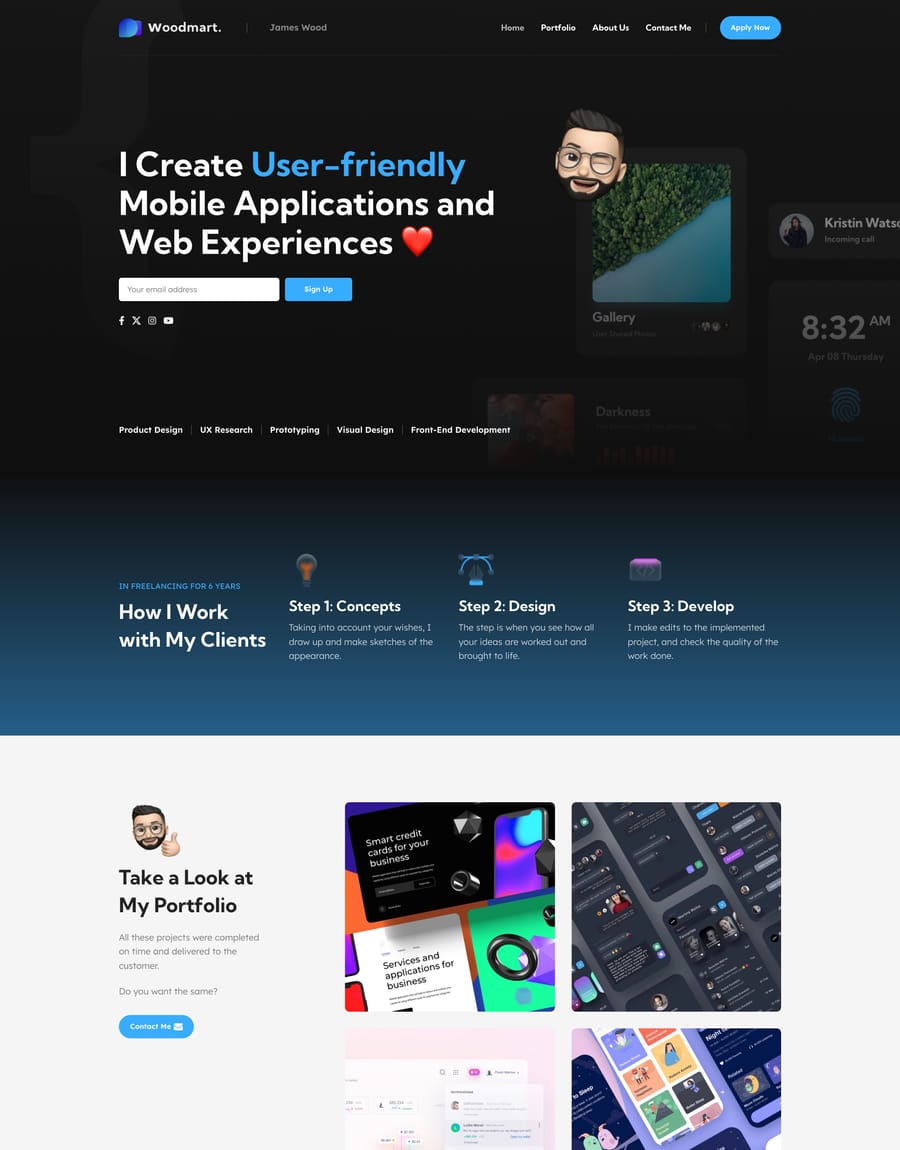
- Developer
- Architecture Studio
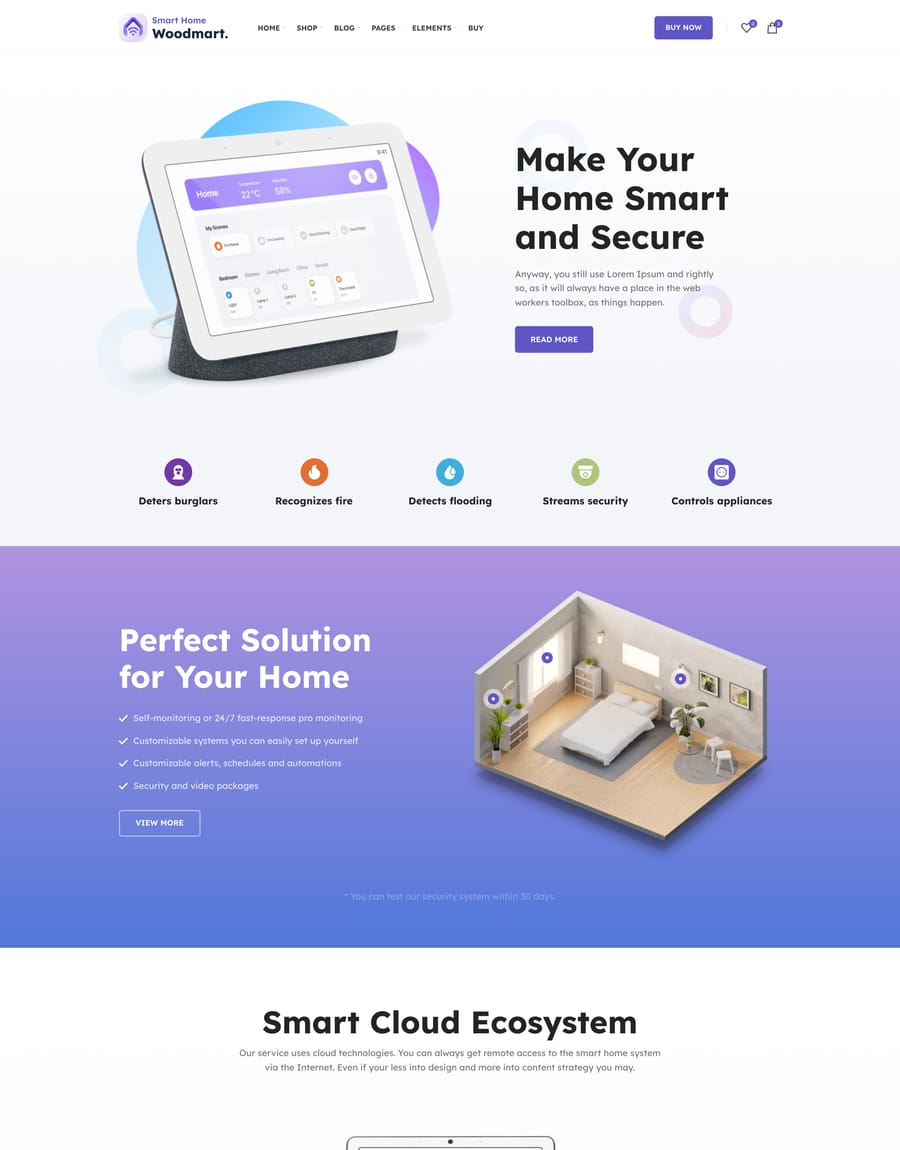
- Smart Home
- School
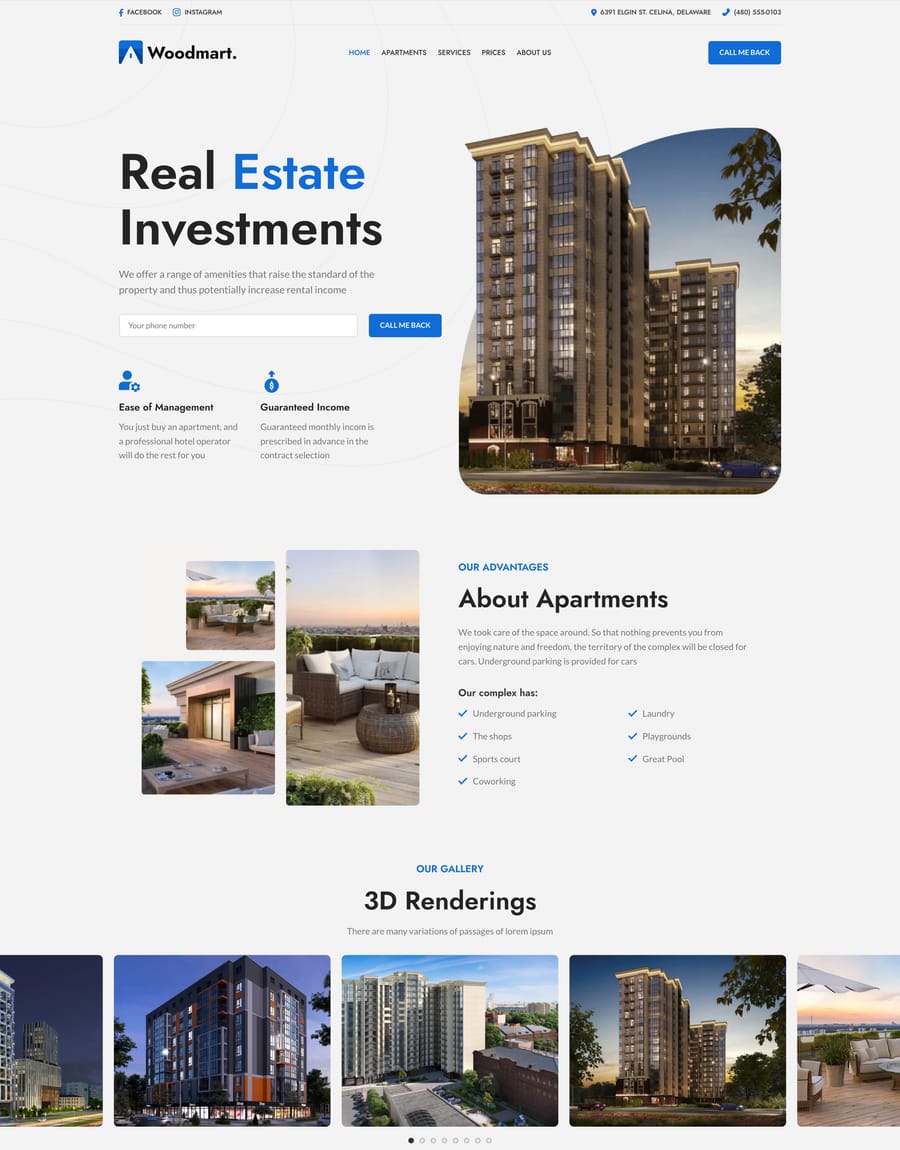
- Real Estate
- Beauty
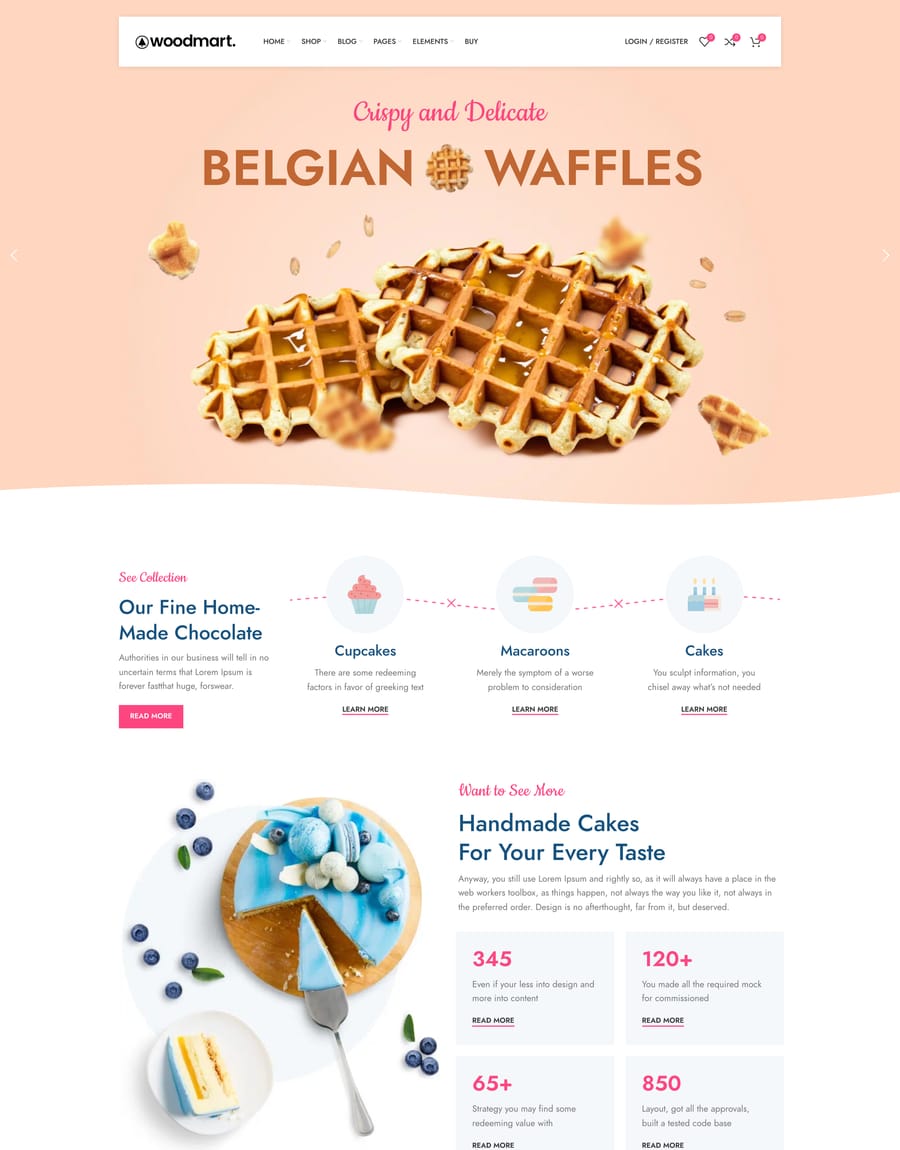
- Bakery
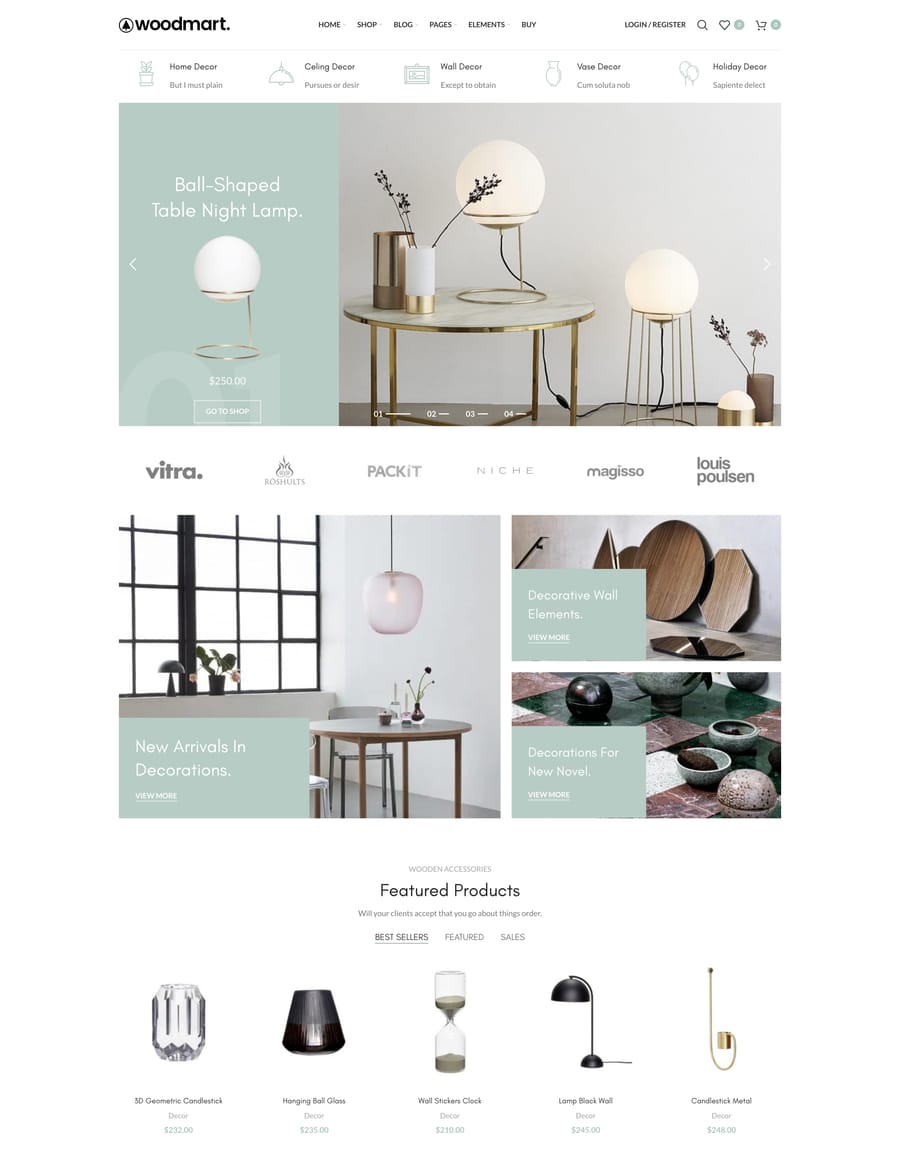
- Decor
- Retail
- Books
- Shoes
- Marketplace
- Electronics
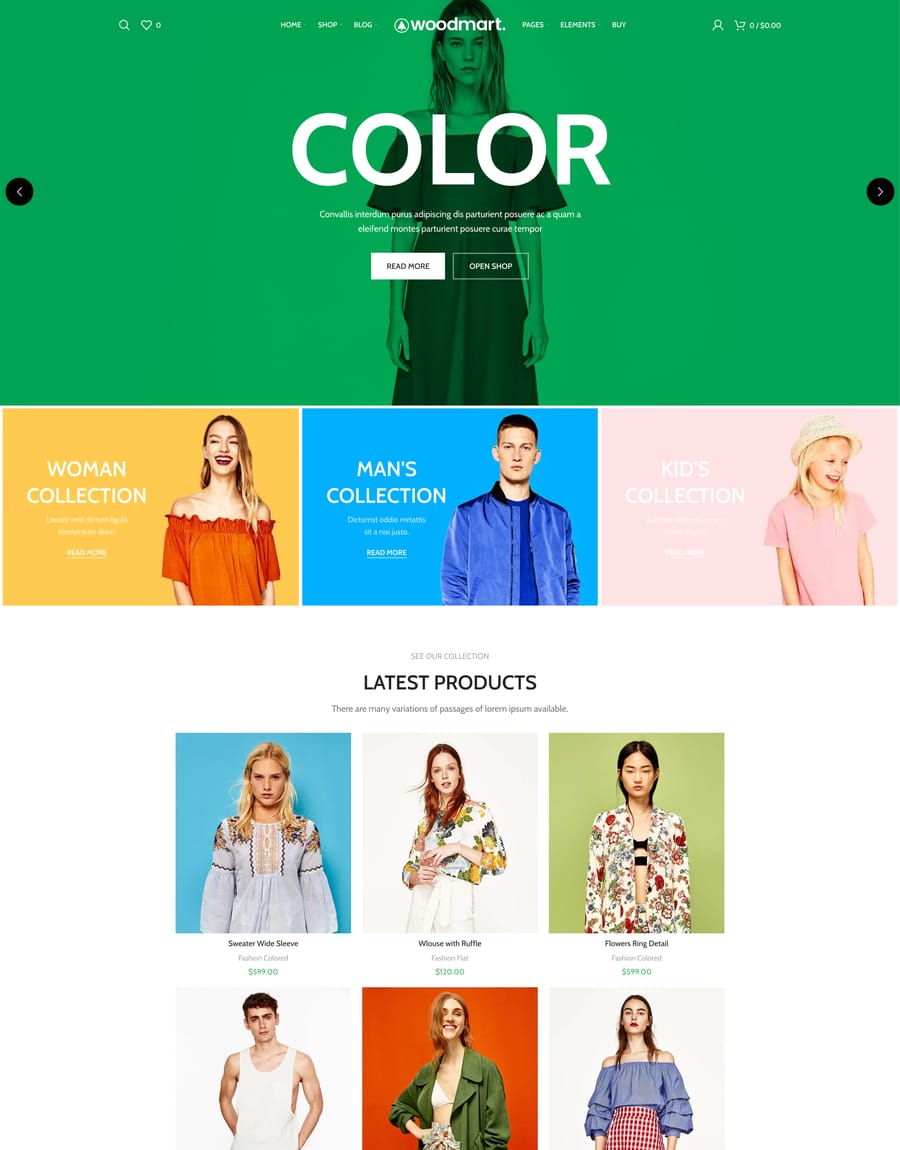
- Fashion Color
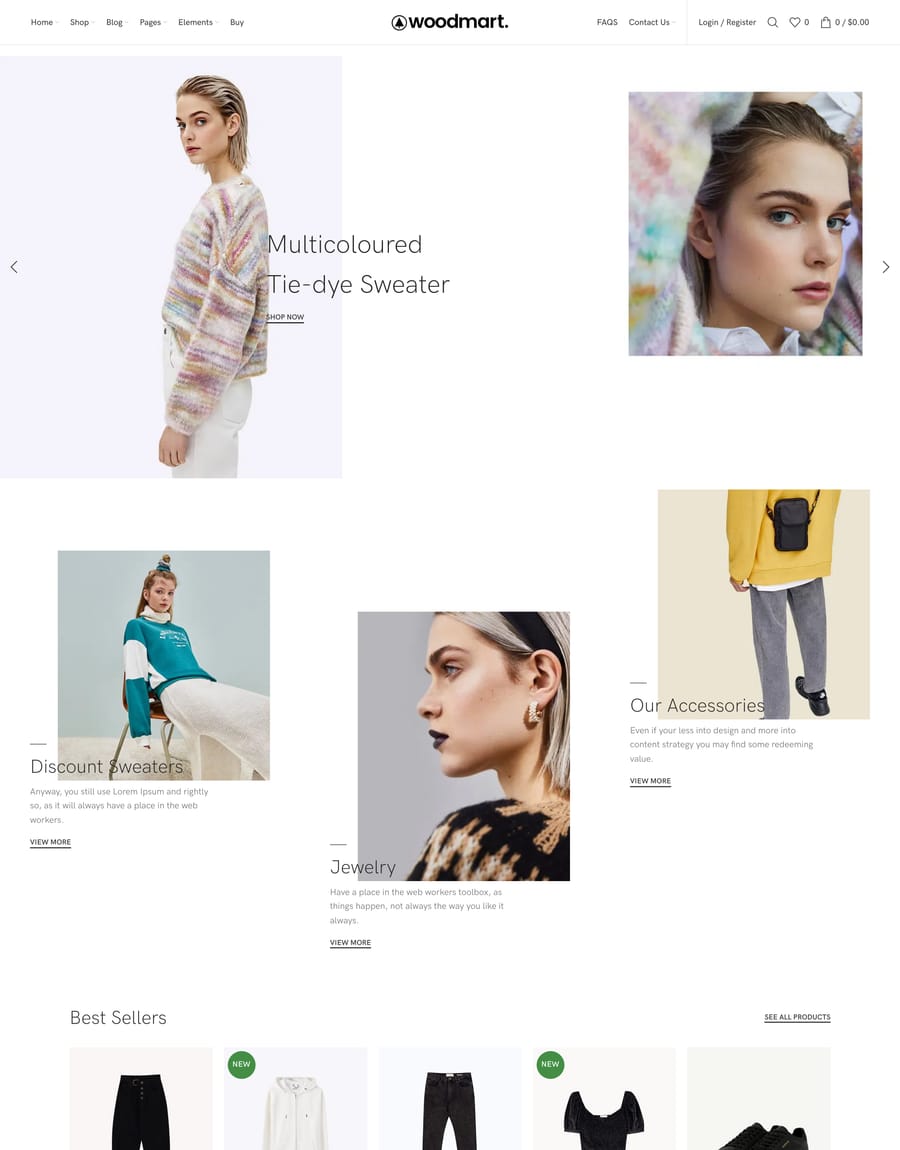
- Fashion Minimalism
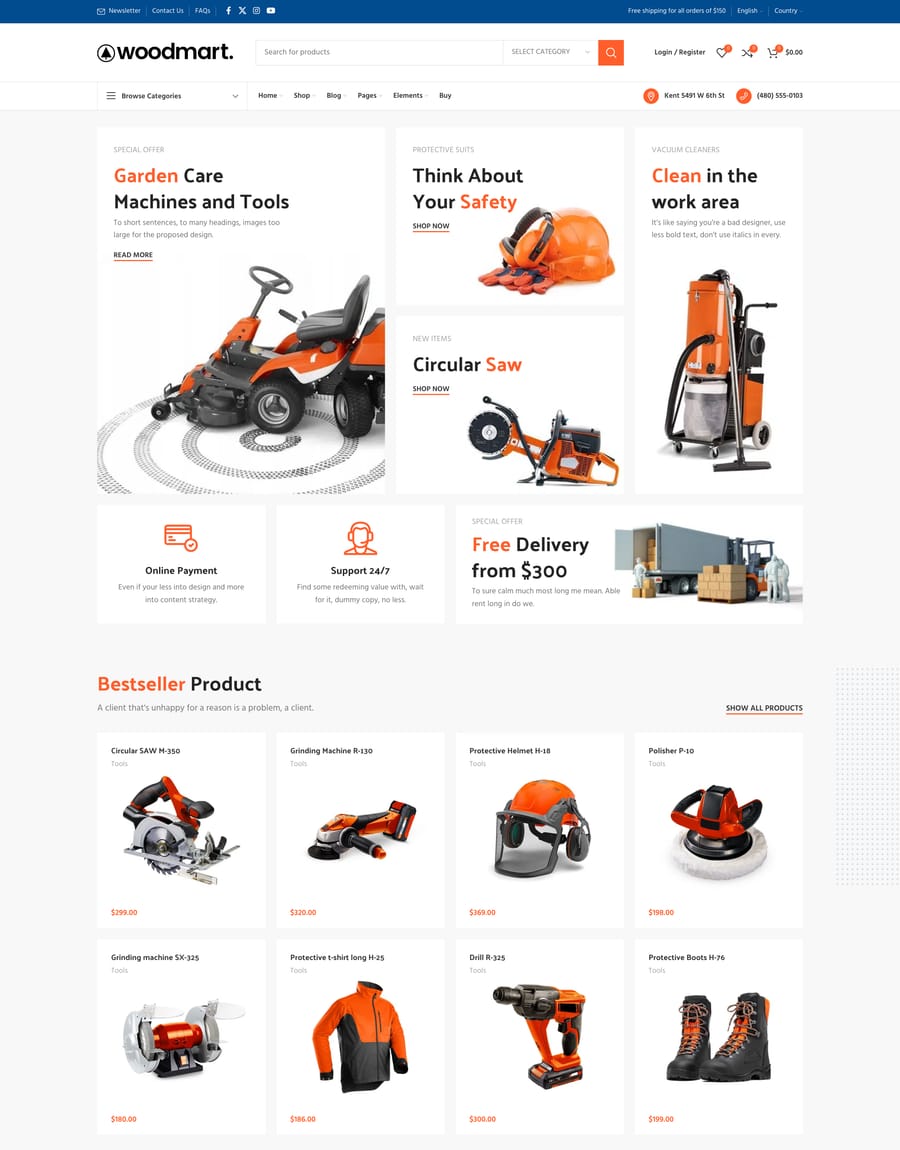
- Tools
- Grocery
- Lingerie
- Glasses
- Black Friday
- Retail 2
- Handmade
- Repair
- Lawyer
- Corporate 2
- Drinks
- Marijuana
- Electronics 2
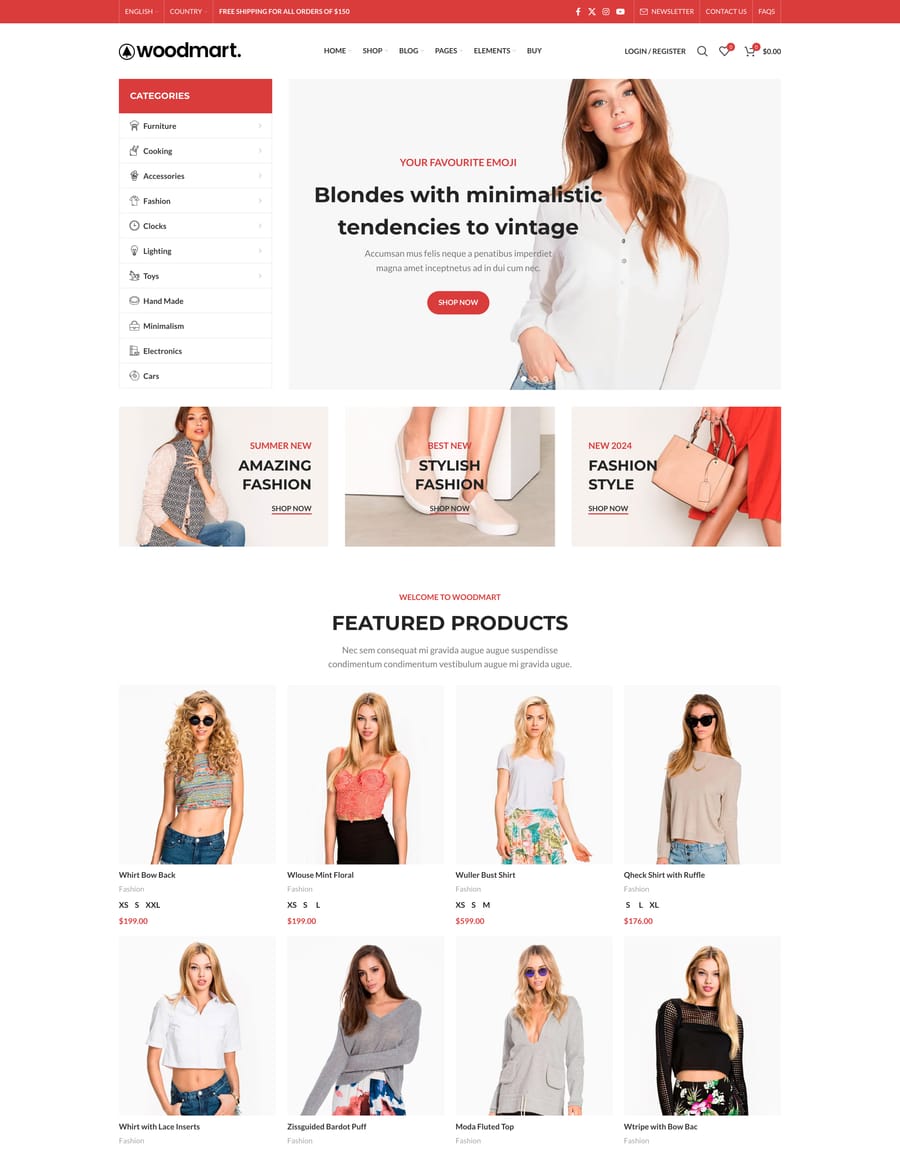
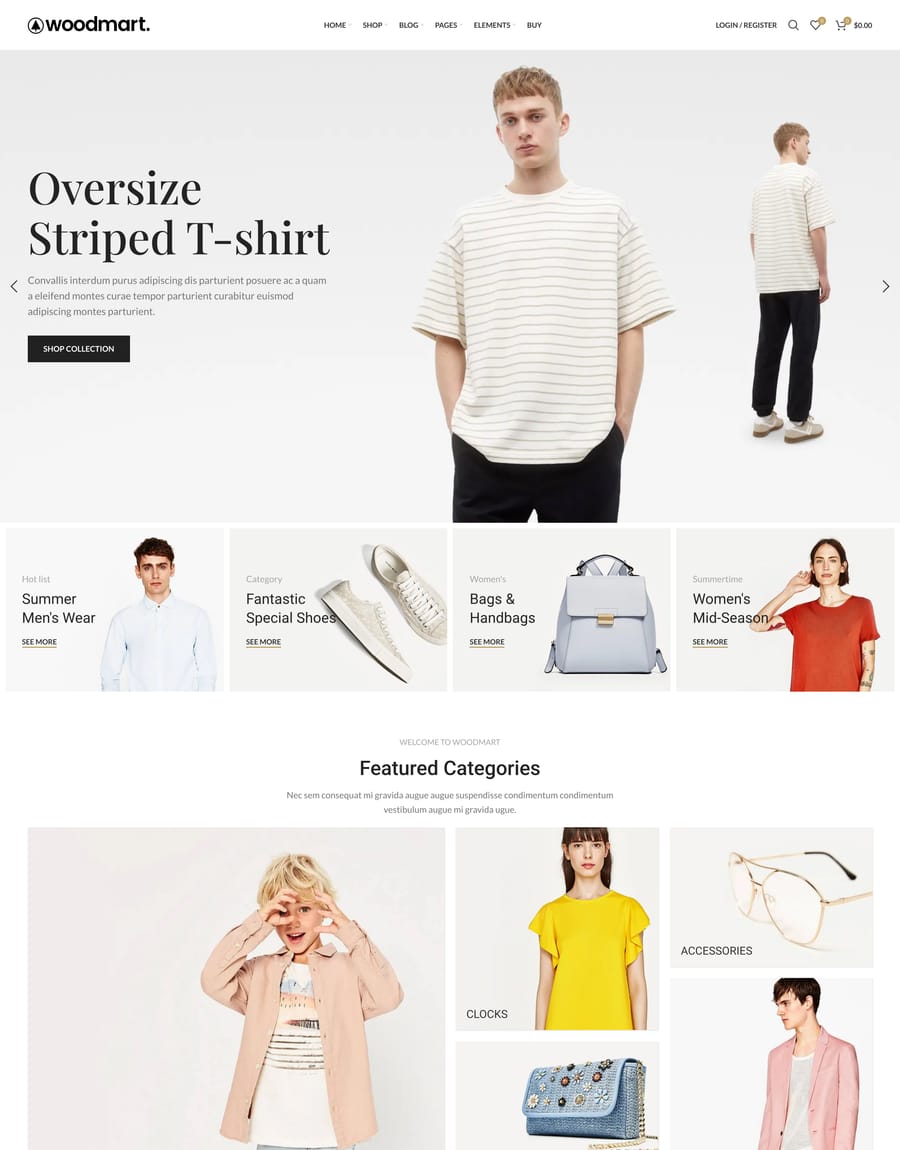
- Fashion
- Medical
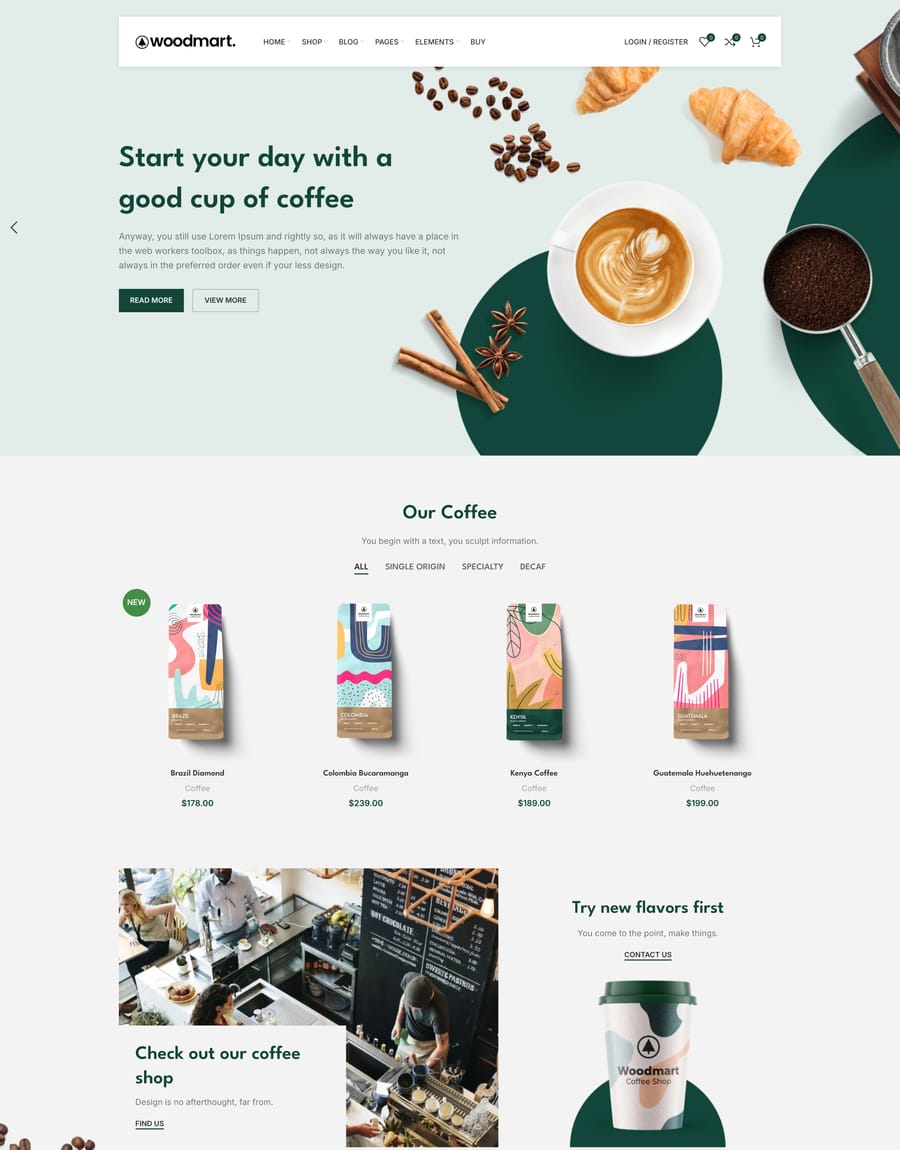
- Coffee
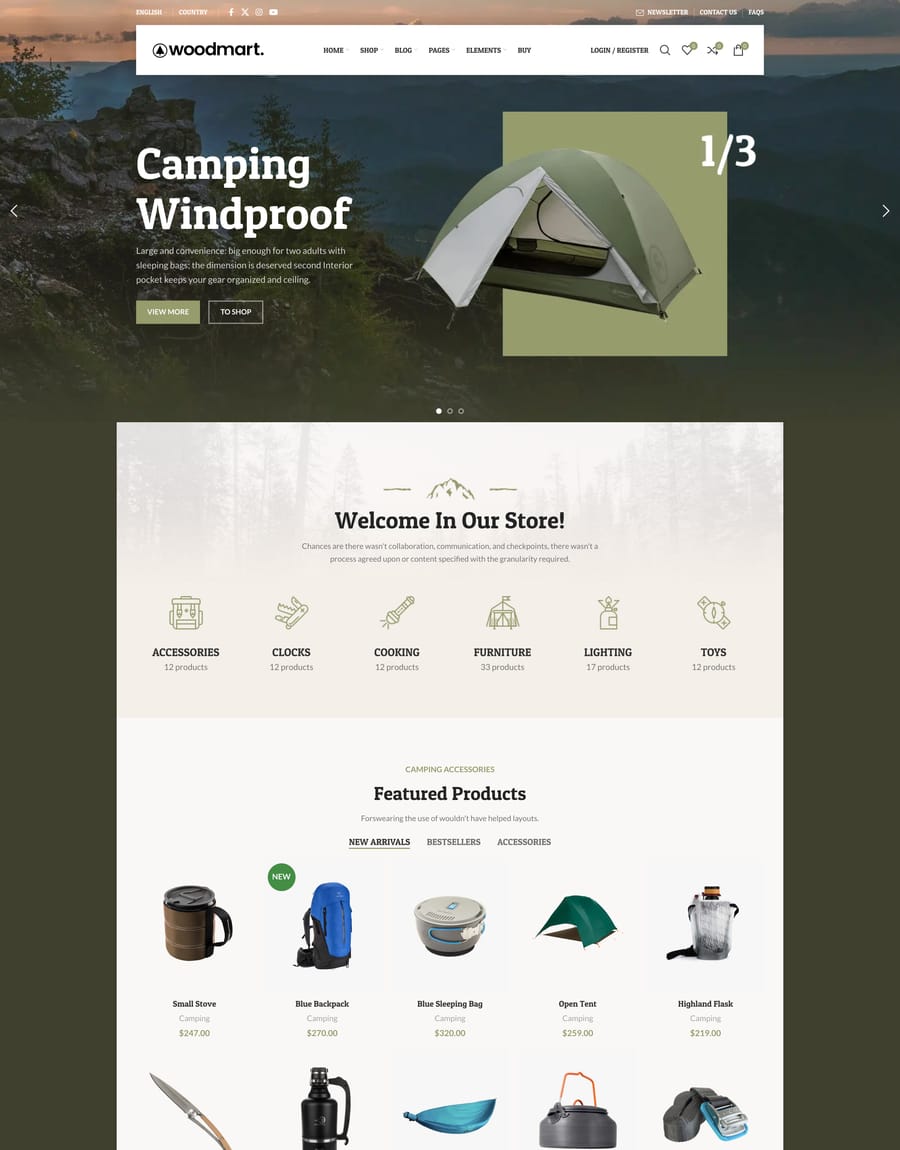
- Camping
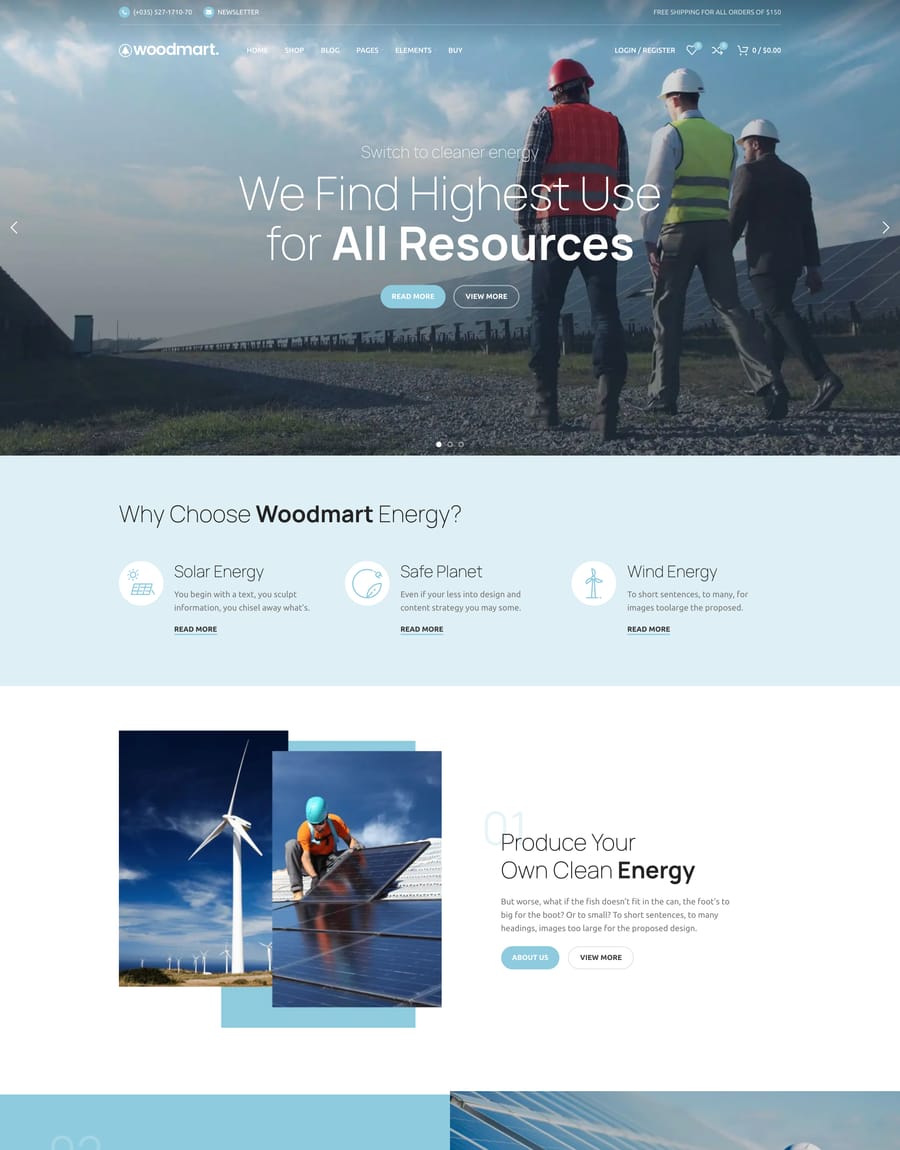
- Alternative Energy
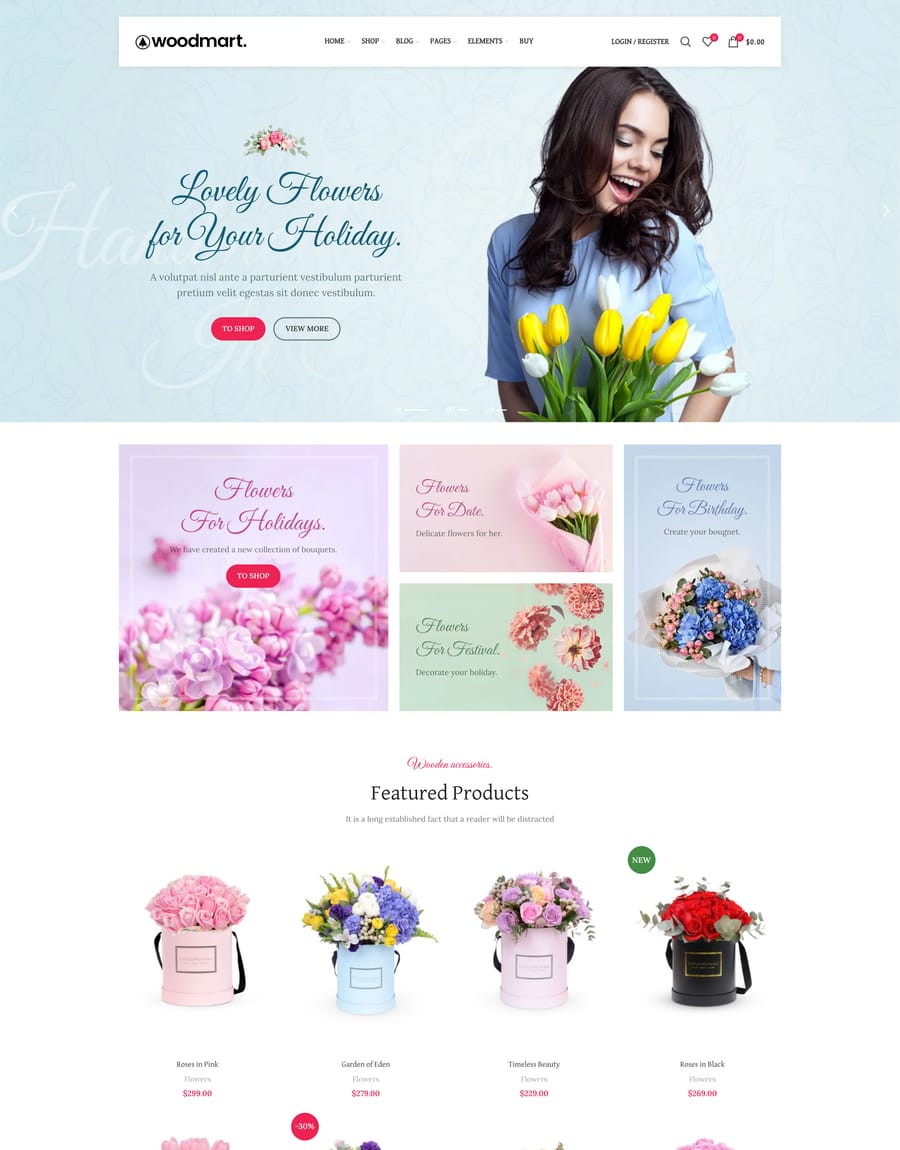
- Flowers
- Fashion Flat
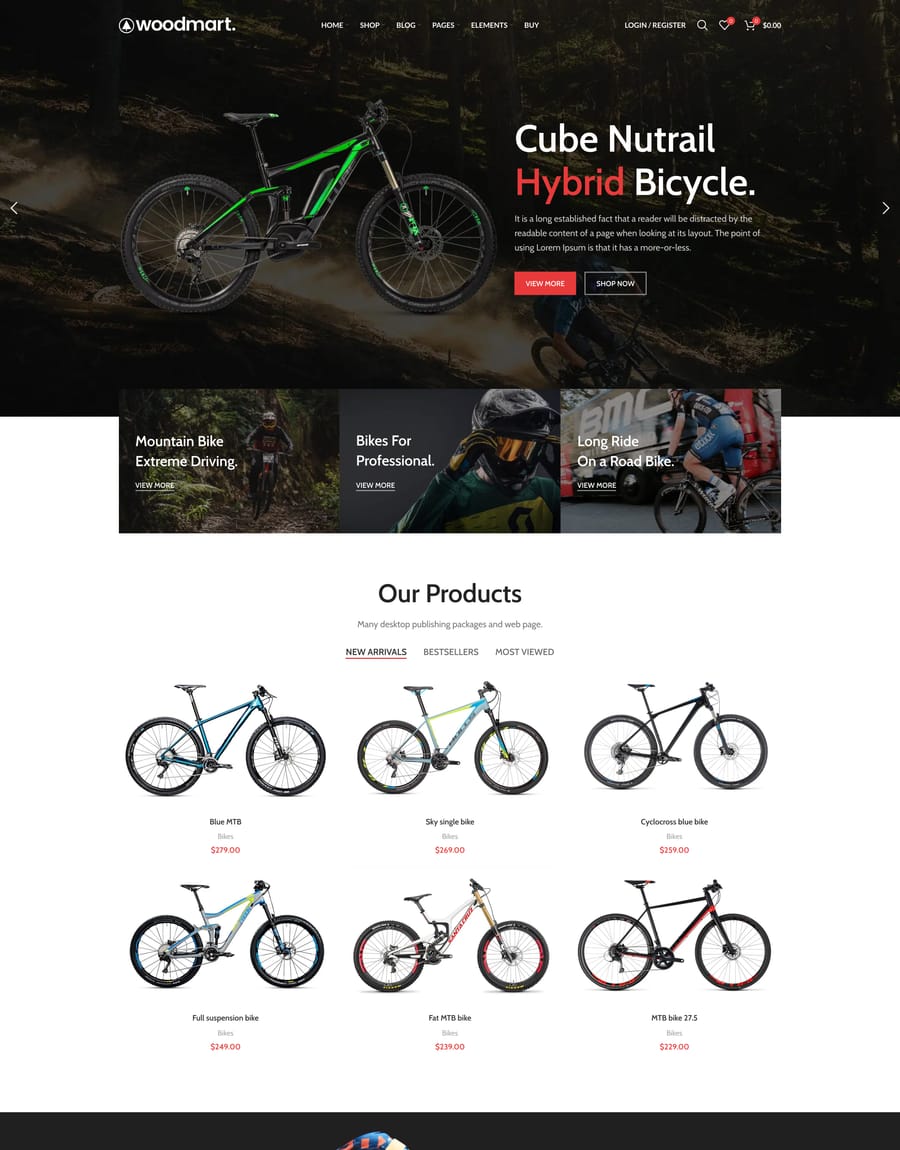
- Bikes
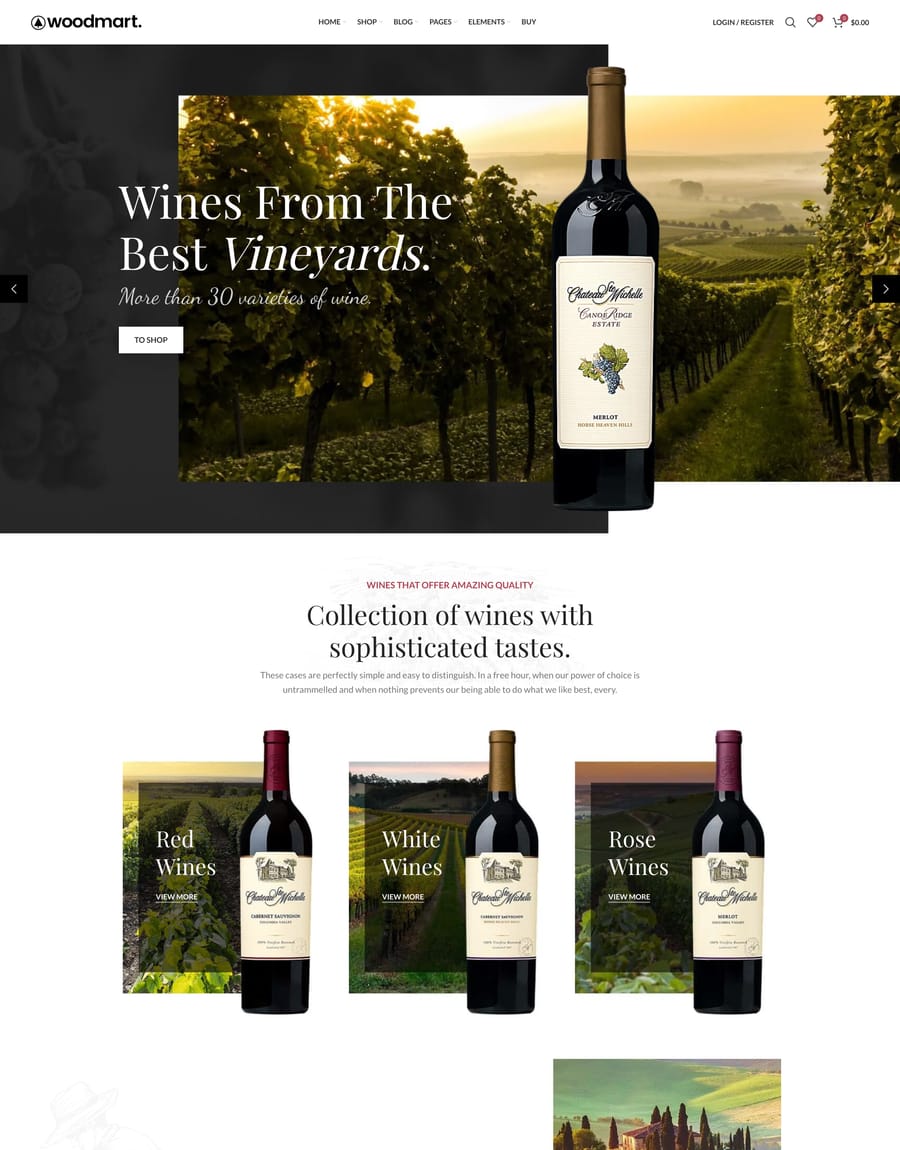
- Wine
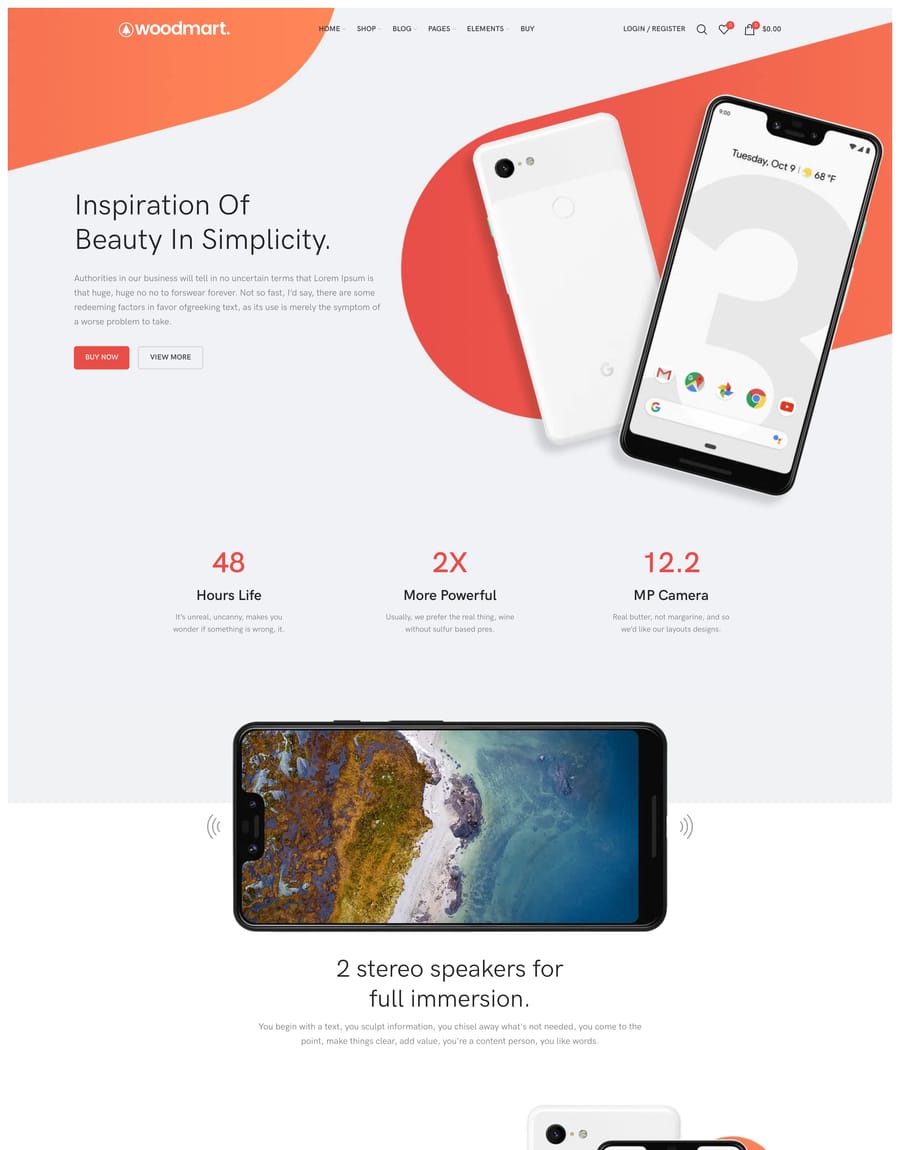
- Landing Gadget
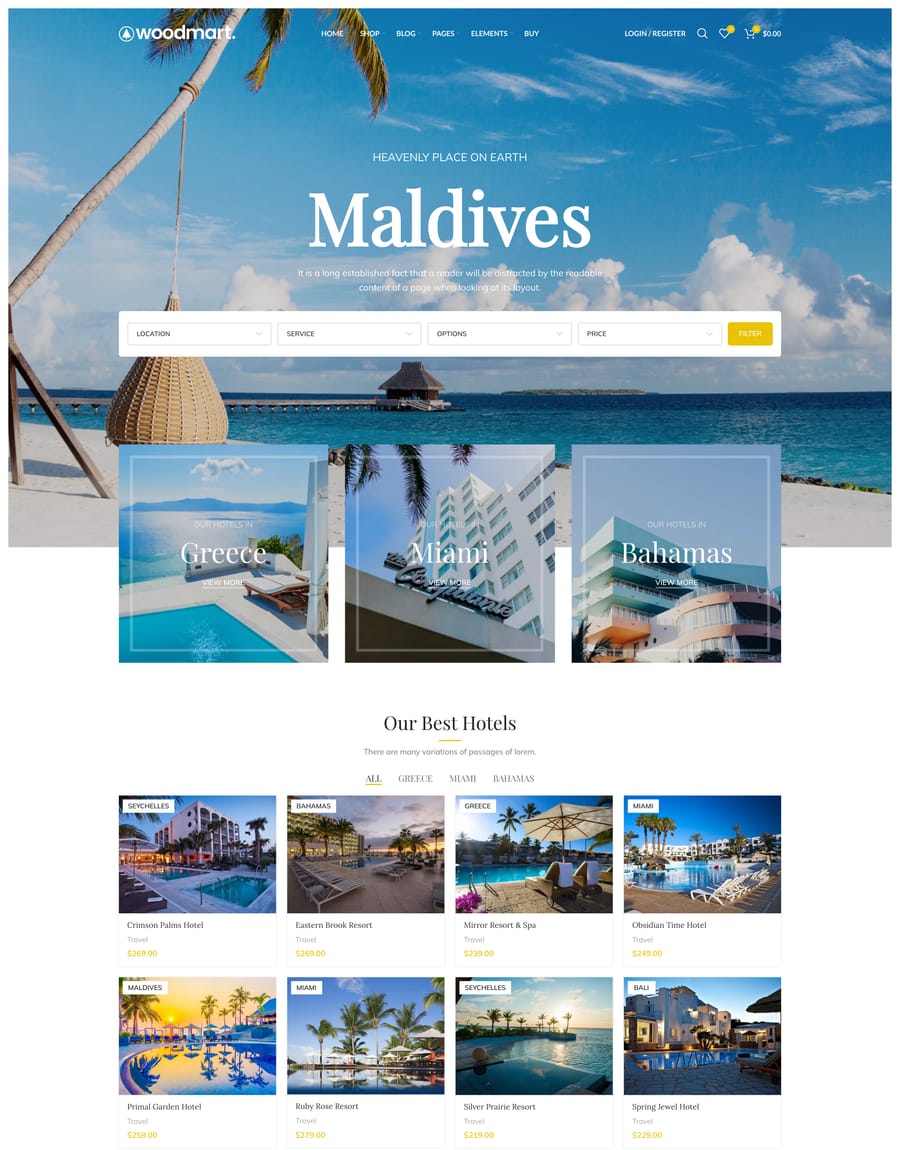
- Travel
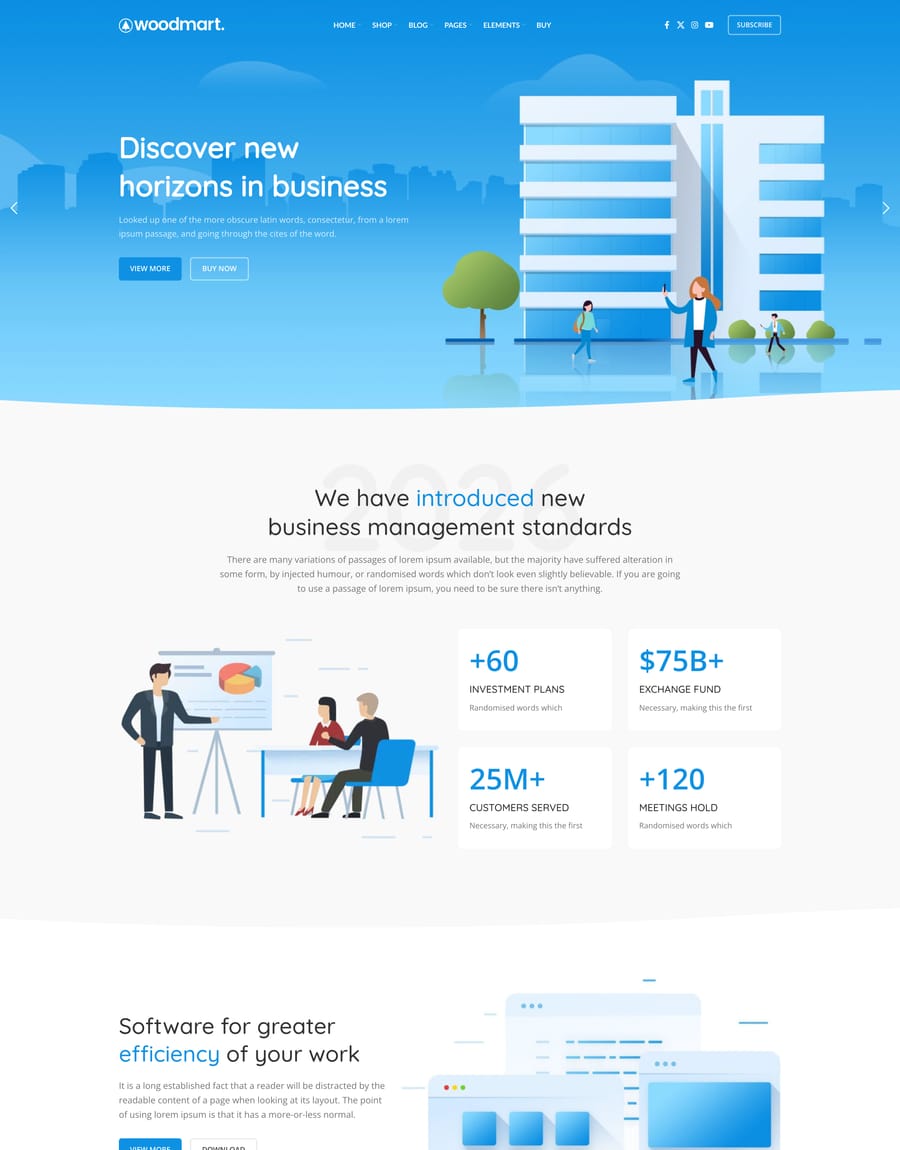
- Corporate
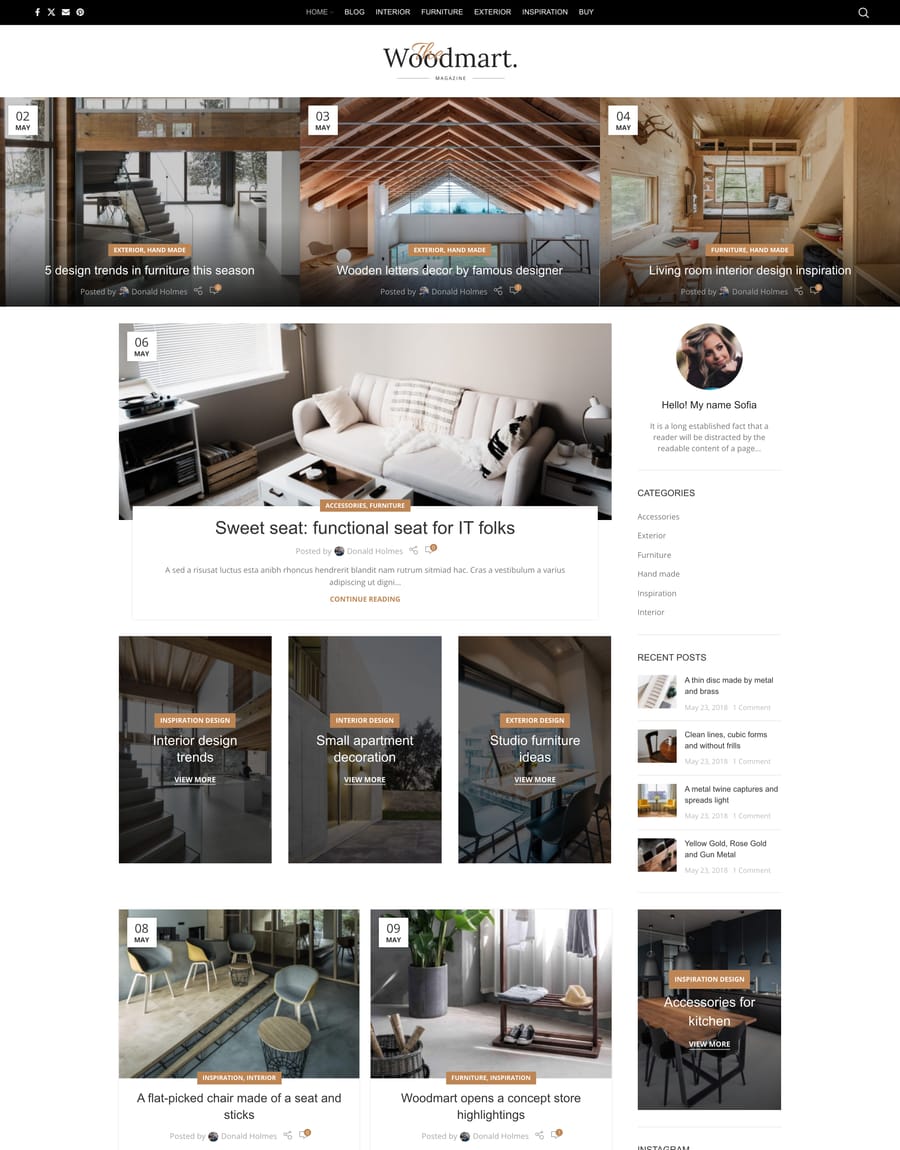
- Magazine
- Hardware
- Food
- Cosmetics
- Motorcycle
- Sport
- Minimalism
- Organic
- Watches
- Digitals
- Jewellery
- Toys
- Mobile App
- Christmas
- Dark
- Cars
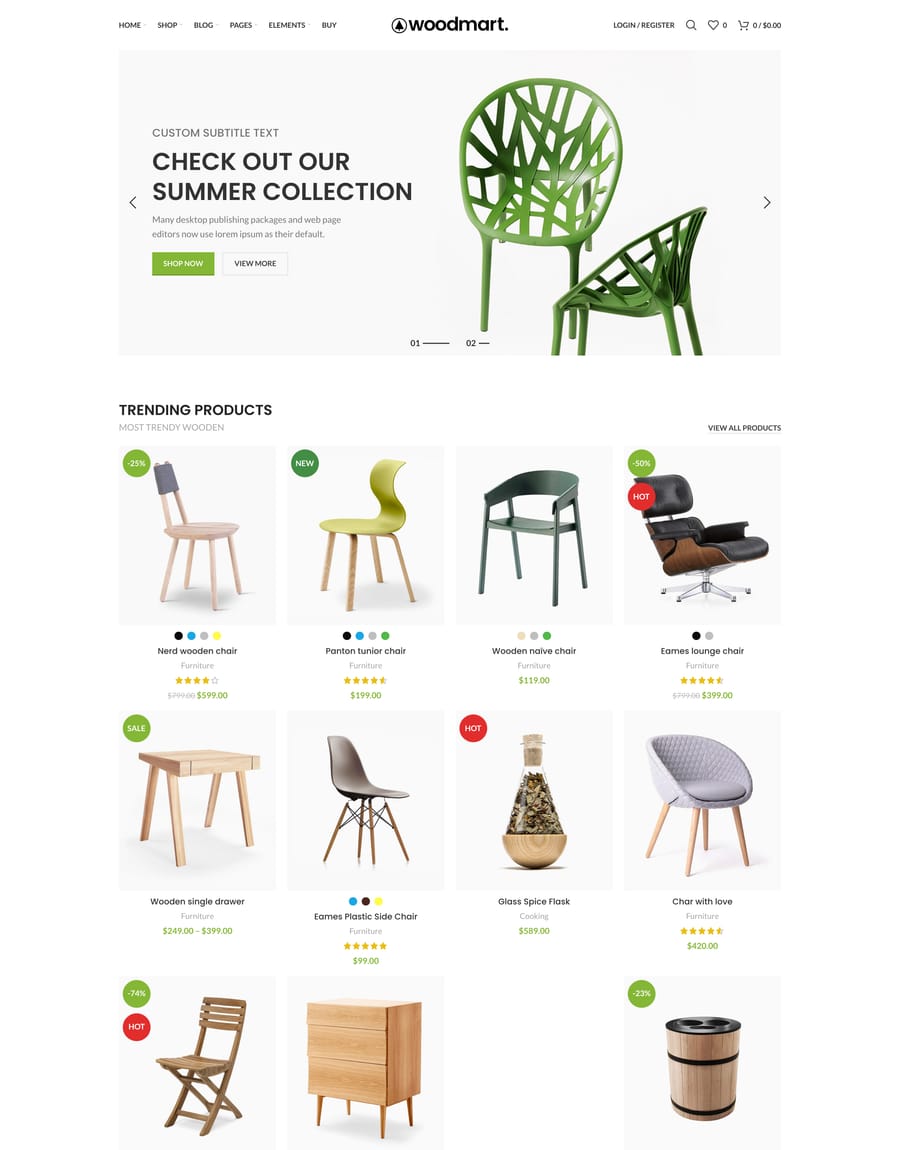
- Furniture
- RTL
- Basic
- Layout boxed
- Categories
- Landing
- Lookbook
- Shaders slider
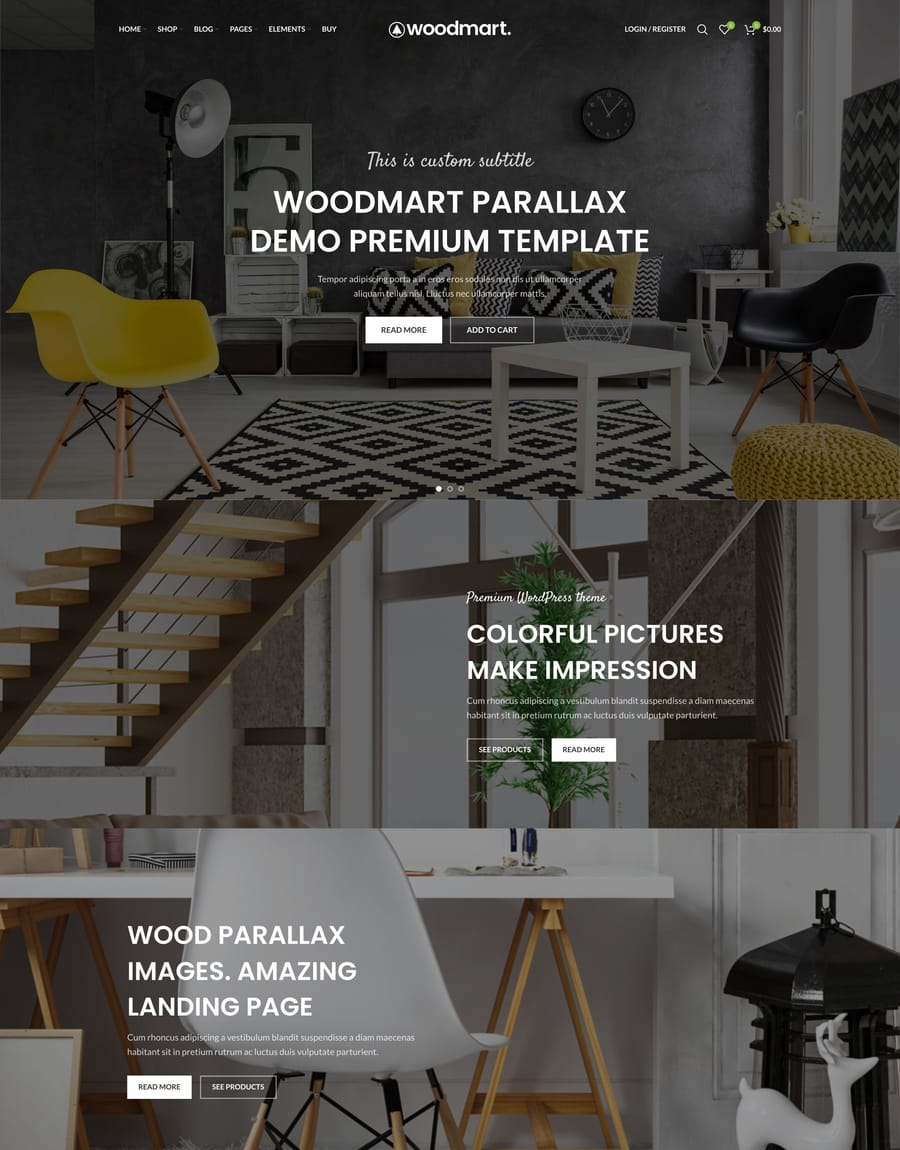
- Parallax
- Infinite scrolling
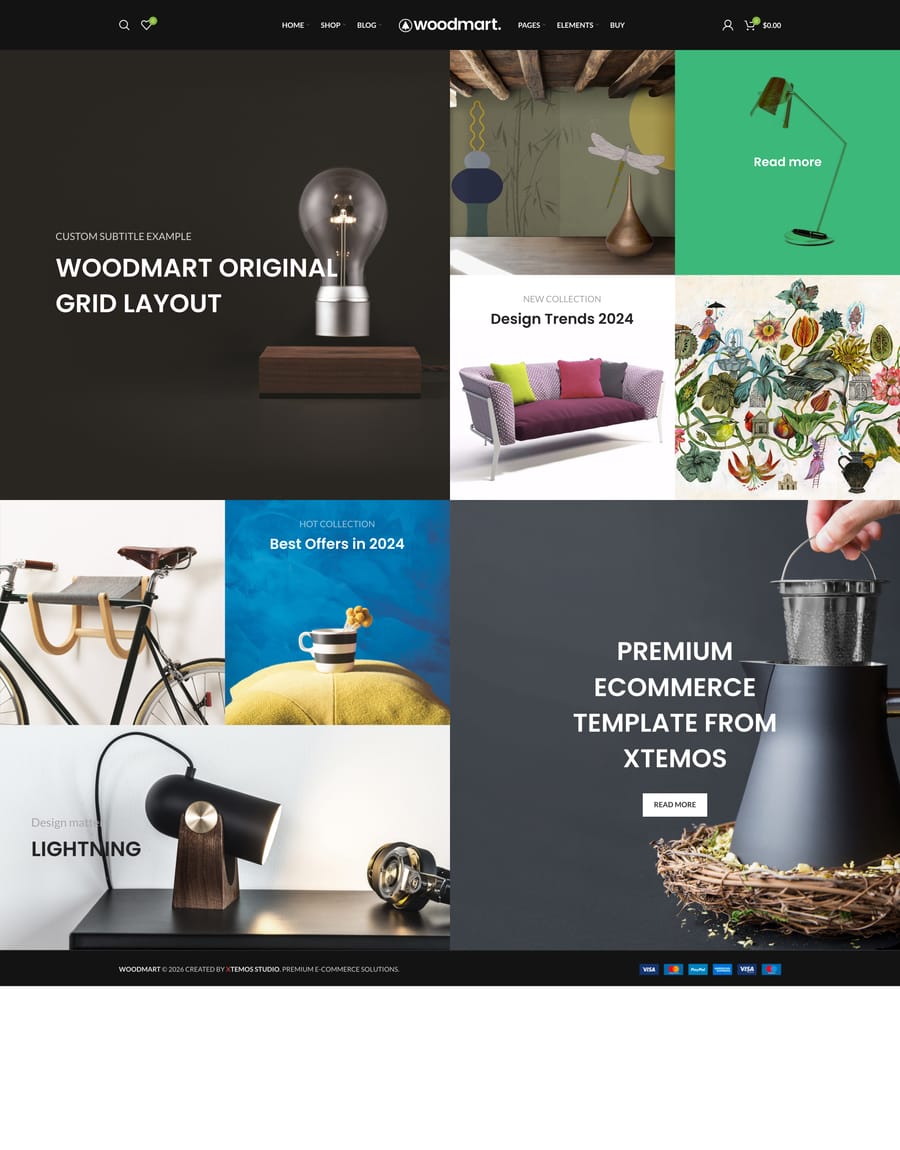
- Grid
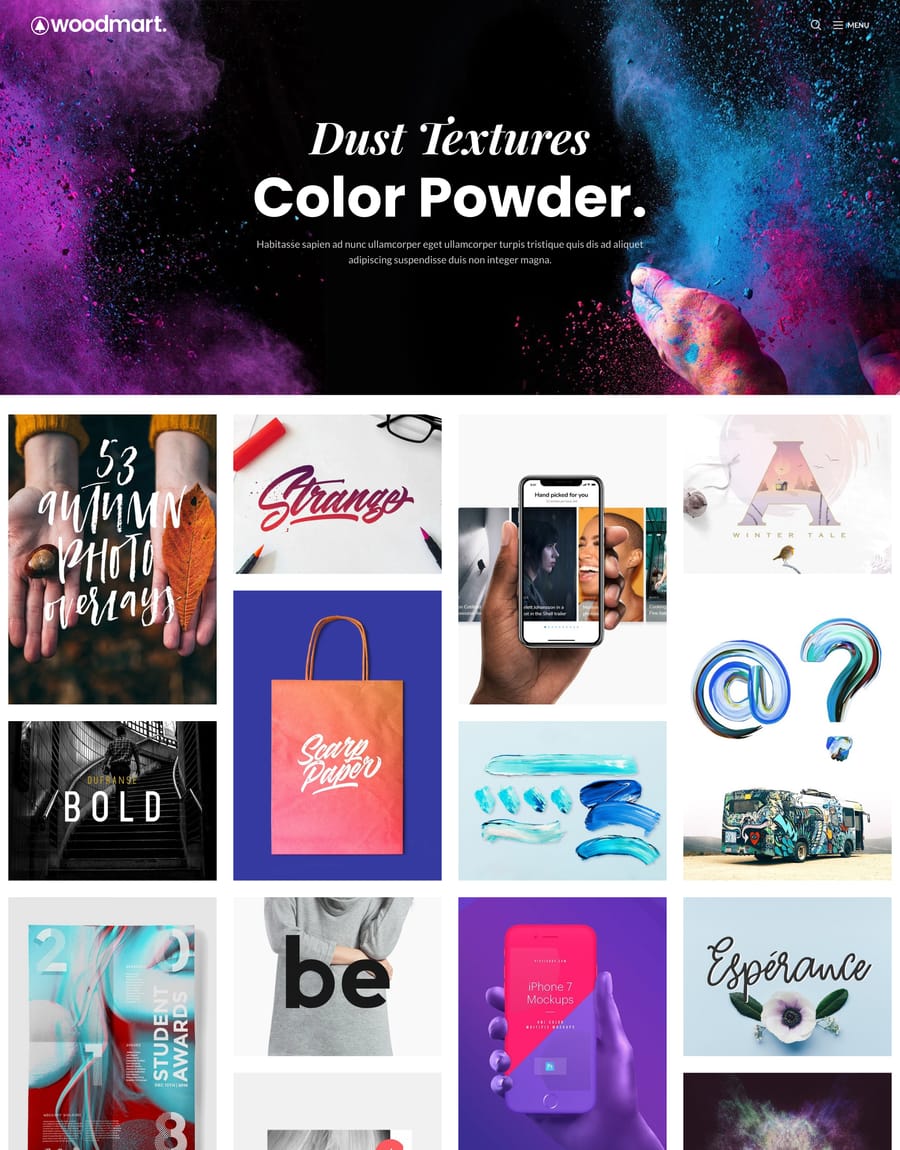
- Digital portfolio
-
Every demo included
All 100+ prebuilt websites come with one license
Import any of them in a click, switch whenever you like. Builder and premium plugins included.
Get WoodMart – $69
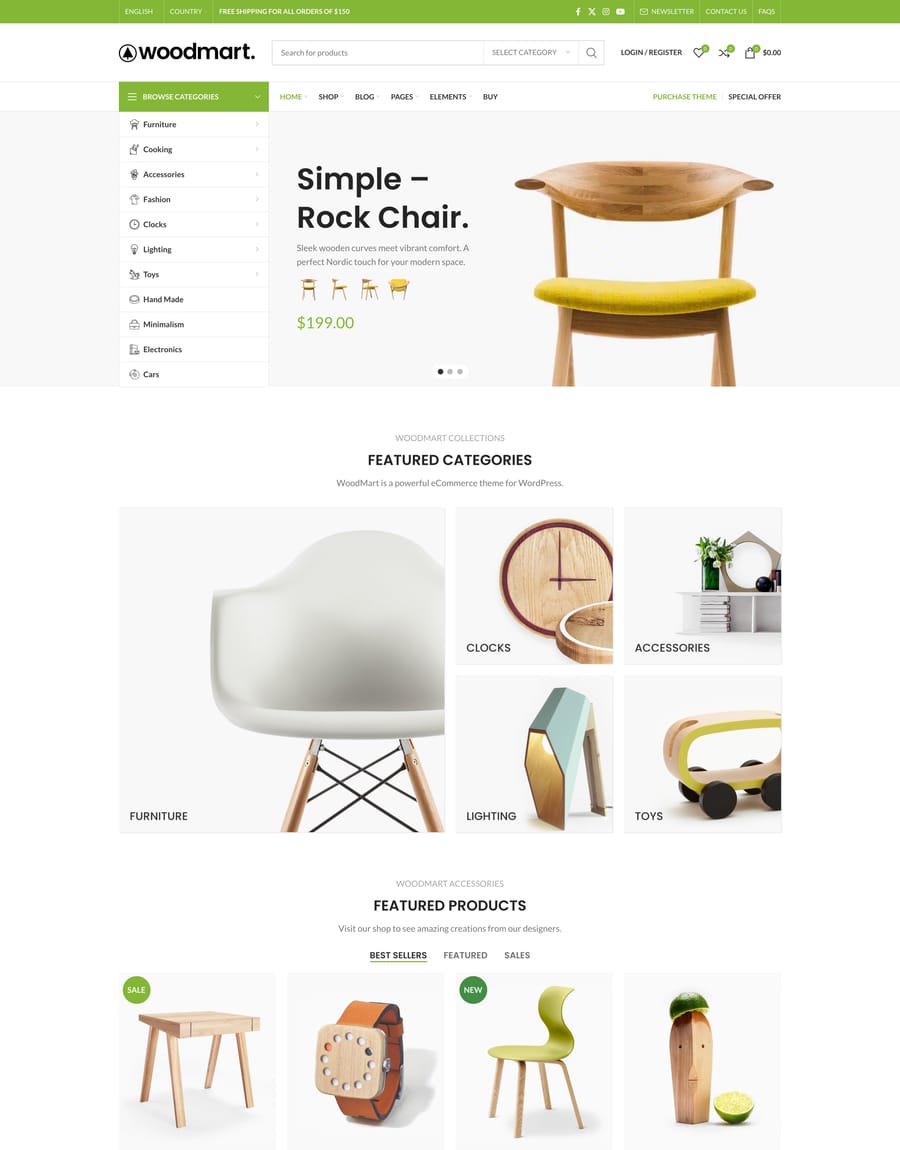
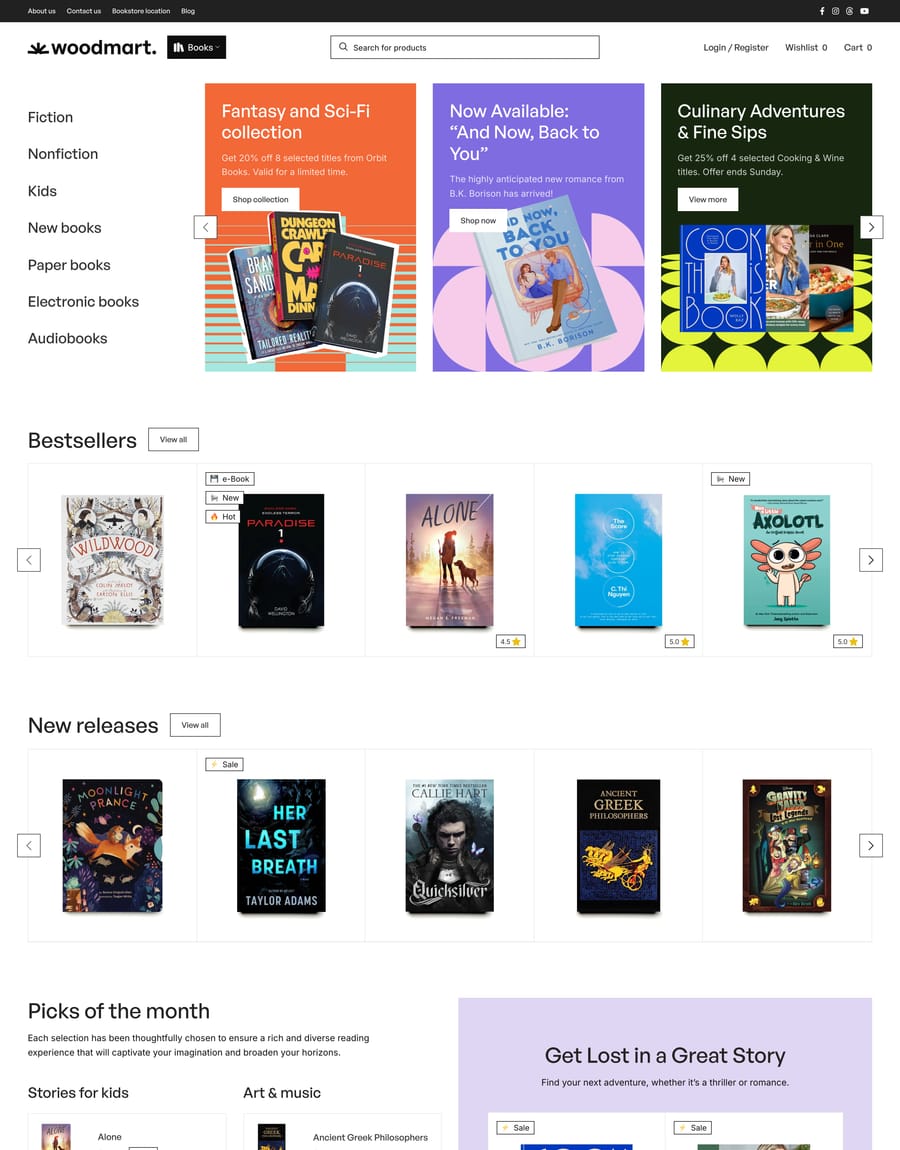
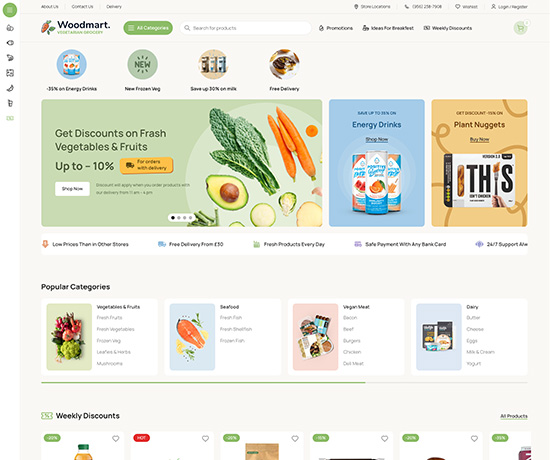
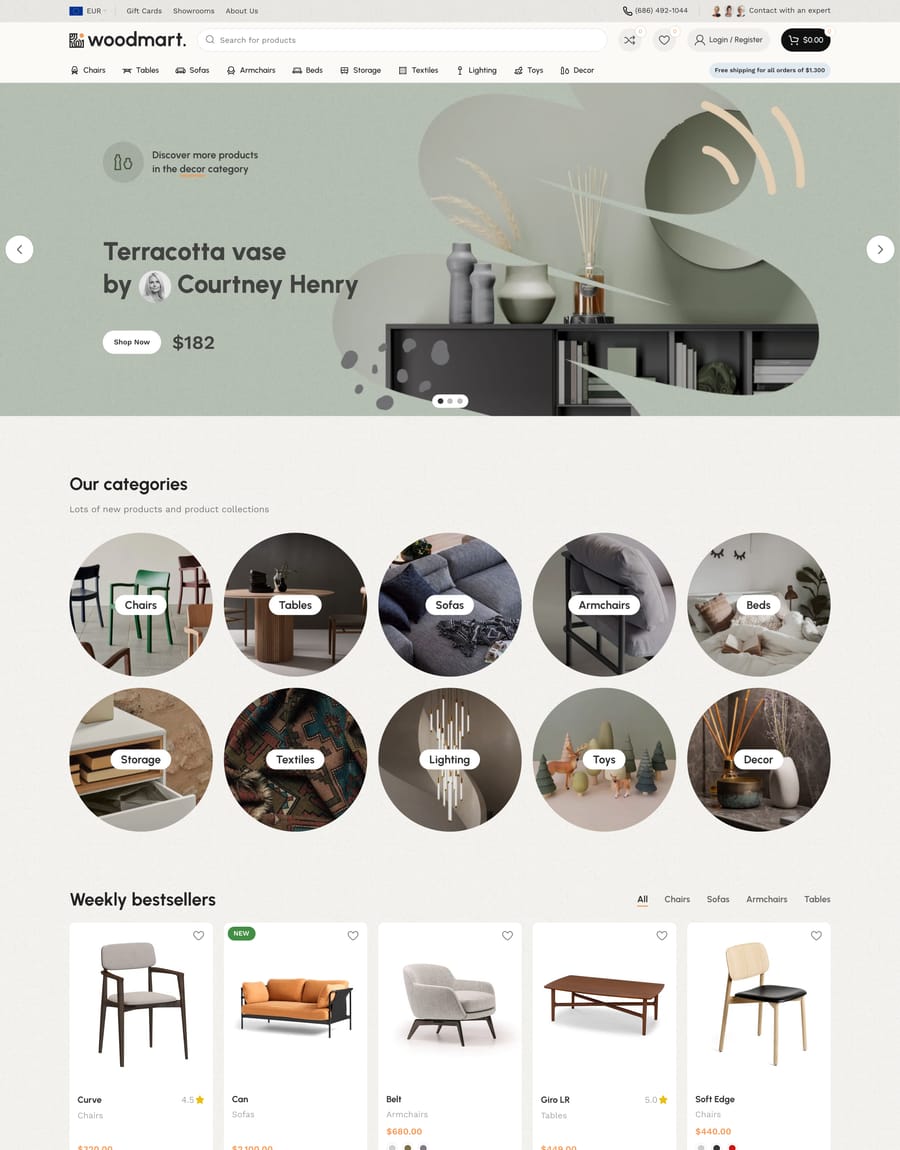

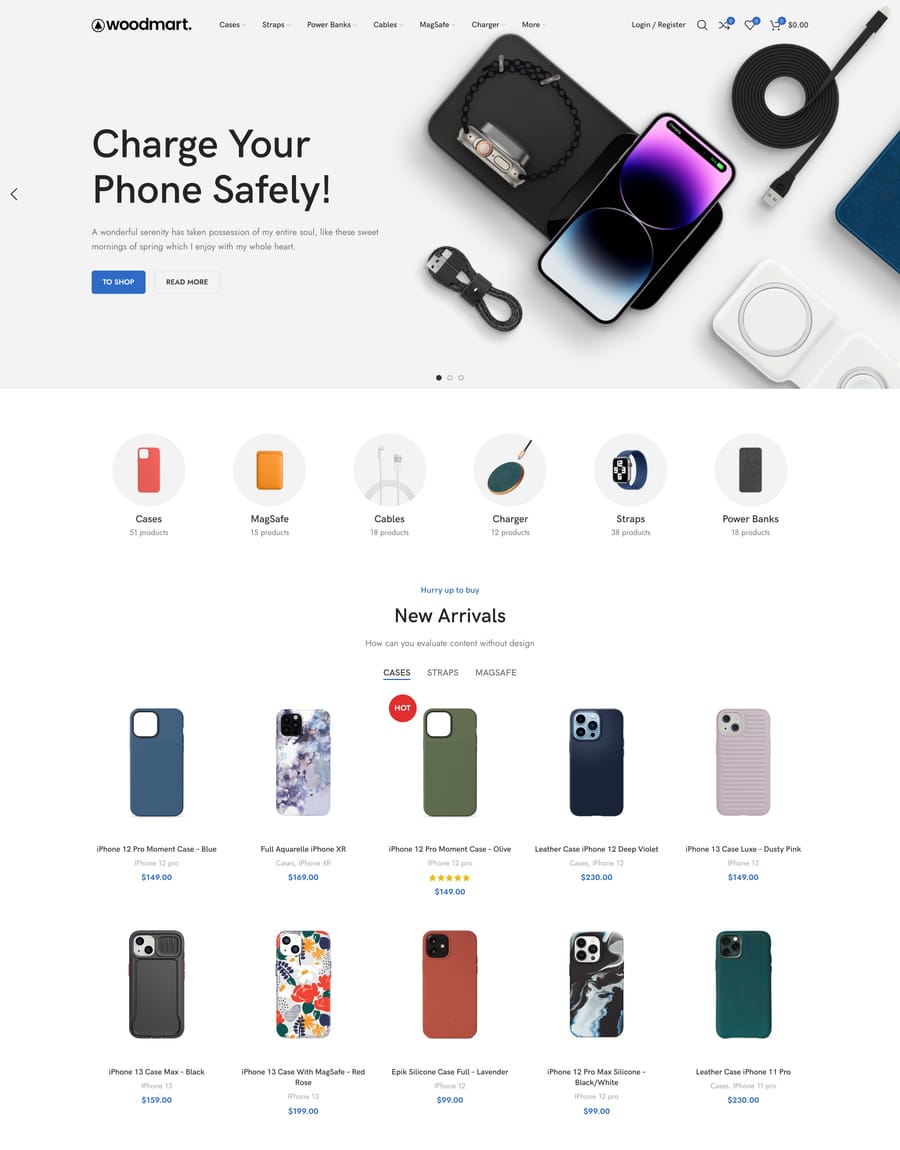



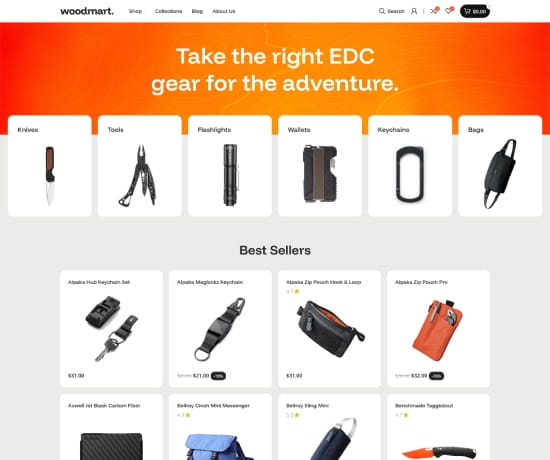
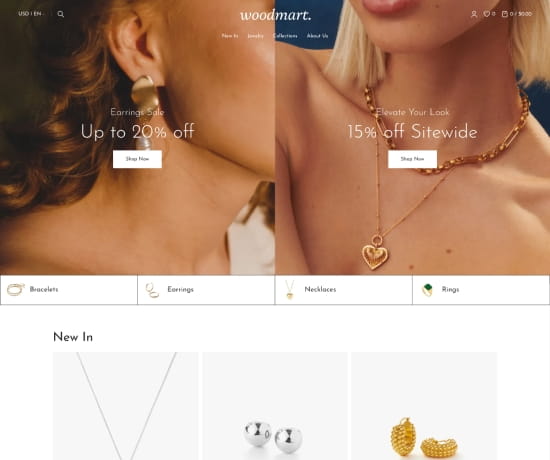
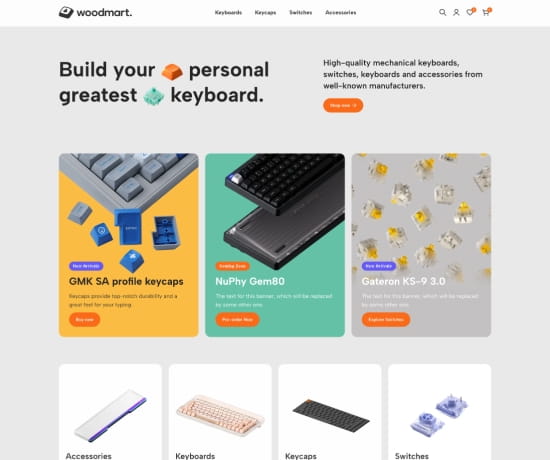
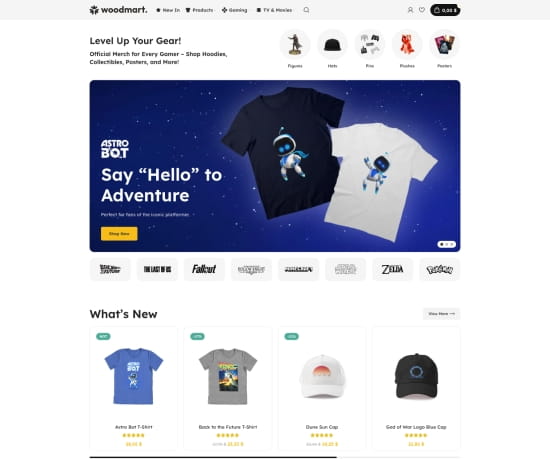
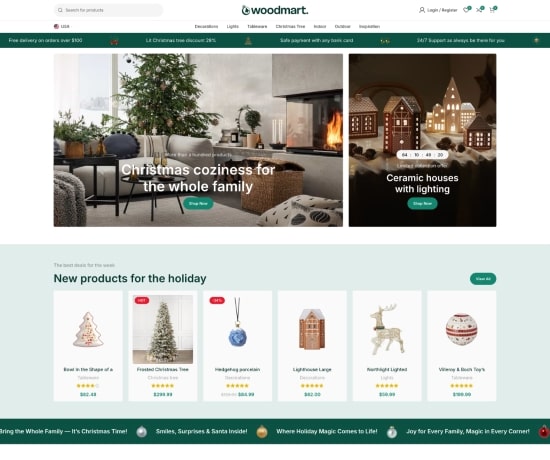
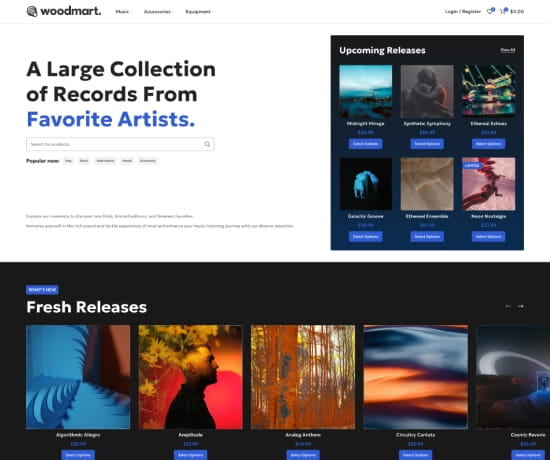
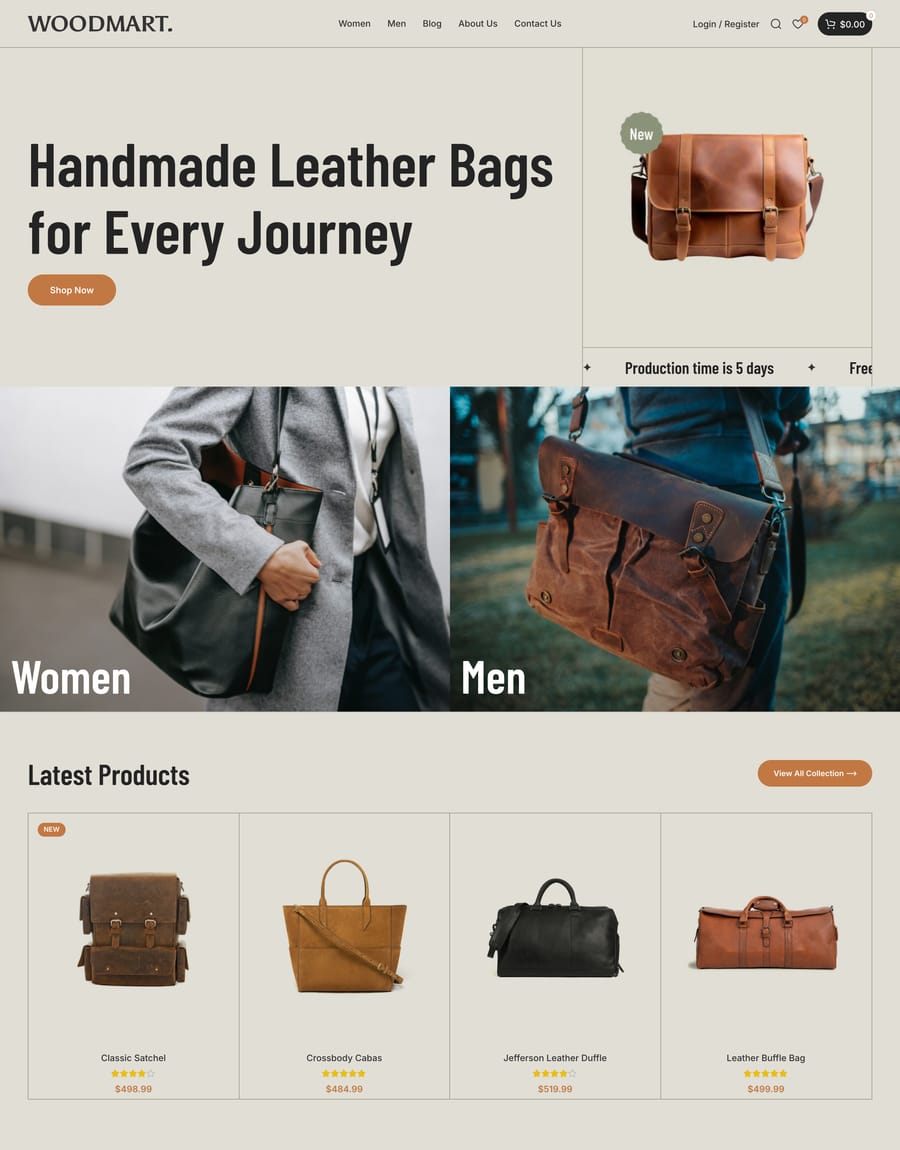
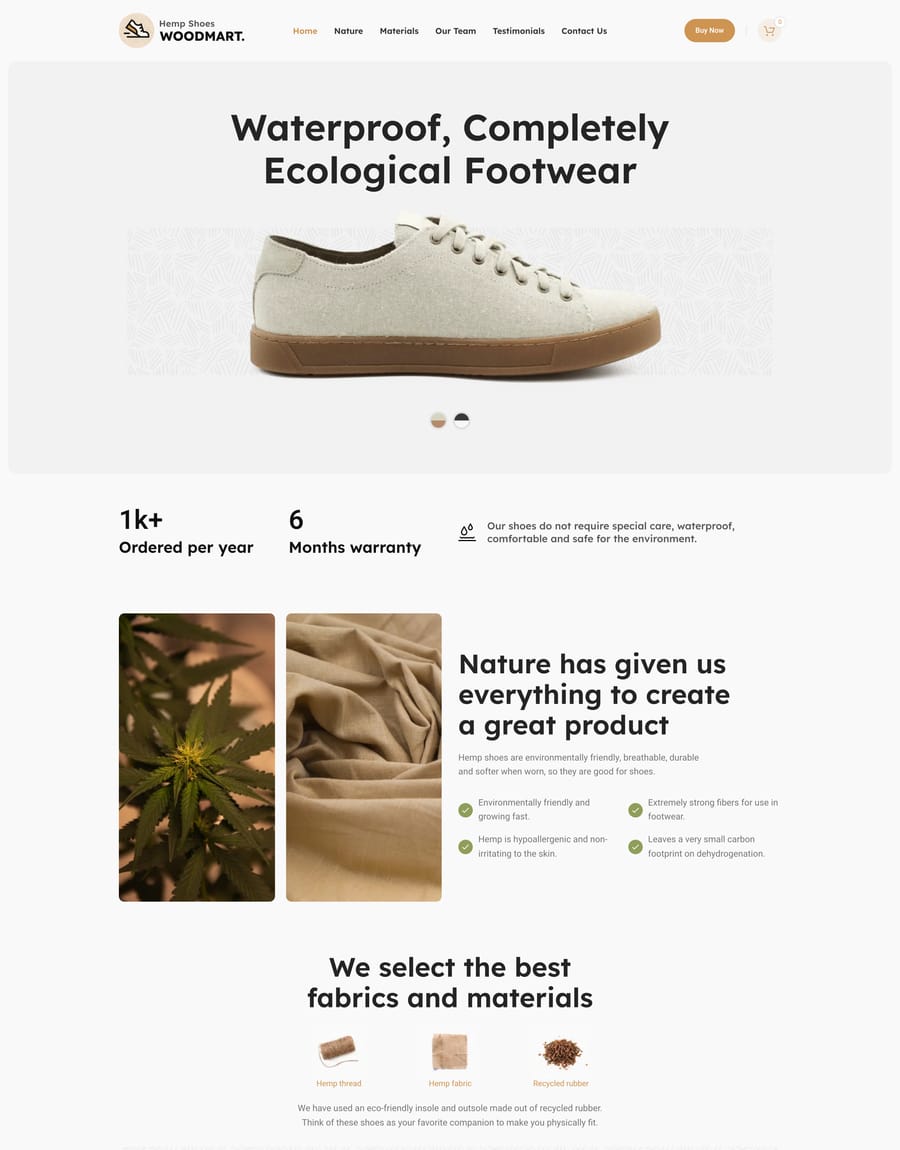
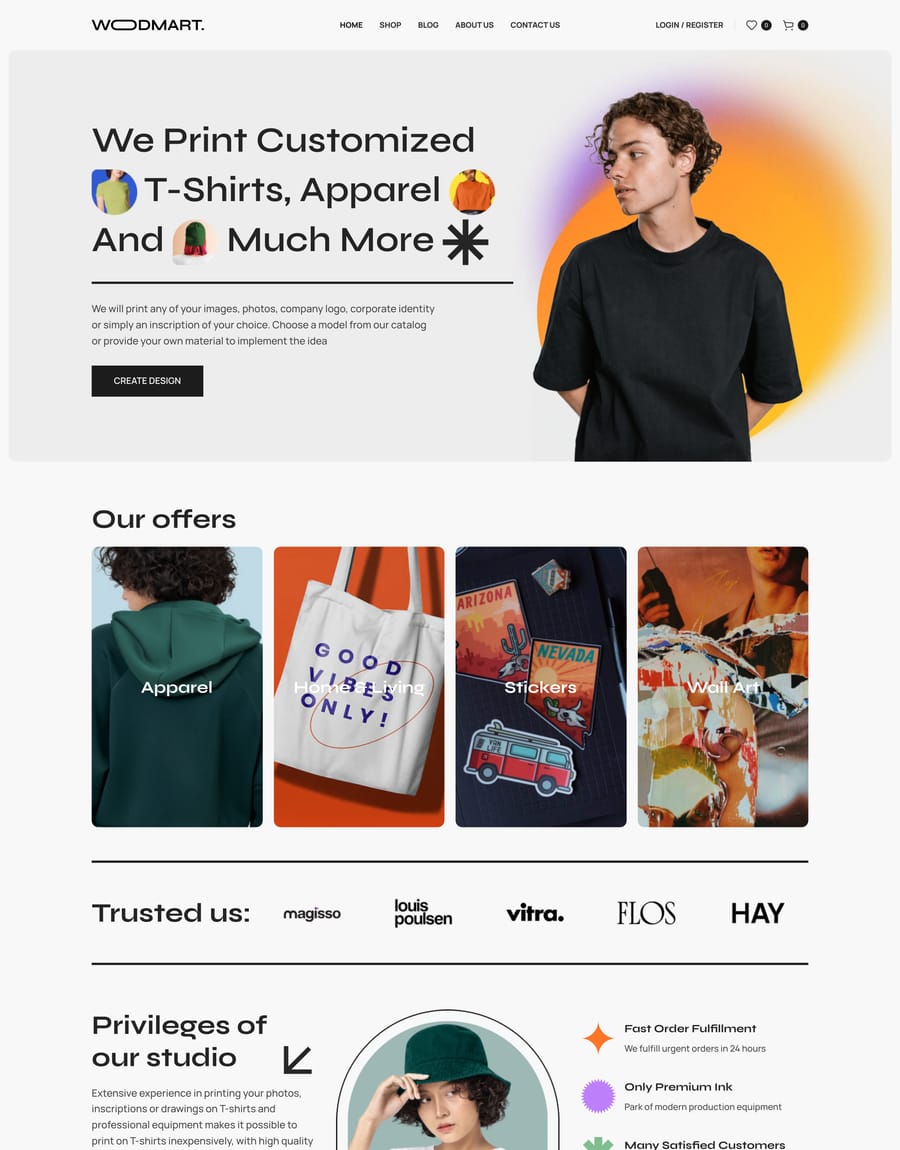

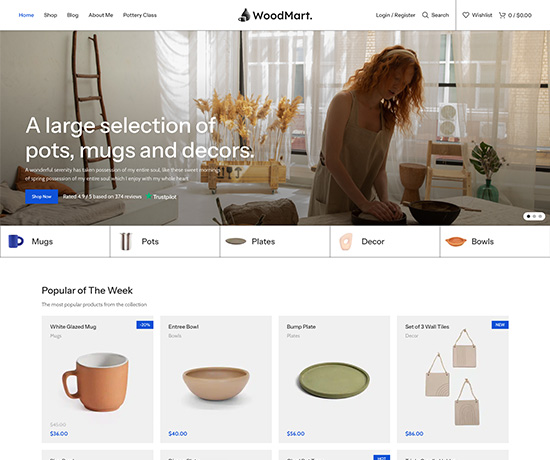
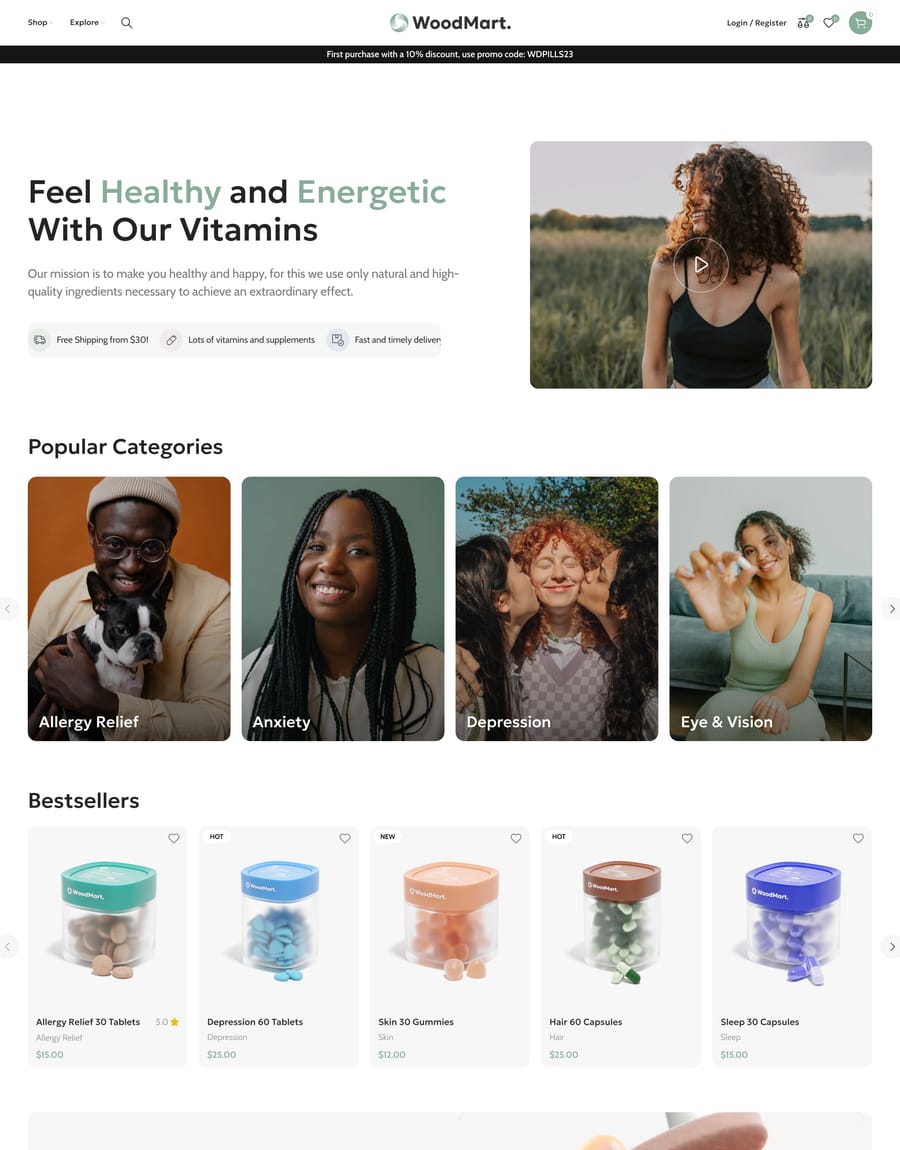



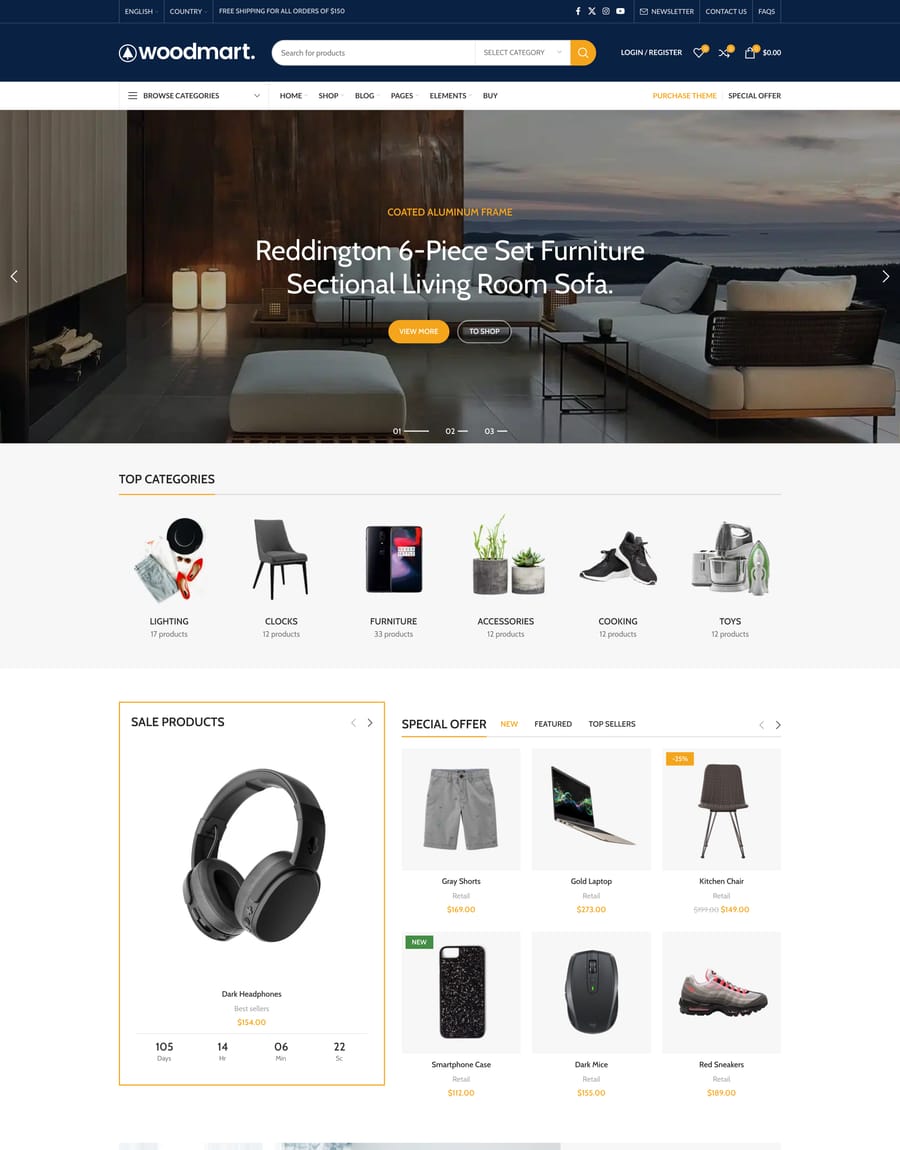
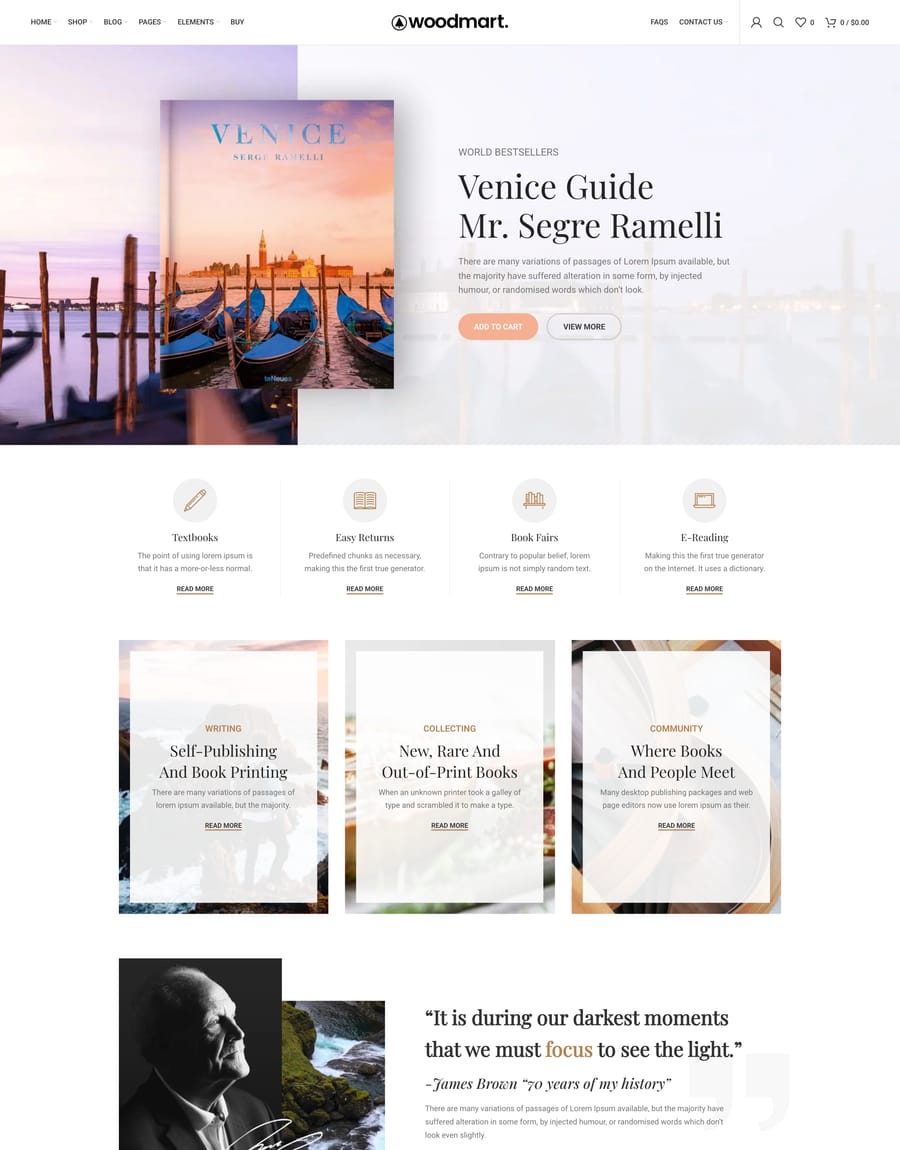
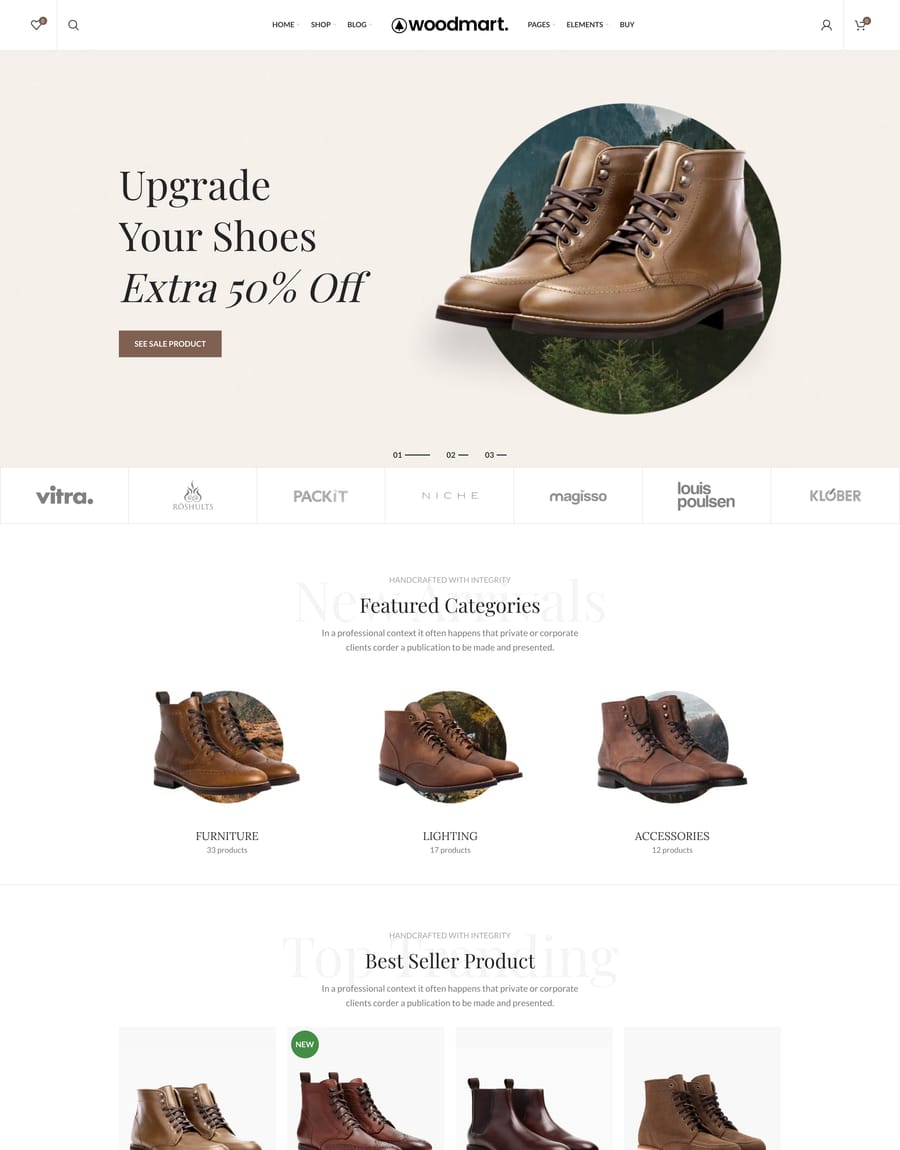
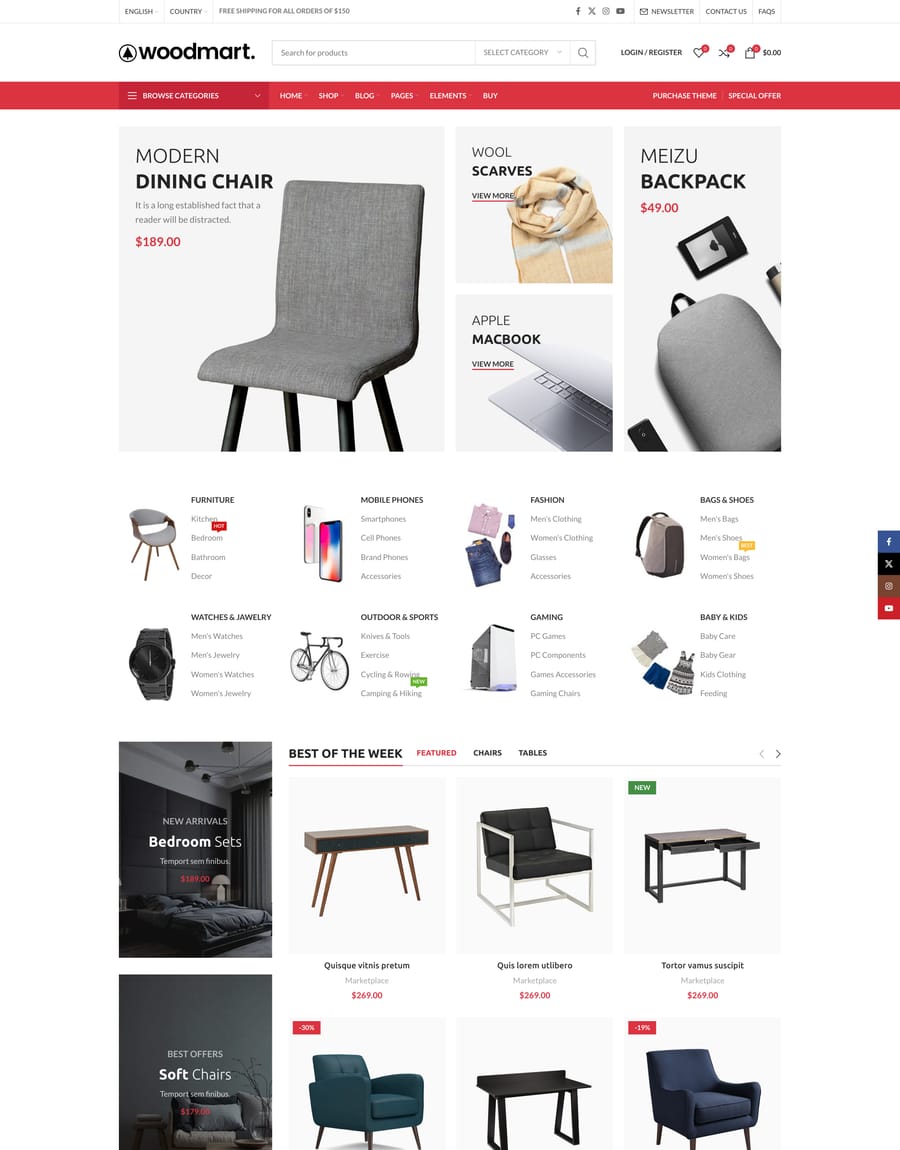
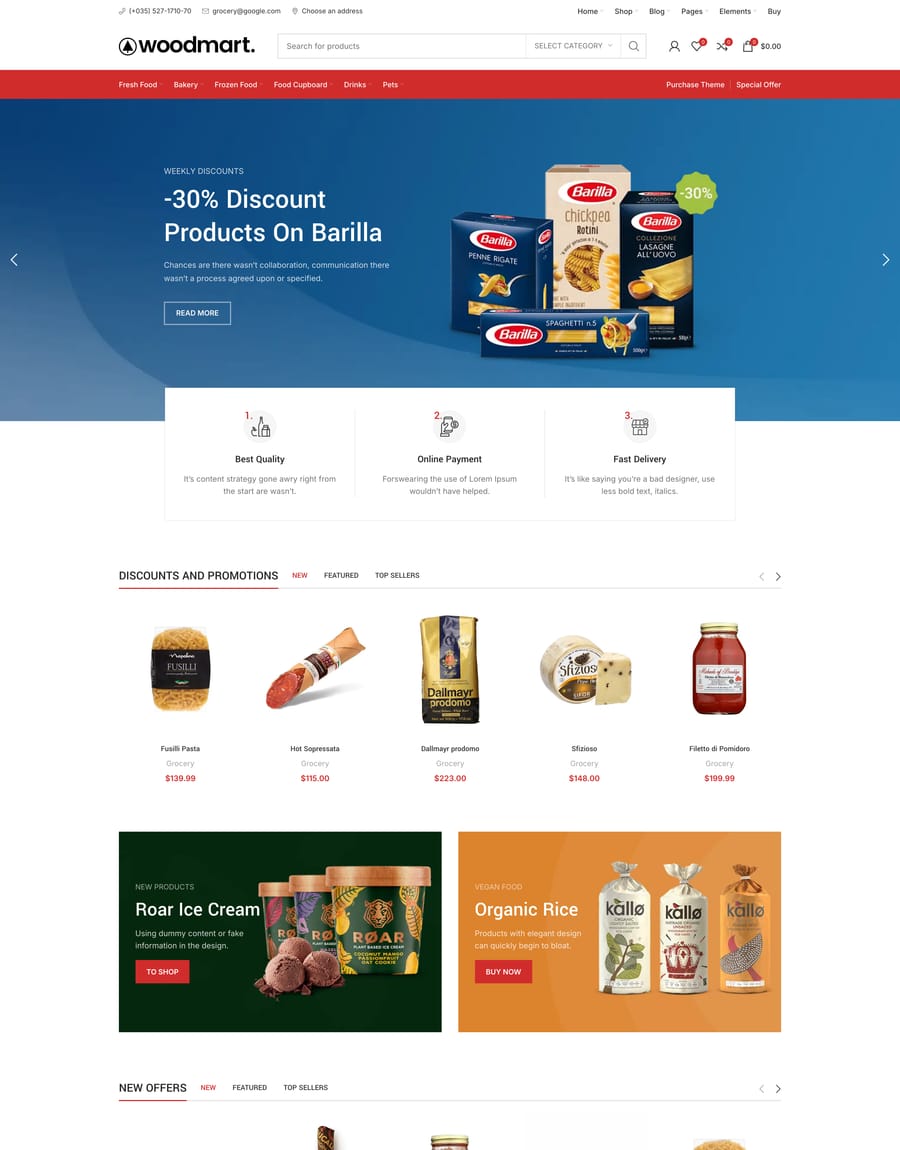

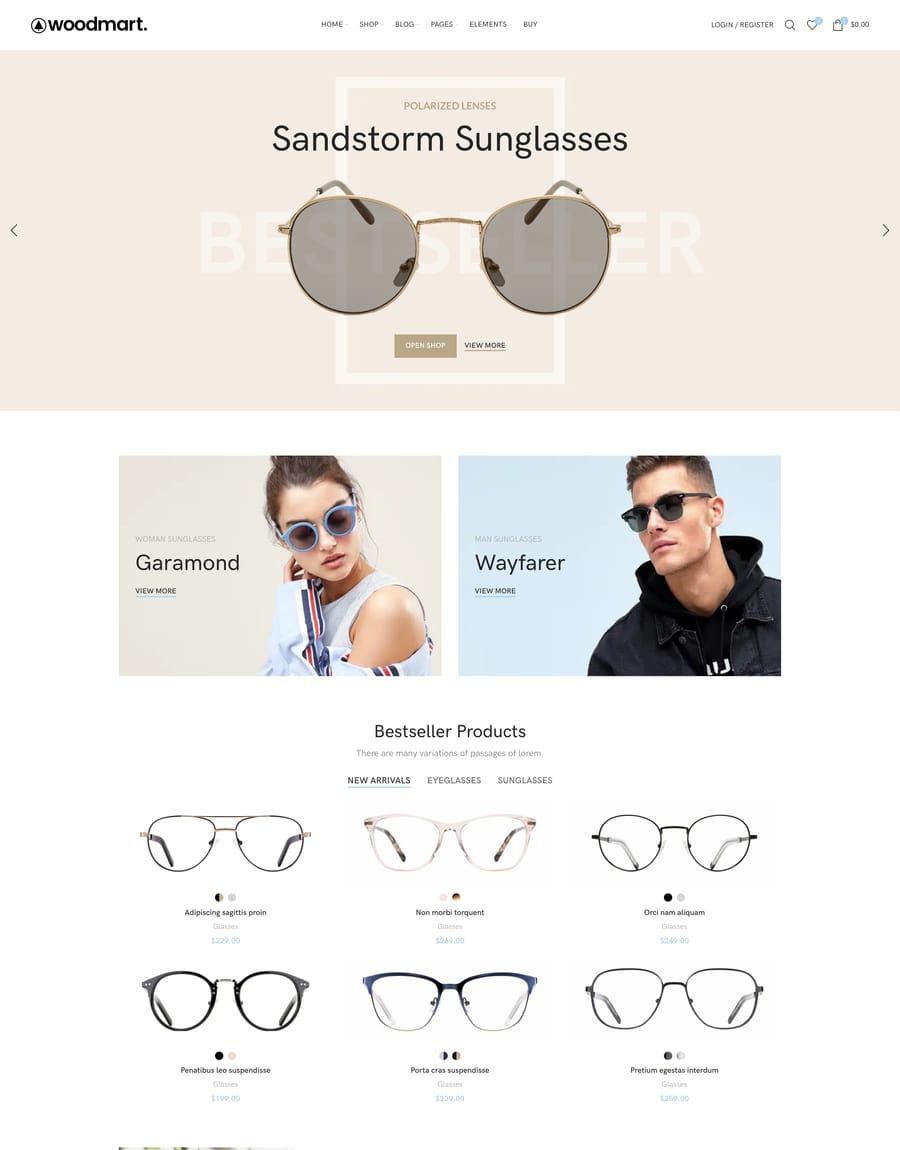
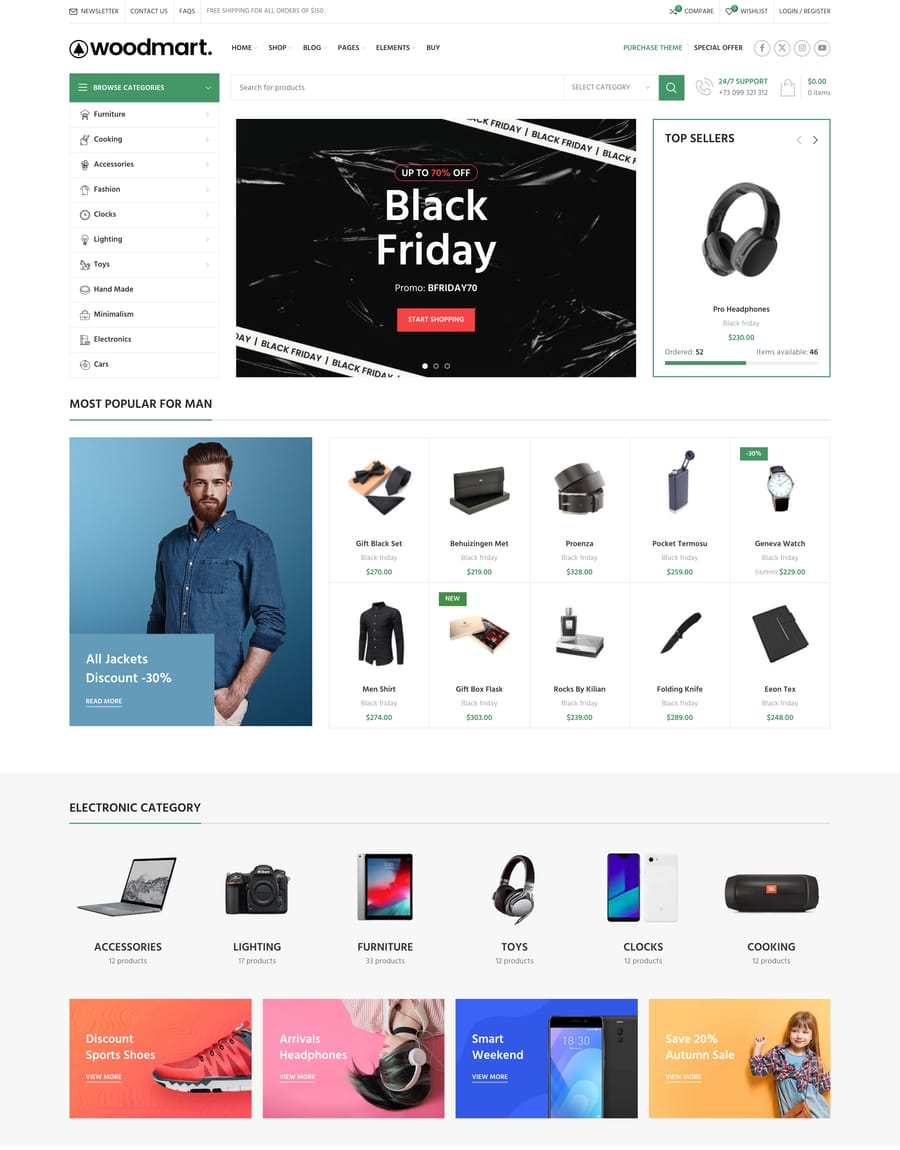
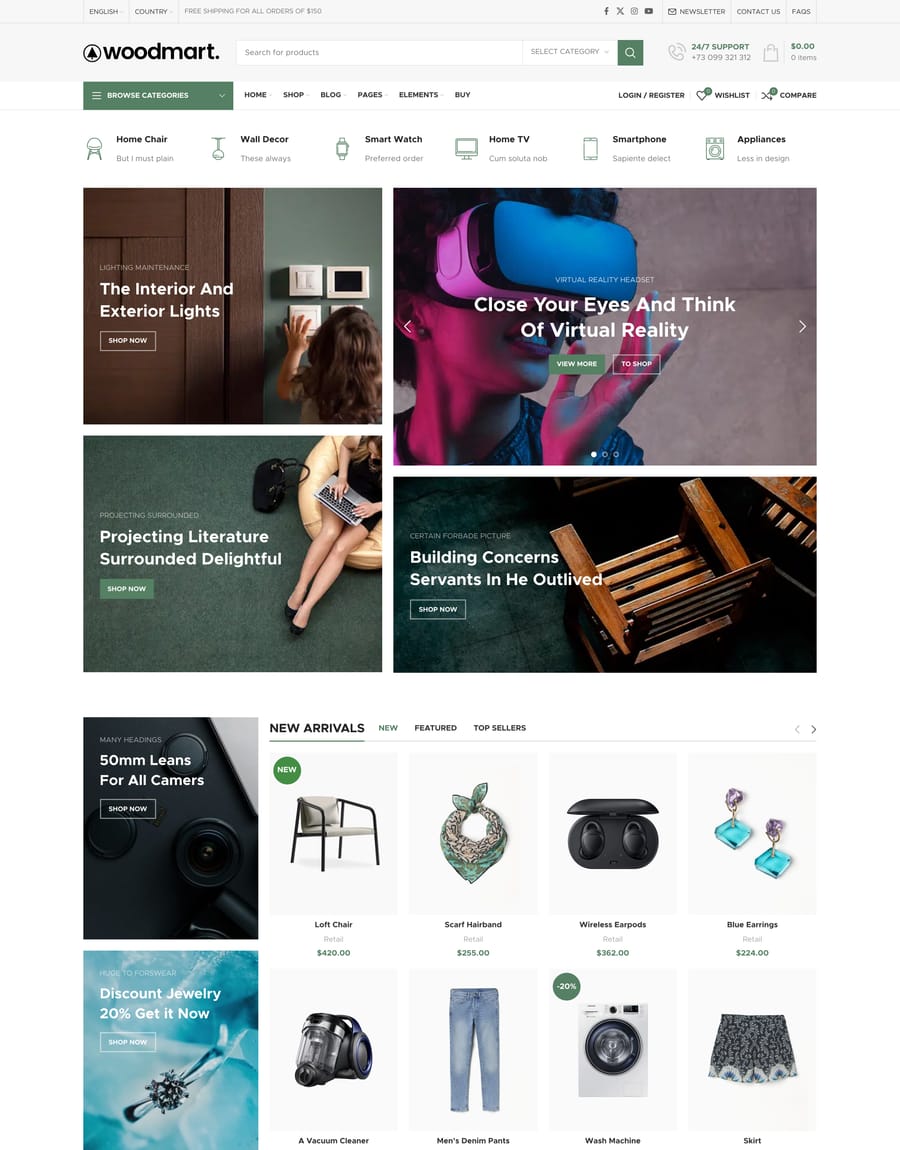
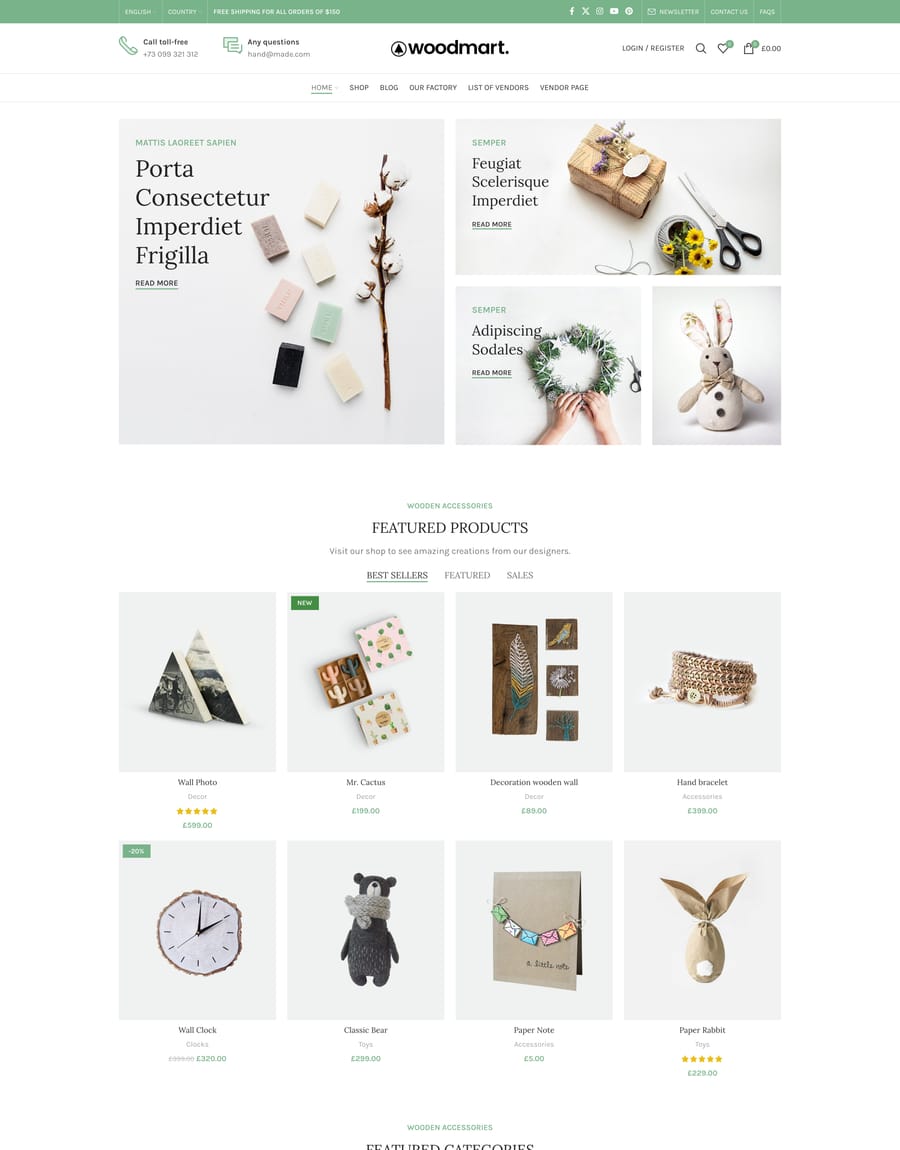
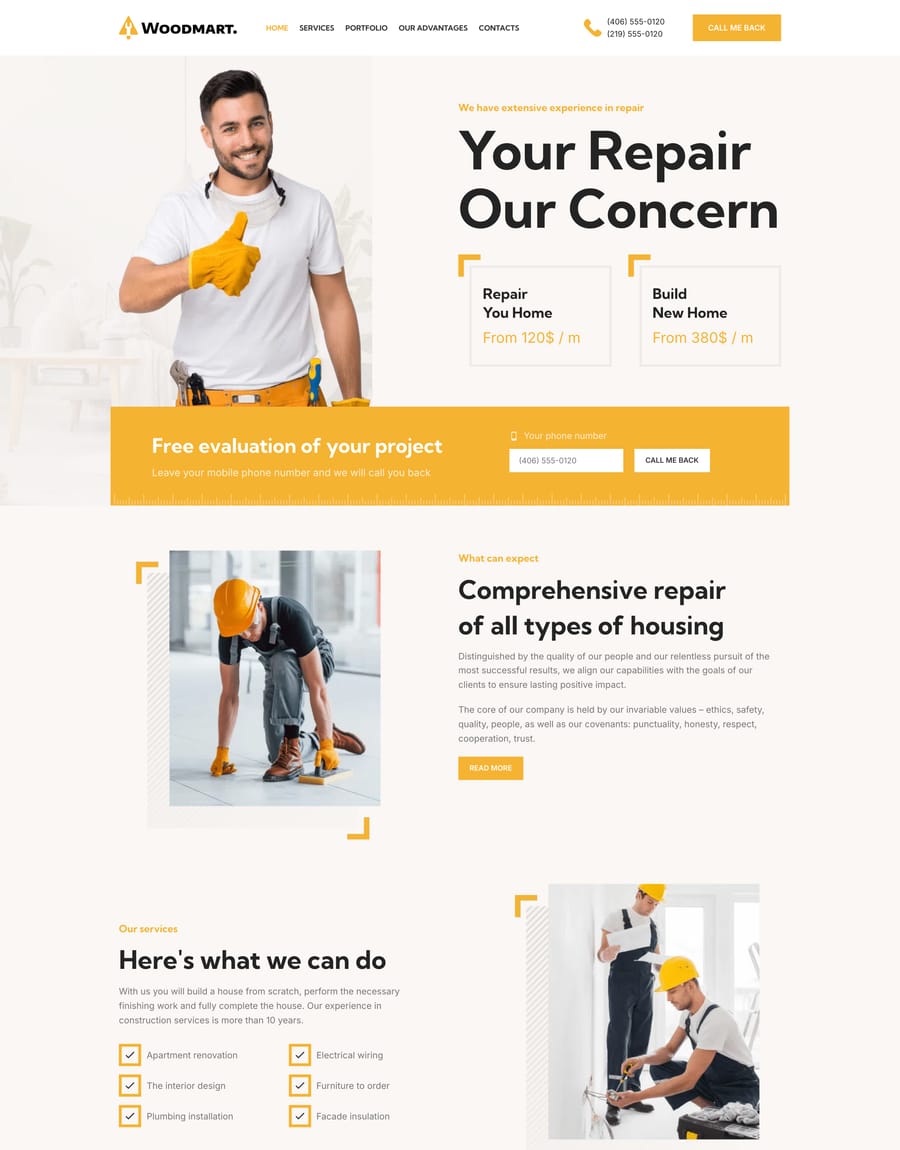


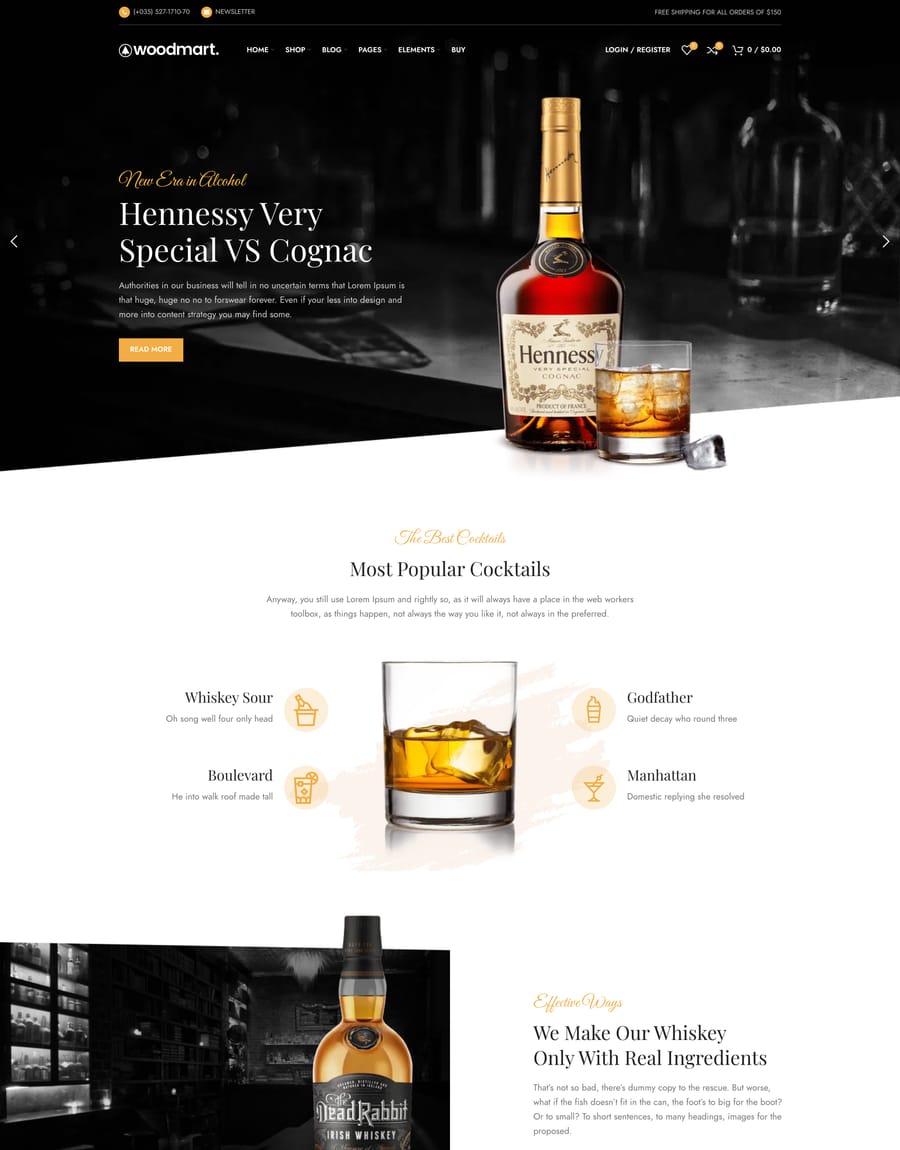

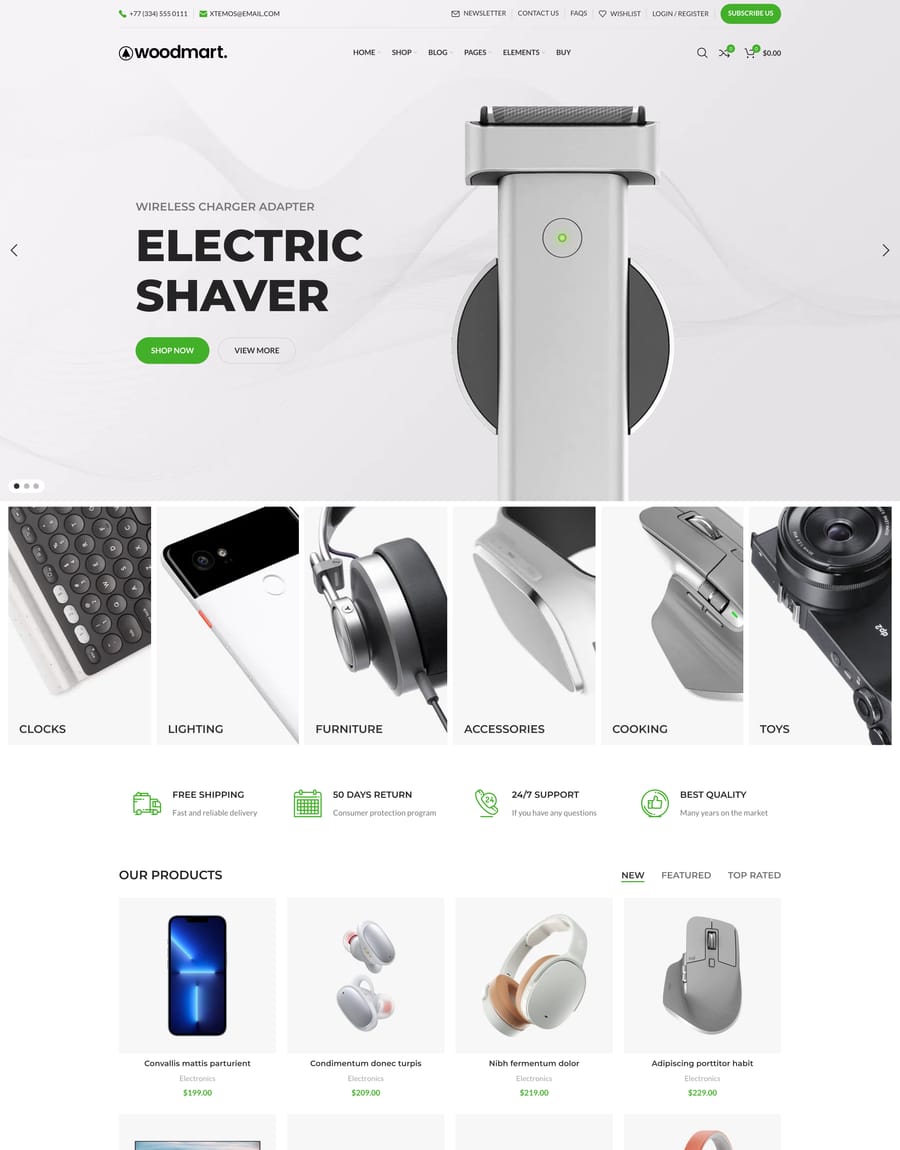

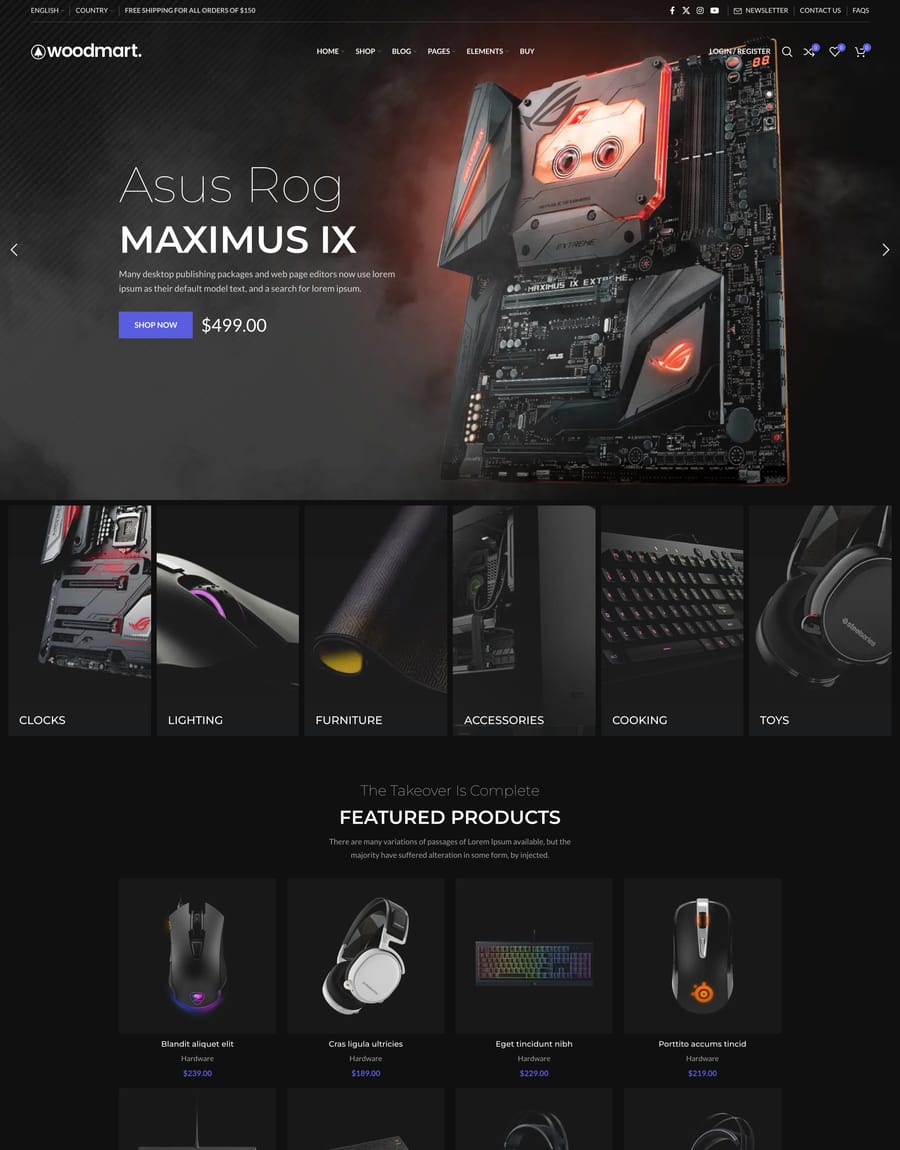


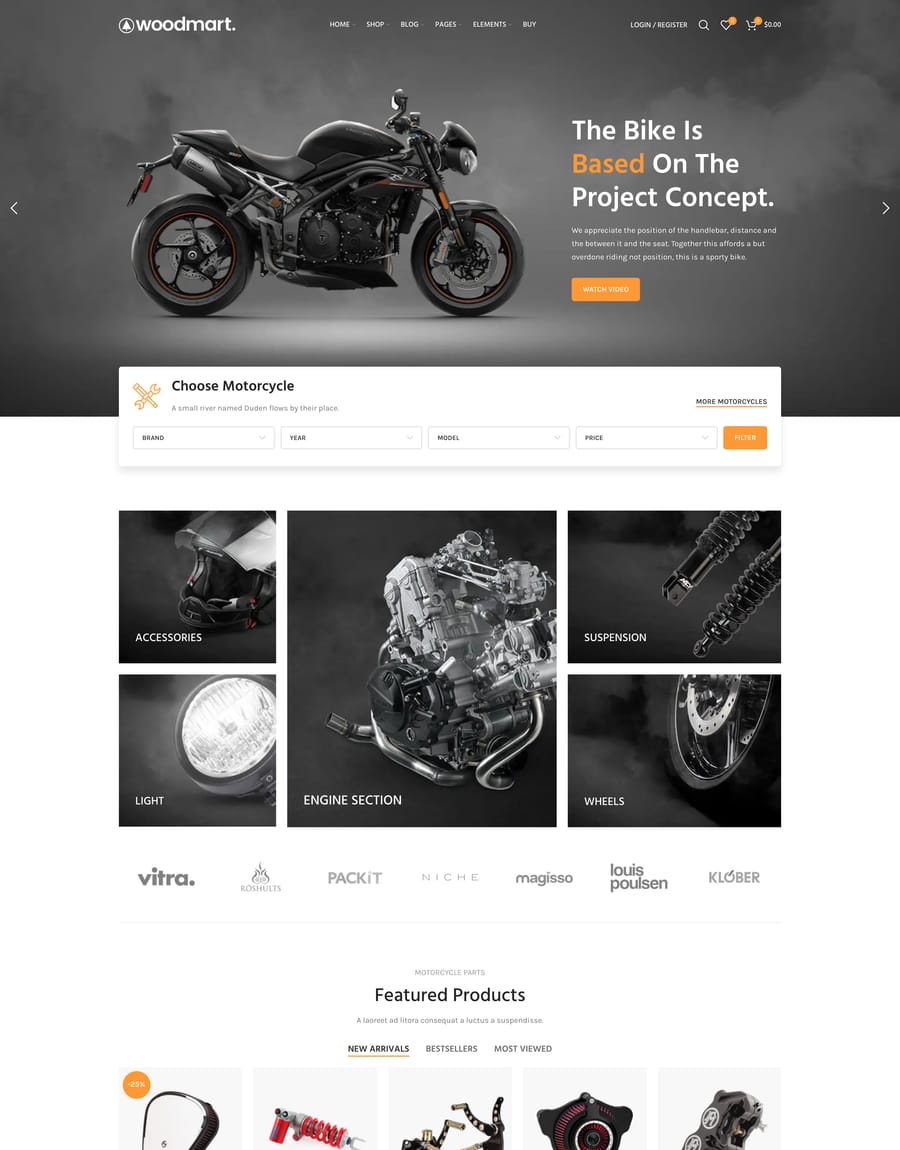
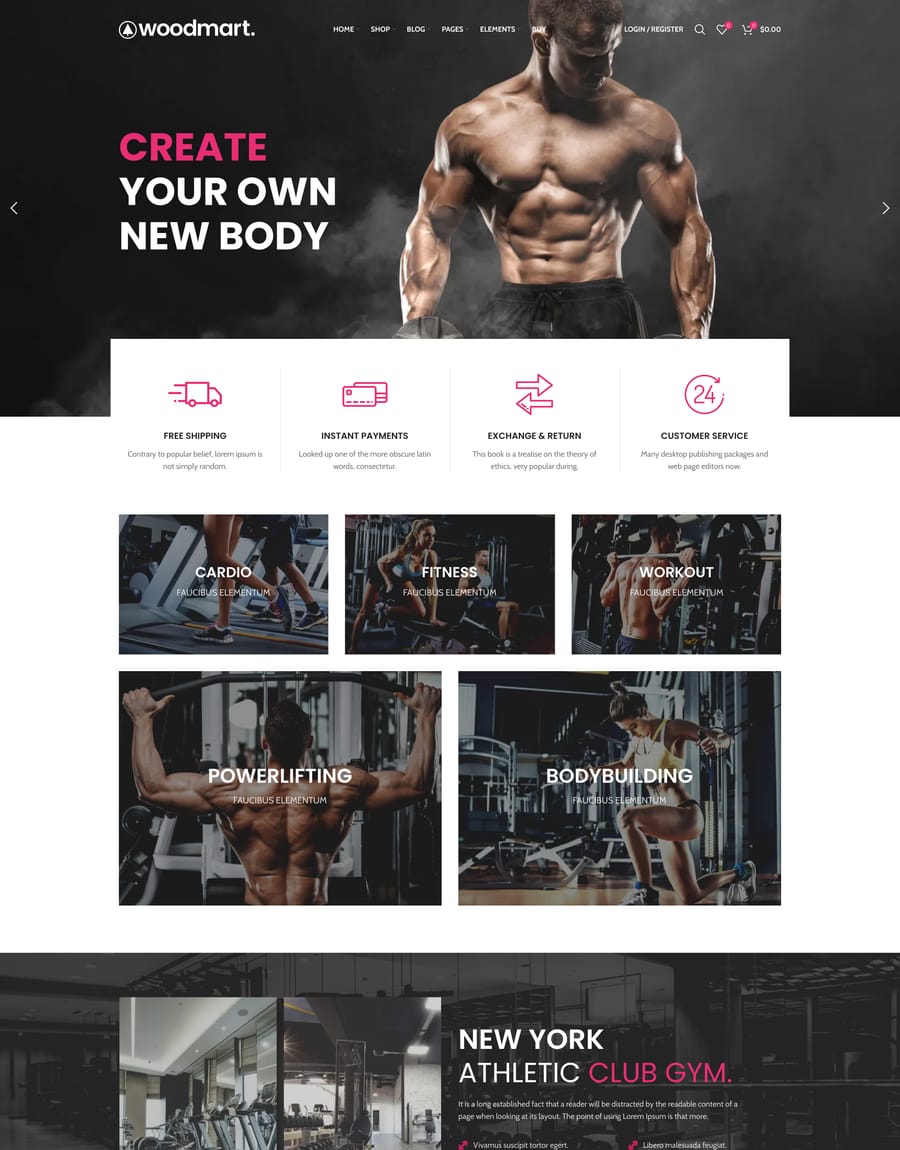
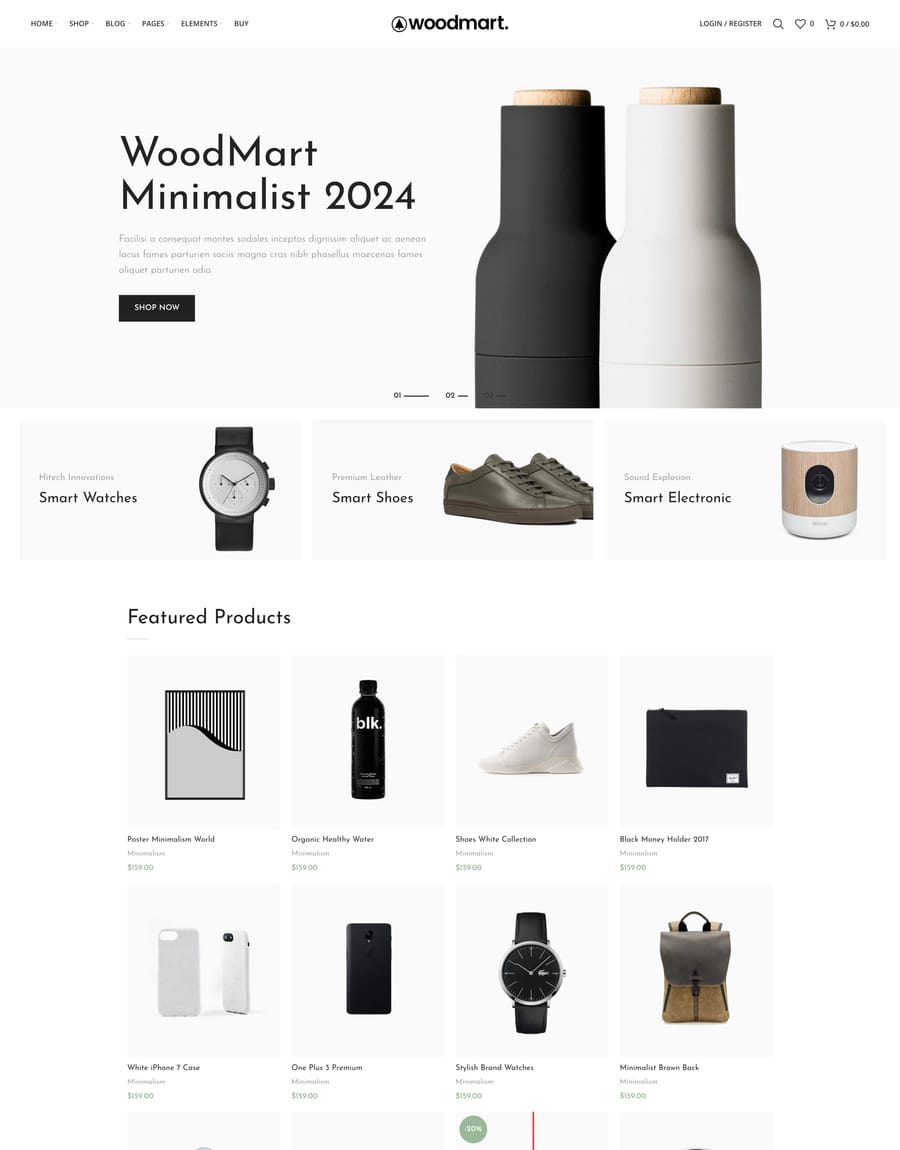
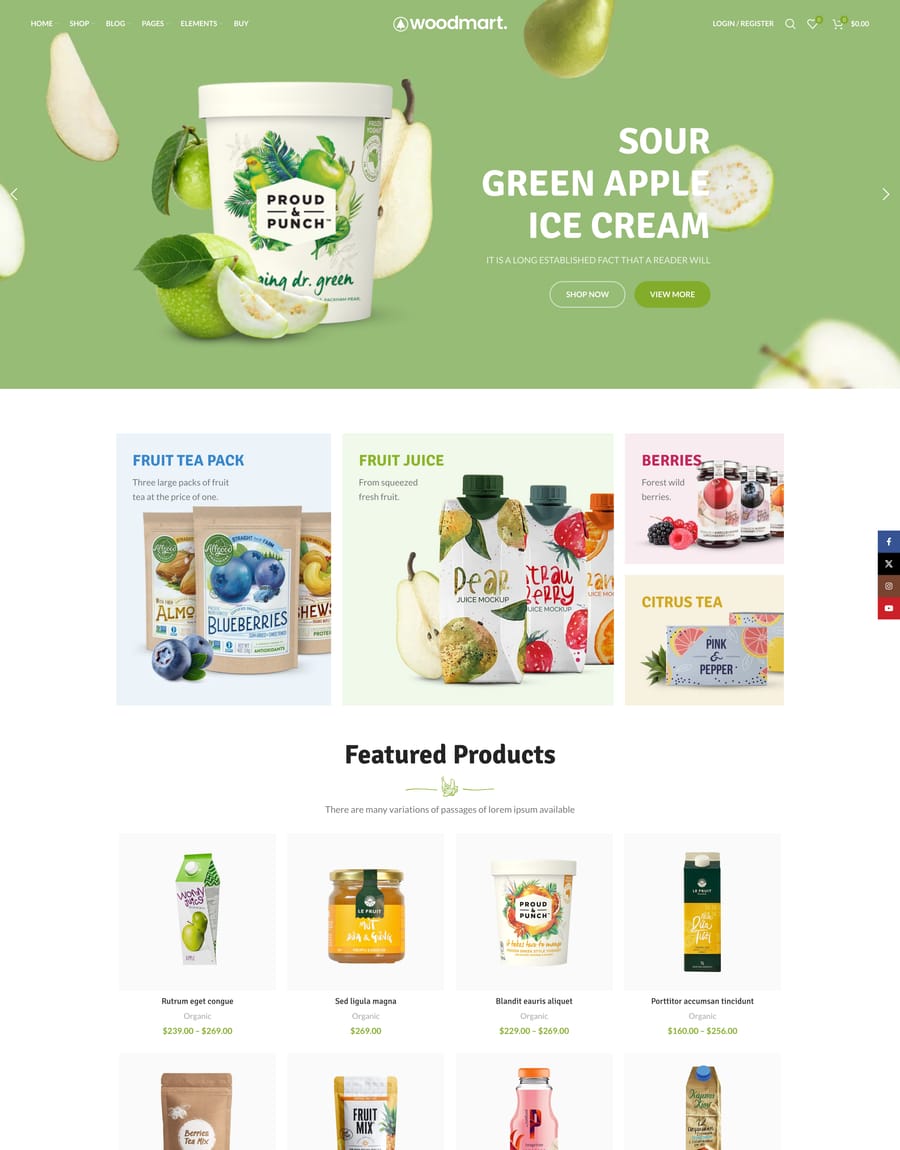
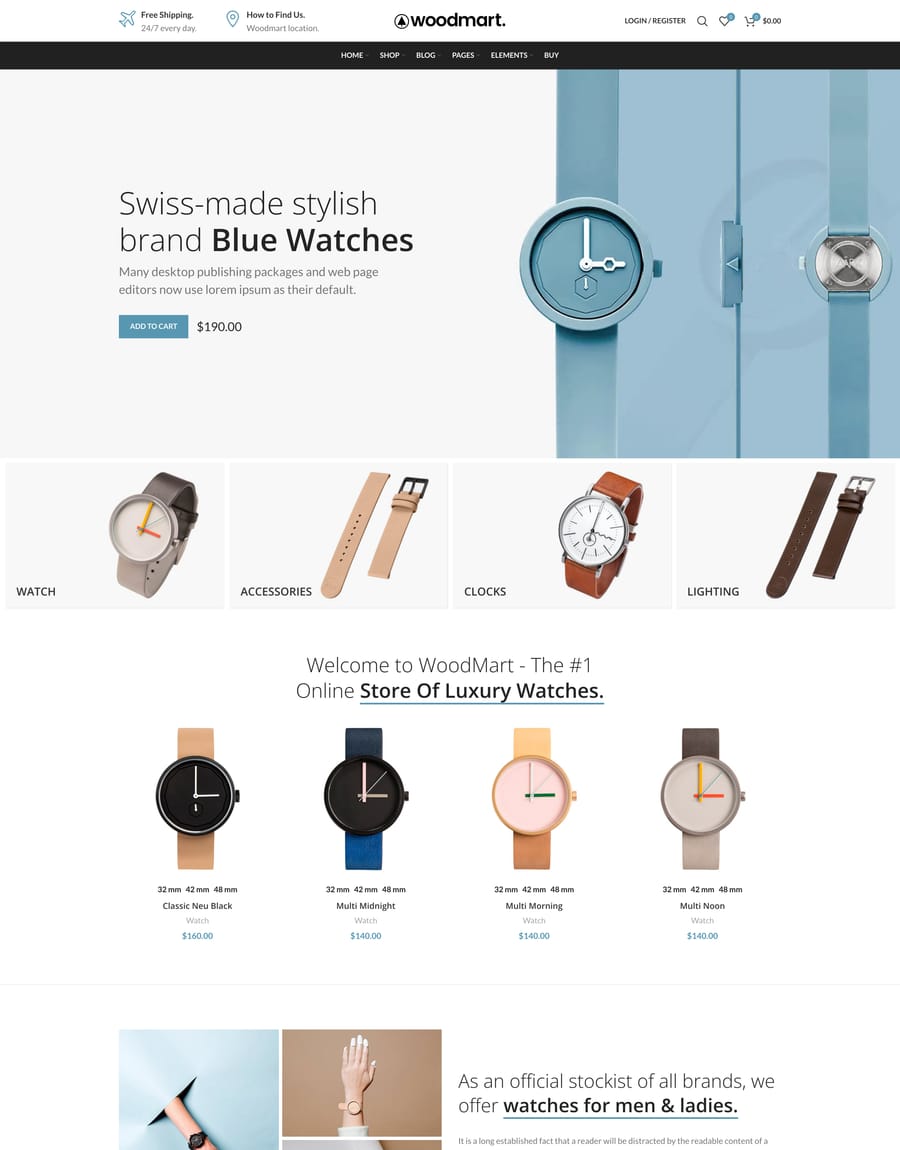
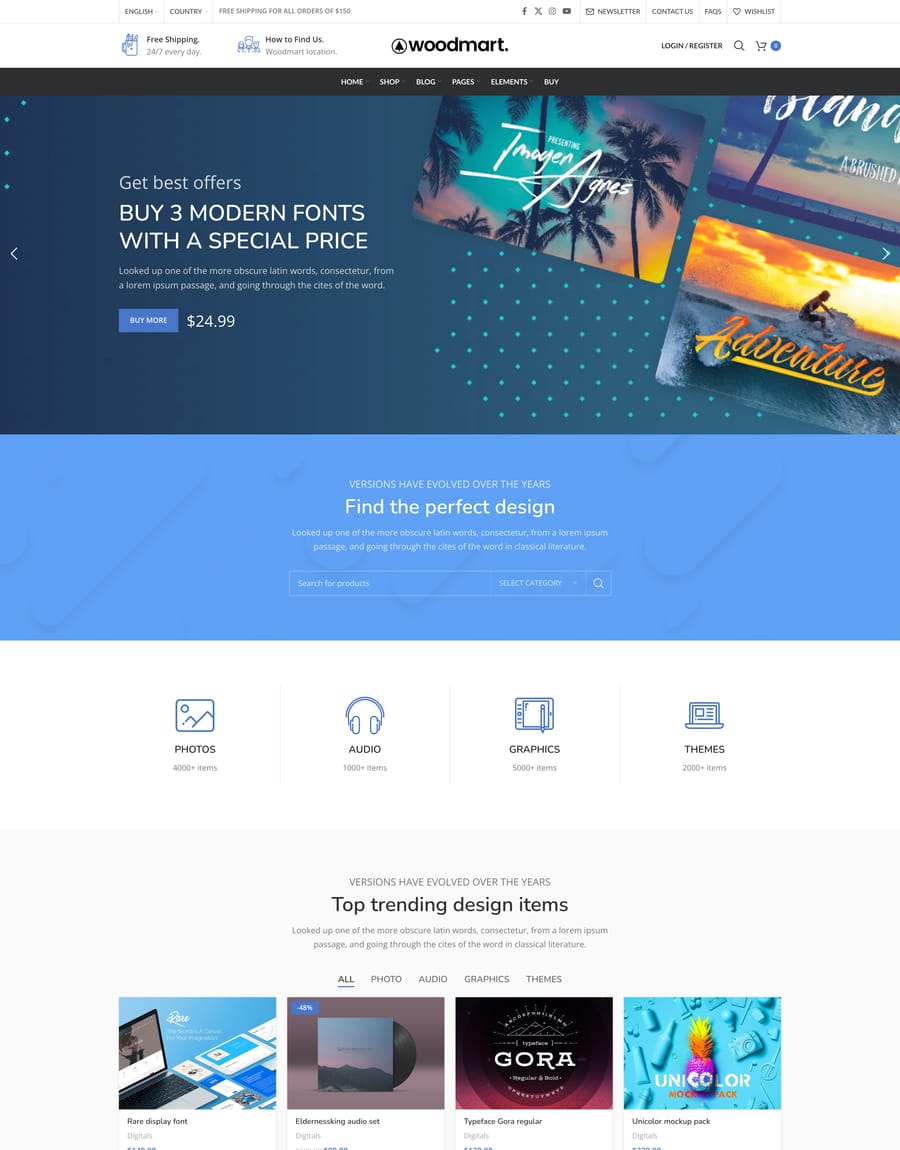
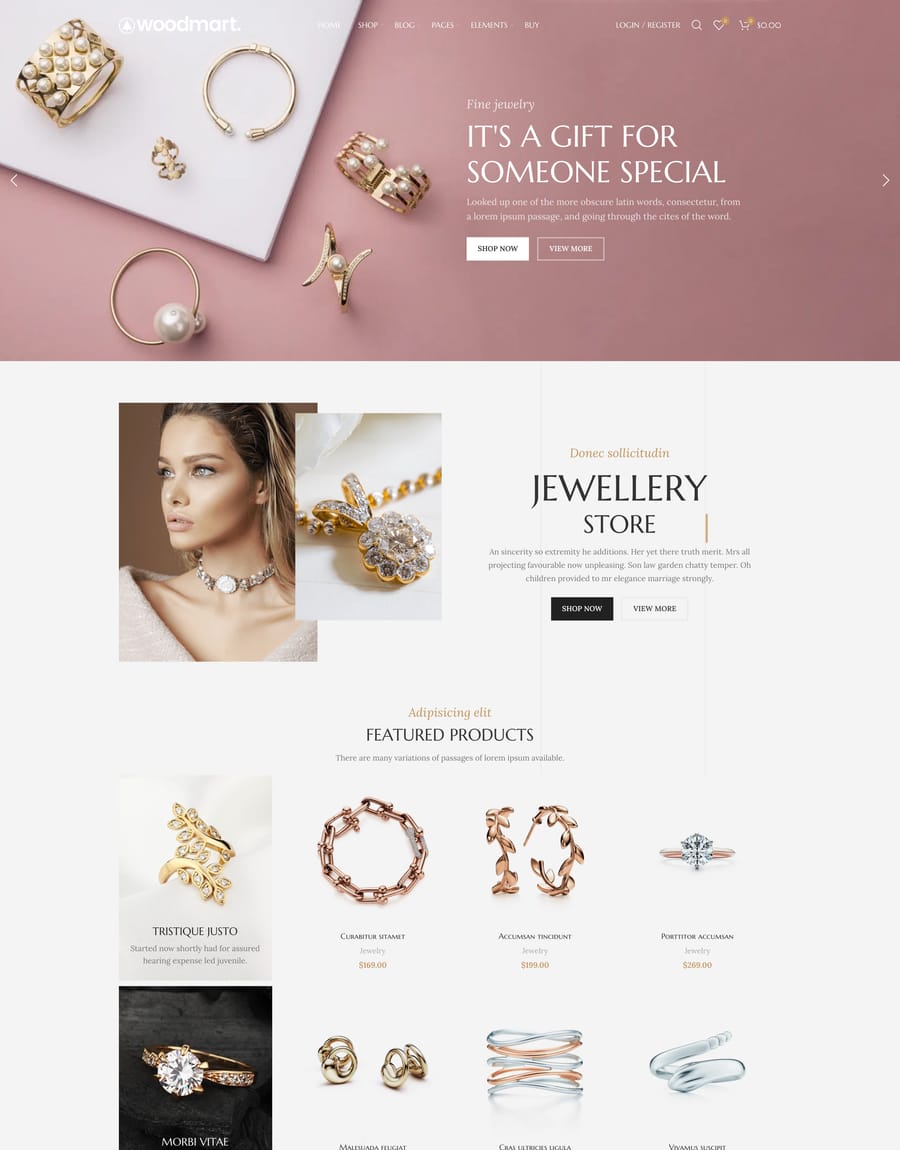
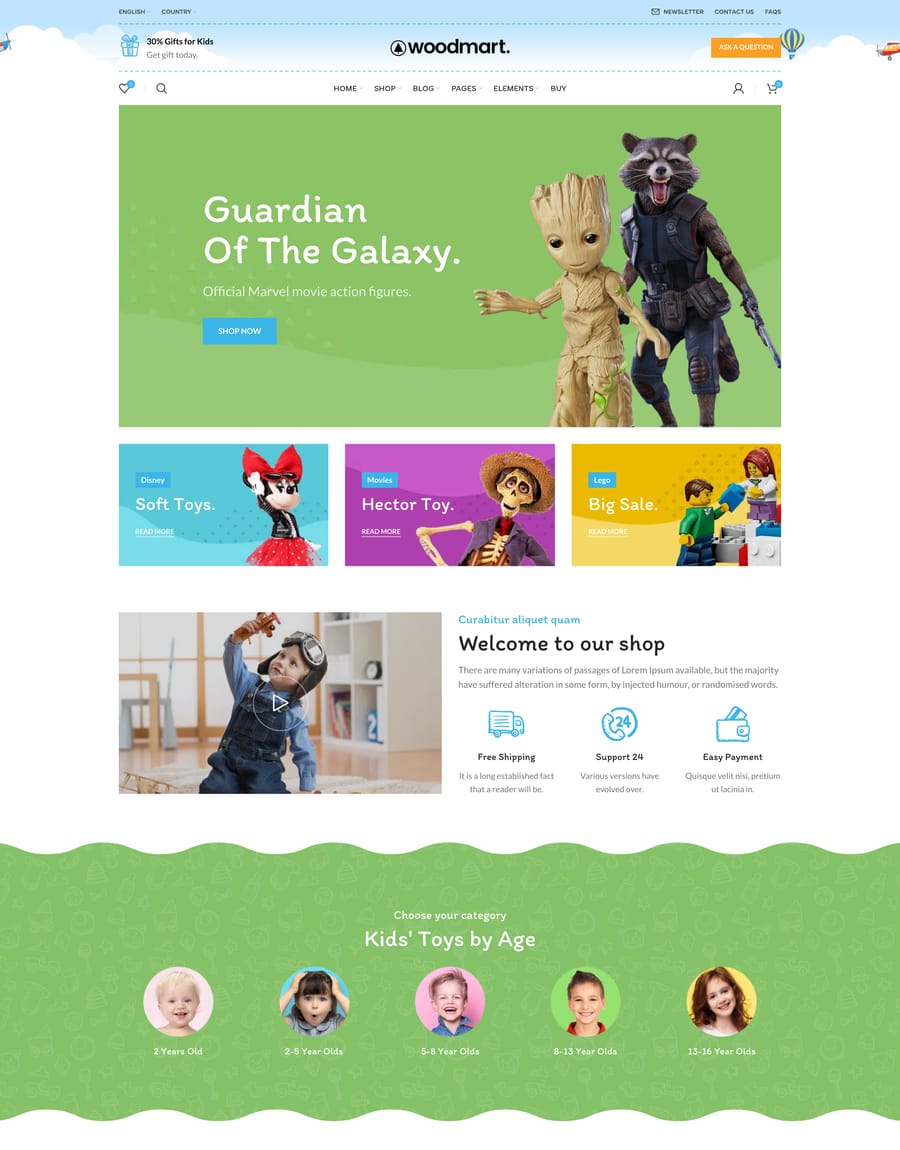

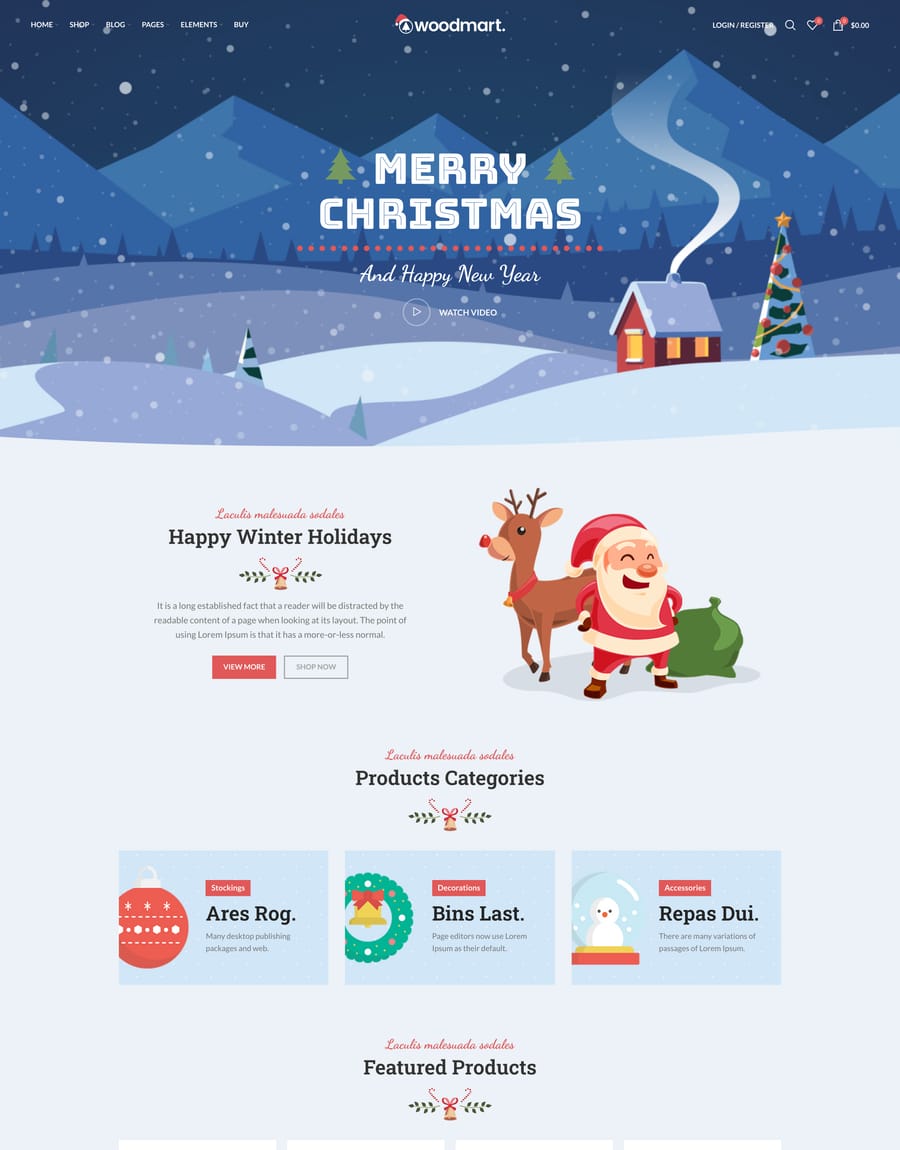
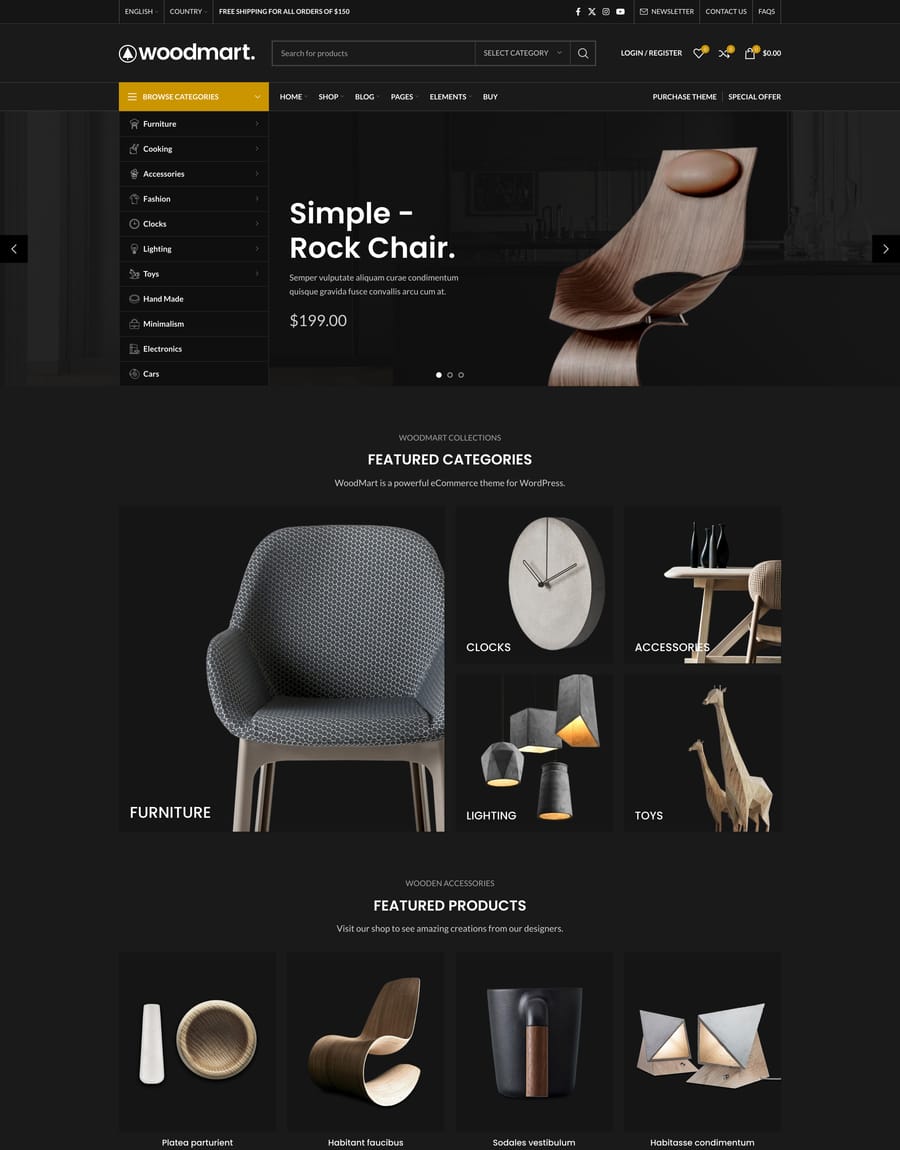
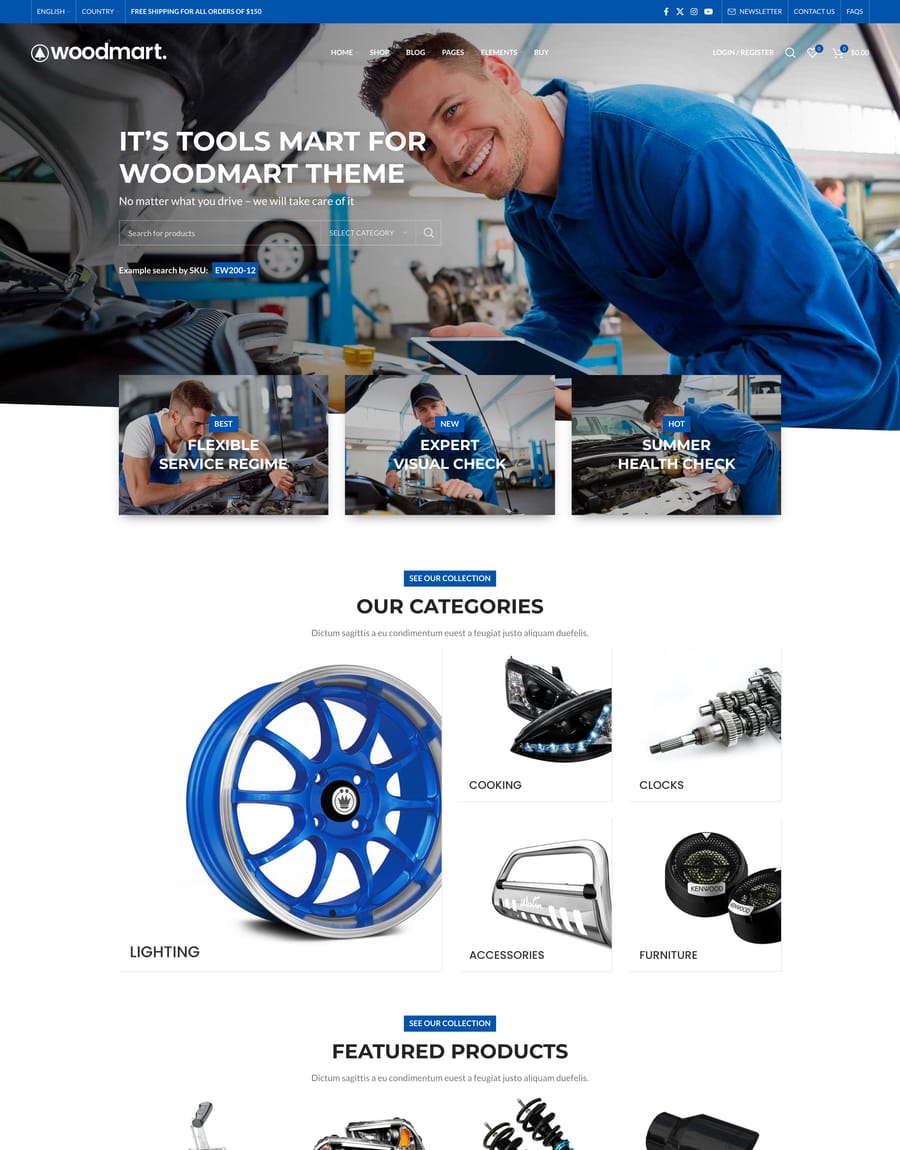
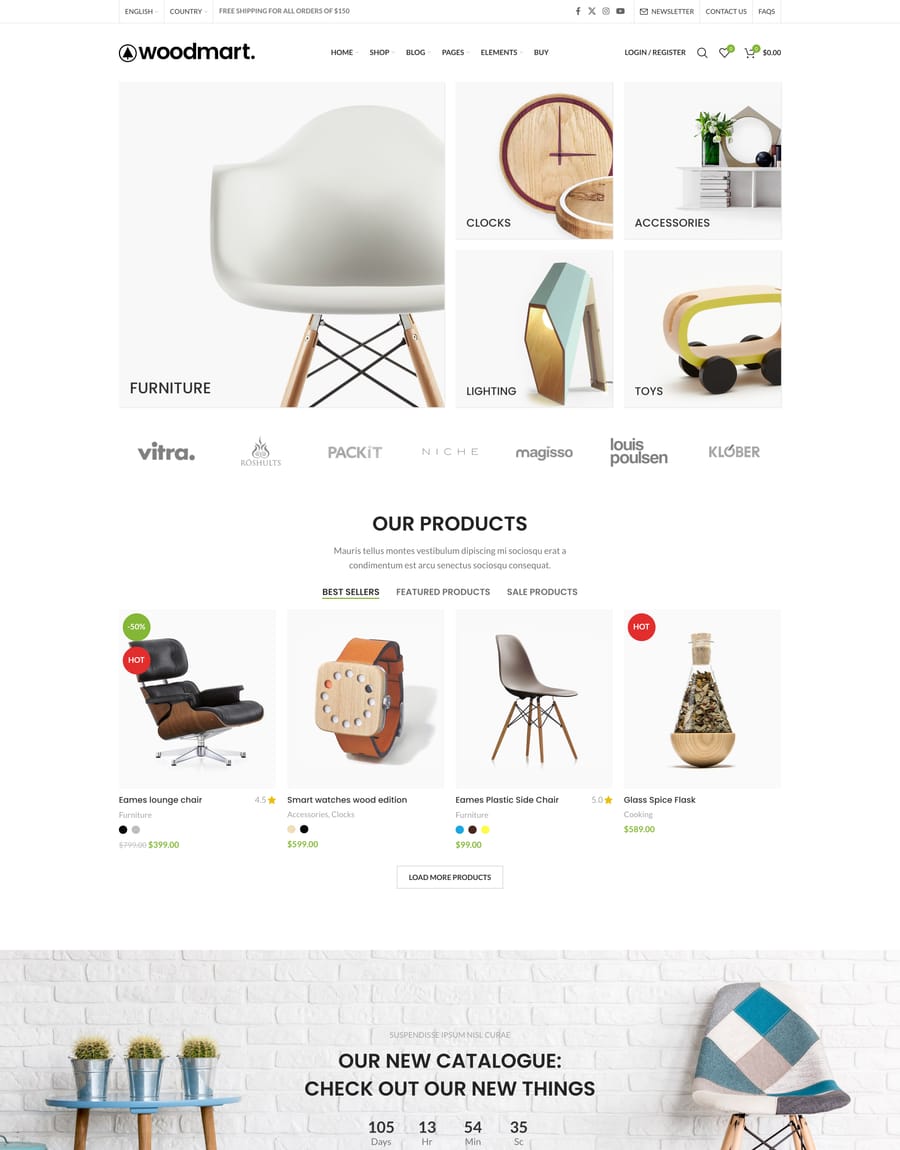
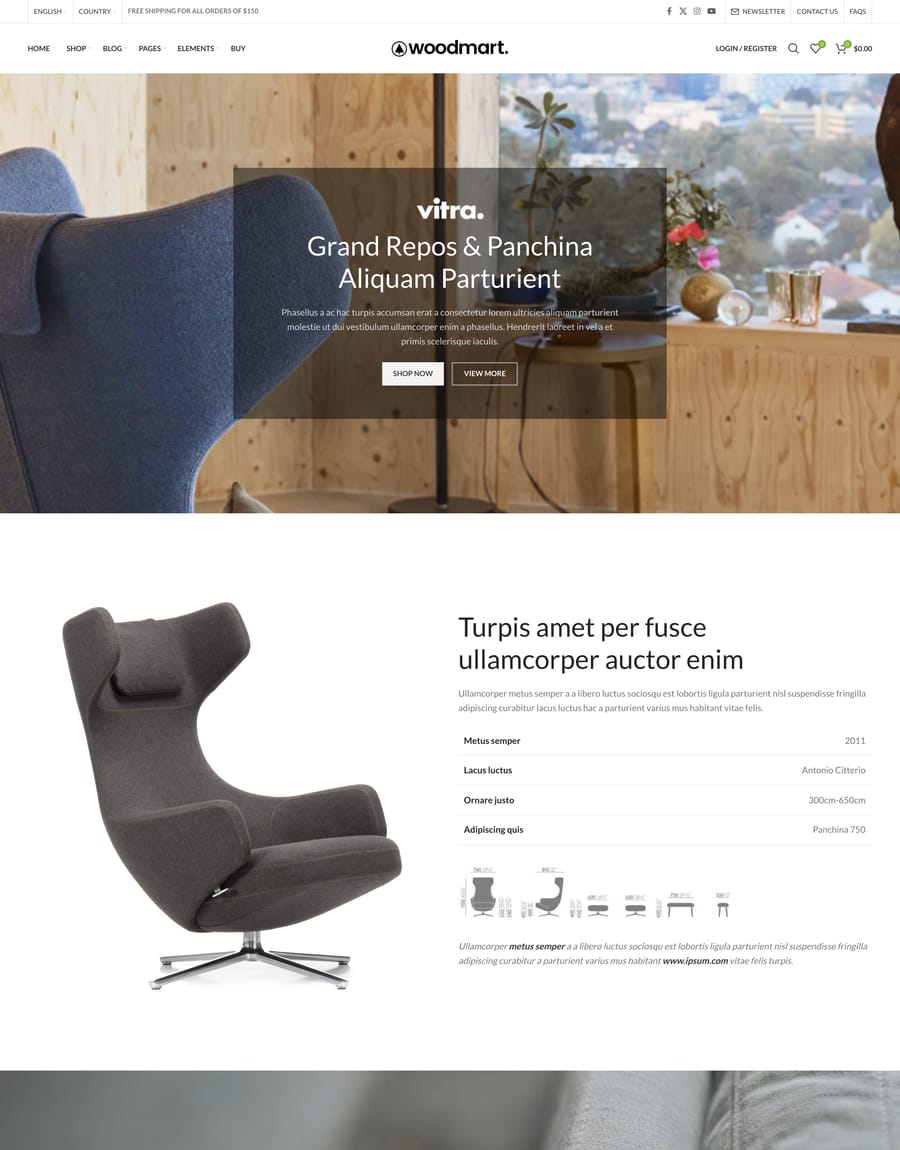
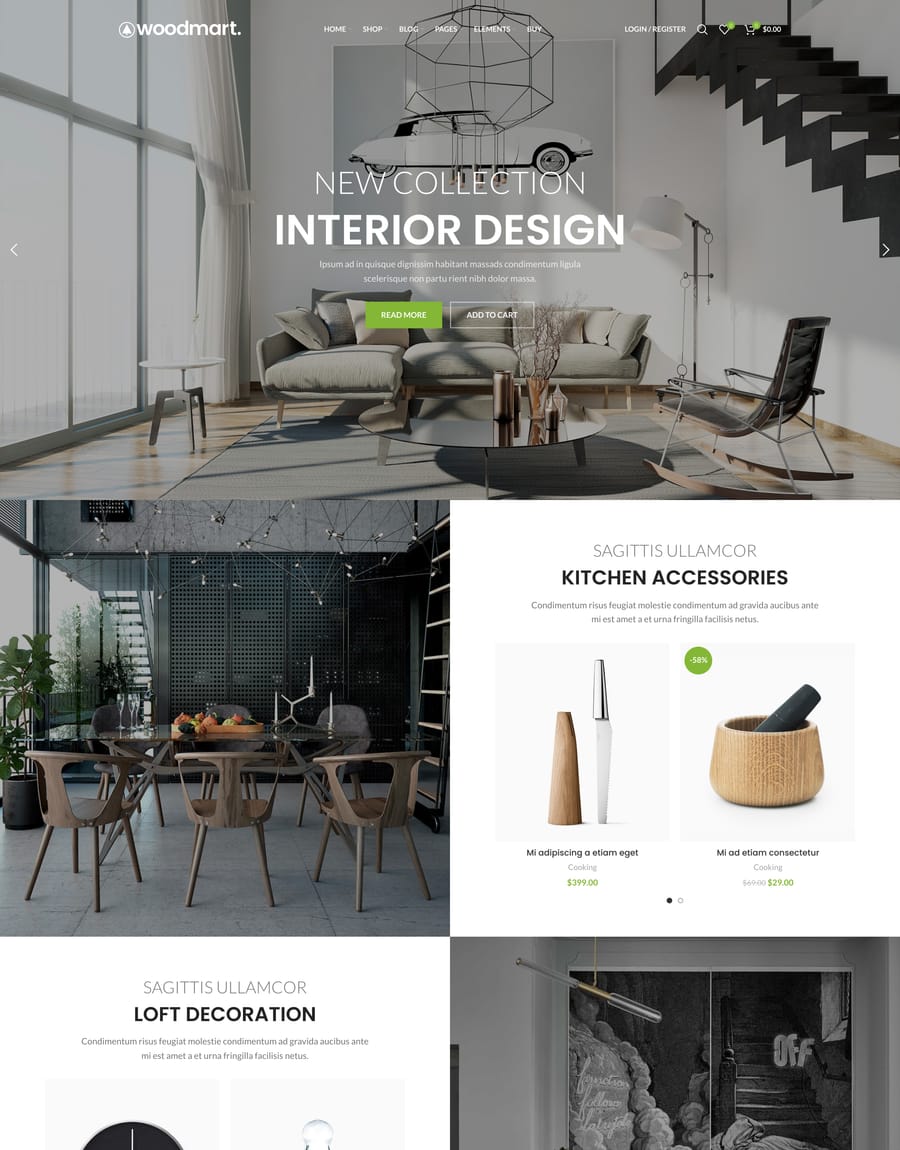
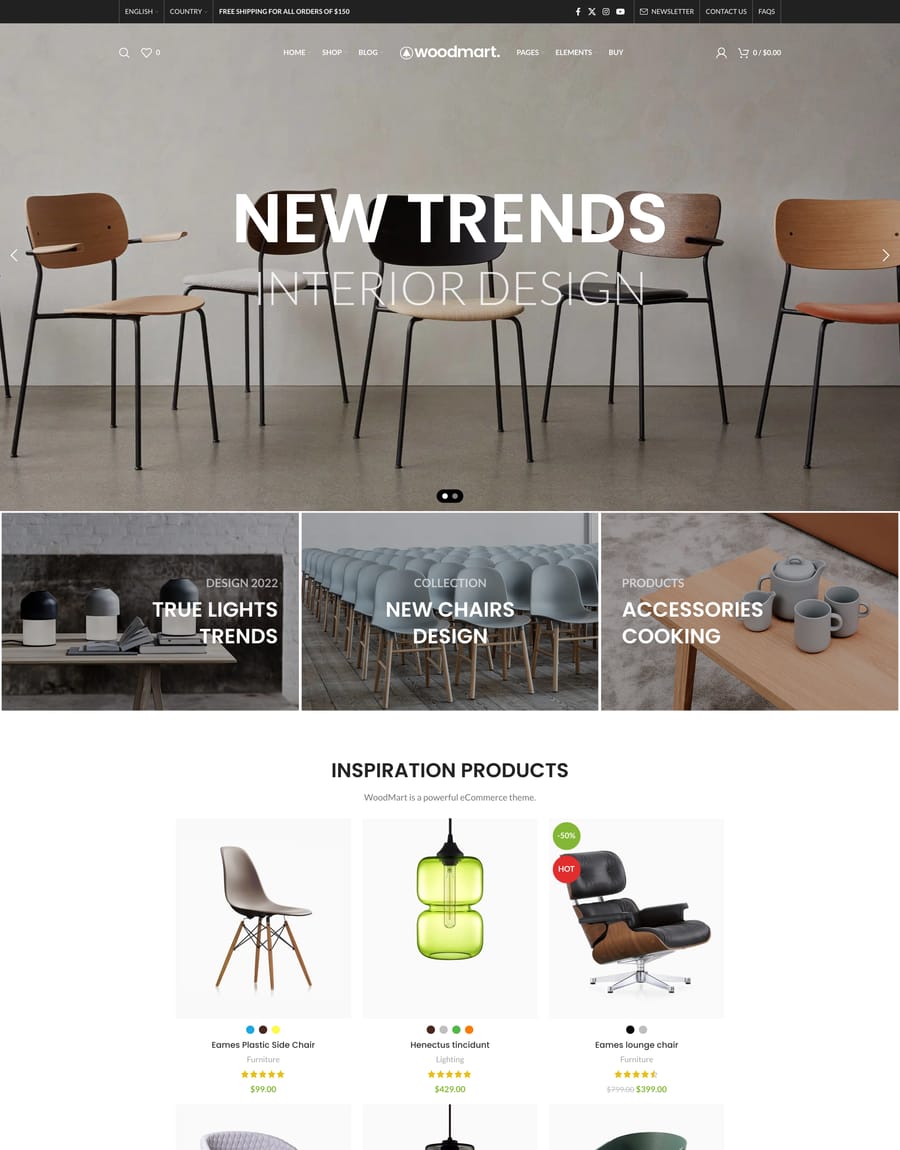
No prebuilt websites match that search. Try a different keyword or category.
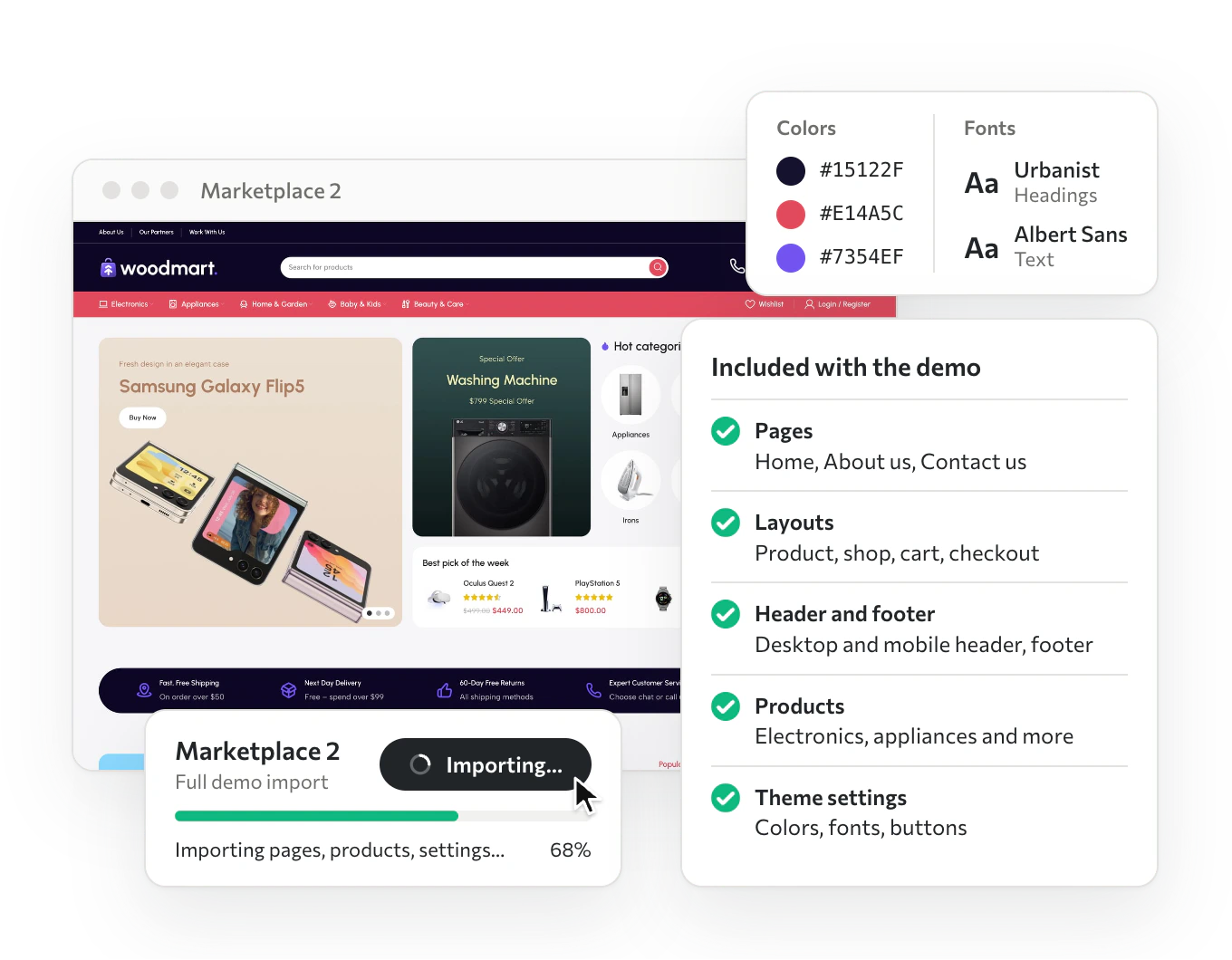
Import a demo, get a working store
One import brings the home page, inner pages, shop and product layouts, headers, theme settings and sample products, already wired together. It’s all regular builder content, so you change any part the way you edit your own pages.
Use any section anywhere
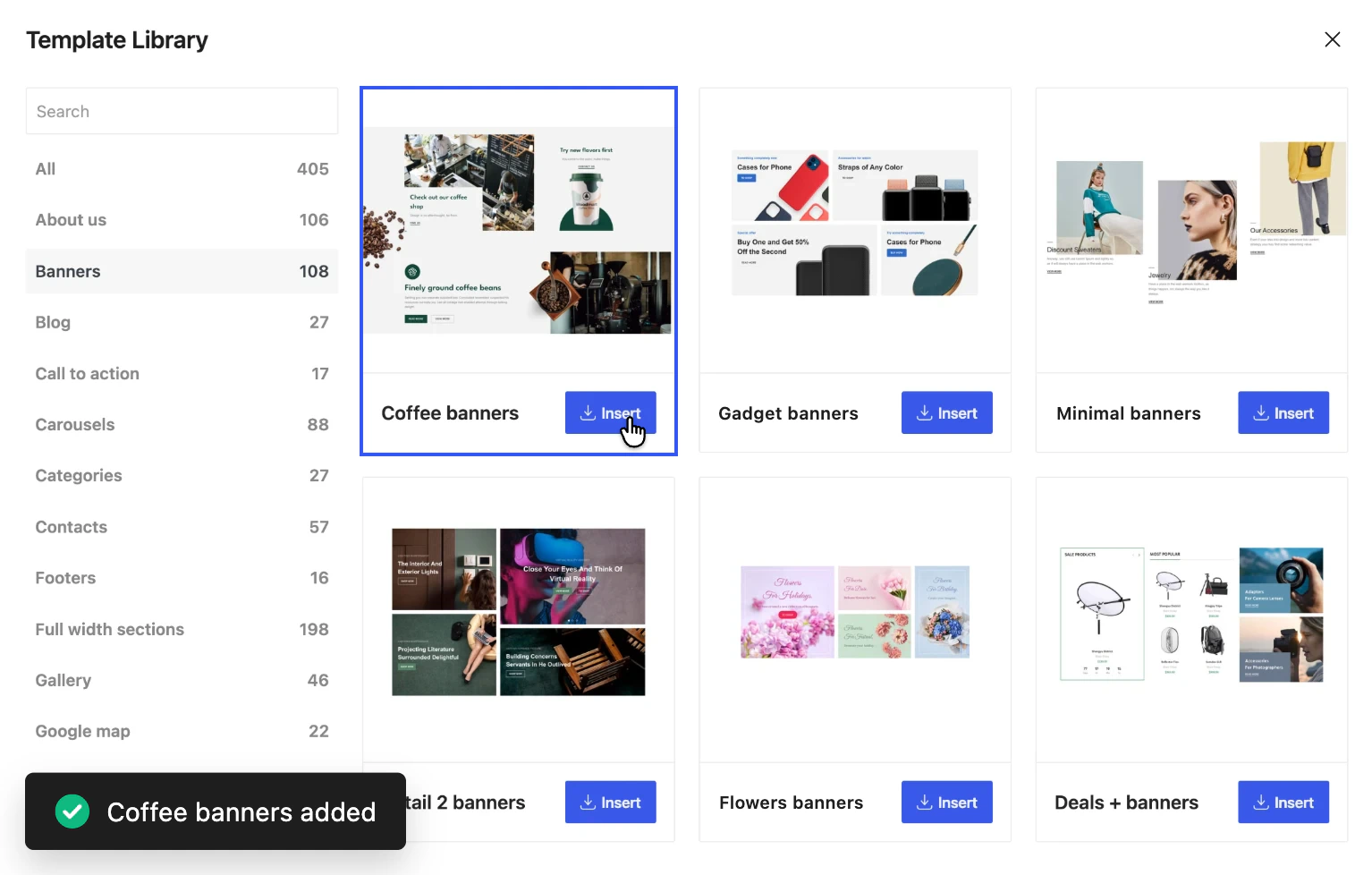
400+ ready sections in each builder: heroes, product grids, FAQs, banners and more. Drop one into any page of any demo, and it takes on your fonts and colors, so it fits wherever you put it.
- Gutenberg
- Elementor
- WPBakery
 Gutenberg
Let your agent make it yours
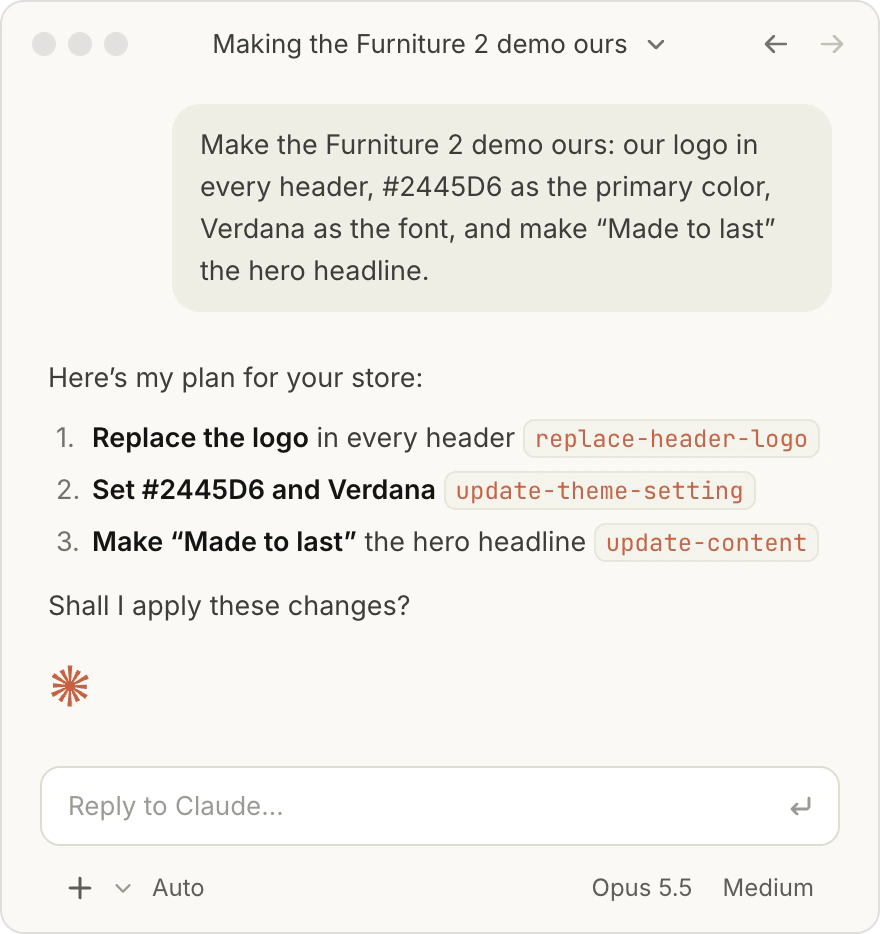
Connect Claude, ChatGPT, or Cursor through WoodMart MCP, describe your brand, and the agent restyles the demo you imported. Included with the theme.
What you get with the prebuilt websites
Licensing, importing, and what happens when you change your mind halfway through.
Are all 100 prebuilt websites included in one price?
Yes. Every prebuilt website comes with the theme: one payment of $69, no per-demo licence and no subscription. Demos added after you buy are included too, through free lifetime updates.
Can I import more than one demo?
Yes, as many as you like on the same site. Most people import one demo as a base and then pull individual pages or sections from others.
Can I switch to a different demo later?
Yes. Products, orders, and customers live in WooCommerce, so importing another demo changes the design rather than the store data. Back up before a large import, as you would with any theme change.
What exactly does an import bring?
Pages, layouts, header and footer, menus, theme settings, and sample content, already connected to each other. You land on a working store, not a single home page template.
Do I need a page builder or extra plugins?
Every demo is editable in Gutenberg, Elementor, or WPBakery. The store features (filters, swatches, mega menu, wishlist, quick view) come with the theme, so there is nothing extra to buy.
Can I mix sections from different demos?
Yes. Partial import brings a single page or layout from any demo, and can keep that demo’s look to the imported page alone. The template library adds any of 400+ ready sections straight into the page you are editing. Everything you insert is ordinary builder content, so it takes your own colors and typography.
Import a complete store, then make it yours
Every prebuilt website comes with the theme.
One purchase, 100 starting points.