
Add a slider to a page
A reusable WoodMart slider can be added to a page with the Slider element in Elementor or WPBakery. After adding the element, select the slider that you created under Dashboard -> Slides -> Sliders.
WPBakery
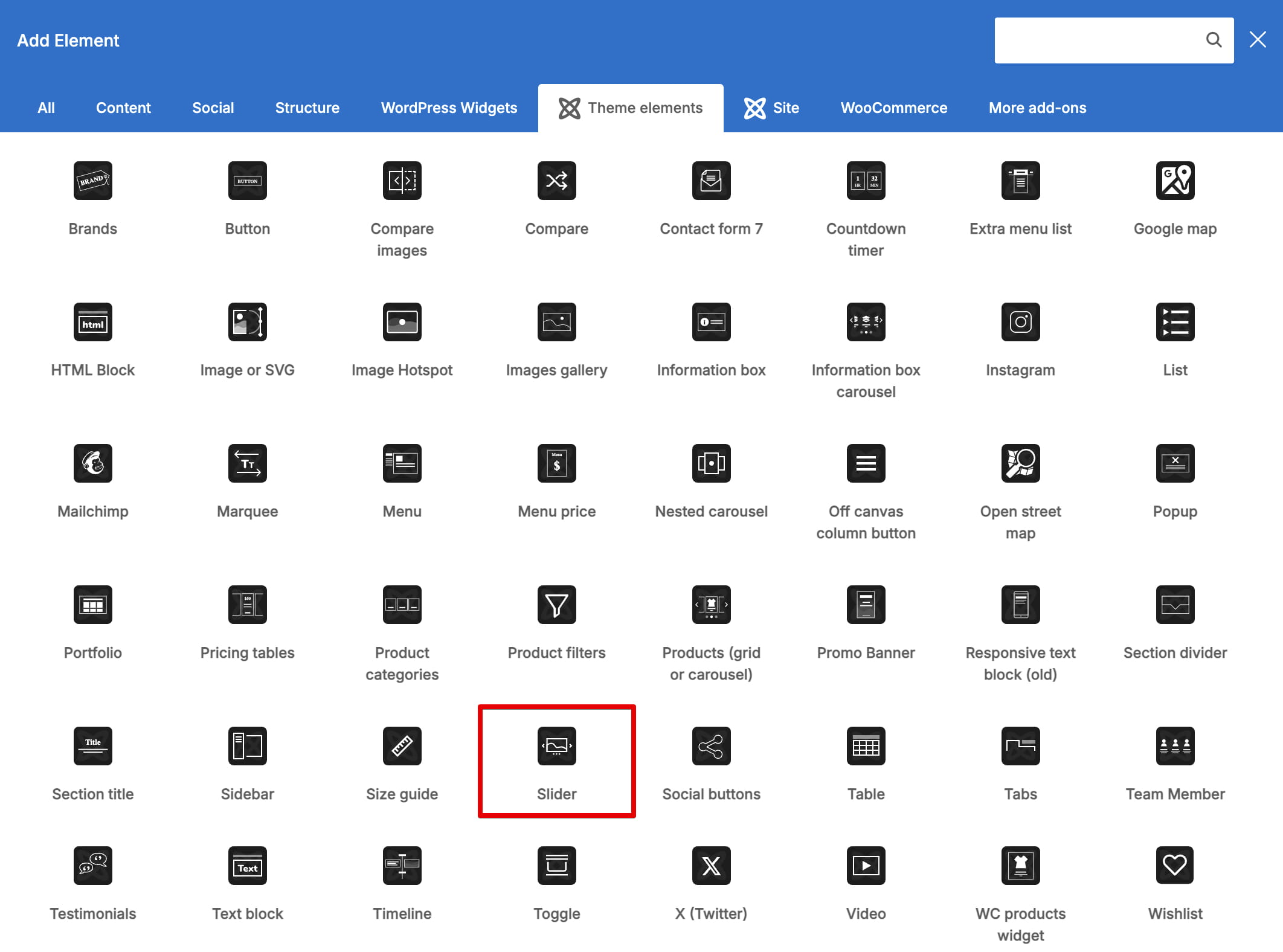
1. Edit the page with WPBakery and add the Slider element from Theme elements.
2. Select the required slider in the Slider field, save the element, and update the page.
Elementor
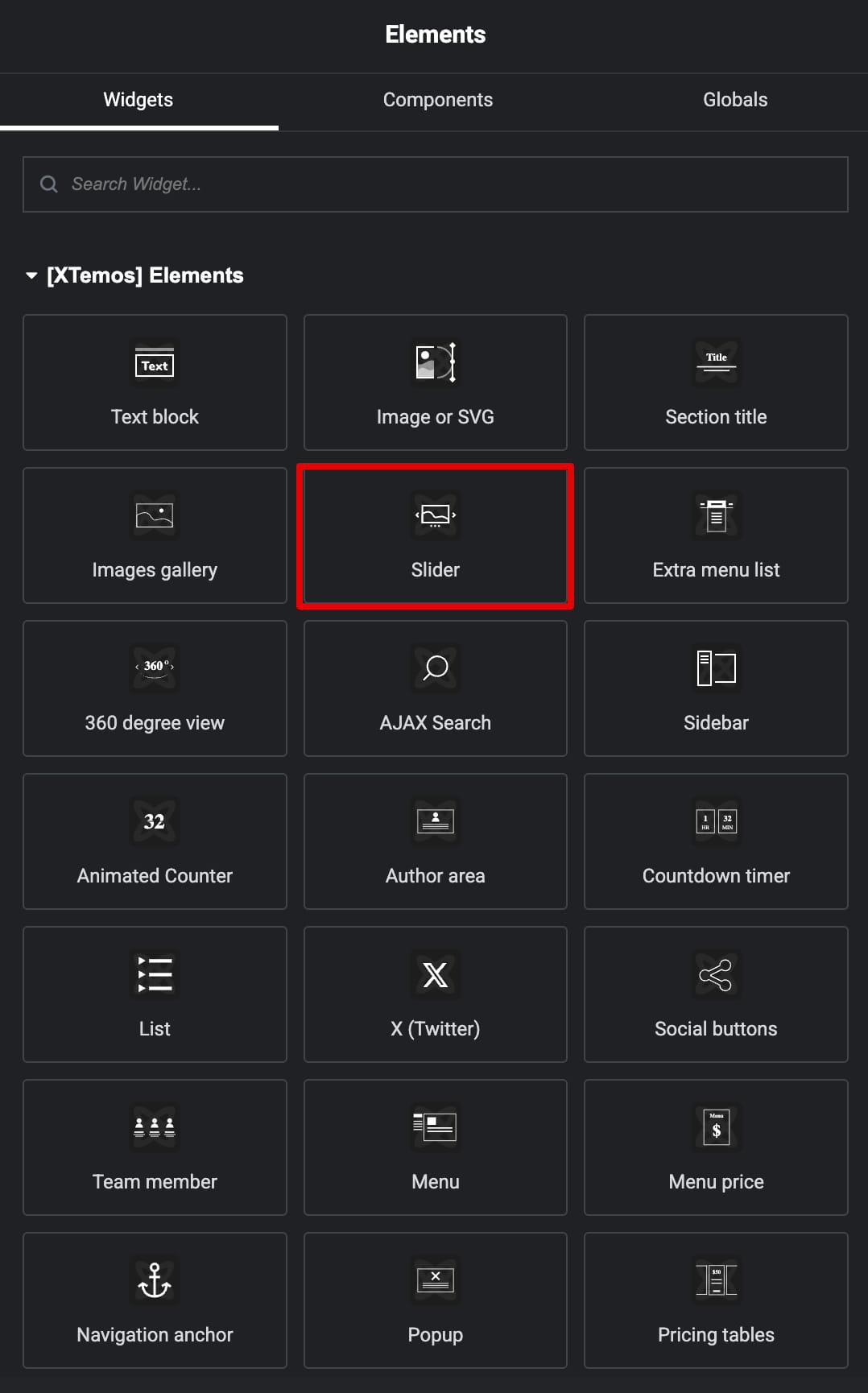
1. Edit the page with Elementor and add the WoodMart Slider widget.
2. Choose the required slider in the widget settings and update the page.
Gutenberg
Gutenberg uses a different workflow. Add the Slider block directly to the page and build its nested Slider item blocks in the editor instead of selecting a reusable slider from the Slides menu. See Add a WoodMart slider to a Gutenberg page.
For a full-width presentation, configure Stretch slider and Full width container in the reusable slider’s settings.