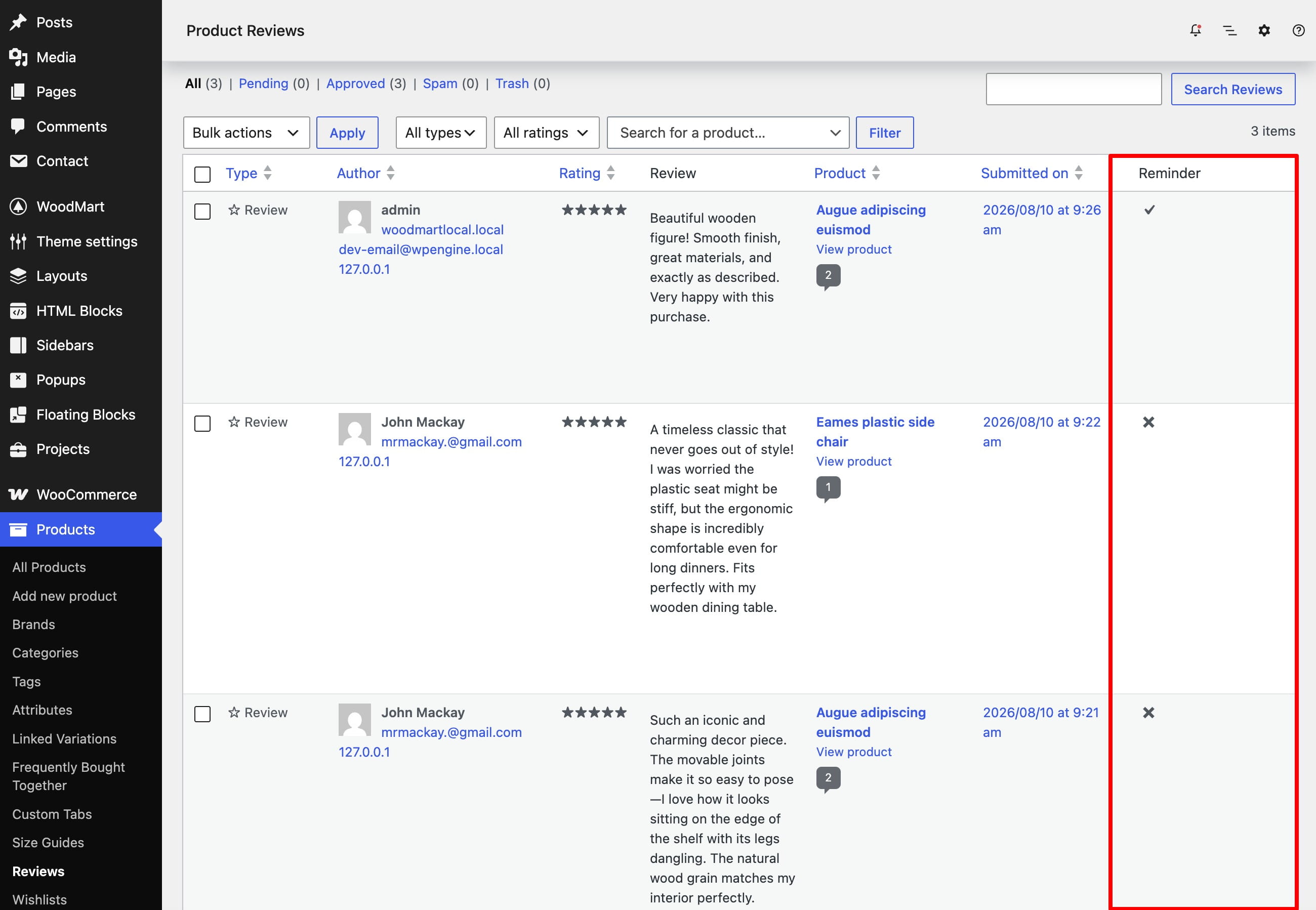
Review reminder
Review reminder automatically emails customers after an order is completed and invites them to review purchased products. You can configure the sending delay and customize the notification through WooCommerce email settings.
Enable review reminders
- Navigate to Dashboard -> Theme Settings -> Single Product -> Reviews.
- Enable Review reminder.
- Under Sending delay, enter a value and select Minutes, Hours, or Days.
- Save the Theme Settings.
WoodMart schedules the reminder when the order status changes to Completed. The configured delay is counted from that moment. Products with reviews disabled and products the customer has already reviewed are omitted from the email.
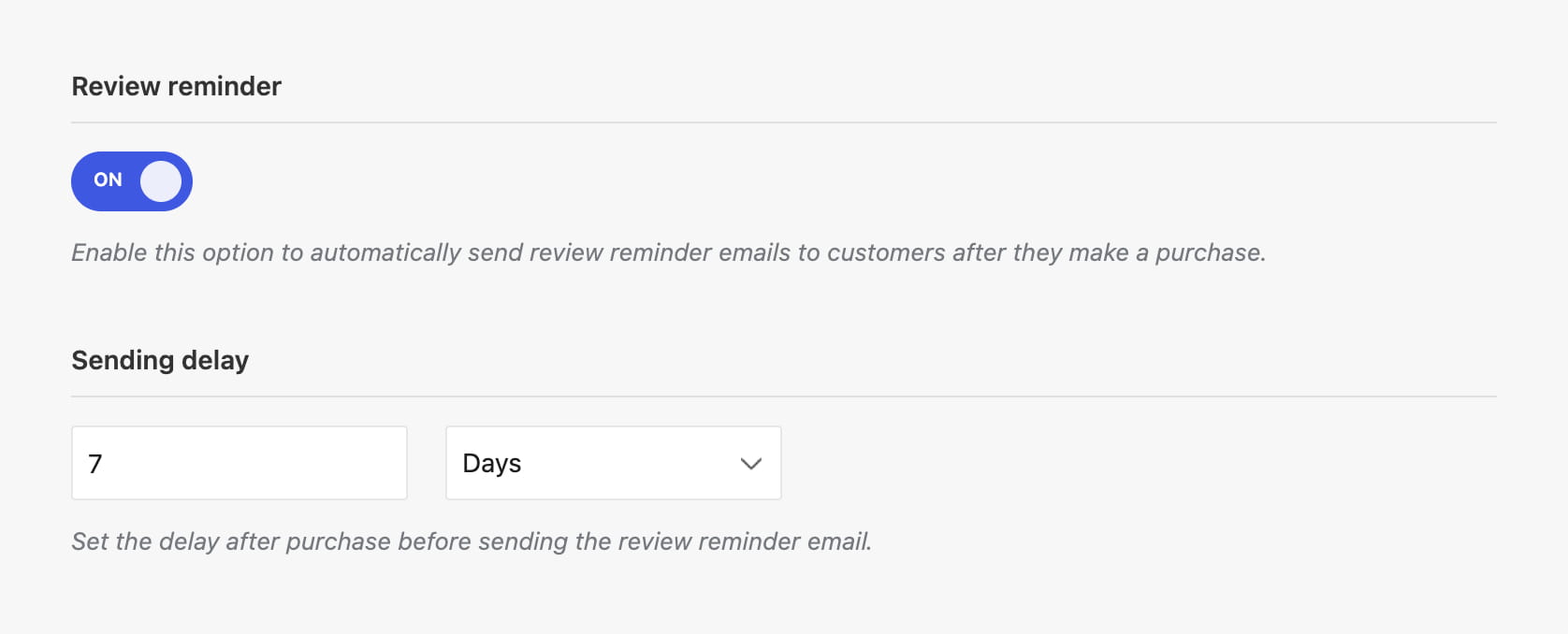
Configure the reminder email
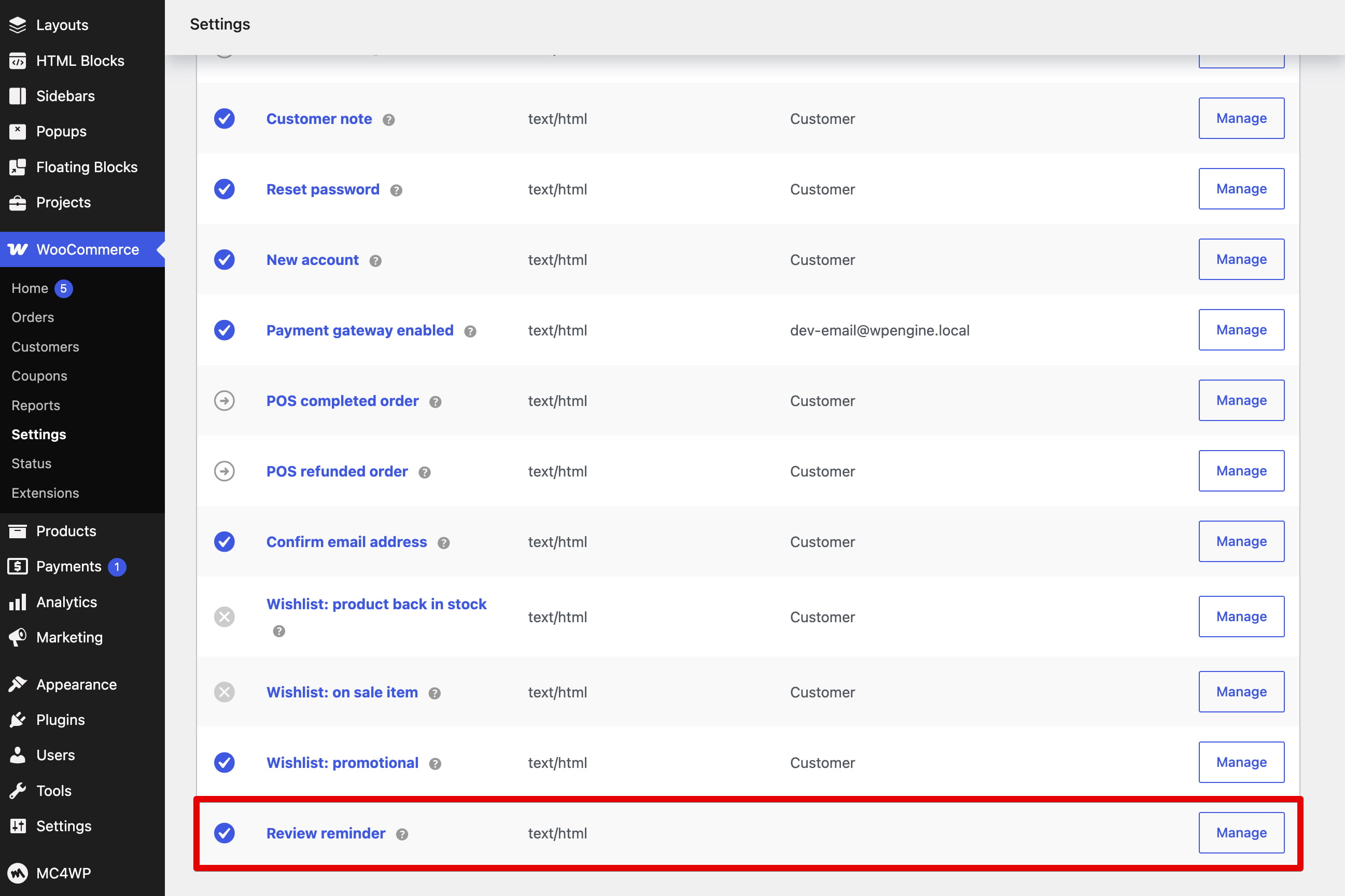
After enabling the feature, navigate to Dashboard -> WooCommerce -> Settings -> Emails and open Review reminder. You can enable or disable the notification and configure its subject, heading, and email type using the standard WooCommerce email settings.
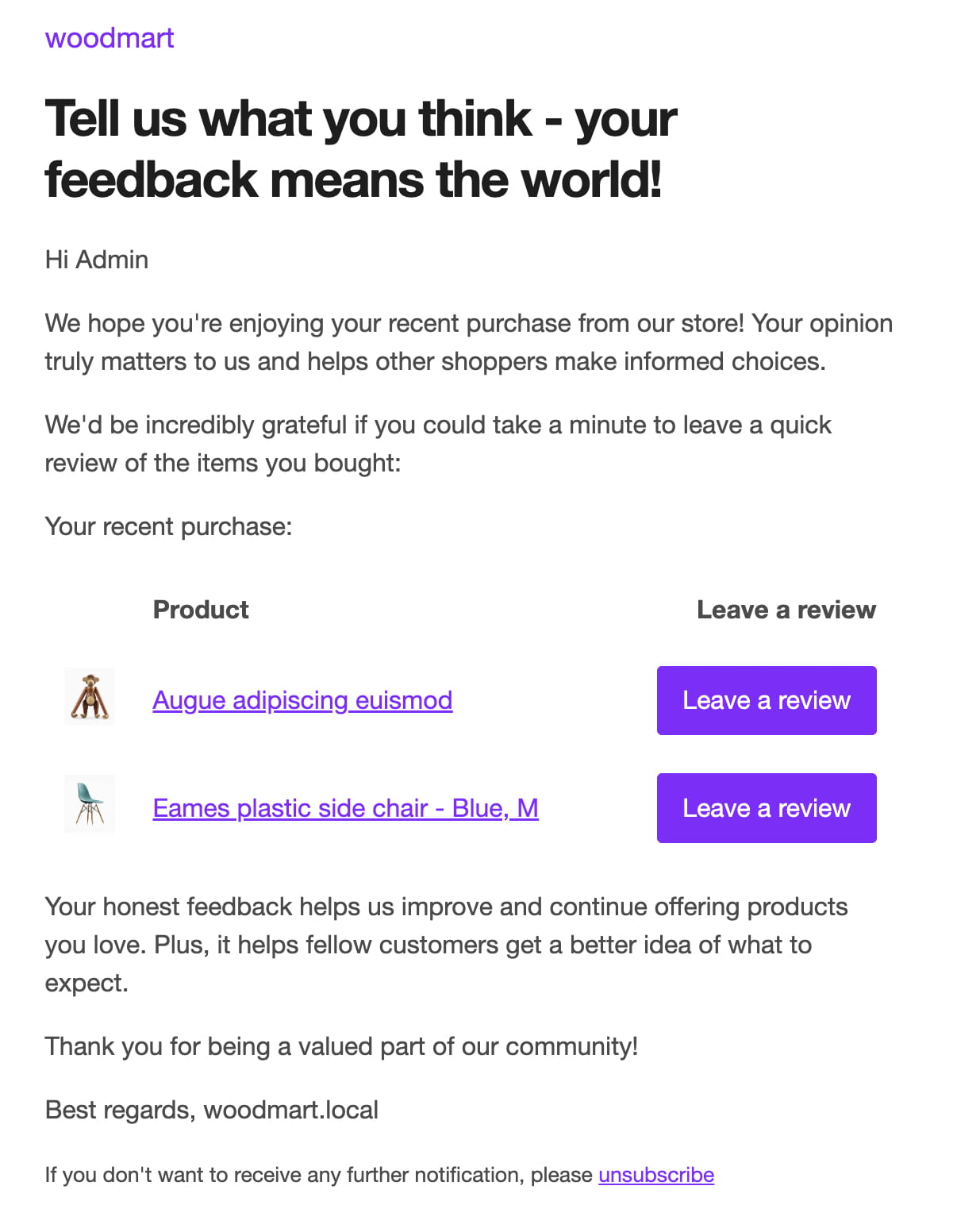
Identify reviews from reminder emails
Navigate to Dashboard -> Products -> Reviews. When Review reminder is enabled, WoodMart adds a Reminder column to the reviews table. A check mark indicates that the review was submitted after the customer followed a product review link from a reminder email.