
Add and edit header elements
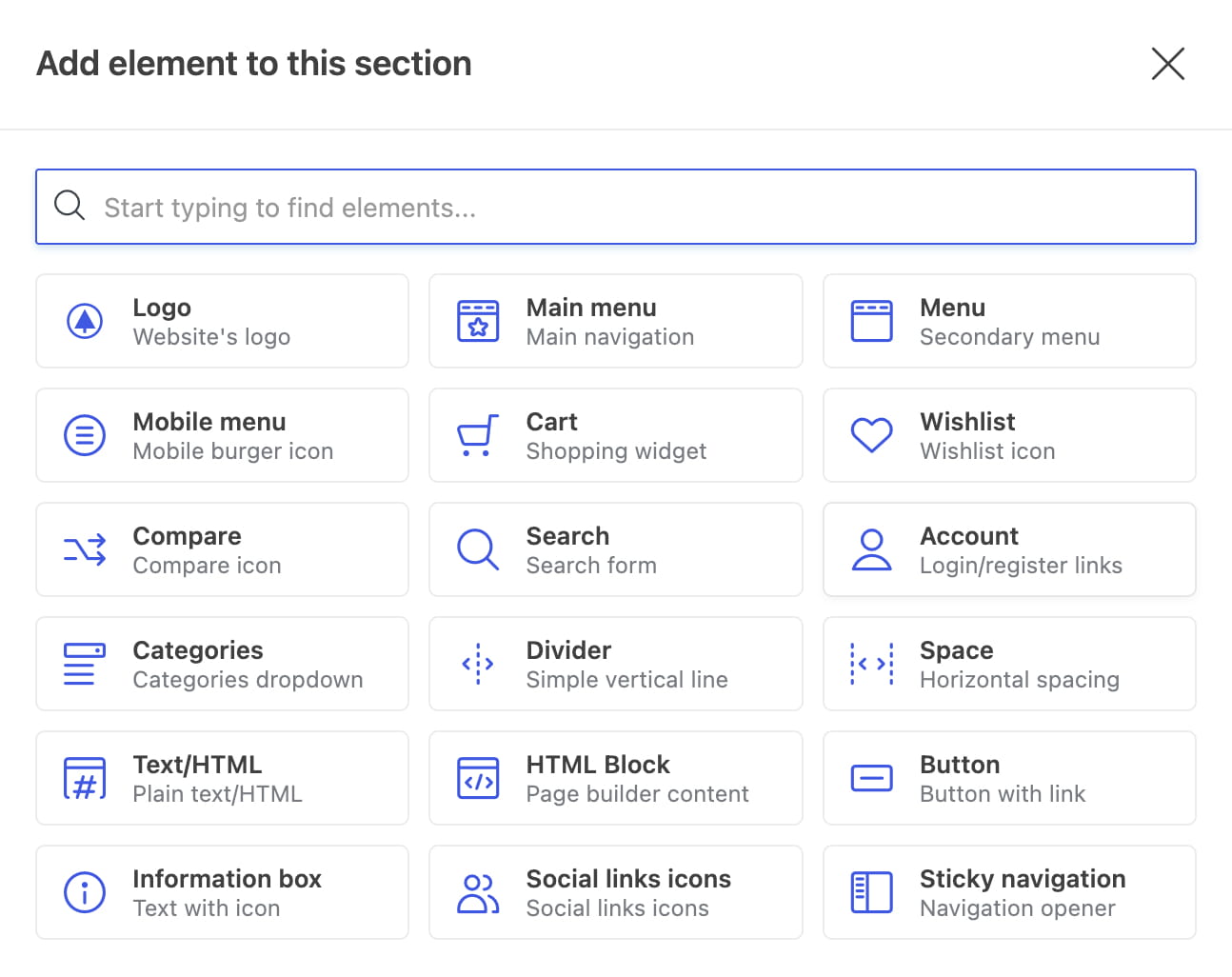
Header elements provide the content and functionality displayed inside header rows. Available elements include Logo, Main menu, Secondary menu, Mobile menu, Cart, Wishlist, Compare, Search, Mobile search, Account, Categories, Divider, Space, Text/HTML, HTML Block, Button, Information box, Social buttons, and Sticky navigation. A Languages element is also available when WPML is active.
Add an element
Click the plus button in the required column, then select an element from the popup. Configure its initial settings and add it to the header.
Arrange elements
Drag elements within a column or between columns to change their order and position. Desktop and mobile layouts are edited separately.
Edit, clone, or remove an element
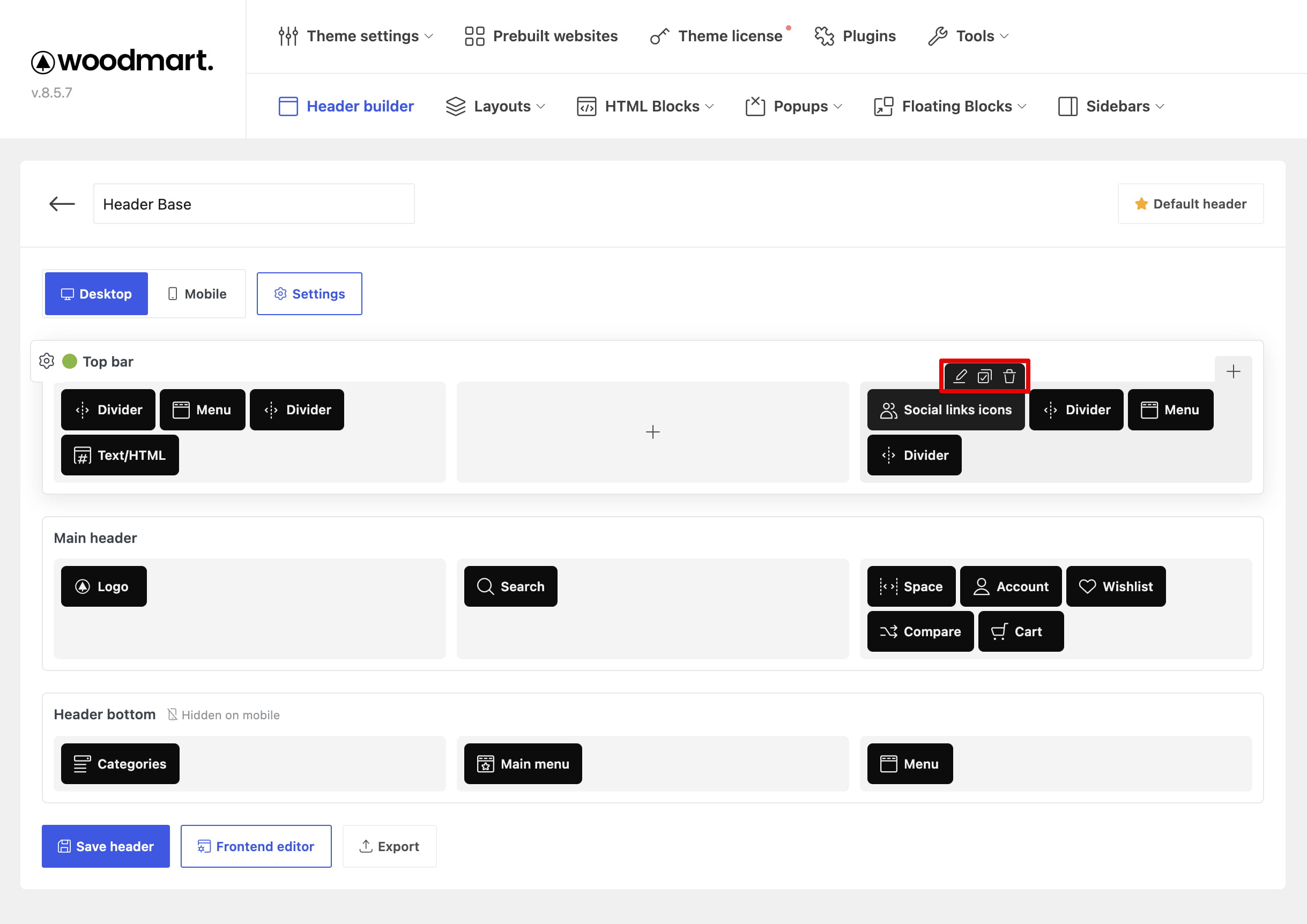
Move the pointer over an element to display its controls. Use Edit to change its settings, Clone to create a copy, or Remove to delete it from the header.
Add page builder content
Use the HTML Block element to display a reusable HTML Block created with the active page builder. This makes it possible to place richer content in a header without limiting it to WPBakery.