
Create a slider
WoodMart provides two slider workflows. With Elementor or WPBakery, you create a reusable slider and build each slide as a separate item. With Gutenberg, you create the slider directly on the page with nested blocks.
Choose the workflow
- Gutenberg: add the Slider block to the page and build its Slider item blocks inside it. See Add a WoodMart slider to a Gutenberg page.
- Elementor or WPBakery: create a reusable slider under Dashboard -> Slides, add its slides, and then insert the slider on a page.
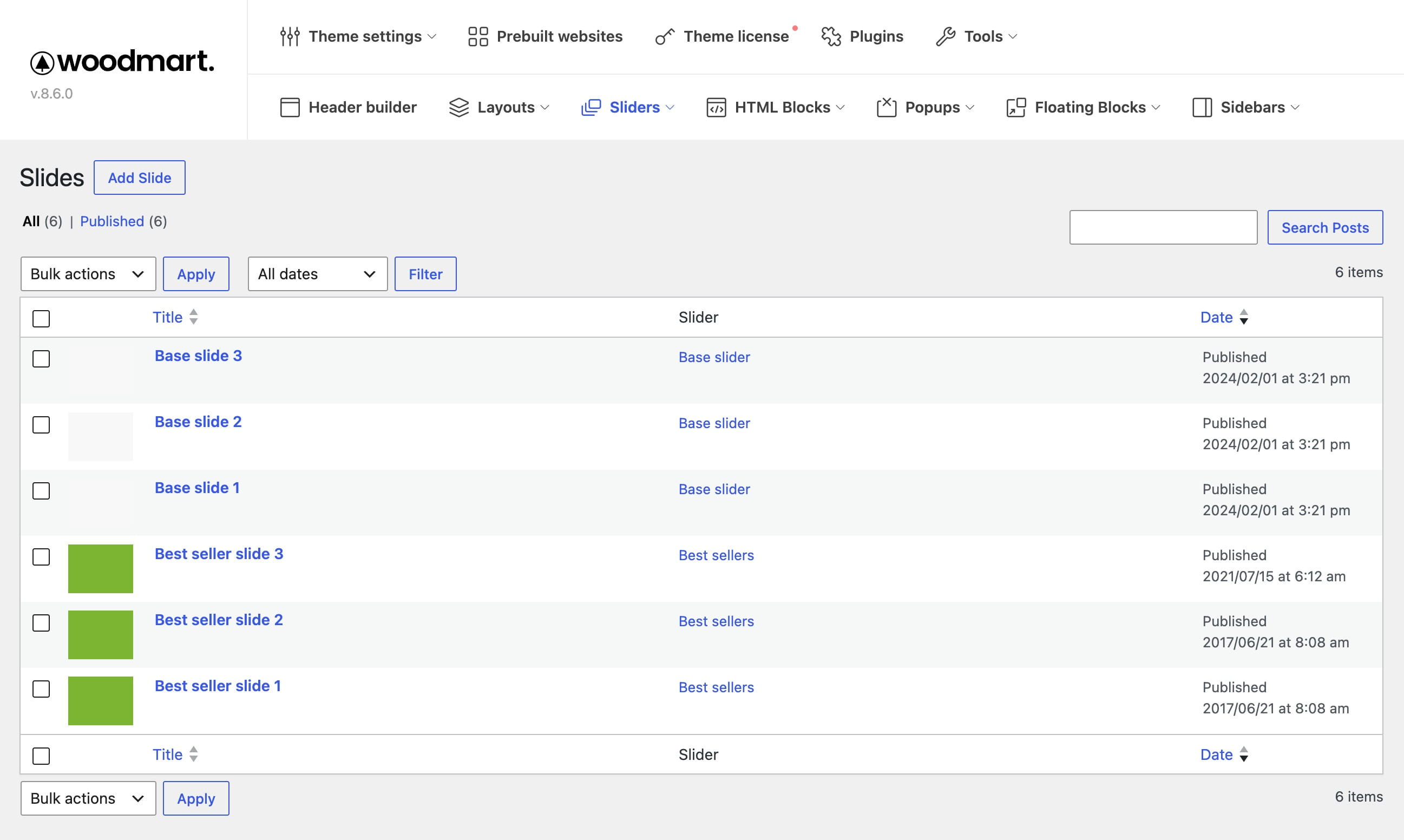
Create a reusable slider
1. Navigate to Dashboard -> Slides -> Sliders.
2. Enter a recognizable slider name.
3. Configure the slider options now or edit them later, then click Add New Slider. See Slider settings for details.
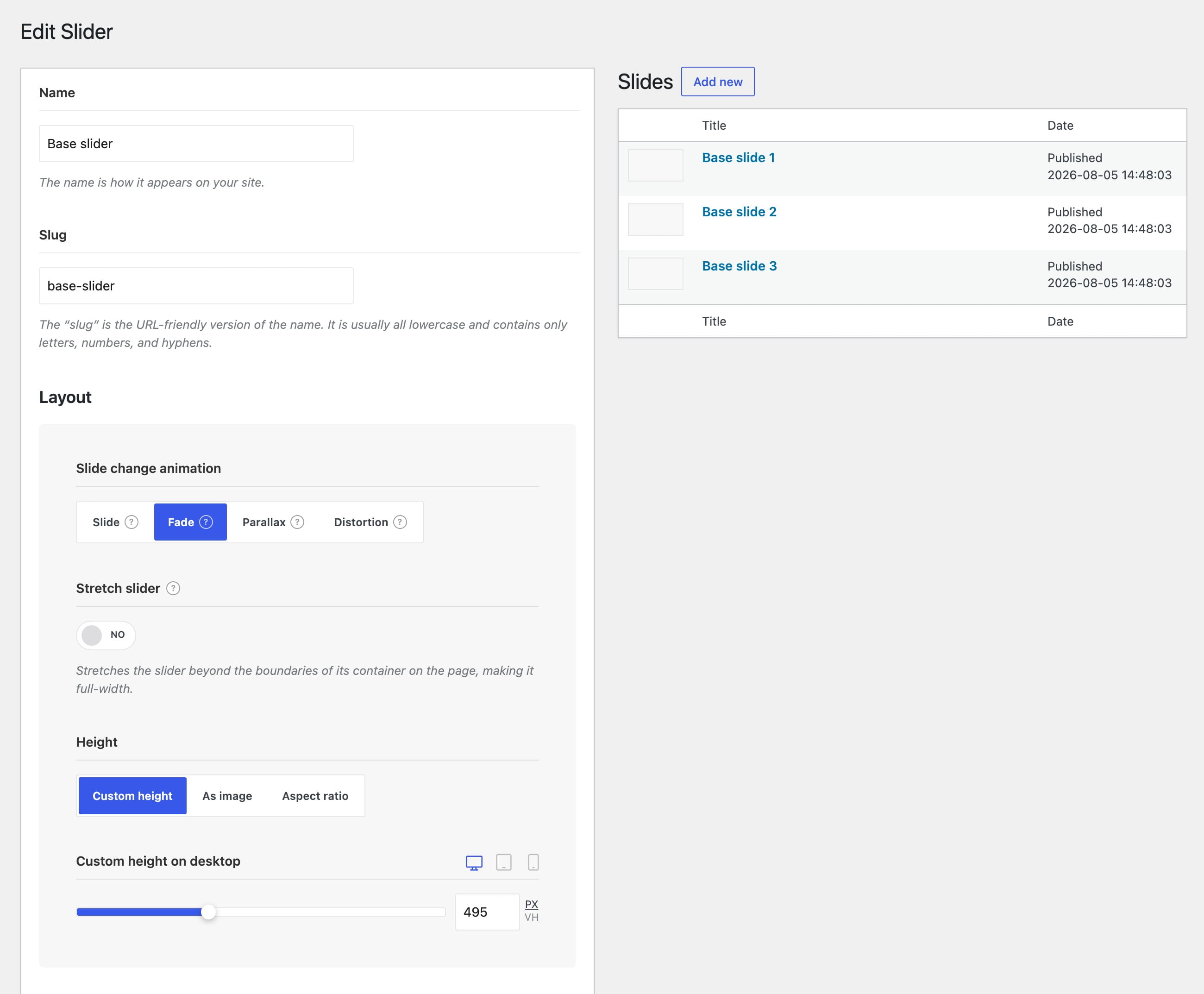
Add slides
After creating the slider, go to Dashboard -> Slides -> Add Slide. Build the slide content, assign the slide to the slider, and publish it. For the complete procedure, see Add slides to a slider.
Once the slides are ready, add the reusable slider to a page with the Slider element. See Add a slider to a page.